
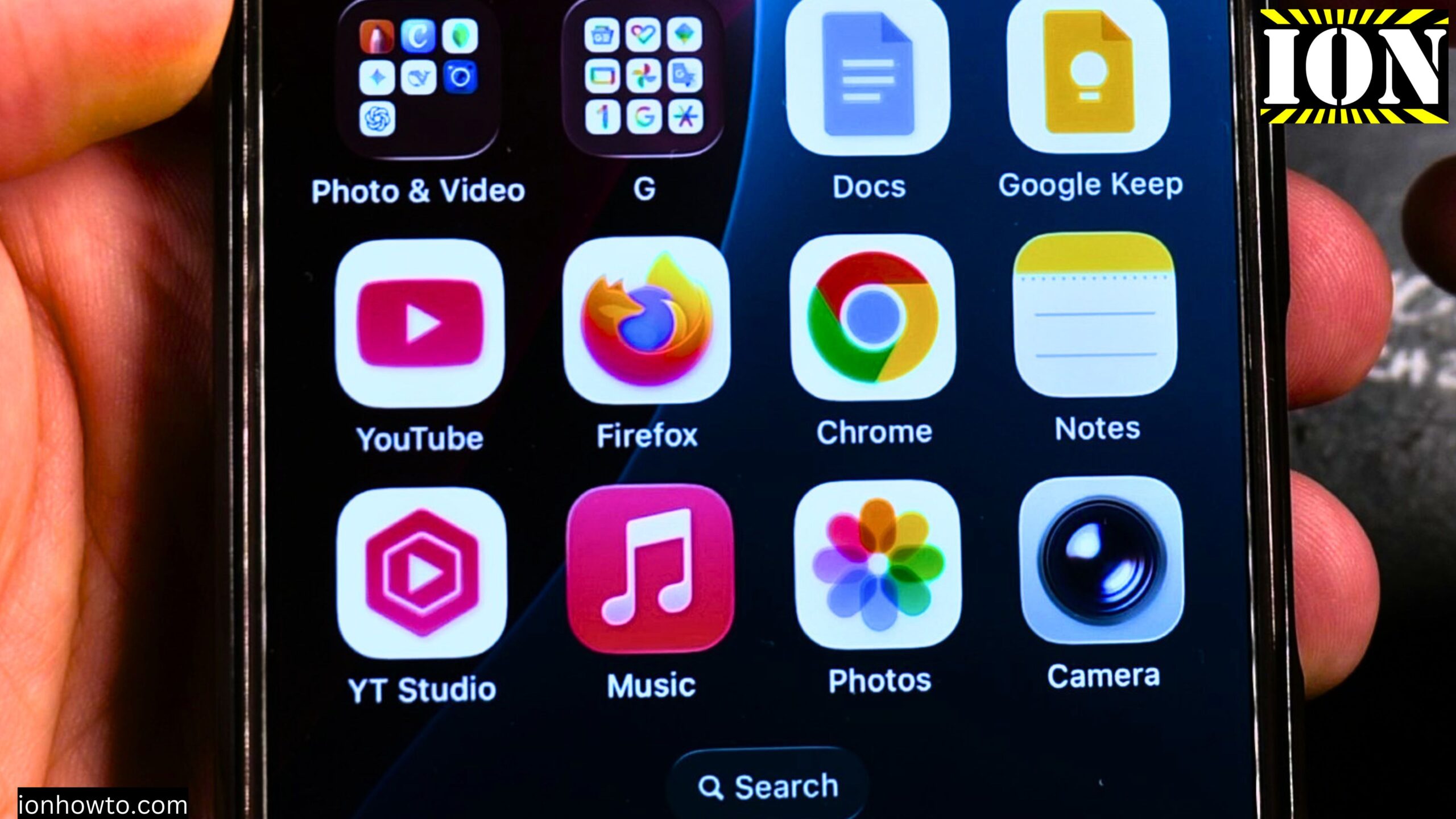
How to Get Apple Music for Free using the Apple Music Free Trial of 3 months or 6 months when buying Apple Devices.
Learn how to get an Apple Music subscription for free using a long free trial. A 3 months free trial for Apple Music was available with the purchase of an iPhone.
When you buy Apple earphones or headphones, you can get an even longer free trial of even 6 months. They also have student plans and family plans in most countries.
Normally a free trial for Apple Music and in general free trials last for anything between 1 week to 1 month.
This is not to say you should buy an iPhone to get Apple Music free for 3 months. But if you did buy an iPhone or iPad recently, you have the option to get Apple Music free for 3 months, so you might as well try it if you do listen to music.
This was shown on iOS 26.2 on iPhone 16 Pro Max Titanium Black 256 GB version Global model A3296 – MYWV3ZD/A.
How to Get Apple Music For Free Video
How the Free Trials Work
Apple has free trials for 3 months or even 6 months or more. Apple also has plans for Apple Music which are cheaper for students or other types of subscription.
If you buy an iPhone, you get 3 months of free Apple Music free trial subscription. Also an iPad from what is understood, but that part is not fully certain.
If you already have an account, how it works may be different. If you already had a free trial, getting another one is probably not possible.
If you buy Apple headphones or earphones, then you get a 6 months free trial.
Step 1: Check for the Free Trial Notification
If you have a free trial available with your purchase, if it is an iPhone or earphones, you will see it in the Settings on your iPhone.
You will see this under General and you will see a notification that you have the free trial available.
Step 2: Accept the Terms
Accept the conditions. You have to enter your card details.
Step 3: Set a Calendar Reminder
Set a calendar reminder if you do not want to pay for it, if you want to make sure that you cancel it on time.
When trying to cancel the trial immediately after subscribing, it said that access to Apple Music would be lost in that moment. So you have to set a calendar reminder a few days before the trial expires so you can cancel it.
Step 4: How to Cancel the Free Trial
It is easy to cancel it.
- Go to your profile and you can see the free trial.
- From here, go to Account Settings.
- You may need to use Face ID.
- In the Account Settings, tap on Manage Subscriptions.
- You have the free trial of the Apple Music subscription and it shows when it is going to expire.
- You can cancel the free trial right here and then choose Done.
Final Thoughts
That is how you get Apple Music for free, but it is not for too long. You could get it for 3 months or 6 months or longer depending on what kind of devices you buy.
Related Guides and Helpful Resources
If you found this guide helpful, check out these related step-by-step tutorials and category resources on ION HowTo:
- Disable iPhone eSIM Instead of Deleting: Learn how to temporarily toggle off an electronic SIM without deleting cellular plans.
- Turn Off Siri Caller Name Announcement: Silence Siri from announcing incoming caller names aloud through headphones.
- How to Remove an Apple AirTag Speaker: Step-by-step guide to silencing an AirTag for specialized anti-theft item tracking.
- Apple iPhone Guides: Explore our full collection of tutorials and step-by-step articles in this category.


Leave a Reply