
You do not need a bulky laptop to mix music—the Pioneer DJ DDJ-FLX4 controller connects directly to an iPhone running the mobile Rekordbox app via USB-C or Bluetooth LE. In this extended guide, I’ll show you how to wire external power, connect your iPhone, and complete ownership registration to unlock Rekordbox Free Plus.
Provide External USB-C Power to the DDJ-FLX4 Controller
Because an iPhone cannot supply sufficient bus power to run the controller’s jog wheels and LEDs, plug a dedicated USB-C power adapter (at least 9V/3A or a high-capacity power bank) into the rear power port.
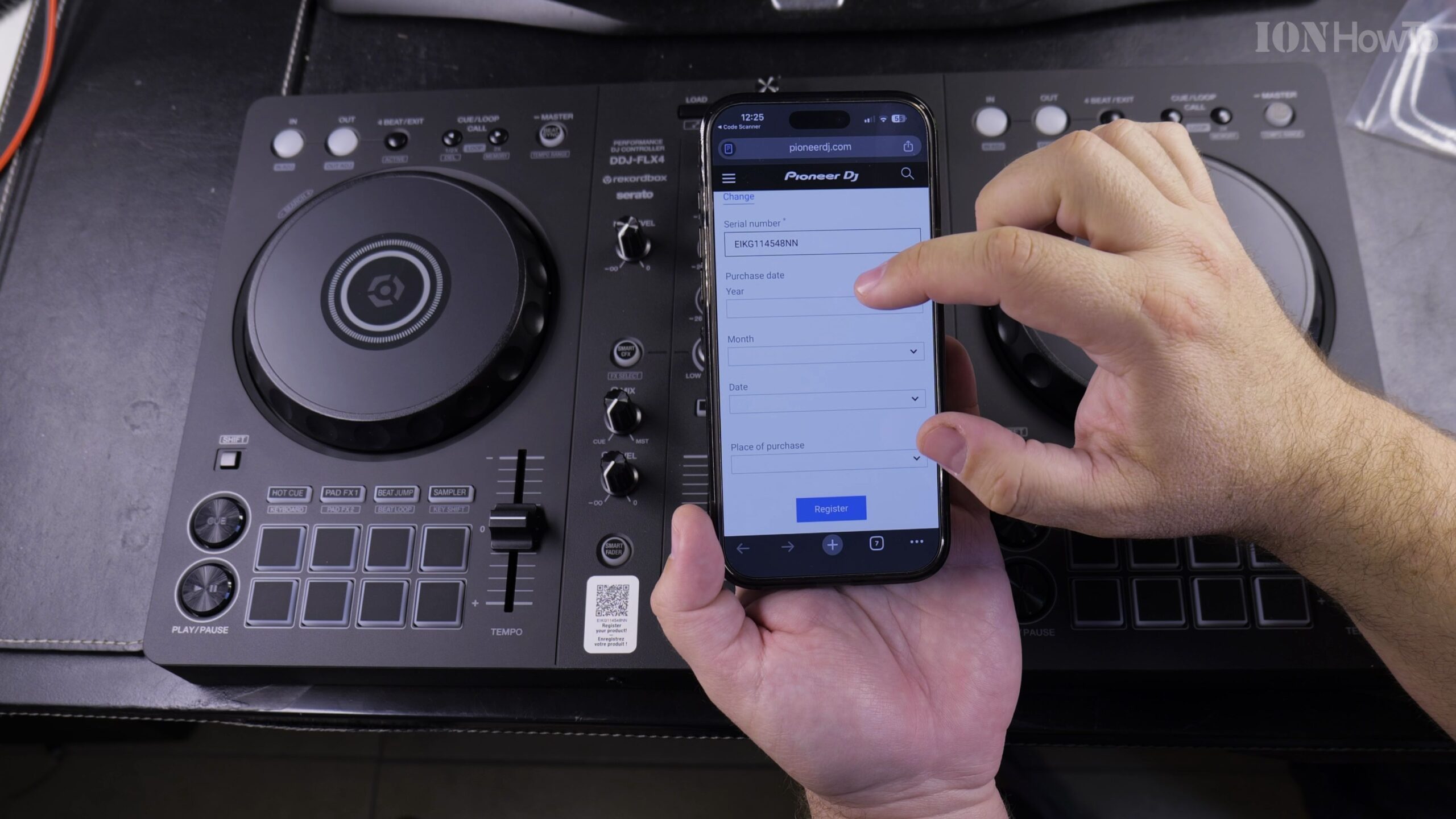
Connect Your iPhone Using USB-C or Lightning Adapter
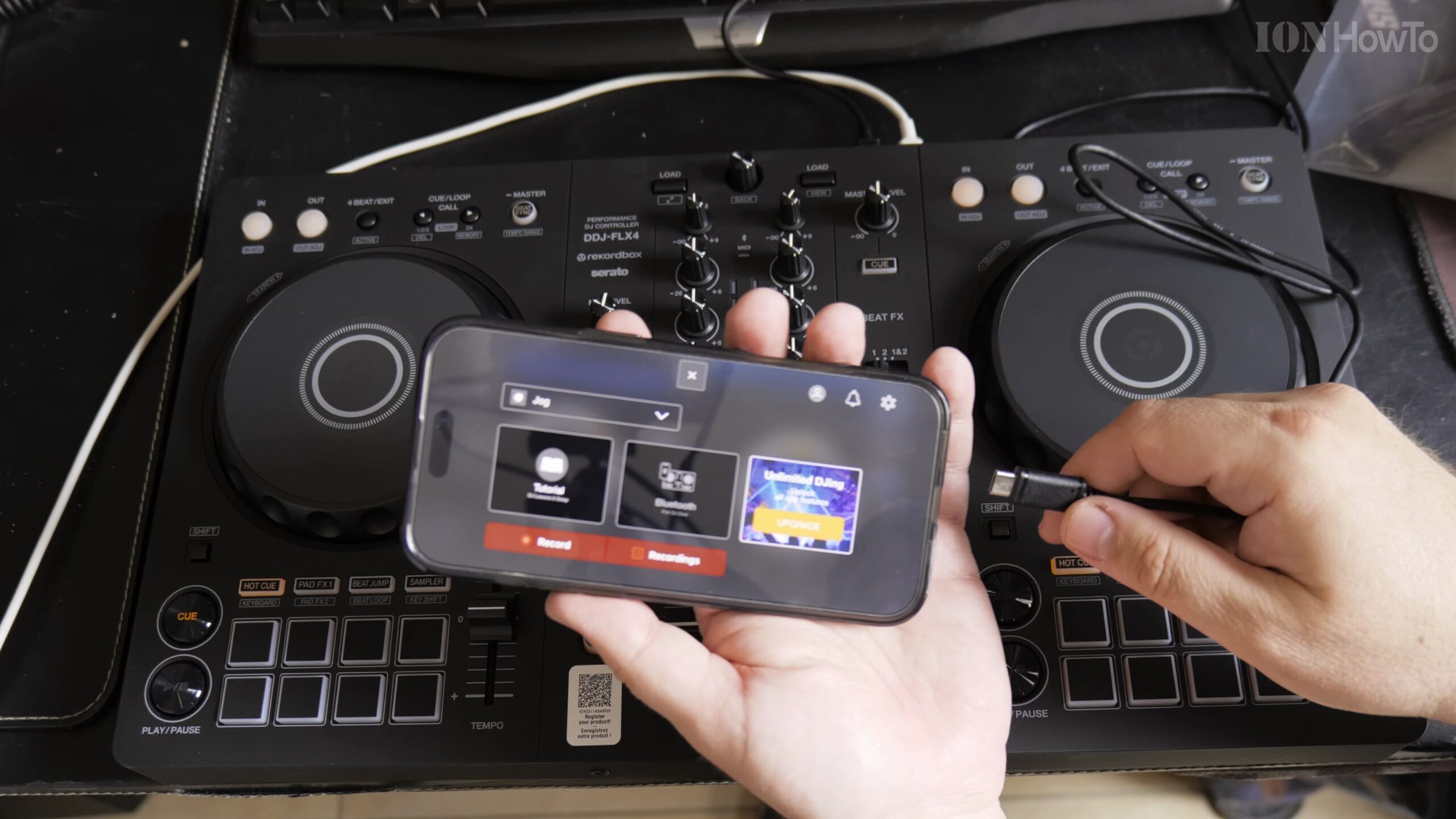
Connect a second USB-C to USB-C cable (for USB-C iPhones) or an Apple Lightning to USB3 Camera Adapter from the controller’s computer port into your iPhone.
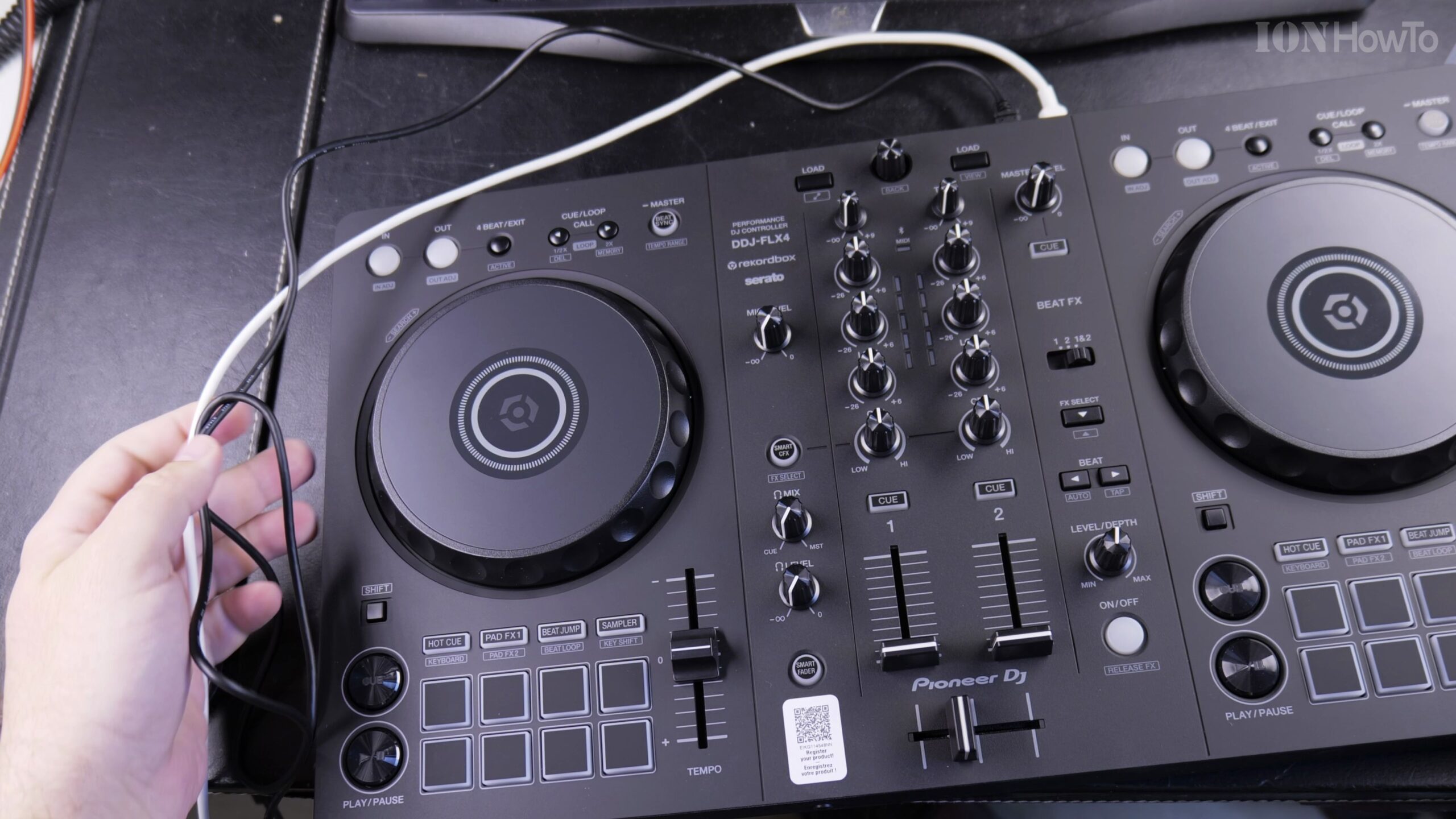
Launch Rekordbox for iOS and Confirm Ownership Registration
Open the Rekordbox app on your iPhone. When prompted, log in with your AlphaTheta / Pioneer DJ account to complete the one-time hardware ownership registration and unlock Performance features.
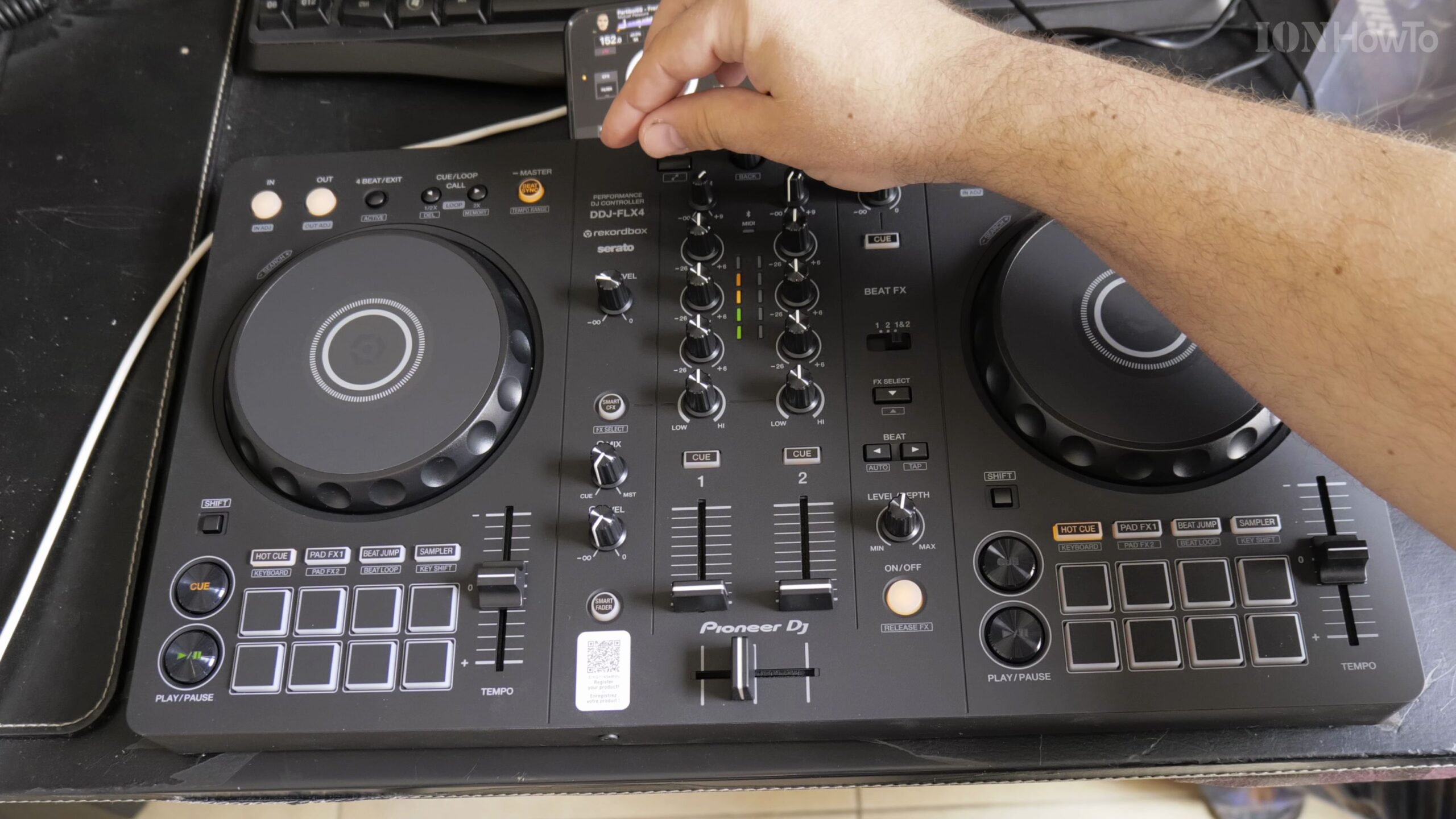
Configure Master Output and Headphone Cue Routing
In the Rekordbox iOS audio settings, ensure the DDJ-FLX4 internal sound card is selected so you can cue upcoming tracks in your headphones while sending the master audio out to speakers.
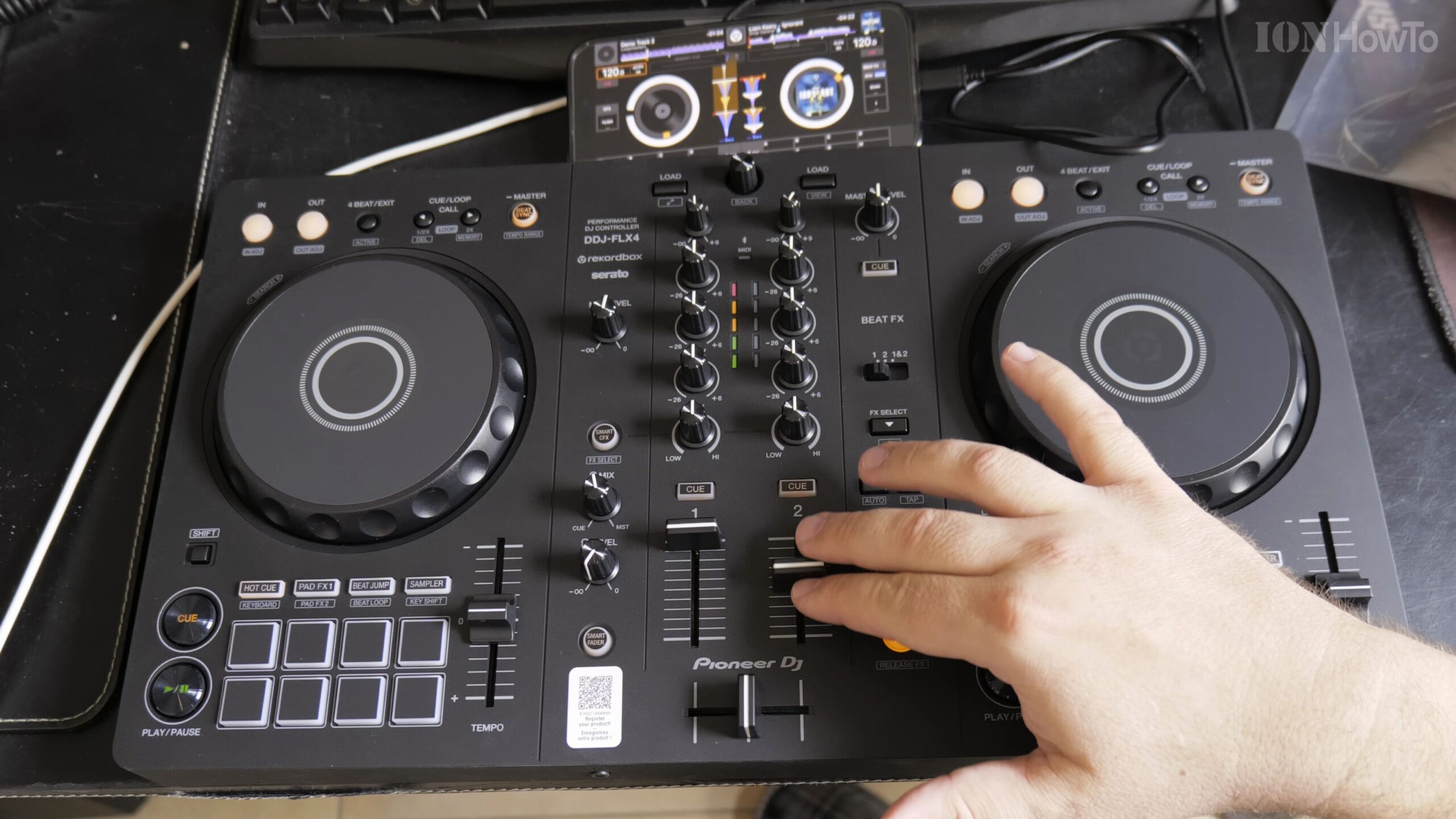
Load Music from Local Files, Apple Music, or Streaming Services
Browse your iPhone music library, SoundCloud Go+, or TIDAL tracks inside Rekordbox, load songs onto Deck 1 and Deck 2, and start mixing with full jog wheel, EQ, and fader control.
Helpful Tips and Related Guides
Using Bluetooth LE connection is also supported in Rekordbox iOS for ultra-portable cable-free mixing. Explore more DJ guides in our Audio Gear section, check out DJ Mixes, or browse our Apple iPhone archive.


Leave a Reply