
Tag: Samsung Galaxy S23 Ultra
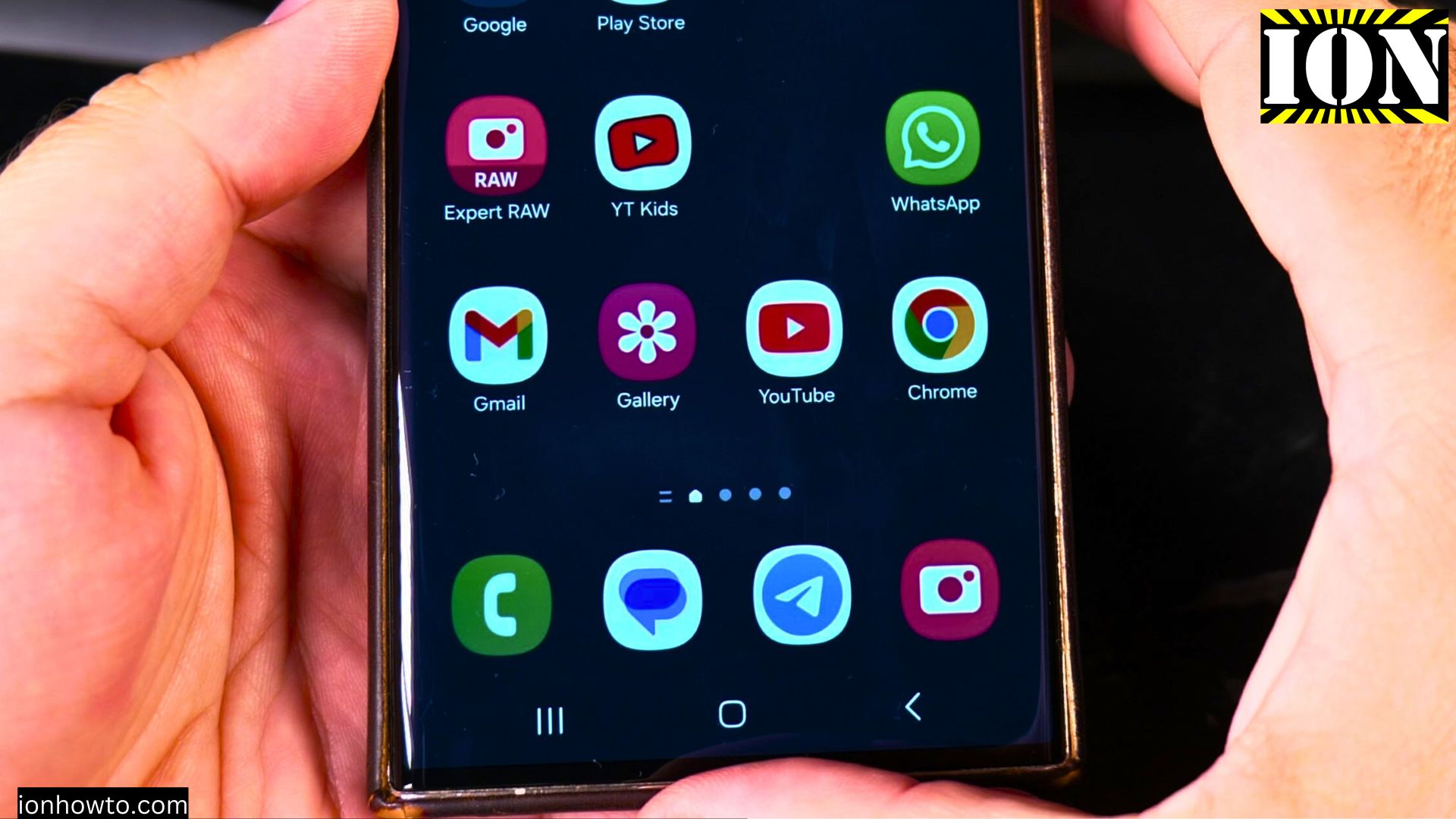
Make Space for Widgets on Samsung Home Screen
Learn how to make space for widgets on your Samsung home screen. If you want to add a clock widget, weather widget, or any other widget but don’t have enough room, I’ll show you how to rearrange apps and create space.
Why I Don’t Like Samsung Bixby
Learn why many users find Samsung Bixby frustrating. A simple command like asking for the weather often leads to unnecessary steps, like asking for permission to share location data. Even when you tell Bixby your city name, it sometimes confuses it with a.
How to Remove Widget from Stack on Samsung
Learn how to clean up your widget stacks by removing individual widgets while keeping the rest of your stack intact. I’ll show you how to delete or reorganize widgets in stacks on your Samsung Galaxy phone.
Stack Widgets on Samsung One UI 7
Learn how to organize your Samsung Galaxy home screen by stacking widgets together. This handy feature helps save space while keeping your favorite widgets accessible with just a swipe.
Replace Bixby with Google Gemini on Samsung
Learn how to switch from Bixby to Google Gemini as your default assistant on Samsung devices. I’ll show you how to set up Gemini while keeping or removing Bixby.
Turn Off Bixby Side Button on Samsung
Learn how to stop your Samsung phone’s side button from opening Bixby. I’ll show you how to change what the button does or disable Bixby completely.
Enable Bixby Side Button on Samsung
Learn how to set up your Samsung phone’s side button to launch Bixby. I’ll show you the steps to enable this feature and troubleshoot common issues.
How to Enable and Use Hey Google with Gemini AI on Samsung Android
If you’ve have a Samsung Android phone and you want to learn how to use Gemini AI with the “Hey Google” voice assistant, this post is for you.
Find the Song Name Playing with Samsung Galaxy Android
How to Find a Song Name Playing on Samsung Galaxy Android Devices Using Google Assistant, Samsung AI Assistant, Gemini AI, or Shazam. Have you heard a song and couldn’t remember the name? You can easily find the song name using Google Assistant or.
How to Enable AutoCorrect on Samsung Android Devices
Samsung Android devices have a built-in AutoCorrect feature that can save you from those awkward autocorrect fails or flies if autocorrect would make a mistake.Autocorrect can help you type faster and more accurate.