
Author: Dragos Ion
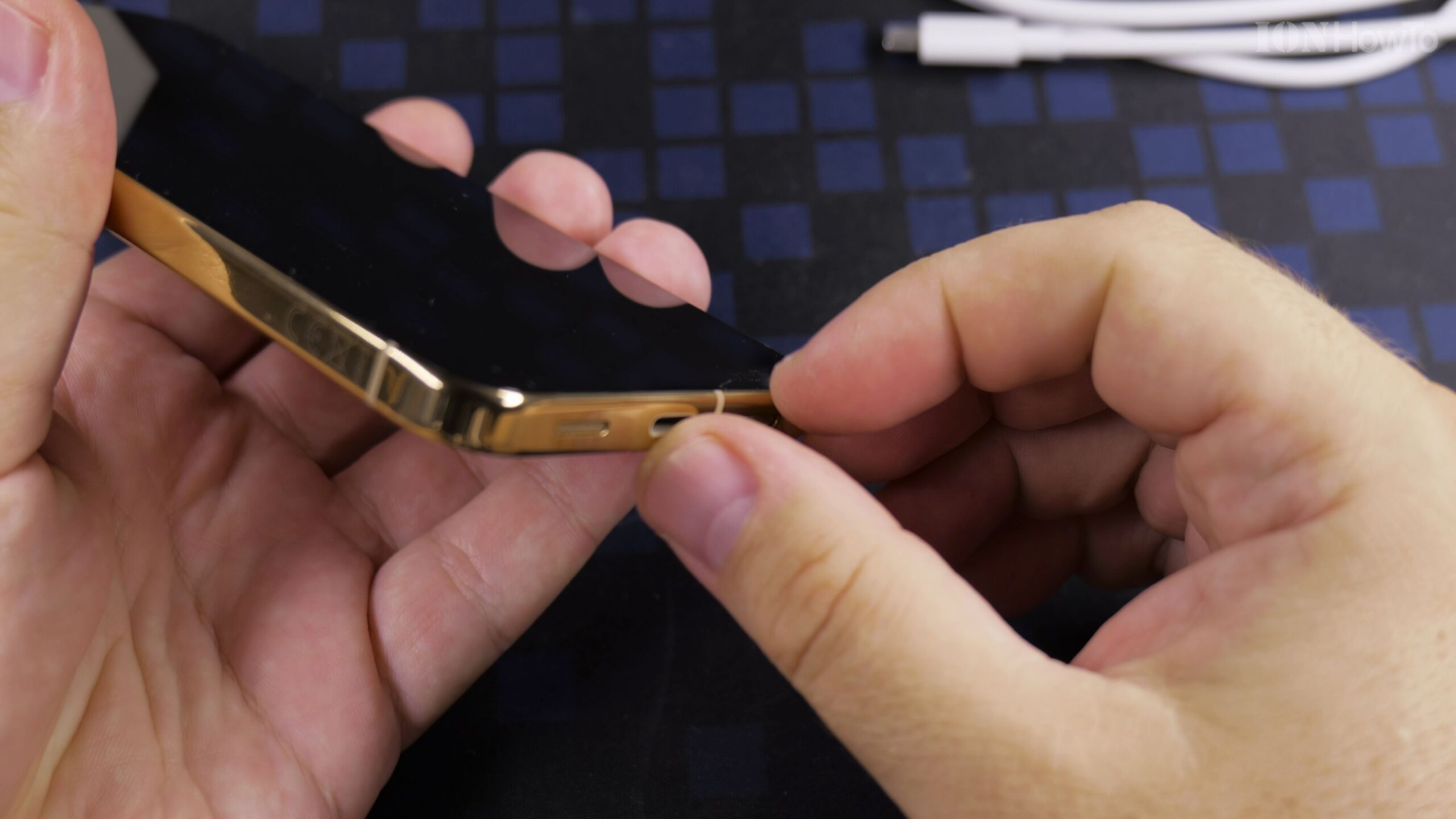
Google Pixel 11 Pro XL First Time Setup as a New Phone: Complete Extended Walkthrough
Setting up your Google Pixel 11 Pro XL as a brand-new phone gives you a clean start without carrying over old clutter or unused apps. In this extended step-by-step guide, we cover every screen of the initial Android 17 configuration on the Google Pixel 11 Pro XL Canyon 512GB (16GB RAM) from first boot to…
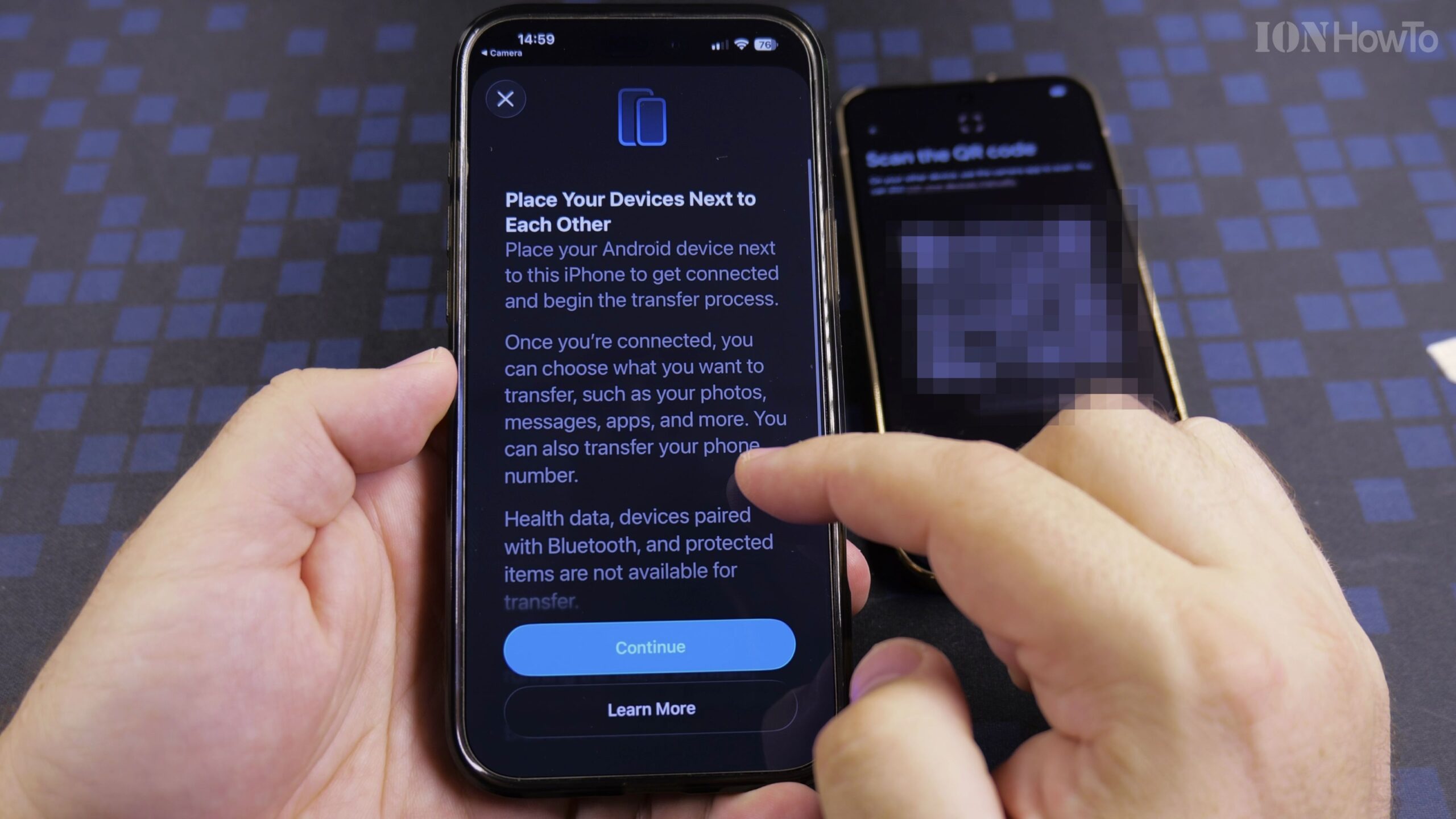
How to Transfer Data from iPhone to Google Pixel 11 Pro XL Step-by-Step
Moving from an iPhone to a new Android smartphone is much simpler when you use the built-in Transfer to Android feature during initial setup. In this complete guide, we walk through how to set up the Google Pixel 11 Pro XL (Canyon, 512GB with 16GB RAM running Android 17) and copy your settings, contacts, photos,…
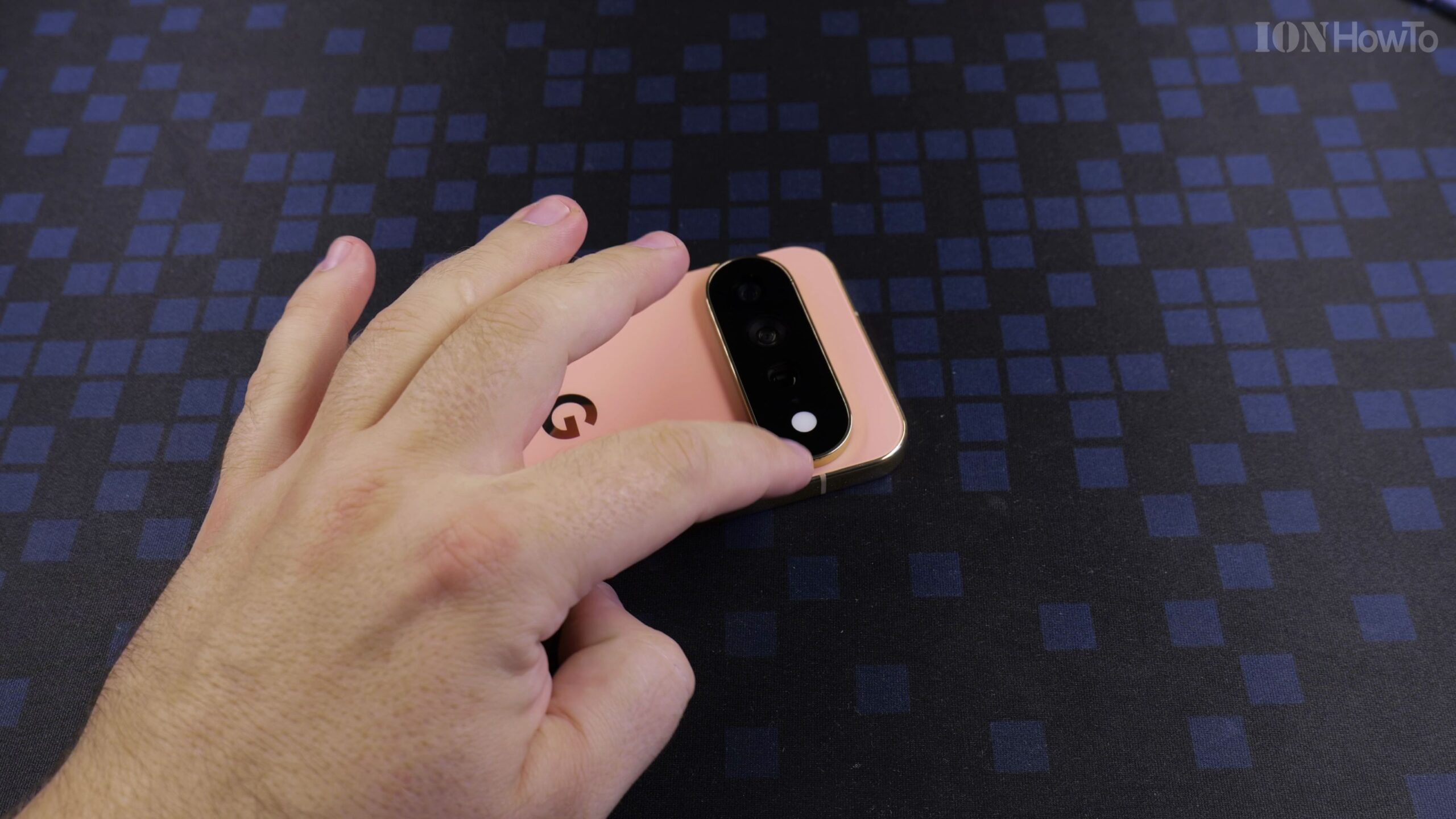
HiLight Notifications Gemini AI Assistant Light and Flashlight on Google Pixel 11 Pro XL
On the Google Pixel 11 Pro XL, notification indicators have evolved into HiLight—an intelligent lighting system surrounding the camera module that illuminates when Gemini AI processes voice commands, completes background tasks, or signals priority alerts. Understanding HiLight & Gemini AI Lighting On the Google Pixel 11 Pro XL, notification indicators have evolved into HiLight—an intelligent…
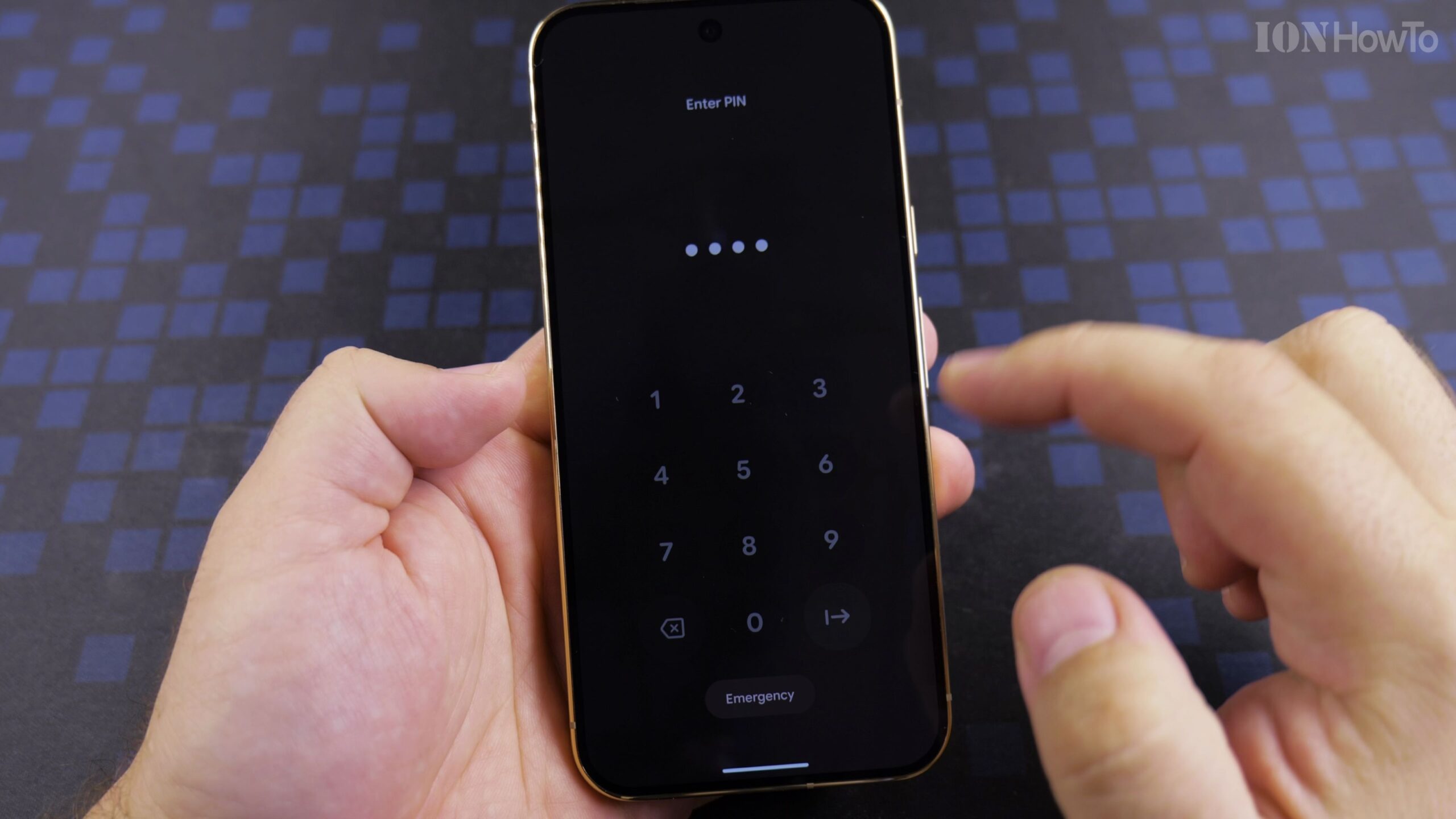
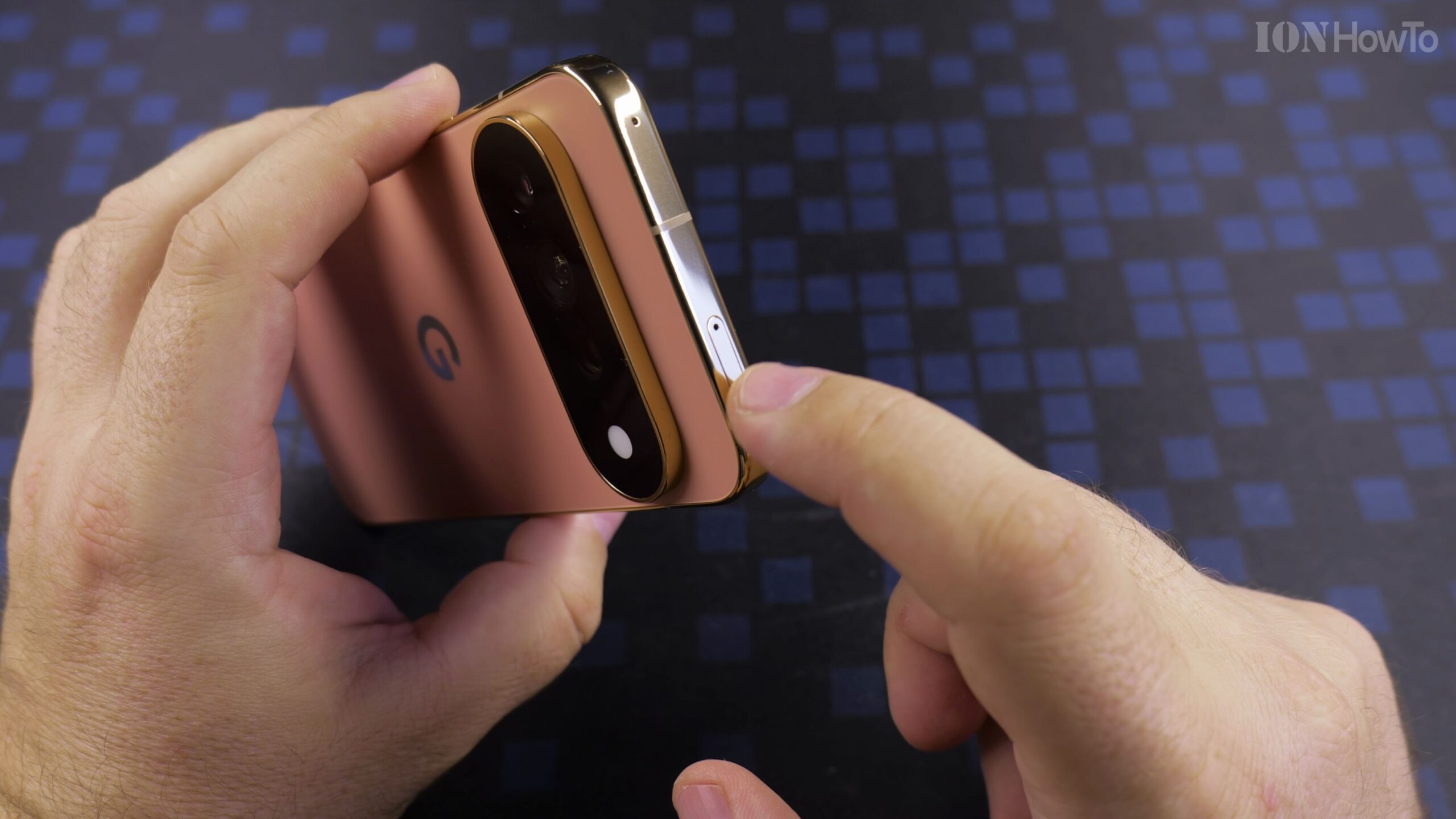
Install Spigen Ultra Hybrid Clear Case on Google Pixel 11 Pro XL Canyon Color ACS11451 Guide
The Google Pixel 11 Pro XL in Canyon color has one of the most distinctive colorways in modern smartphones. The Ultra Hybrid combines a rigid anti-yellowing polycarbonate backplate with shock-absorbing TPU bumpers, offering drop protection without hiding the finish. Why Spigen Ultra Hybrid Is Ideal for Pixel 11 Pro XL The Google Pixel 11 Pro…
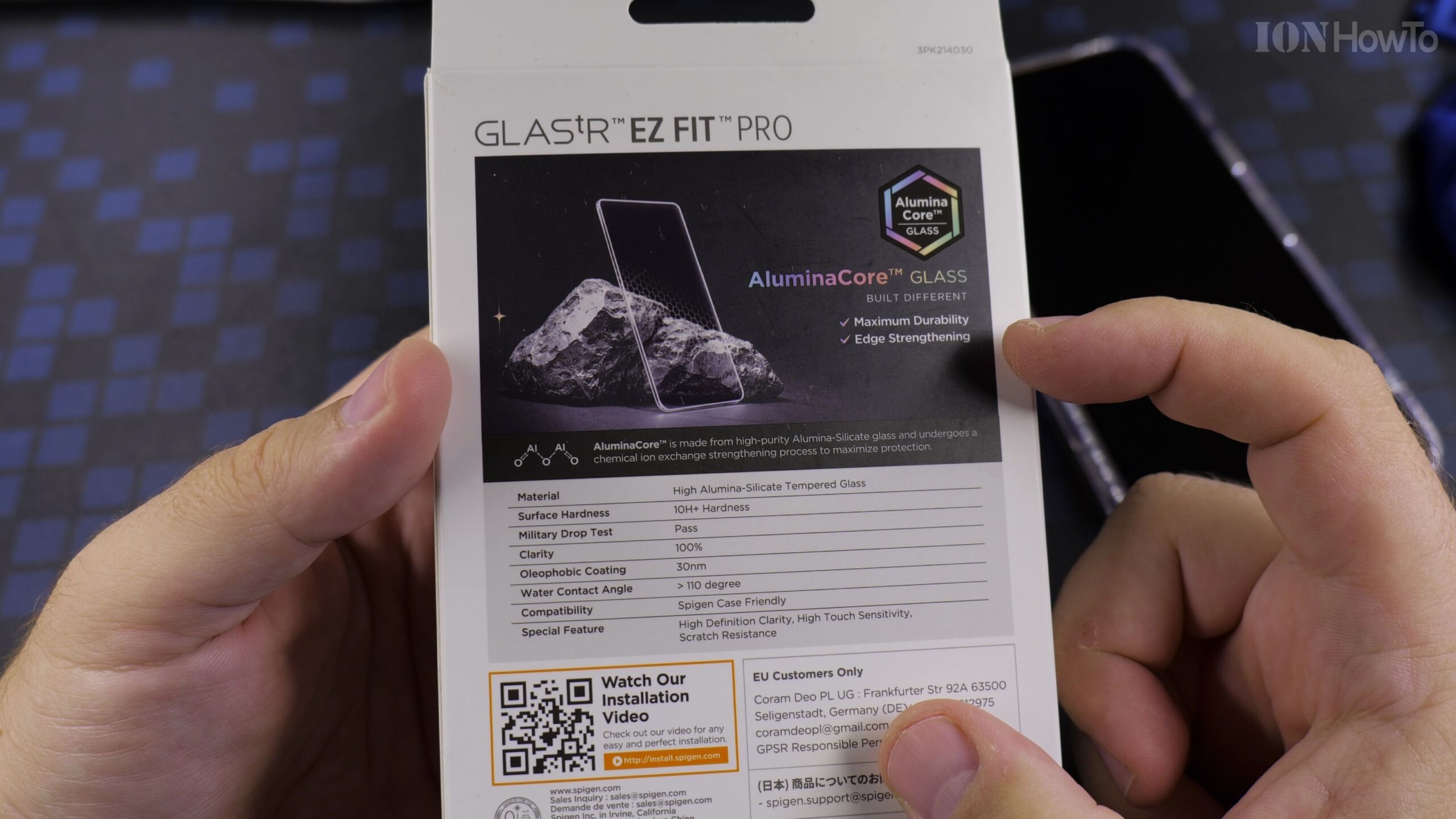
Spigen GLASStR EZ Fit Pro Screen Protector on Google Pixel 11 Pro XL Installation Guide
Applying tempered glass manually can be tricky, but Spigen custom EZ Fit housing aligns the glass automatically with microscopic precision, preventing misaligned camera cutouts or awkward gaps. Why Auto-Alignment Makes Screen Protection Simple Applying tempered glass manually can be tricky, but Spigen custom EZ Fit housing aligns the glass automatically with microscopic precision, preventing misaligned…
How to Setup Google Pixel 11 Pro XL: Transfer Settings from iPhone or Android Guide
Setting up a new flagship phone is exciting, and Google modern transfer assistant makes moving from an iPhone or older Android phone virtually seamless. You can transfer contacts, photos, text history, call logs, and compatible apps in minutes. Preparing for a Smooth Phone Migration Setting up a new flagship phone is exciting, and Google modern…
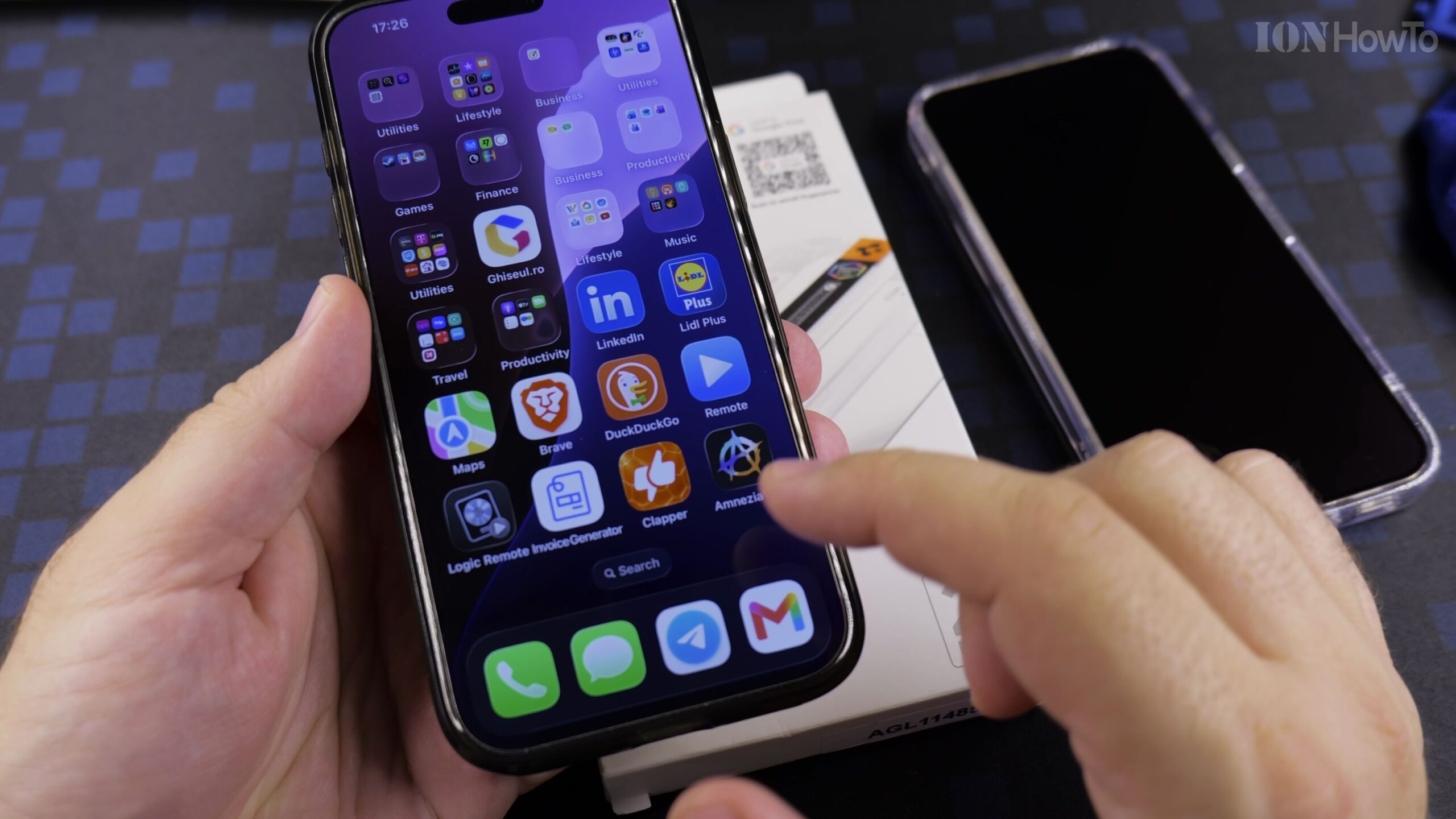
Spigen GLASStR EZ Fit Pro Screen Protector on Google Pixel 11 Pro XL: Full Installation Guide
Installing a tempered glass screen protector freehand often results in crooked edges and trapped dust bubbles. Spigen EZ Fit solves this with a custom auto-alignment tray that snaps directly over the Google Pixel 11 Pro XL, ensuring exact factory alignment every time. Why Choose Spigen EZ Fit Tempered Glass? Installing a tempered glass screen protector…
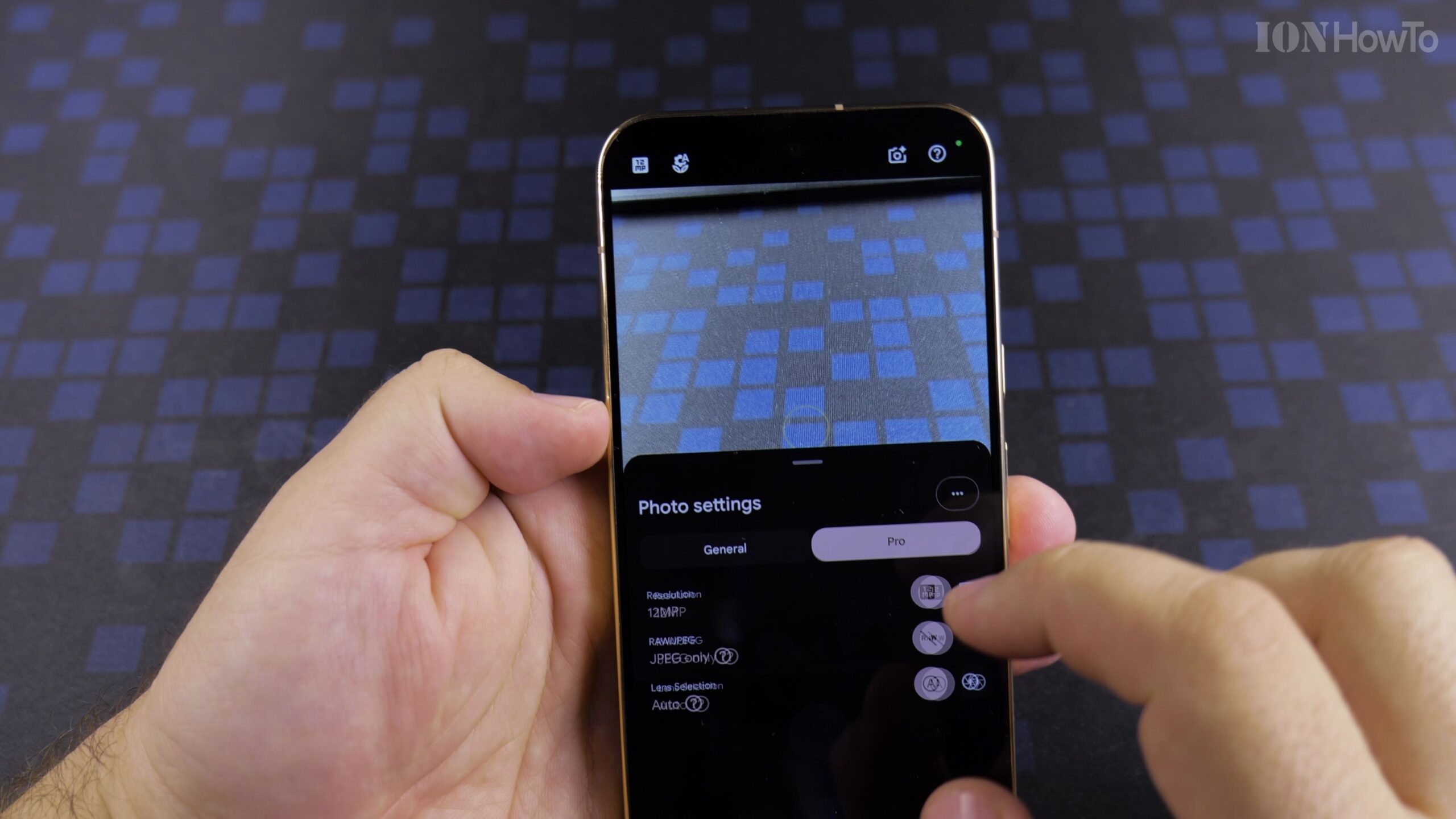
Change Google Pixel 11 Pro XL Settings After Setup: GCam Camera Settings Guide
The Google Pixel 11 Pro XL features state-of-the-art camera hardware, but default factory settings compress images to 12.5 megapixels and limit video recording to save storage. Adjusting your settings unlocks high-resolution 50MP capture and cinema-grade 4K 60fps video. Why Default Camera Settings Need Adjustment The Google Pixel 11 Pro XL features state-of-the-art camera hardware, but…
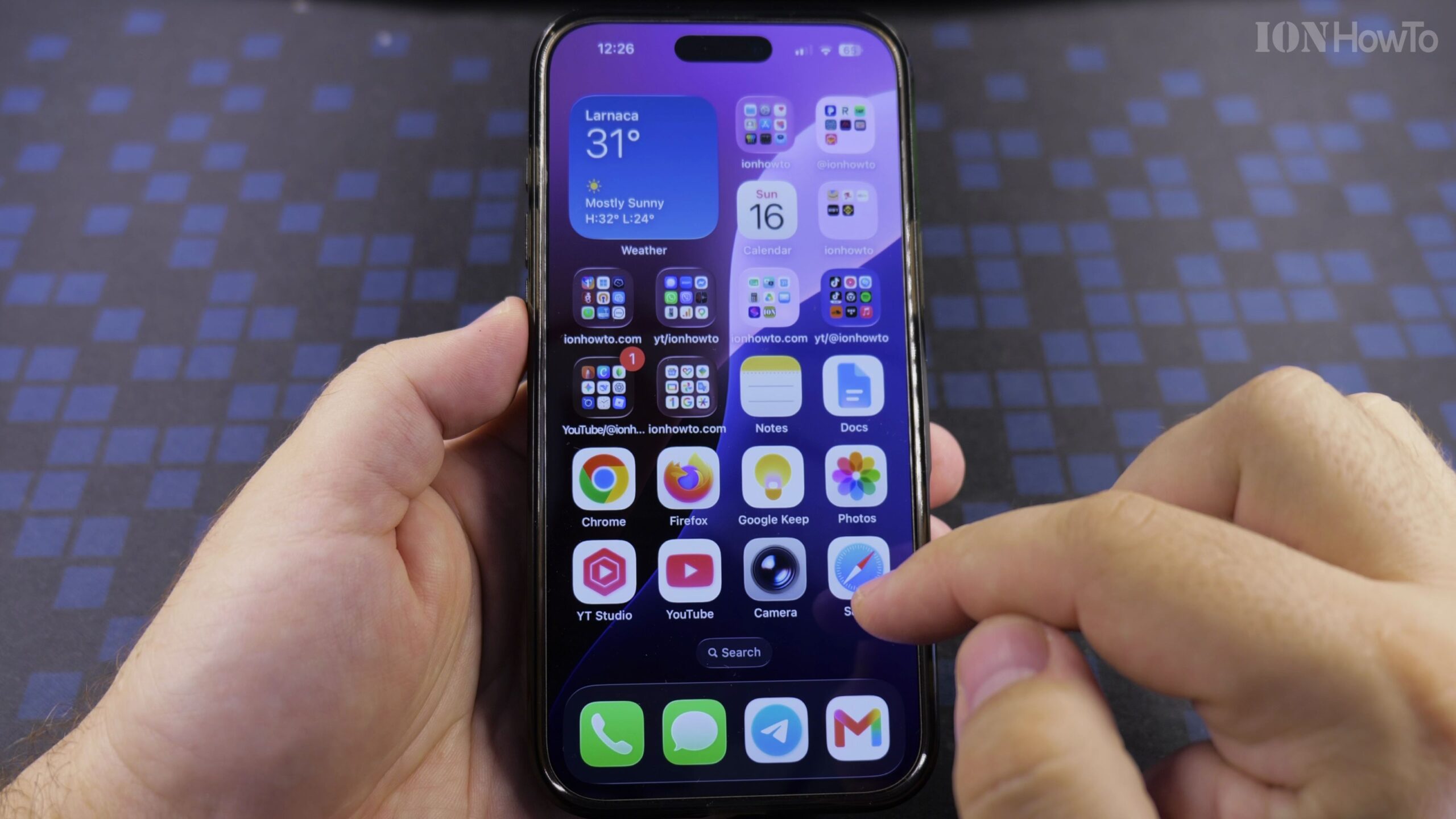
How to Clear Browsing History on iPhone Safari Browser: Quick Privacy Guide
Over time, your web browser accumulates megabytes of tracking cookies, temporary scripts, and search records. Clearing this data frees up mobile storage space, resolves website loading glitches, and keeps your private searches confidential. Why Clearing Safari History Protects Your Privacy Over time, your web browser accumulates megabytes of tracking cookies, temporary scripts, and search records.…
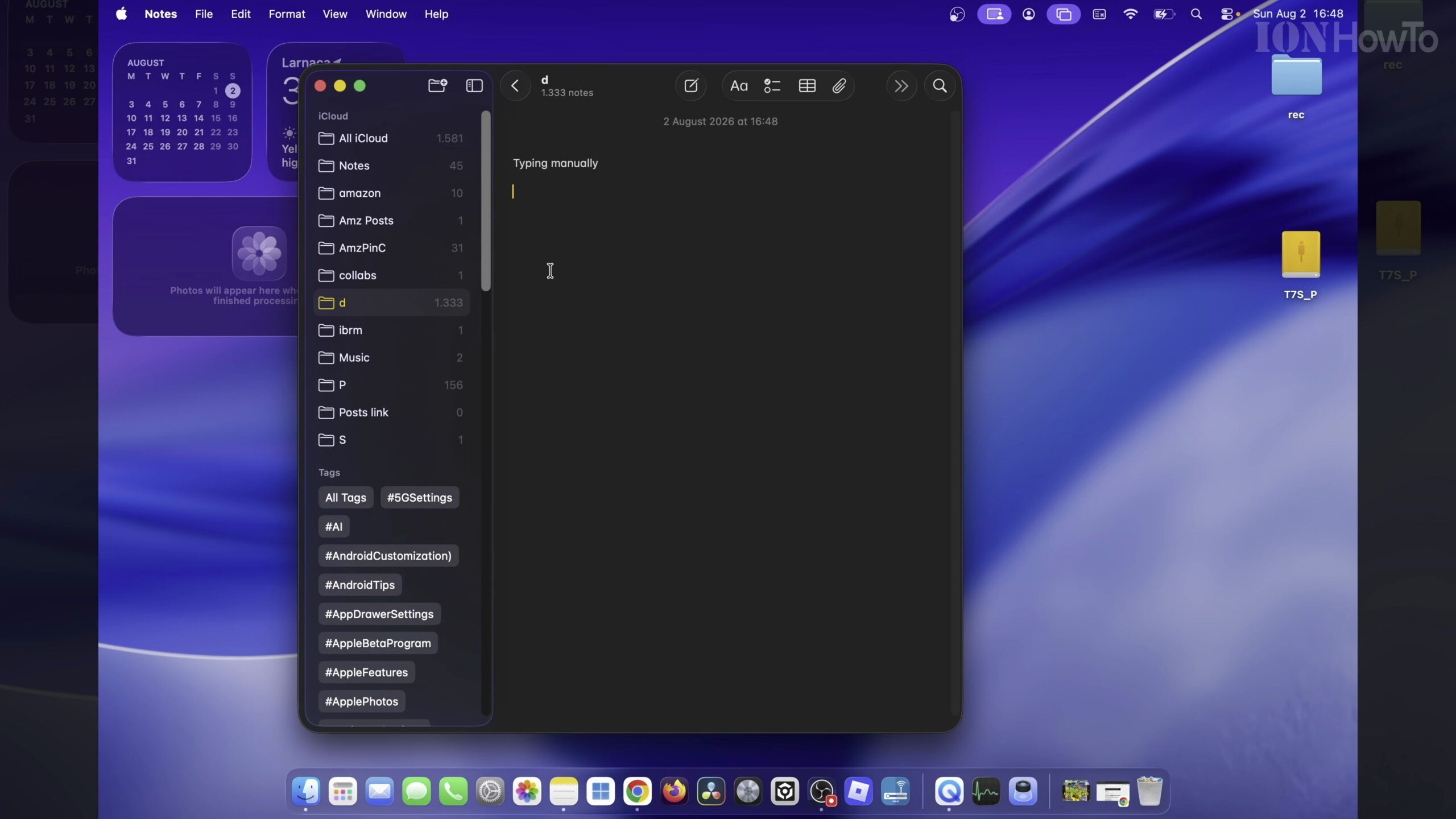
How to Enable Dictation on Macbook Air M5: Voice-to-Text Typing Guide
Apple silicon handles on-device voice processing with high accuracy and zero cloud latency. Whether drafting emails, taking lecture notes, or responding to messages, dictating your thoughts saves typing strain and speeds up daily workflows. Why Use Apple Voice Dictation on macOS? Apple silicon handles on-device voice processing with high accuracy and zero cloud latency. Whether…