
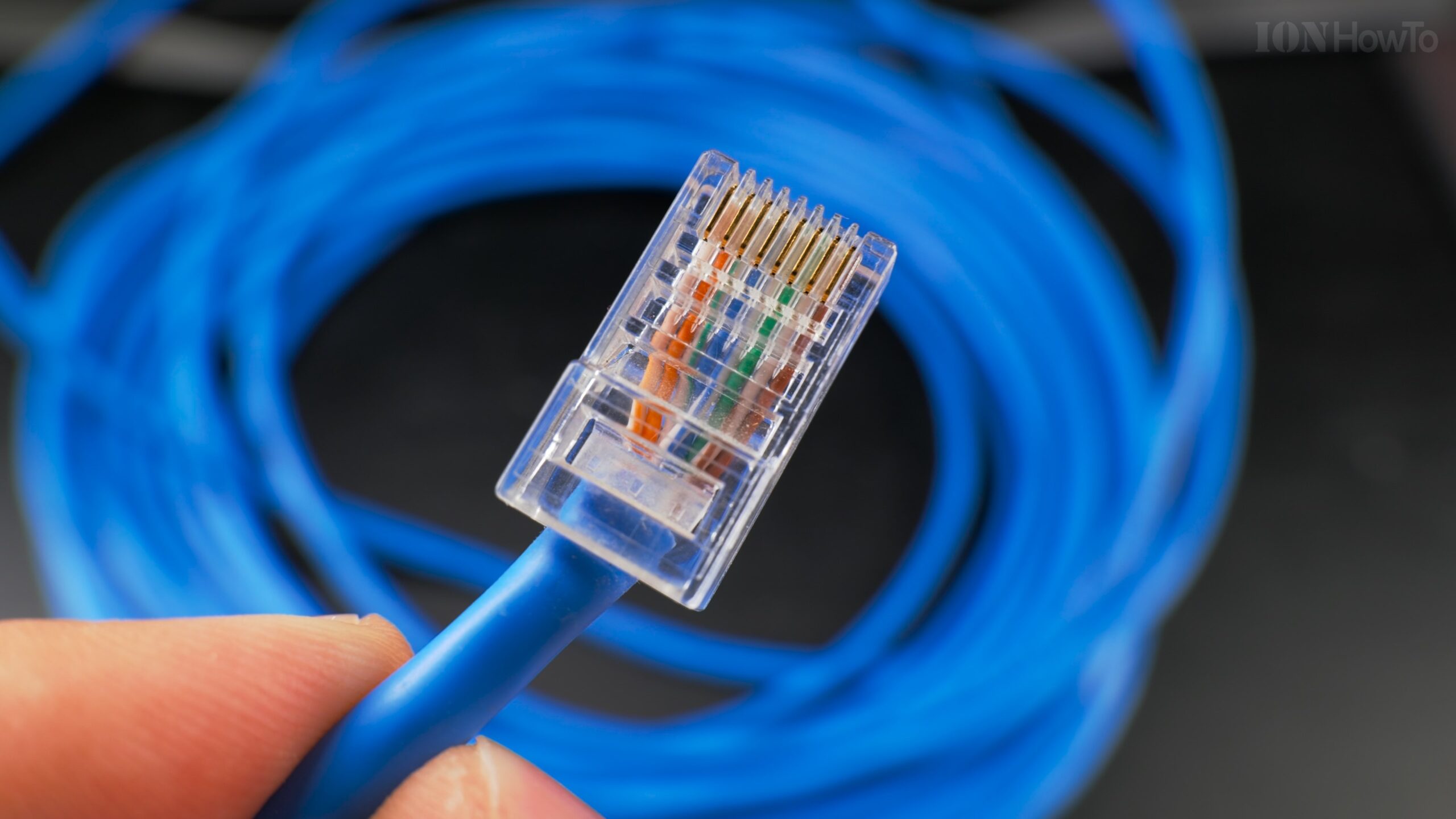
What do you need to make your own internet cable.
What do you need to make your own internet cable video.
Quick Steps and Scenarios Overview
| What You Need to Do | Quick Jump |
|---|---|
| Cable | Jump to Step 1 |
| RJ45 Connectors | Jump to Step 2 |
| Crimping Tool | Jump to Step 3 |
Recommended Amazon Gear and Accessories
Disclosure: This article contains Amazon affiliate links. As an Amazon Associate, we earn from qualifying purchases at no extra cost to you.
Cable
Cat5E Ethernet cable is the cheap option for 1Gb 1000 base link speed and with that cable you can buy the cheapest RJ45 connectors.
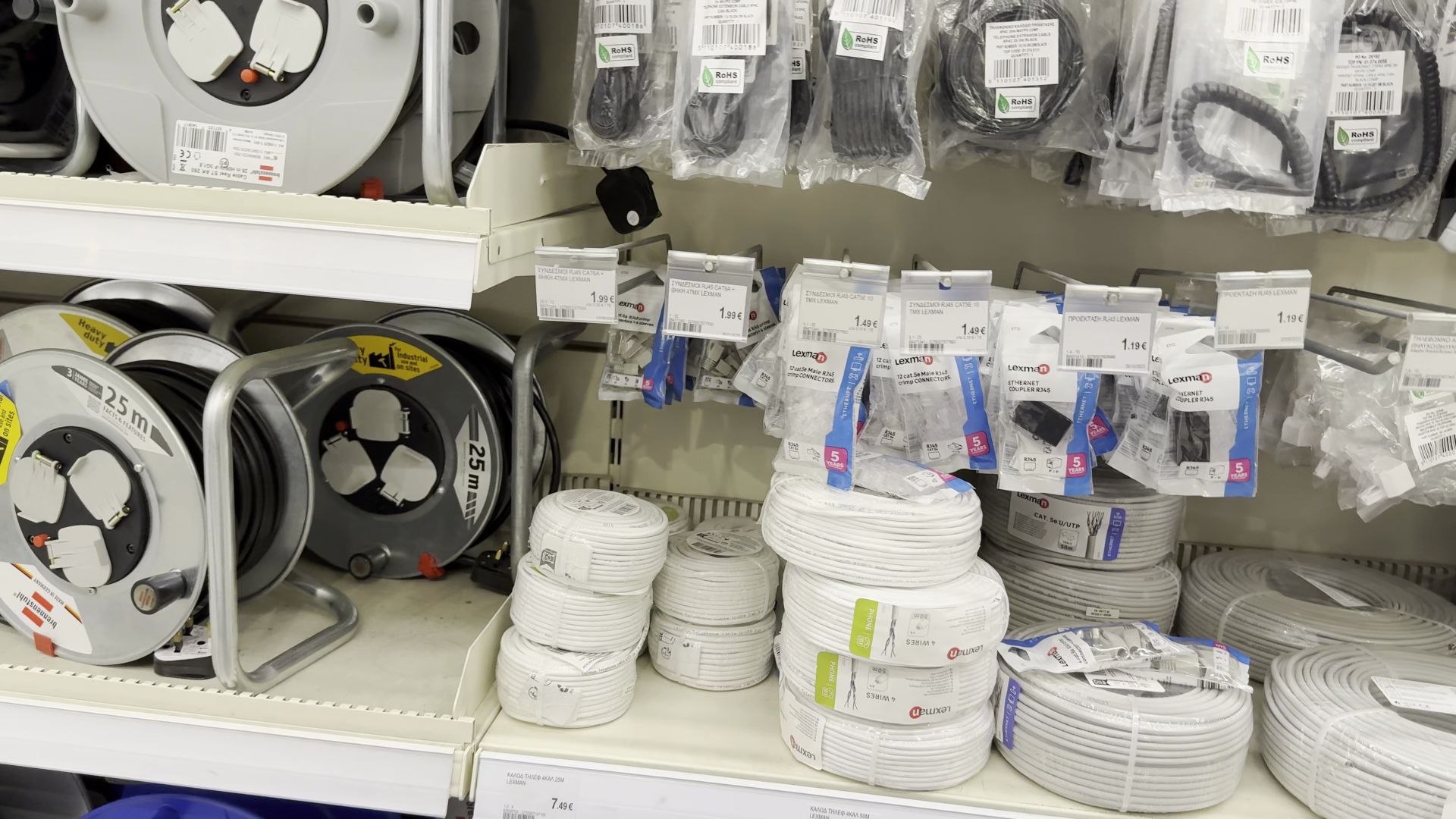
Cat 6 vs Cat 6A vs Cat 7 Ethernet Cable
Cat6 is a great cost effective option that supports 2.5Gb and 10Gb speed but in shorter lengths.
Cat6A is my favorite it can do 10Gb internet or LAN speed with more shielding than Cat6 and cheaper than Cat7 that is very similar or even the same in many cases.
Cat7 cable is not exactly a standard these days but it’s basically Cat6A with some extra sparkles of shielding and a higher price.
Cat8 is already advanced and hard to find.
Cat 6A vs Cat 7 Ethernet Cable
Cat5E and Cat6 are more flexible to run thru conduit tubing and Cat6A and Cat7 cables are more rigid so harder to pull thru walls tubing.
RJ45 Connectors
For Cat6A and Cat7 you need better RJ45 with shielding and better mounting plates jacks for the walls made for Cat6 or above.
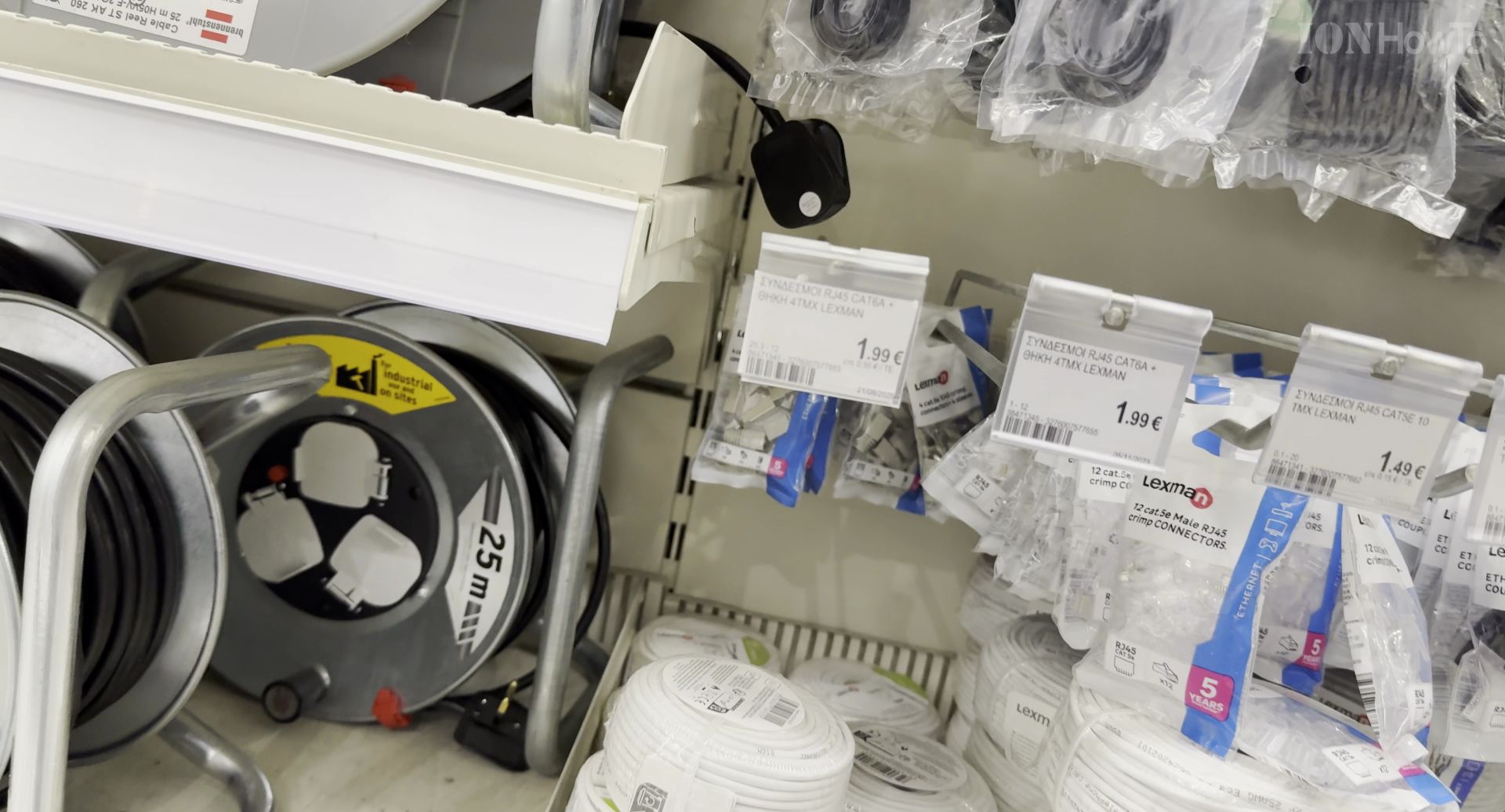
Crimping Tool
A crimping tool that is not too expensive but not the cheapest one.
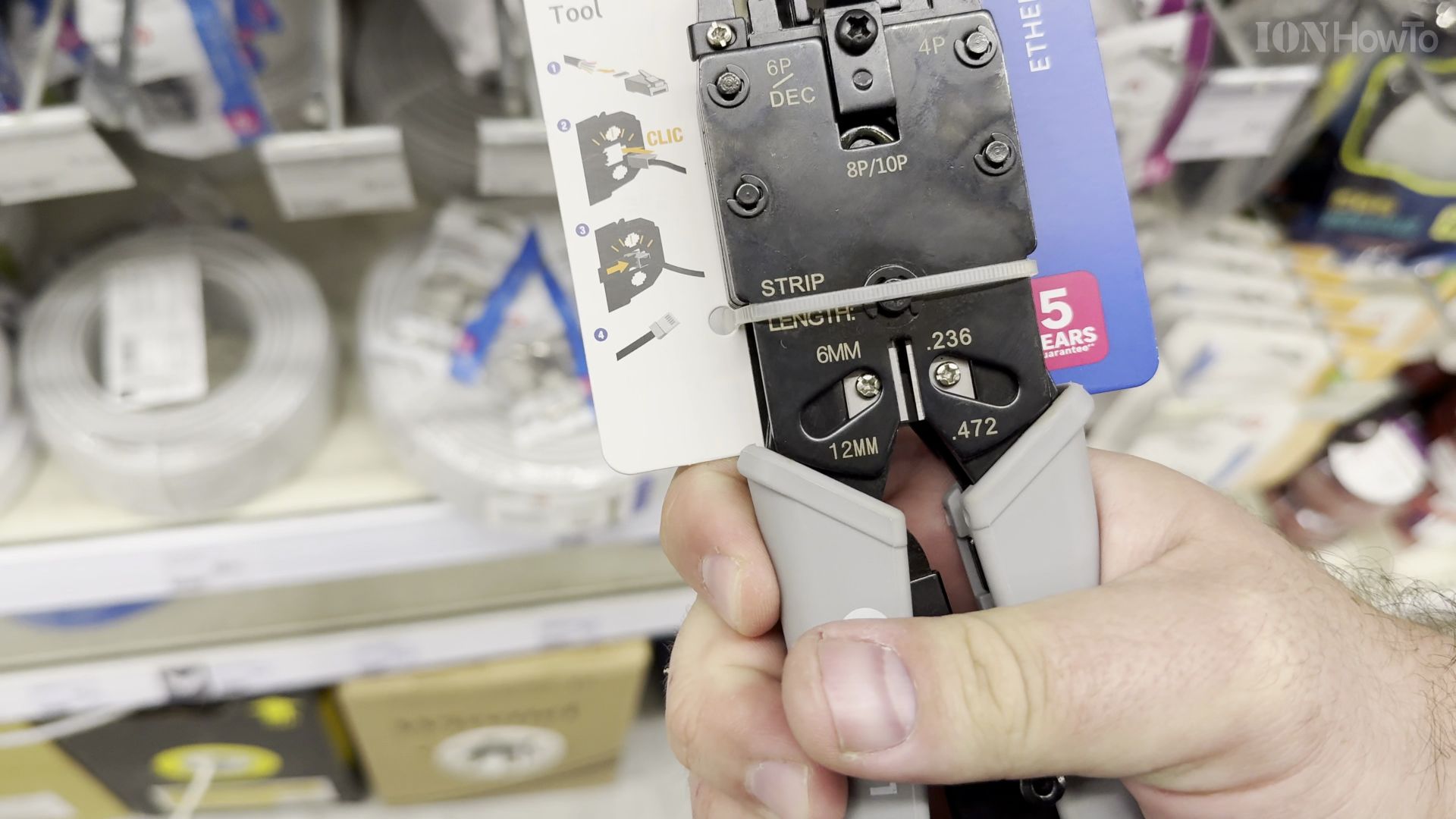
I also like to put a drop of glue behind the RJ45 connector to reduce some of the stress when pulling the cable by mistake.
I was trying to decide between Cat 6 or Cat 7 Ethernet cable STP or FTP or whatever they call it.
The shielding helps to run a Ethernet link at 10Gb but if you don’t need 10Gb or 2.5Gb then Cat 5E or Cat 6 is the best option.
I bought the Cat 6E cable mostly because it was cheaper and also there is not much of a difference between Cat6A vs Cat7 cable anyway. At least not when using RJ45 Ethernet connectors.
Helpful Tips
Check all labels, connections, and power ratings before starting so everything fits safely and securely. If any detail looks slightly different on your model, pause the embedded video above for a clear closeup view.
Related Guides
- Step-by-Step Replace Ethernet Cable Pull New Cable with Old Cable in Conduit Upgrade Cat5E to Cat6A – If your home network needs 10-gigabit speeds, pulling new wiring through existing wall pipes is much easier than opening drywall.
- How to Connect an iPad to Wired Ethernet Internet Using a USB-C Cable – When Wi-Fi is spotty or you need zero-latency internet for gaming, video calls, or large file transfers, connecting your…
- Pull New Ethernet Cable Using Old Cable in Conduit – How to Pull New Ethernet Cable Using Old Cable in Conduit: Upgrade Cat5E to Cat6A.
- 10GB Fiber Home Network Guides – Browse more tutorials and practical guides in this section.


Leave a Reply