
Category: Android Tips
Disable Facebook on Android
How to Disable the Facebook App on Android Devices. Learn how to disable the Facebook app on your Android phone or tablet. Maybe you deleted your Facebook account and do not want the app anymore. Or perhaps you just want to reduce distractions, save battery life, or free up storage space. Whatever your reason, disabling…
Turn off Bubble Notifications on Samsung Galaxy
How to Disable Bubble Notifications on Samsung Galaxy. Learn how to disable bubble notifications on your Samsung Galaxy phone or tablet. Bubble notifications are those floating chat bubbles that stay on your screen, similar to Facebook Messenger chat heads. They can be helpful for quick access to conversations, but they can also be distracting. I’ll…
Sony Xperia Remove SIM Card and MicroSD
How to Remove and Replace SIM Card and microSD Memory Card on Sony Xperia. Learn how to remove and replace the SIM card and microSD memory card on your Sony Xperia phone. This works on the Xperia 1 Mark 5, Mark 6, and most other Sony Xperia models. Other Android phones use a different method…
Change Default Apps on Android
How to Change Default Apps on Android Devices. Learn how to change default apps on your Android phone or tablet. Sometimes you want to use a different browser than the one that came with your phone. Or you might prefer another messaging app or email client. I’ll show you how to set your favorite apps…
Android How to Add Google Account
How to Add a Google Account on Your Android Device. Learn how to add a Google account to your Android phone or tablet. This works on most Android devices including Sony Xperia, Google Pixel, and other brands. You can add one account or even a second Google account to the same phone. What You Need…
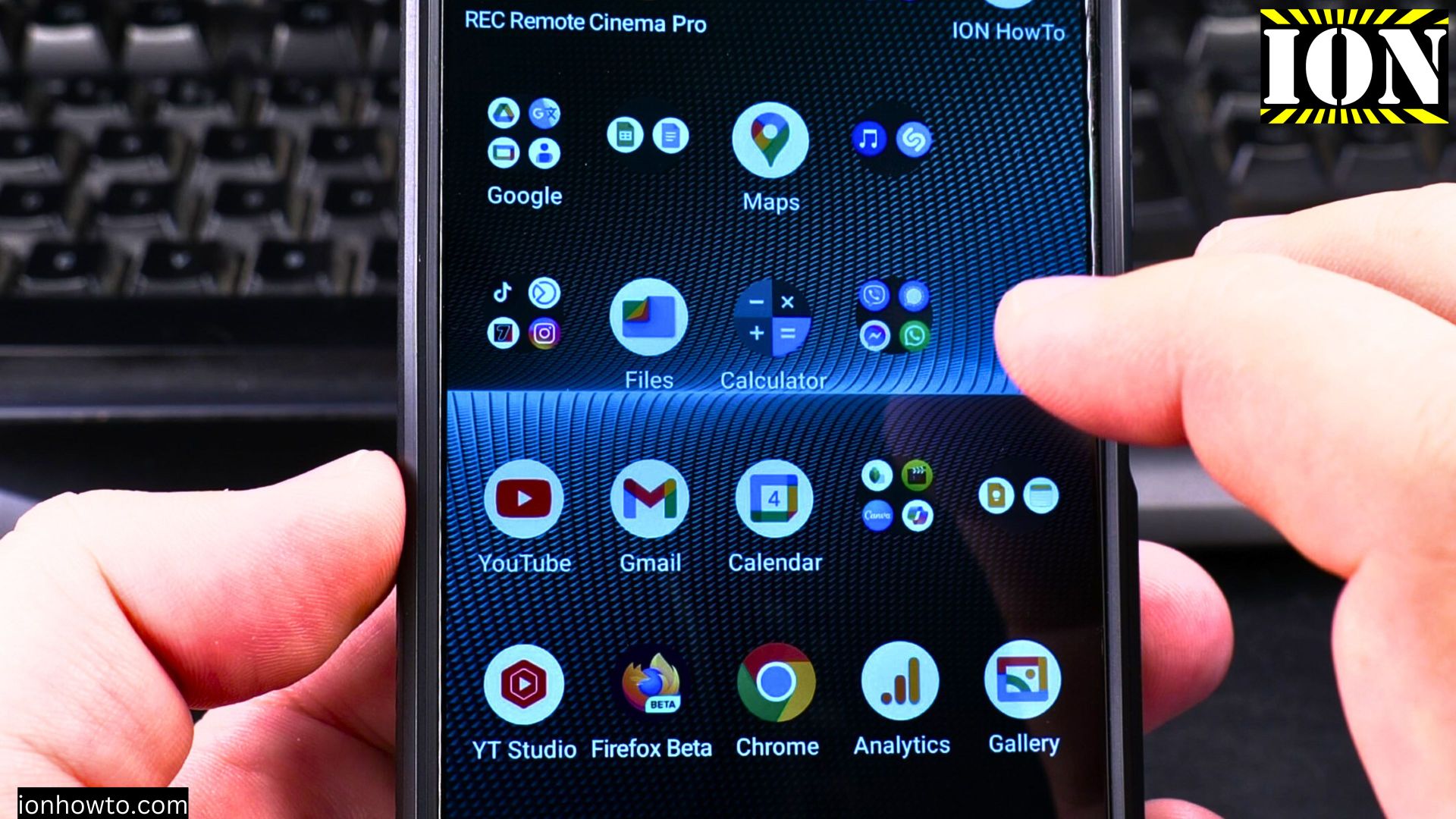
Scan Barcode on Android
How to Scan a Barcode with Your Android Phone. Ever wondered what that little barcode on a product holds? Or wanted to quickly compare a price without typing out a long name? Your Android phone can scan barcodes in just a few seconds. It’s a super handy trick for shopping, getting info, or just satisfying…
How to Restart Android Phone
How to Restart Your Android Phone: A Complete Guide Restarting your phone is one of the simplest and most useful things you can do. It can fix weird glitches, close down apps that are stuck, and just make your phone feel snappier again. Think of it like giving your phone a quick nap to refresh…
Android Emergency and Safety Settings
How to Set Up and Use Android Emergency and Safety Settings. Your Android phone has some important tools built right in for your safety. Learn how to set up these emergency and safety settings so you’re prepared if you ever need help quickly. From sending your location to adding medical info for first responders, I’ll…
Android Navigation Buttons
Learn How to Use Android Navigation Buttons. If you find the swipe gestures on your Android phone a bit tricky, or if you just prefer a more classic and precise way to get around, you’re in the right place. Learn how to switch from gestures to the traditional three-button navigation system. This guide will show…
Auto Rotate Screen on Android
Learn How to Enable or Disable Auto Rotate Screen on Android. Struggling with your Android screen flipping sideways when you don’t want it to? You’re not alone. That automatic rotation feature is handy for watching videos, but it can be a real pain when you’re reading in bed or moving around. The good news is,…