
Category: Android Tips
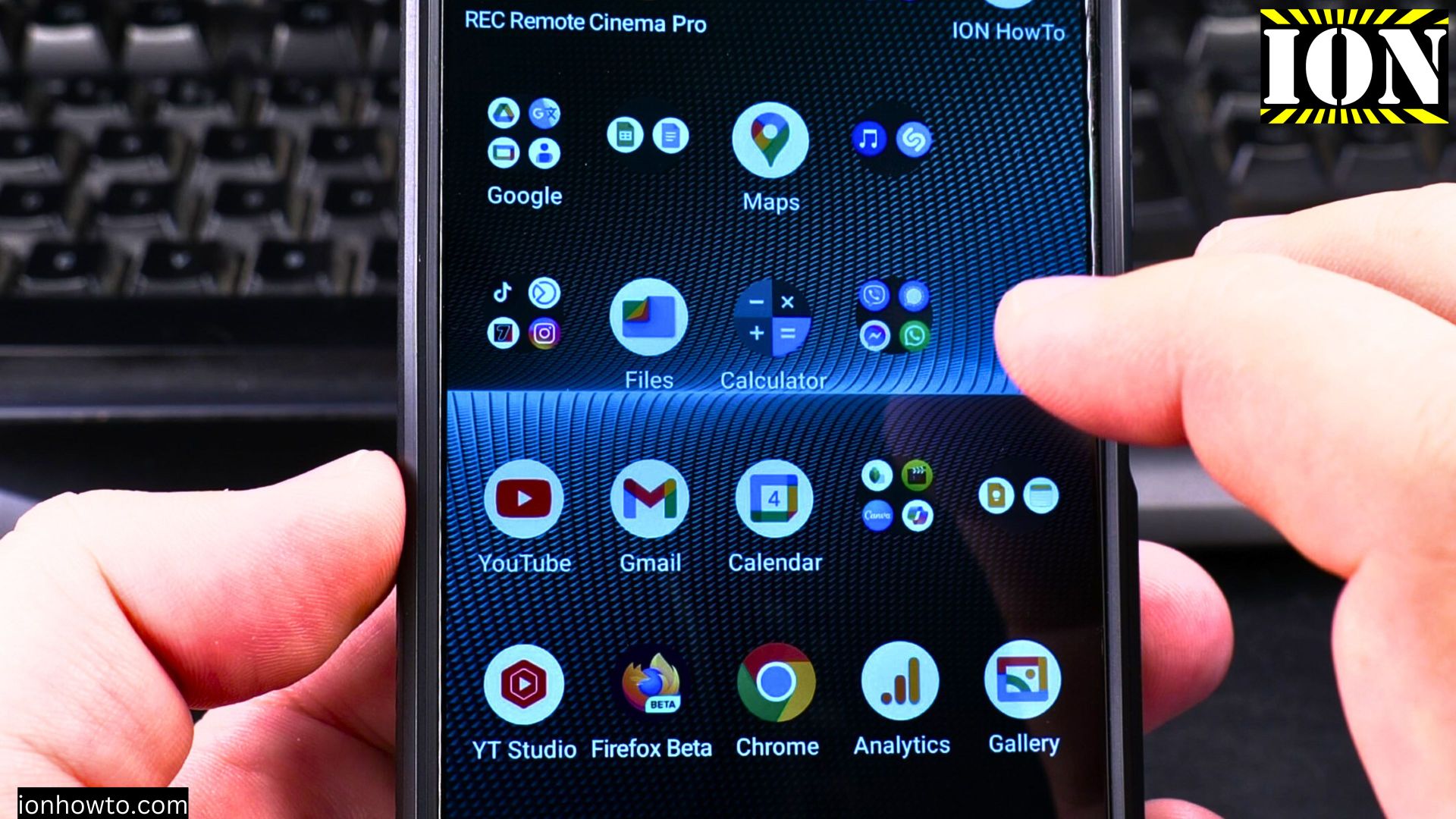
Android Set Custom Ringtone for Contact
How to Set a Custom Ringtone for a Contact on Android. Learn how to set a custom ringtone for a contact on your Android phone. I’ll show you the steps to assign a unique sound so you can know who’s calling without looking at the screen. This guide works for most Android phones, including Samsung…
Add Contact to Home Screen on Android
How to Add a Contact to Your Android Home Screen. Learn how to add a contact to your Android home screen. This gives you quick and easy steps for making a direct shortcut to call or text your favorite people right from your main screen. I’ll show you how to use the contact widget for…
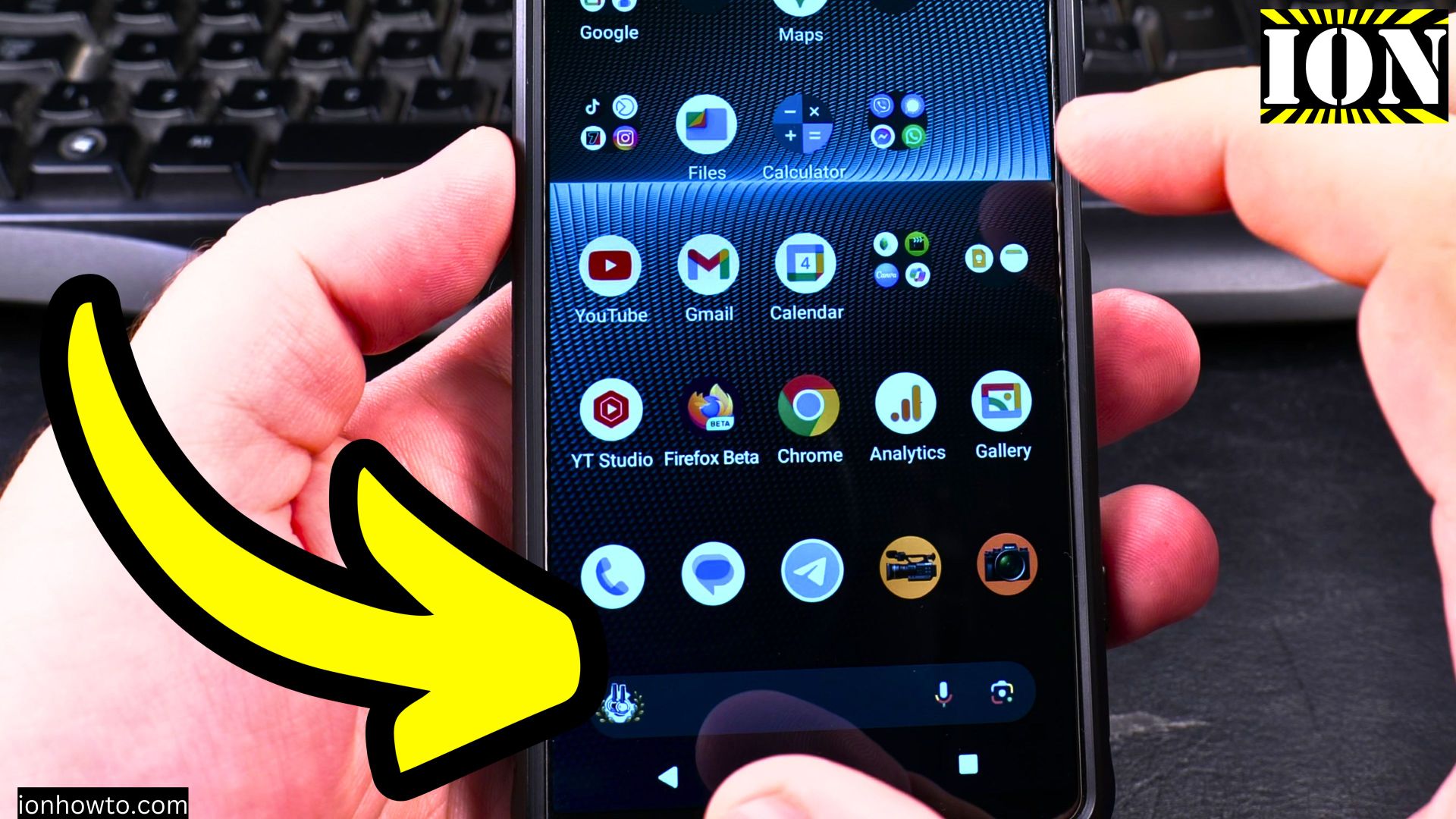
How to Block Ads on Android
How to Block Ads on Android with AdGuard Private DNS. Learn how to block ads on your Android phone using AdGuard Private DNS settings and DNS IPs in your Wi-Fi network. I’ll show you the steps to set it up, how to update the IP addresses, and how to use it to block ads and…
Sony Xperia 1 V Desktop Mode
Sony Xperia 1 V Android 14 Desktop Mode. It Almost Works But Not Really. Learn how to use desktop mode on a Sony Xperia 1 V. If you’re hoping for a full PC-like experience on your TV, like Samsung’s DeX, you might be a bit disappointed. I tried it on Android 14, and while it…
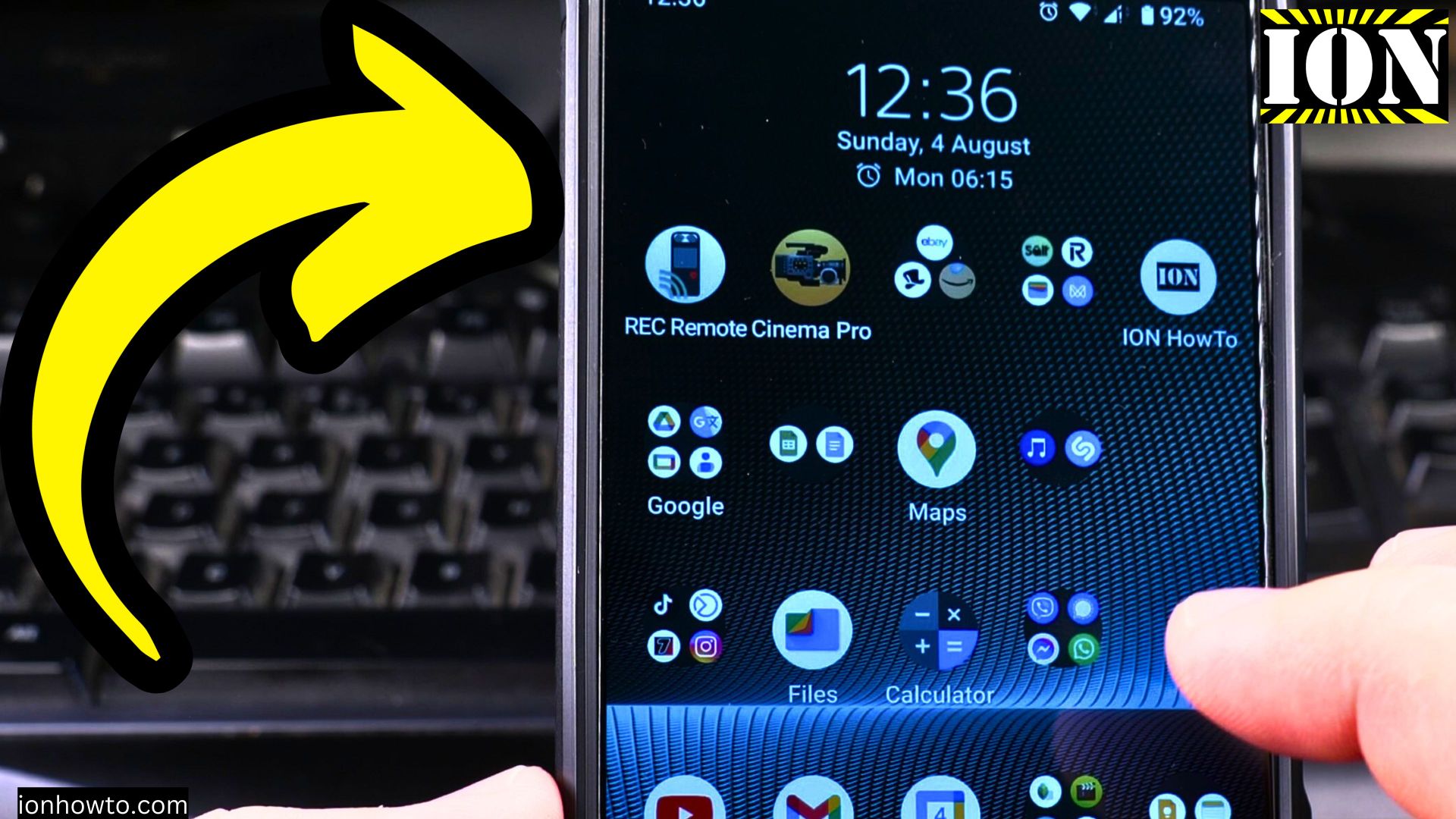
Enable VoLTE 4G Calling on Android
Enable VoLTE 4G Calling on Android. How to Turn On VoLTE on Android for Better 4G Calling. I show you how to enable VoLTE (Voice over LTE) and 4G calling on your Android device. This feature improves call quality and allows for faster call connections while using mobile data. Learn the steps to activate VoLTE…
Phone Call Dial Pad on Android
How to Make a Phone Call With the Dial Pad on Your Android Phone. While we often tap on saved contacts, sometimes you just need to dial a number. Learn how to make a phone call on your Android phone using the numeric dial pad. I’ll show you the steps to type a number manually…
Cooling Overheating Android Phone
How to Cool Down Your Overheating Android Phone Faster. Is your Android phone getting uncomfortably hot? It’s a common worry, but don’t sweat it. A warm phone is normal, but if it’s too hot to hold, it’s time to take action. I’ll show you why phones overheat and the steps to cool yours down quickly.…
Android Default Payment Card
How to Change Your Default Payment Card in Google Wallet. Want to use a different credit or debit card when you tap to pay in stores? Changing your default card in Google Wallet is a quick and easy way to make sure your favorite card gets charged first. Learn how to set any of your…
Use Wired Headphones with USB-C to 3.5mm Adapter on Android
How to Use Wired Headphones with a USB-C Adapter on Android. Got a new Android phone and realized it doesn’t have a headphone jack? Don’t worry, your favorite wired headphones aren’t useless yet. You just need a simple adapter. Learn how to connect your headphones and microphone using a USB-C to 3.5mm adapter. I’ll show…
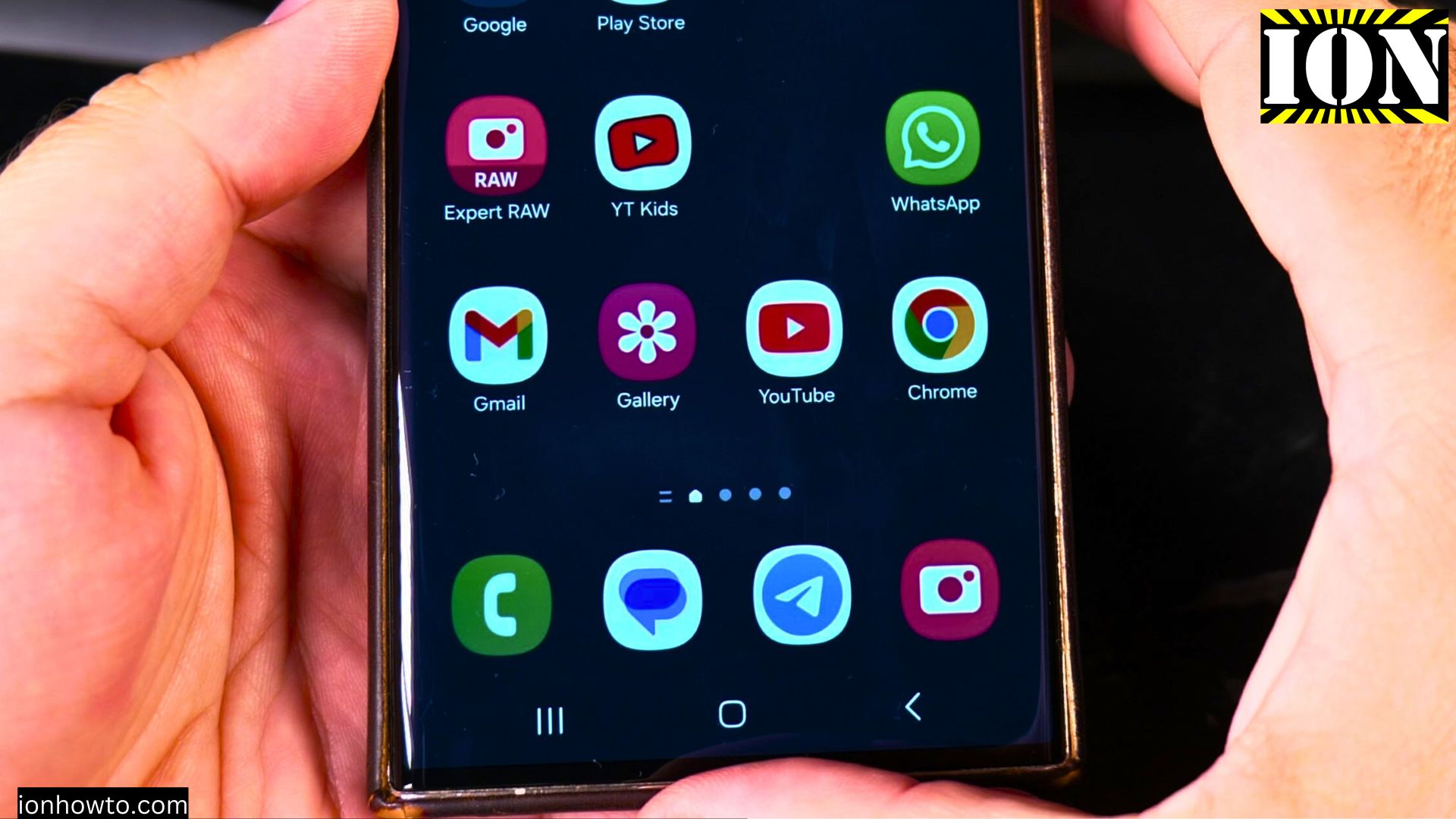
Turn Off VoLTE 4G Calling on Samsung Android
How to Turn Off VoLTE and 4G Calling on Your Samsung Phone. Sometimes, you might need to turn off the advanced calling features on your phone. If your calls are dropping or the sound quality is poor, switching off VoLTE (Voice over LTE) or 4G Calling can be a good troubleshooting step. This will make…