
Category: Android Tips
Everyday Android tips and settings walkthroughs to help you customize your screen, manage notifications, and speed up your phone.
Disable Double Tap to Wake on Android
Learn how to turn off this feature so your phone stays off until you actually want to use it. If your screen turns on too easily in your pocket or bag, this guide is for you. I will show you the steps to turn off double tap to wake. This stops the screen.
Add Flashlight to Samsung Android Lock Screen
Learn how to add a flashlight shortcut to your lock screen on Samsung Android phones. This is a really useful feature that lets you quickly turn on the flashlight without unlocking your phone. I will show you the steps so you can easily enable this on your.
Increase Text Size on Samsung Android
Learn how to make text bigger on Samsung phones. If you find it hard to read small text on your Samsung Galaxy device, this guide will help you make the text larger and easier to see. I will show you the steps to adjust the font size in the settings so you.
How to Change Theme Colors on Android
Learn how to change Android theme colors and customize the appearance of your phone. If you want to switch up the look of your device or enable dark mode, I will show you how to access the theme settings, choose different color schemes, and apply them right.
Power Off Samsung Galaxy Without Power Button
Learn how to power off your Samsung Galaxy phone when the power button is broken or not working. If your physical power button has stopped working, you might be wondering how to shut down your device safely. I will show you how to turn off your Samsung.
Delete and Recover Photos and Videos on Samsung Android
Learn how to restore deleted photos on a Samsung Galaxy. If you are trying to free up storage space or just clean up your gallery, I will show you the steps to safely remove photos and videos. You will also learn how to use the recycle bin feature on Samsung.
Samsung Galaxy Home Screen Folders
Is your Samsung Galaxy home screen starting to look like a big mess? I get it. You download apps, and before you know it, everything is all over the place.
Add Widgets to Samsung Galaxy Home Screen
Widgets are one of those features that make Android phones really useful. Instead of opening an app every time you want to check the weather, see your calendar, or play some music – the information is right there on your home screen.
Show Battery Percentage on Samsung Galaxy Phone
Ever glance at your phone and wish you knew the exact battery number instead of just guessing from that little icon icon? You’re not alone. Learn how to turn on the battery percentage display on your Samsung Galaxy phone. It takes about 10 seconds, and it.
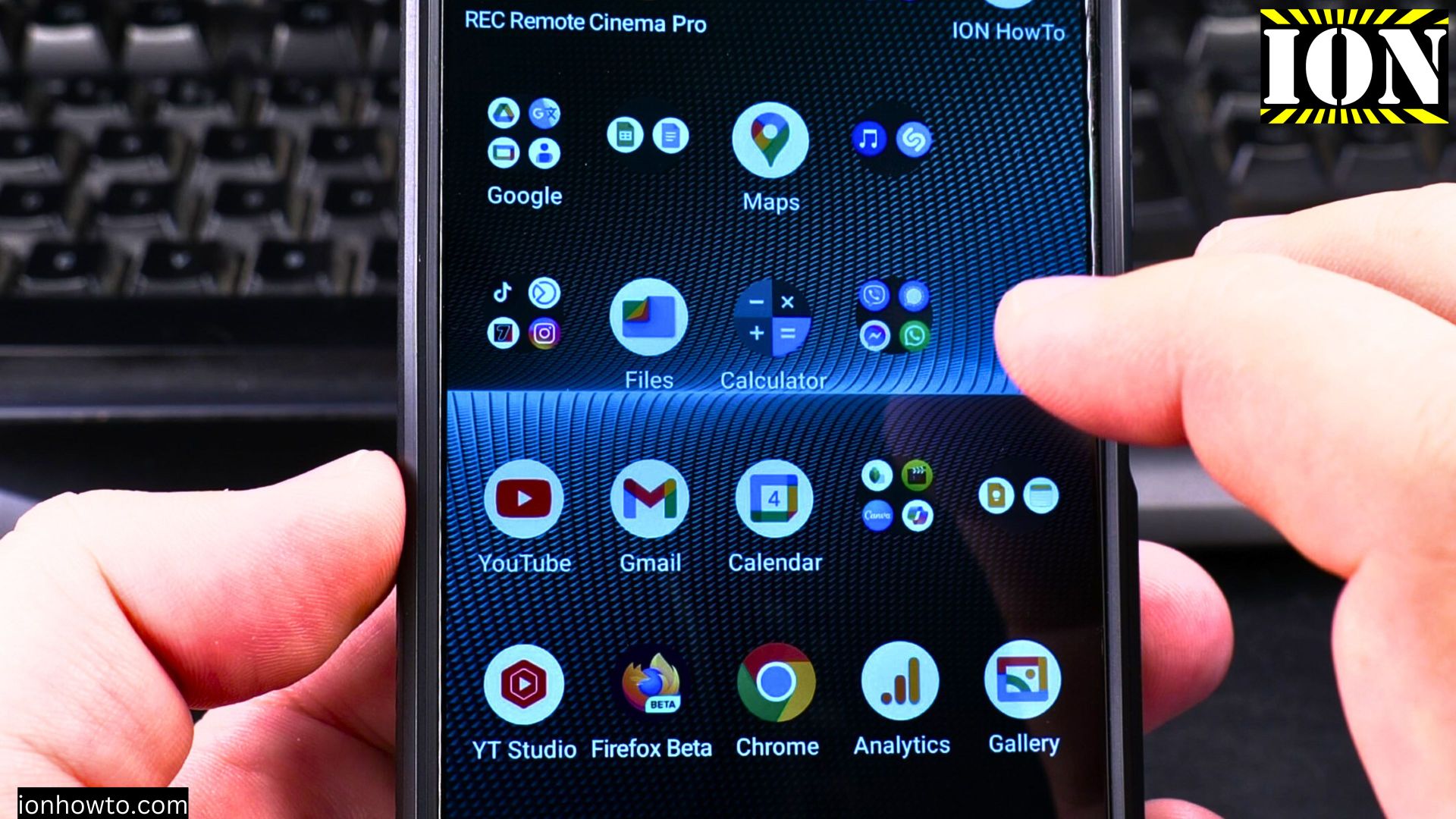
Use Gemini AI on Android to Read Handwritten Text
Learn how to use AI for text recognition and how to translate handwritten text on Android. I show you how to digitize handwritten notes using Gemini AI on your Android device.