
Category: iPhone Guides
iPhone SIM Card PIN Locked Enter PUK to Unlock
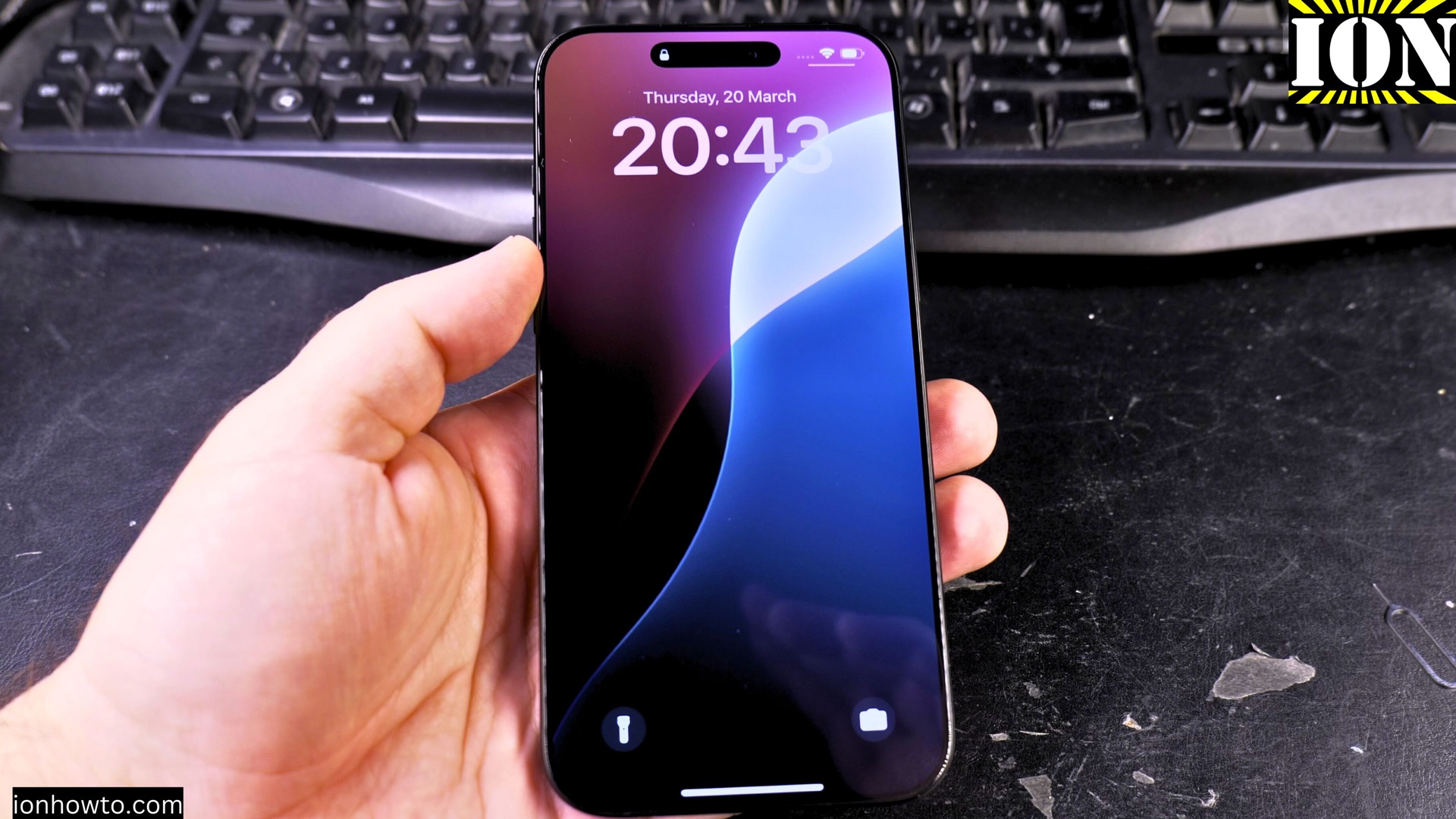
iPhone SIM Card PIN Locked? Here’s How to Enter Your PUK Code. If your iPhone says “SIM Card PIN Locked” and asks for a PUK code, don’t worry. This is a common security feature that blocks your phone SIM card if you enter the wrong SIM PIN code too many times. iPhone SIM Card PIN…
iPad Pro M5 13 Inch ESR MagSafe Folio Case Review
iPad Pro M5 13 Inch ESR MagSafe Folio Case Review. After I just got my brand new iPad Pro M5 13 Inch protection was the first thing in my Ming after unboxing it. iPad Pro M5 13 Inch ESR Magnetic Folio Case Installation Video. It’s so light and thin that I immediately felt like I…
Apple iPad Pro M5 13 Inch
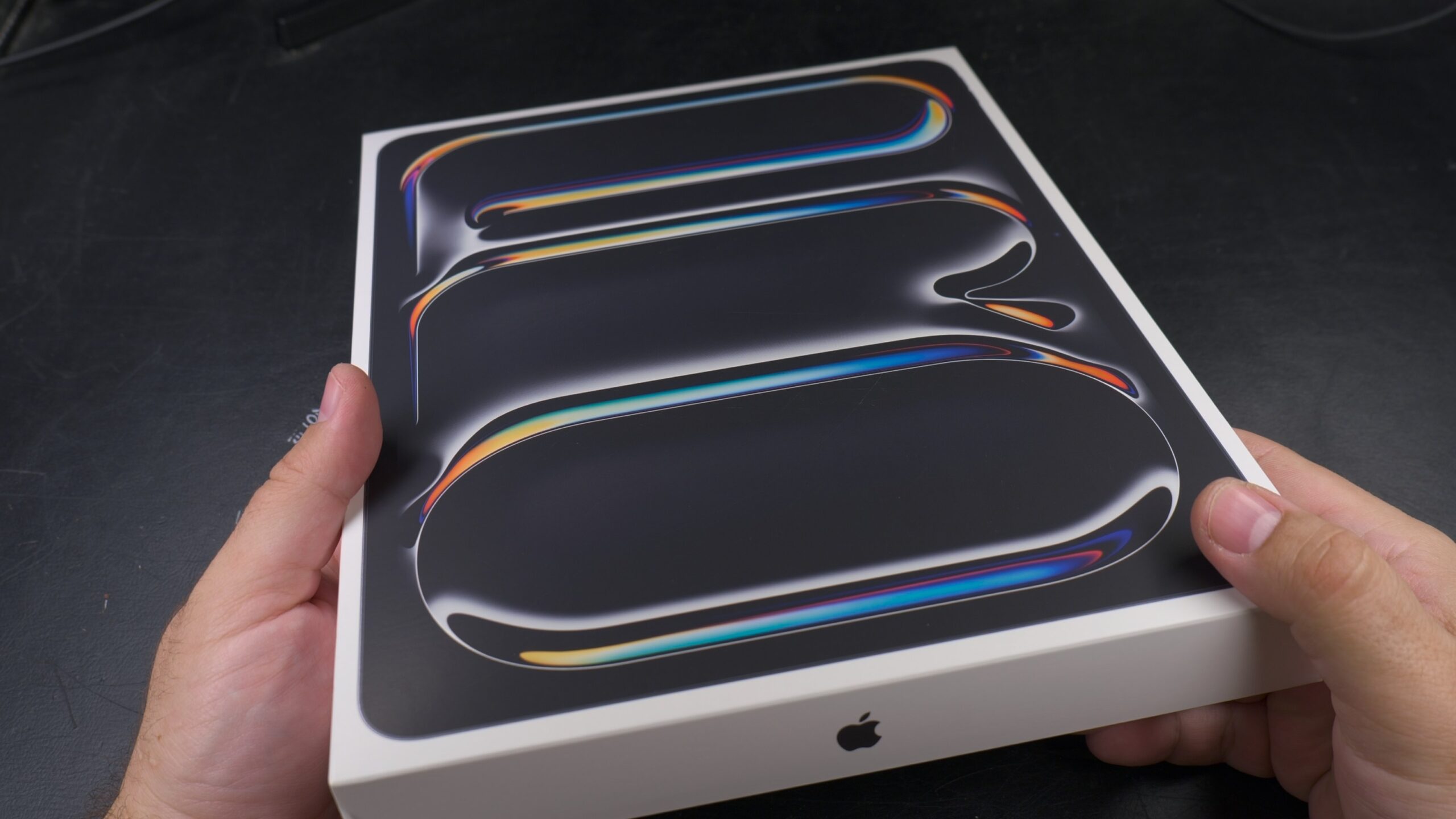
Apple iPad Pro M5 13 Inch Unboxing and showing you what’s included in the new M5 iPad Pro and how the iPad Pro M5 13 Inch 256GB model looks like. Model Code MDYJ4TY/A Model A3360 iPad Pro 13 inch Wi-Fi 256GB Space Black Standard glass. EAN Barcode: 195950398168 Unboxing video of the iPad Pro M5…
Reset All Settings on iPhone Without Losing Data
How to Reset All Settings on iPhone Without Losing Your Data. If your iPhone is running slow, acting glitchy, or having strange issues, resetting all settings can often fix these problems while keeping your personal data safe. Video Guide Demonstrated on iOS 18.3.2 with iPhone 16 Pro Max Titanium Black 256 GB version Global model…
How to Remove Wallpaper on iPhone
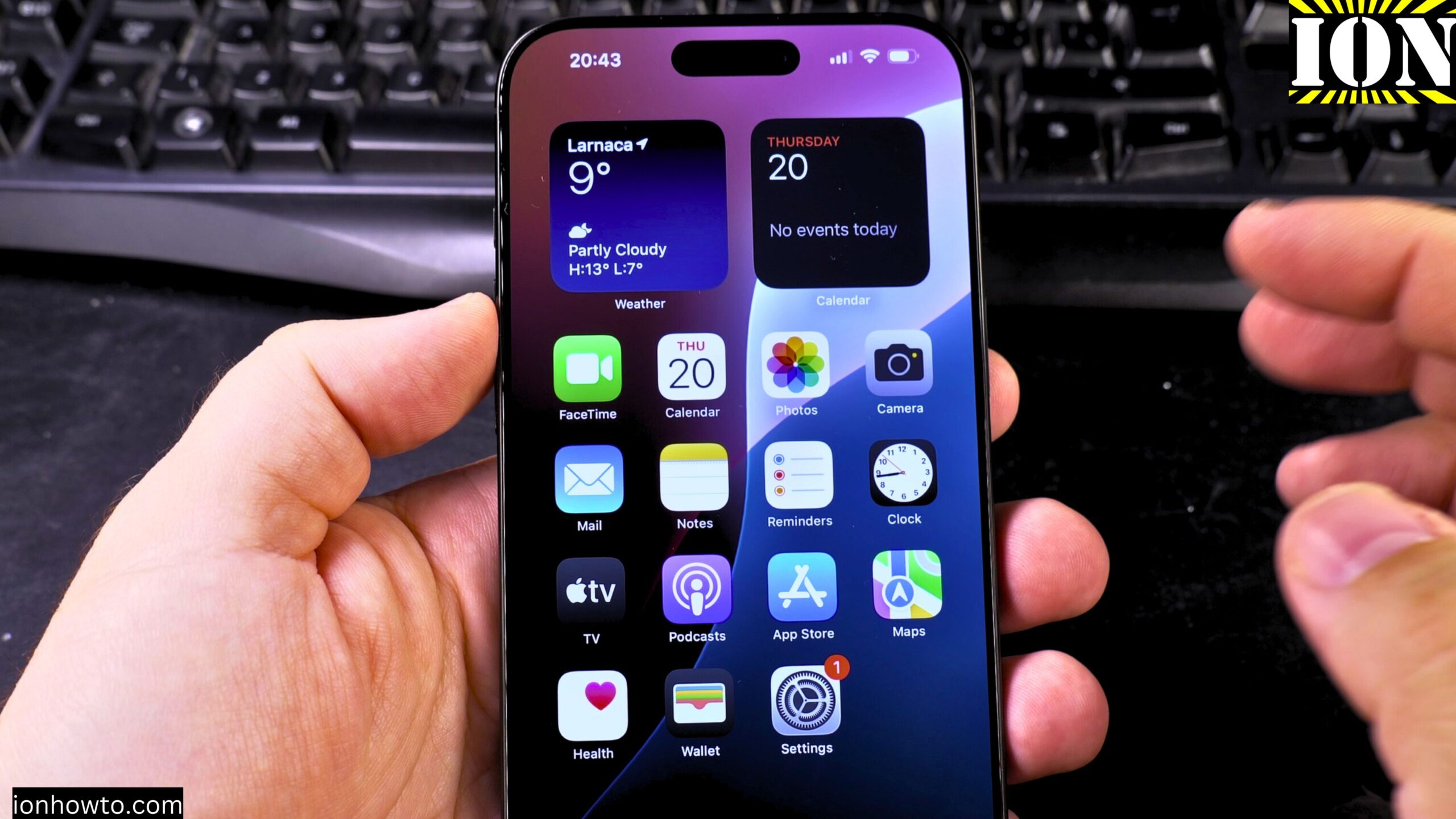
How to Remove Wallpaper and Make iPhone Home & Lock Screen Black. Learn how to remove your wallpaper and set a pure black home screen and lock screen on your iPhone. I show you the steps to create a completely black background, which can help save battery life on iPhones with OLED screens. Showing you…
Change Lock Screen Clock Size and Font Style in iOS 26
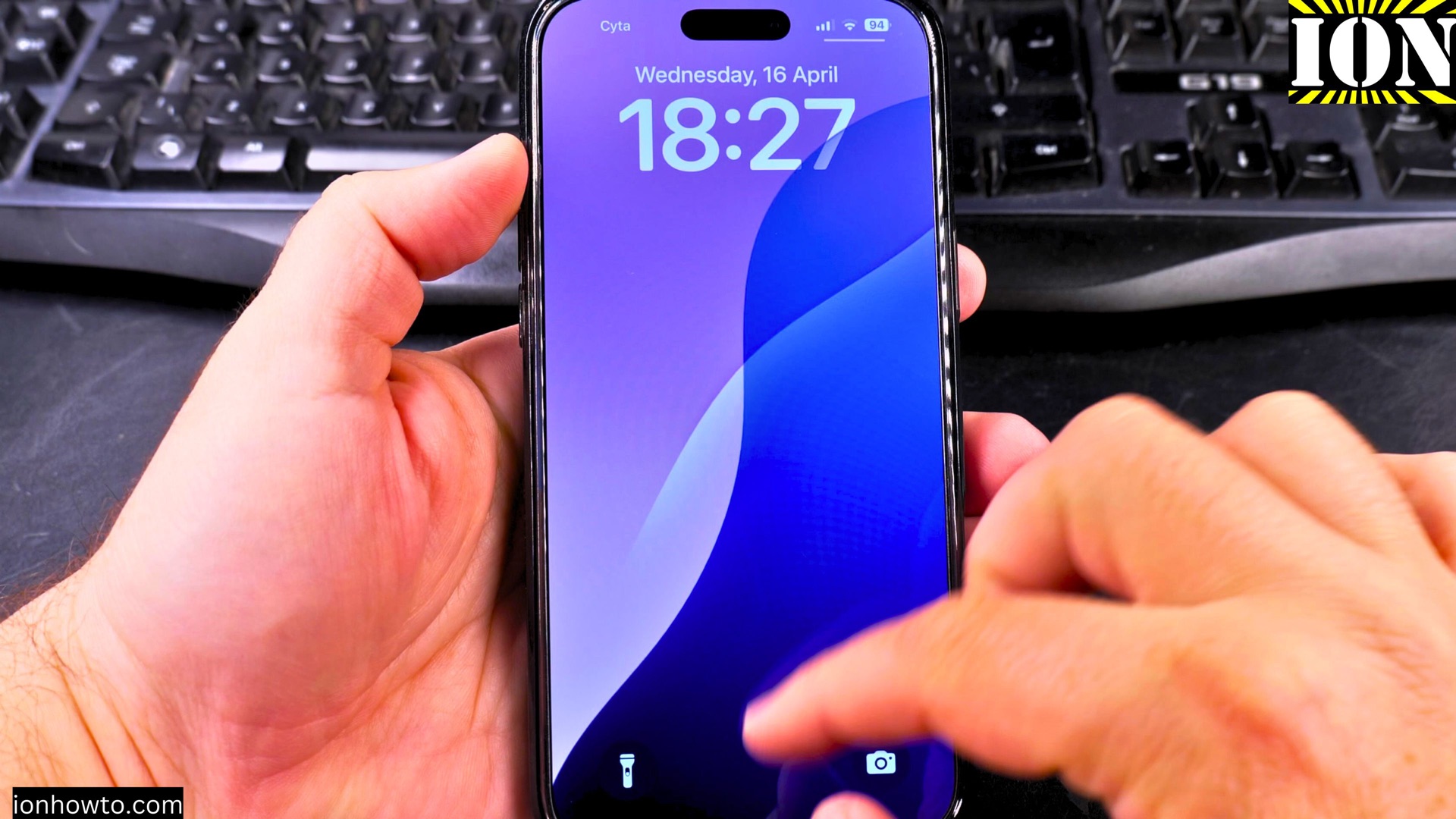
How to Change Lock Screen Clock Size and Font Style in iOS 26. Why Customize Your Lock Screen Clock? Your iPhone’s lock screen is the first thing you see when you wake up your device. With iOS 26, Apple gives you more control over how your clock looks. Learn how to change the clock size,…
Set Snooze Duration and a Bigger Snooze Button in iOS 26
How to Set Snooze Duration and Get a Bigger Snooze Button in iOS 26. Learn how to change the snooze duration for your iPhone alarm and make the snooze button bigger in iOS 26. If you often use the snooze feature, adjusting these settings can make your mornings easier. iPhone How to Set Snooze Duration…
Add Japanese Keyboard on iPhone
How to Add Japanese Keyboard on iPhone 16 Pro Max iOS 18.5. Learn how to add a Japanese keyboard to your iPhone to type in hiragana, katakana, and kanji. This is perfect for messaging, searching, or practicing Japanese language skills. How to Add Japanese Keyboard on iPhone. Demonstrated on iOS 18.5 with iPhone 16 Pro…
Turn Off Focus Mode on iPhone
How to Turn Off Focus Mode on iPhone 16 Pro Max iOS 18.5. Learn how to turn off Focus mode on your iPhone 16 Pro Max running iOS 18.5. While Focus helps minimize distractions, you might need to disable it to receive all notifications normally again. How to Turn Off Focus Mode on iPhone. Demonstrated…
Enable Do Not Disturb Focus Mode Silent on iPhone
How to Enable Do Not Disturb Focus Mode and Silent on iPhone. Focus Mode on iPhone 16 Pro Max iOS 18.5. Learn how to enable Do Not Disturb Focus mode and silent settings on your iPhone 16 Pro Max running iOS 18.5. These features help minimize distractions by silencing calls, alerts, and notifications when you…