
Category: MacBook Air M5
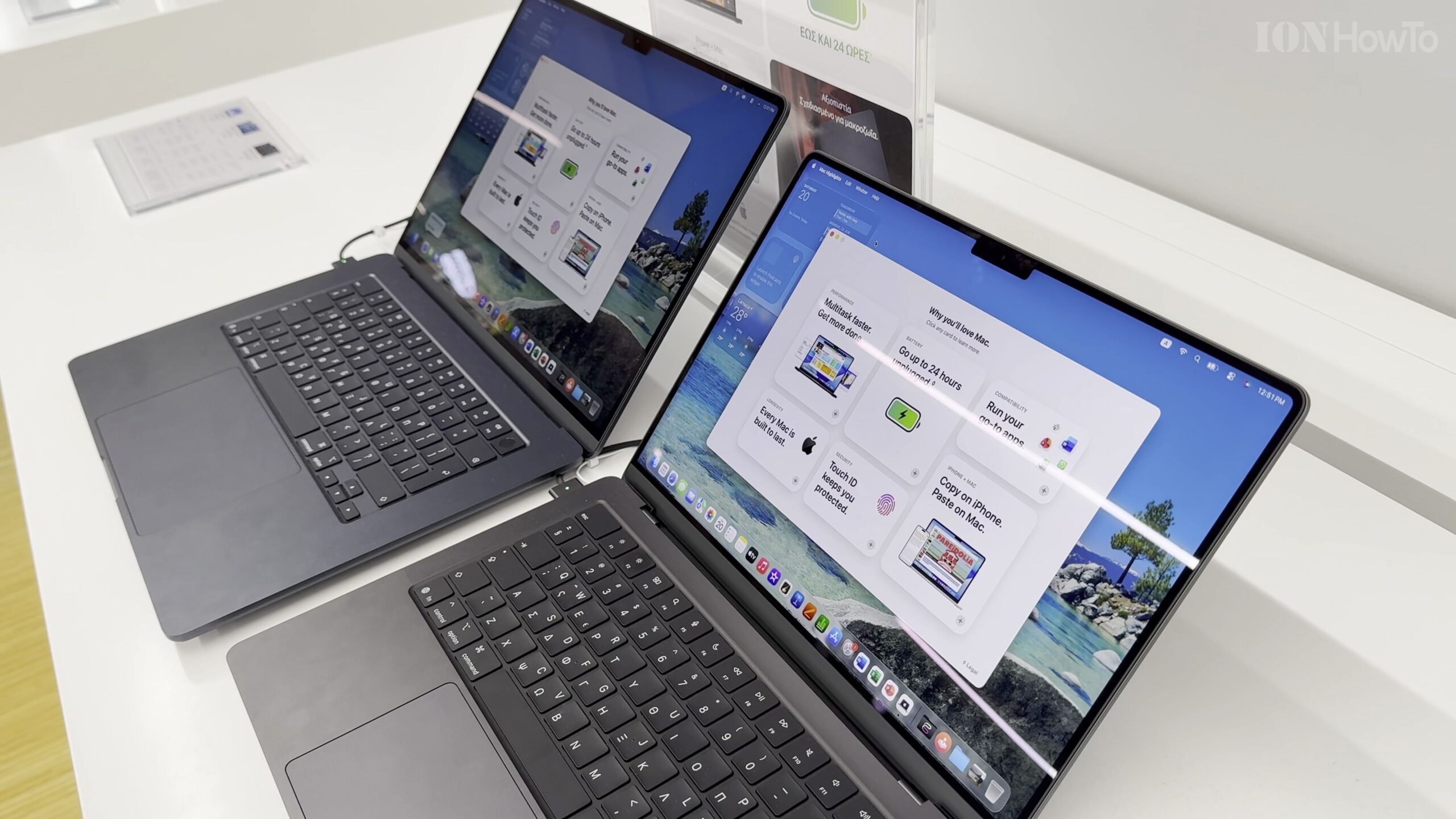
MacBook Air M5 vs MacBook Pro M5 Display Comparison and Viewing Angles Test
How much difference is there in real life between the Liquid Retina IPS panel on the MacBook Air M5 and the Liquid Retina XDR mini-LED display on the MacBook Pro M5? In this side-by-side display test, we compare brightness, contrast, reflections, and off-axis viewing angles across both screens.
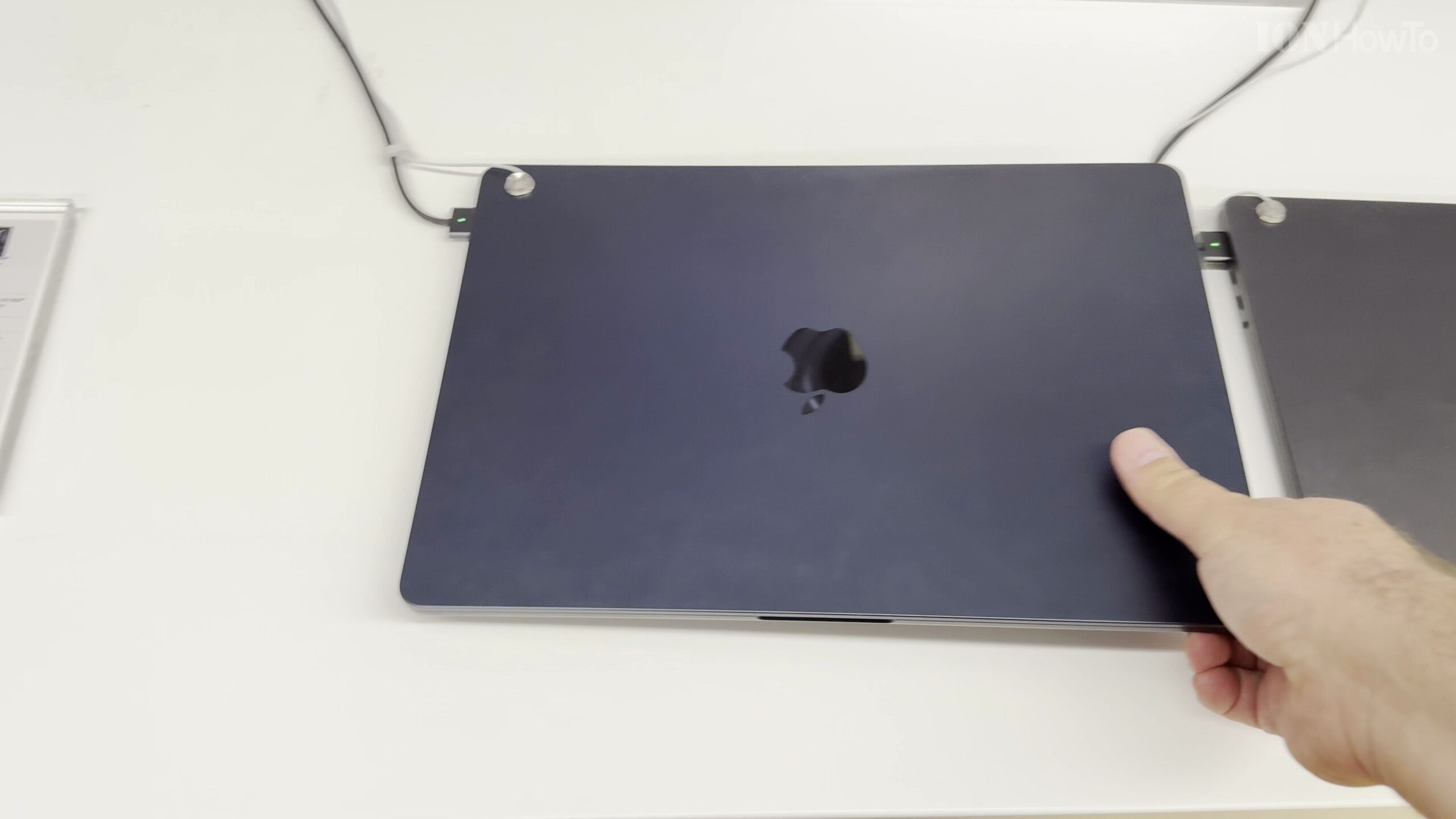
MacBook Air M5 13-Inch vs MacBook Pro M5 14-Inch: Side-by-Side Comparison
If you want the most portable Apple M5 laptop, how much size and weight do you actually save with the 13-inch MacBook Air M5 compared to stepping up to the 14-inch MacBook Pro M5? Here is our hands-on visual comparison covering thickness, weight, display borders, ports, and ergonomics.
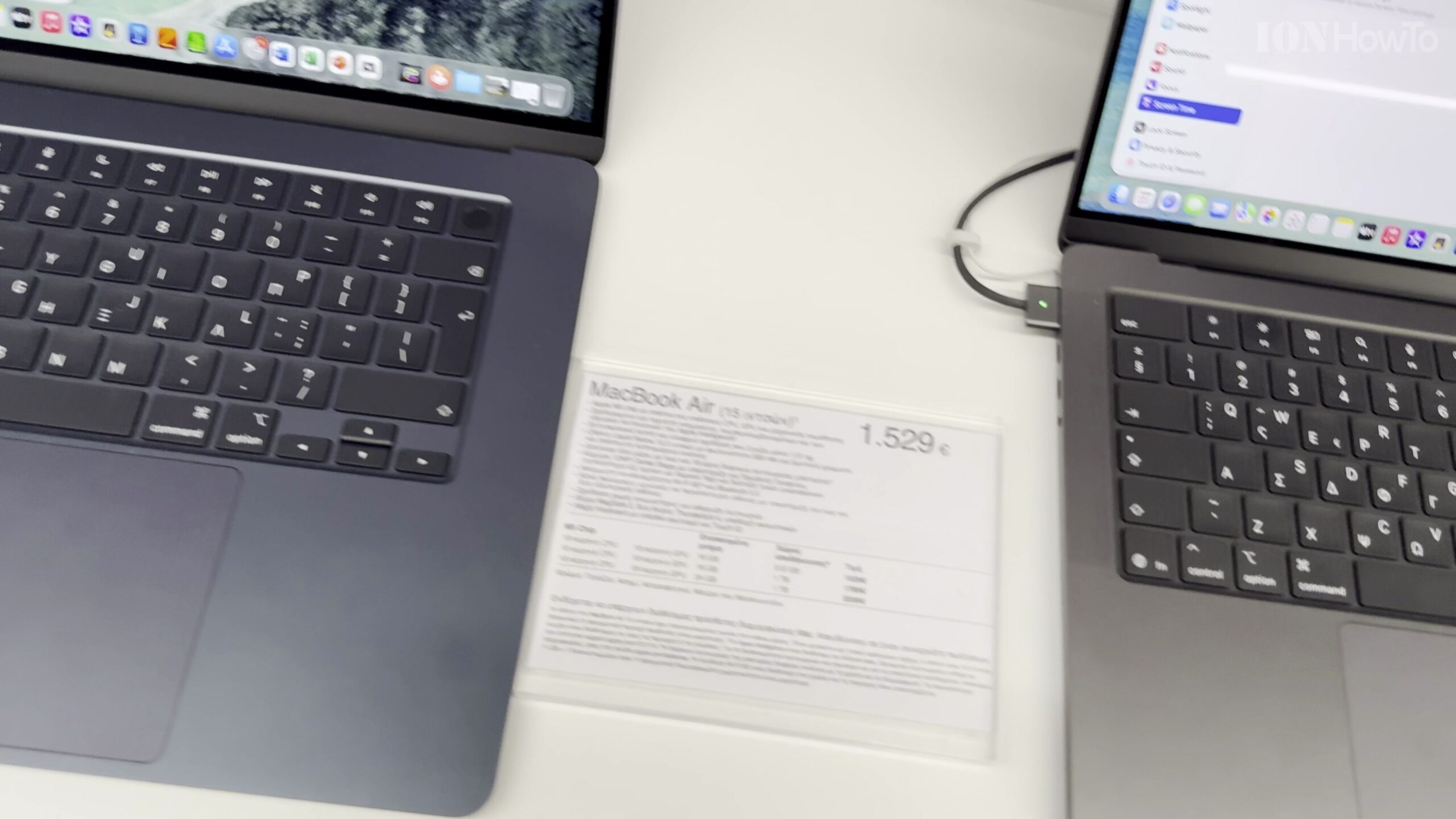
MacBook Air M5 15-Inch vs MacBook Pro M5 14-Inch: Size, Display, and Port Comparison
Choosing between the 15-inch MacBook Air M5 and the 14-inch MacBook Pro M5 comes down to whether you prioritize a larger, thinner screen or a brighter ProMotion display with active cooling and extra ports. In this side-by-side comparison, we look closely at the chassis dimensions, screen real estate, port selection, and everyday handling of both…
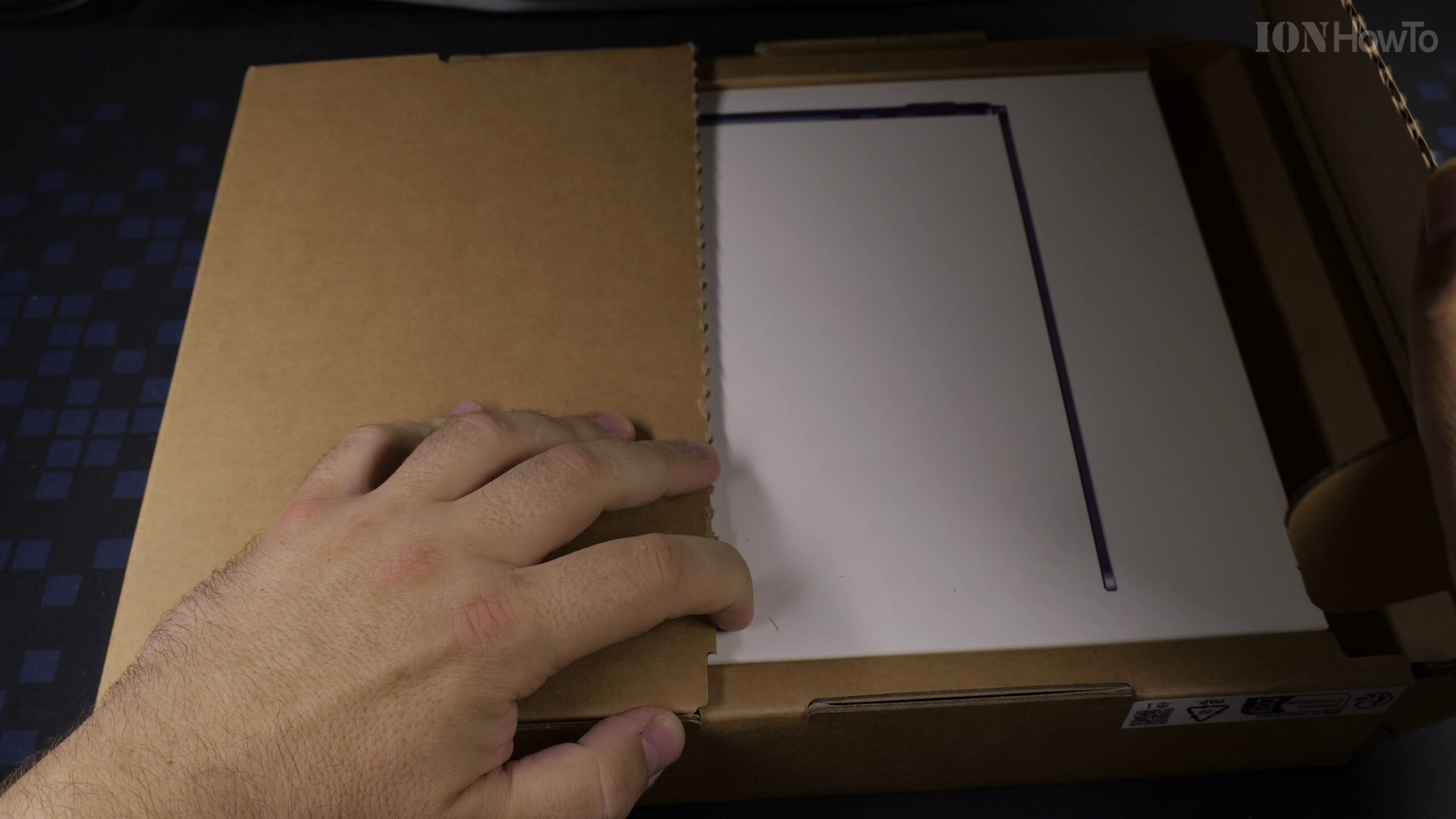
MacBook Air M5 13-Inch Unboxing (Midnight, 16GB RAM, 512GB SSD – Model A3449)
Thinking about picking up the 13-inch MacBook Air M5 in Midnight? In this step-by-step unboxing guide, we inspect the outer shipping protection, retail box specifications (Model A3449, Part MDHE4D/A), hardware configuration, and package contents of the 10-core CPU, 8-core GPU, 16GB RAM, and 512GB SSD configuration.
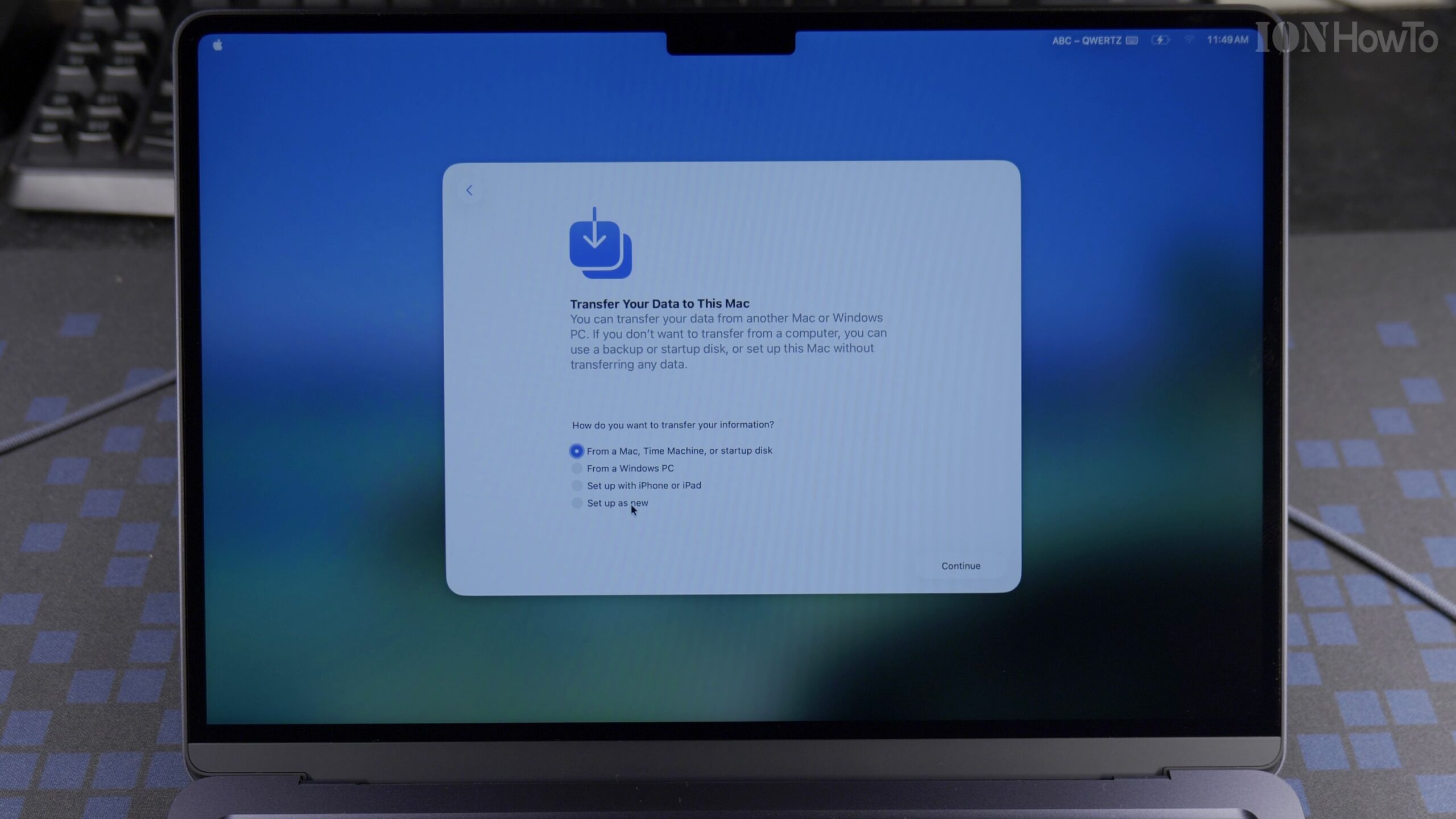
MacBook Air M5 13-Inch First Time Setup as a New Mac Using an iPhone (macOS 26.5)
When you open a brand-new 13-inch MacBook Air M5 for the first time, macOS 26.5 lets you either configure the laptop manually or use a nearby iPhone to transfer your Apple Account, Wi-Fi passwords, and iCloud preferences automatically. Here is the complete step-by-step first setup guide for the MacBook Air M5 (16GB RAM, 512GB SSD).
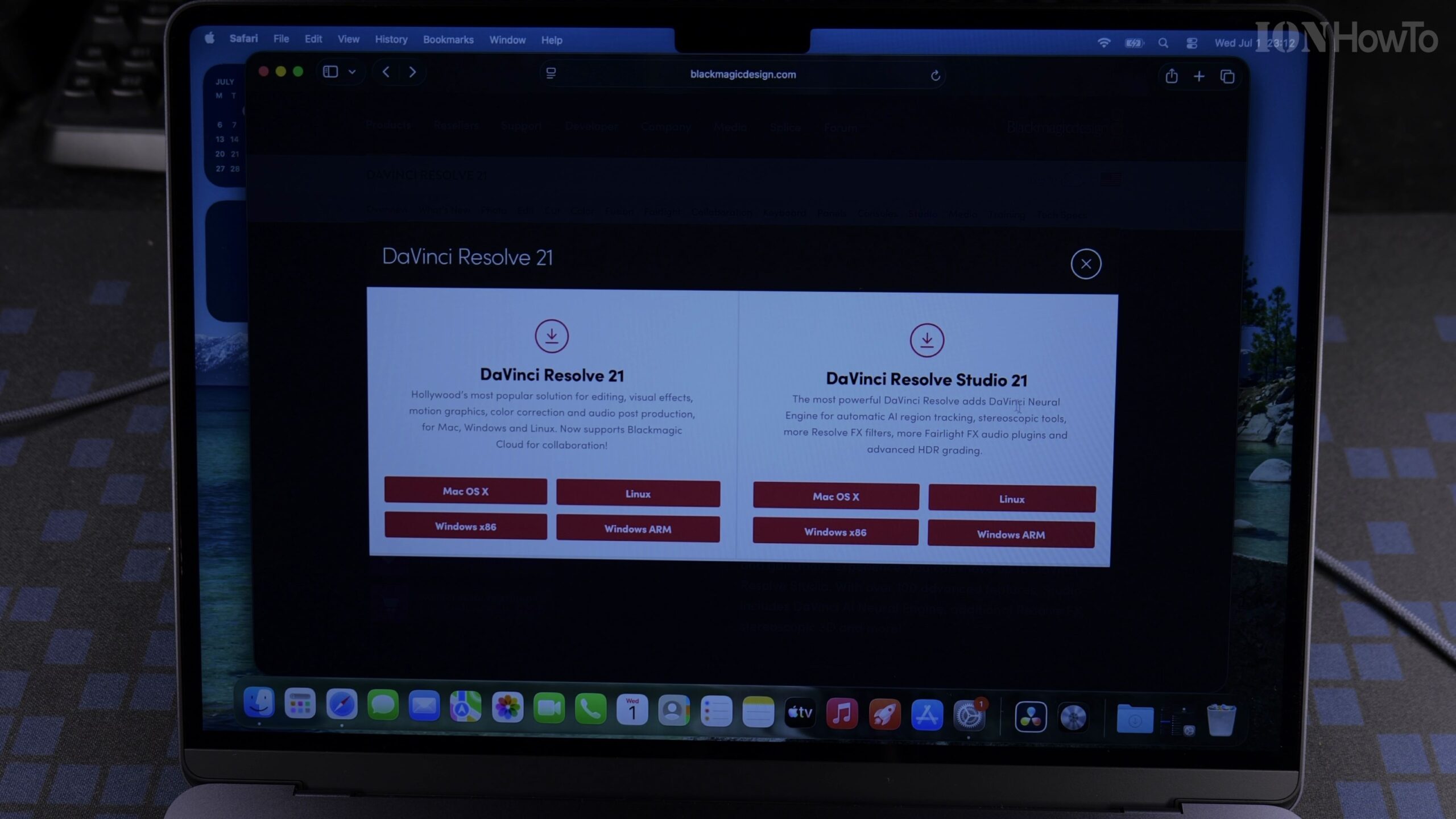
Quick Guide: Installing and Activating DaVinci Resolve Studio 21 on MacBook Air M5 with Speed Editor License
Need a fast reference for getting DaVinci Resolve Studio 21 installed and activated on your new MacBook Air M5? Here is the streamlined walkthrough for downloading the official Studio installer from Blackmagic Design and activating your Speed Editor license key on macOS 26.5.
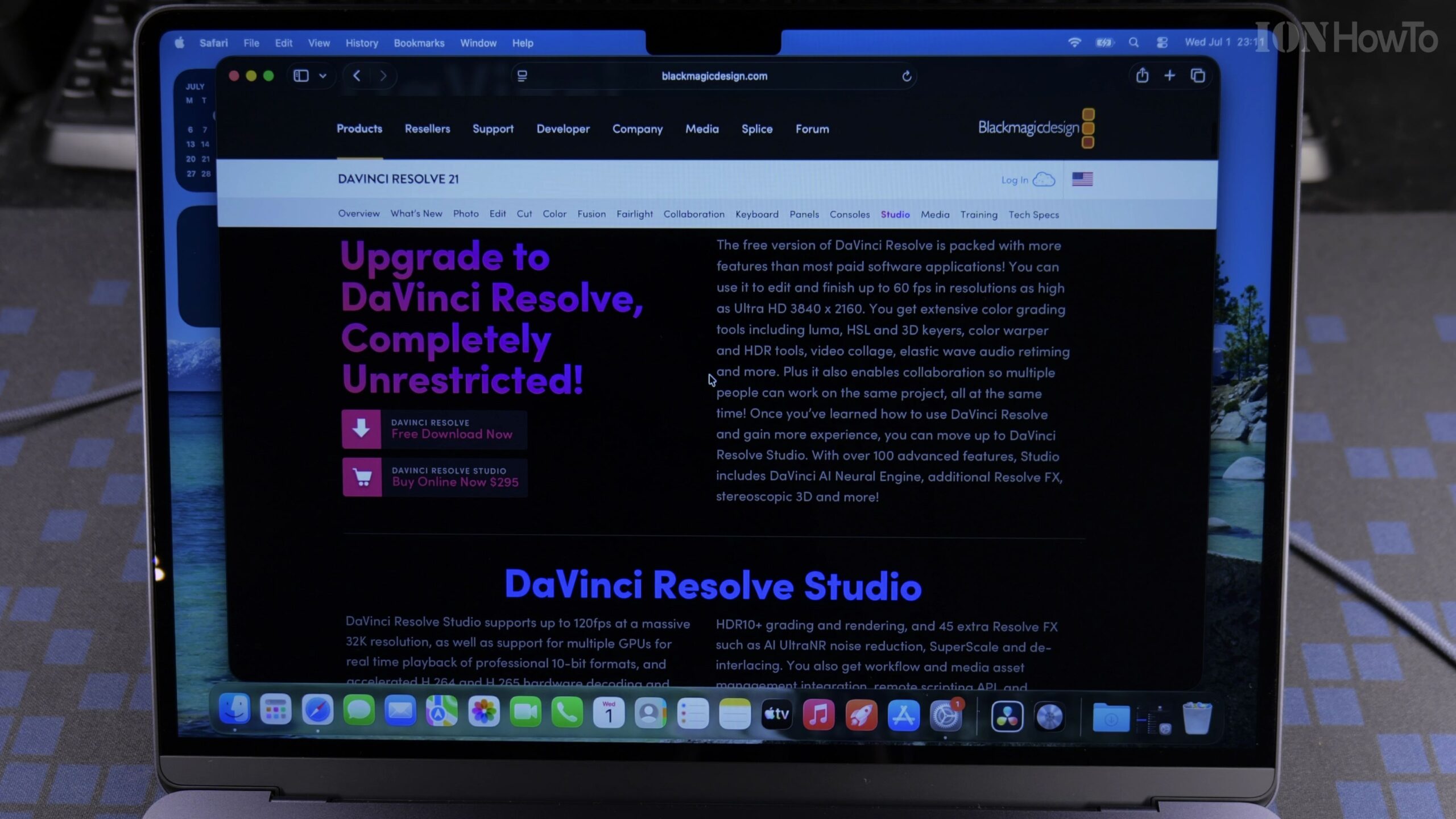
How to Install and Activate DaVinci Resolve Studio 21 on MacBook Air M5 Using a Speed Editor Key (Full Guide)
If you purchased a Blackmagic Design DaVinci Resolve Speed Editor keyboard, the box includes a plastic activation card that unlocks the full DaVinci Resolve Studio 21 software on two computers. In this complete step-by-step tutorial, we show how to download, install, and activate DaVinci Resolve Studio 21 on a MacBook Air M5 running macOS 26.5.
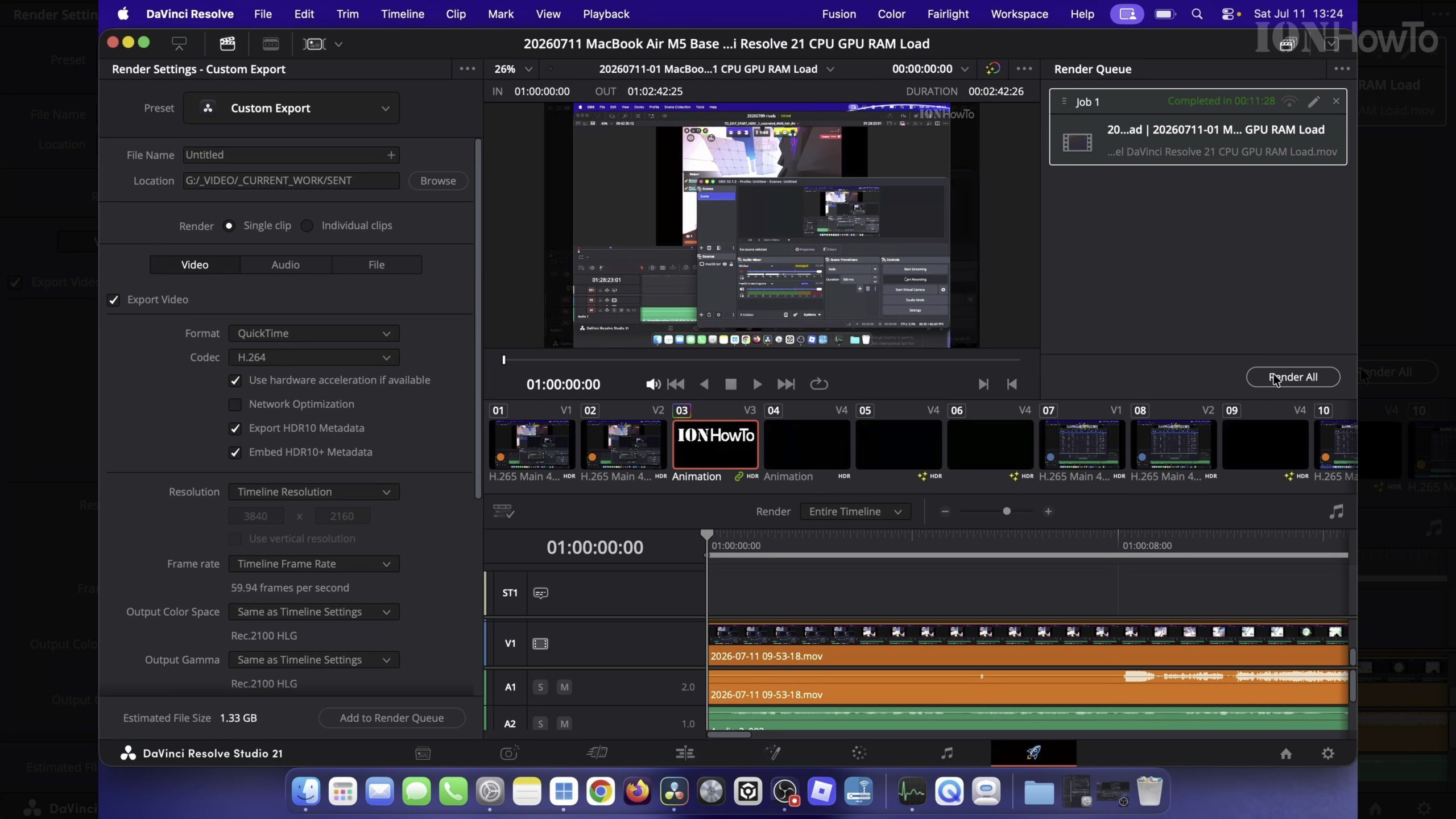
MacBook Air M5 DaVinci Resolve 21 Render Test vs RTX 5080 Desktop PC (Thermal & Cooling Results)
How well does a fanless 13-inch MacBook Air M5 handle heavy 4K video rendering in DaVinci Resolve 21 compared to a high-end Windows 11 desktop PC equipped with an NVIDIA RTX 5080 GPU? We ran a real-world export benchmark in a warm room (over 30 degrees Celsius) while recording the screen with OBS to compare…
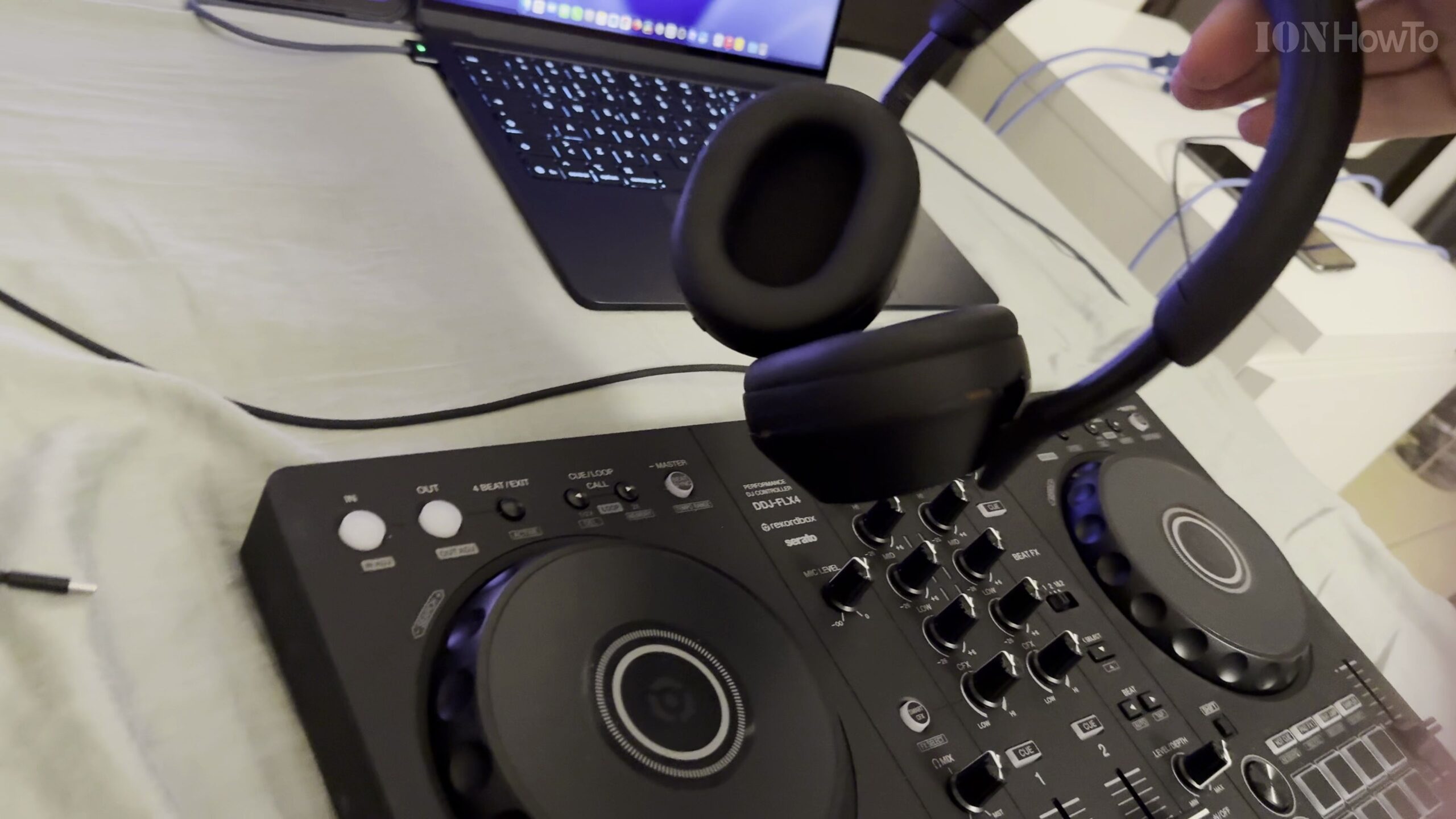
How to Connect Pioneer DJ DDJ-FLX4 to MacBook Air M5 and Set Up Rekordbox 7
Connecting the AlphaTheta Pioneer DJ DDJ-FLX4 controller to a MacBook Air M5 unlocks Rekordbox 7 Performance Mode along with real-time Stems separation on your performance pads. In this complete step-by-step guide, we show how to wire the USB-C connections, register ownership, configure audio routing, and start mixing on macOS.
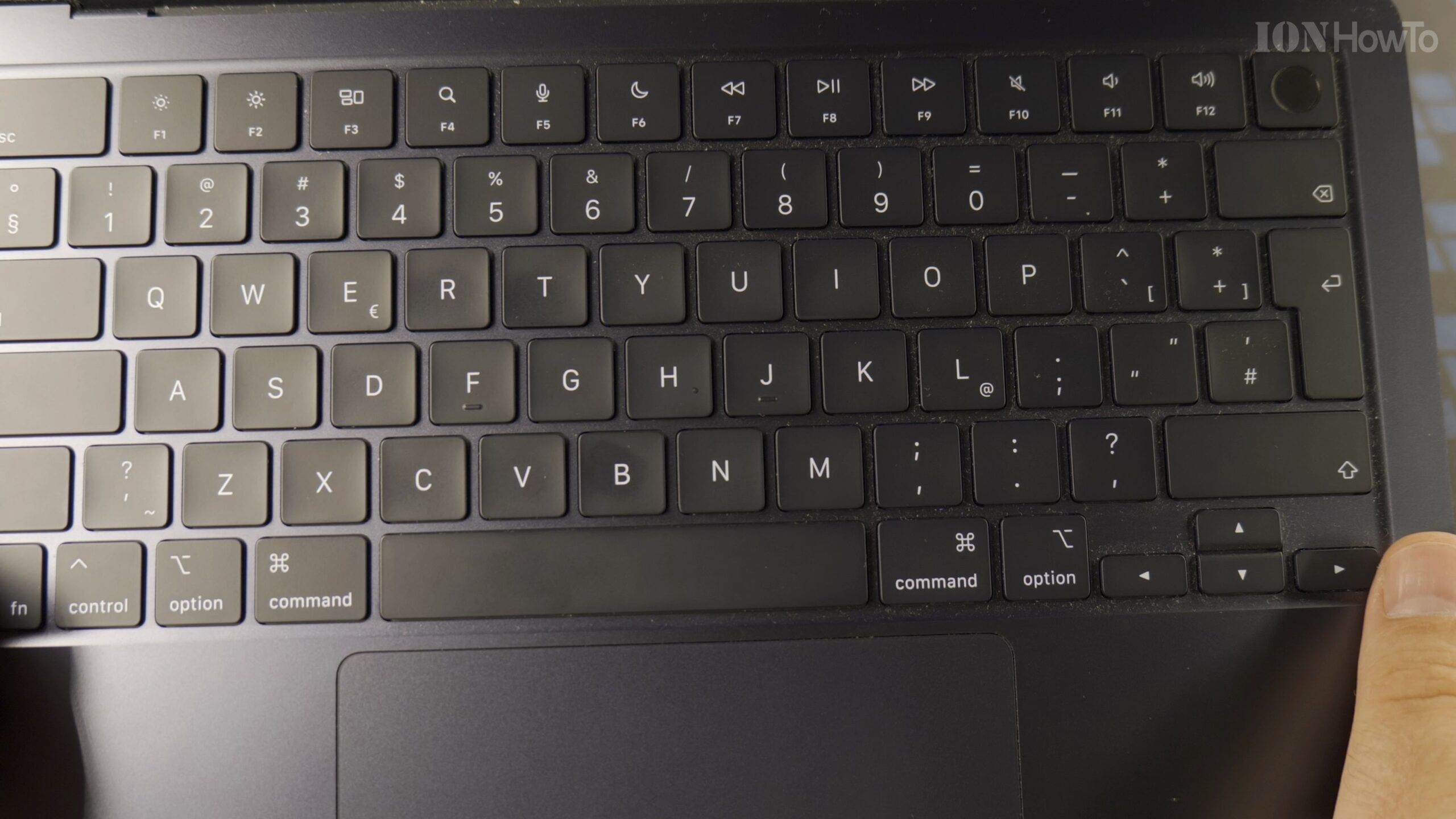
How to Safely Clean the Keyboard on a MacBook Air M5 Without Pressing Keys
Because modern Apple laptops turn on automatically whenever you press any key or touch the trackpad, wiping down your Magic Keyboard requires the right preparation. Here is the safe, step-by-step way to clean dust, fingerprints, and smudges off the keyboard on your MacBook Air M5.