
Thinking about picking up the 13-inch MacBook Air M5 in Midnight? In this step-by-step unboxing guide, we inspect the outer shipping protection, retail box specifications (Model A3449, Part MDHE4D/A), hardware configuration, and package contents of the 10-core CPU, 8-core GPU, 16GB RAM, and 512GB SSD configuration.
Inspect the Outer Shipping Box and Protective Packaging
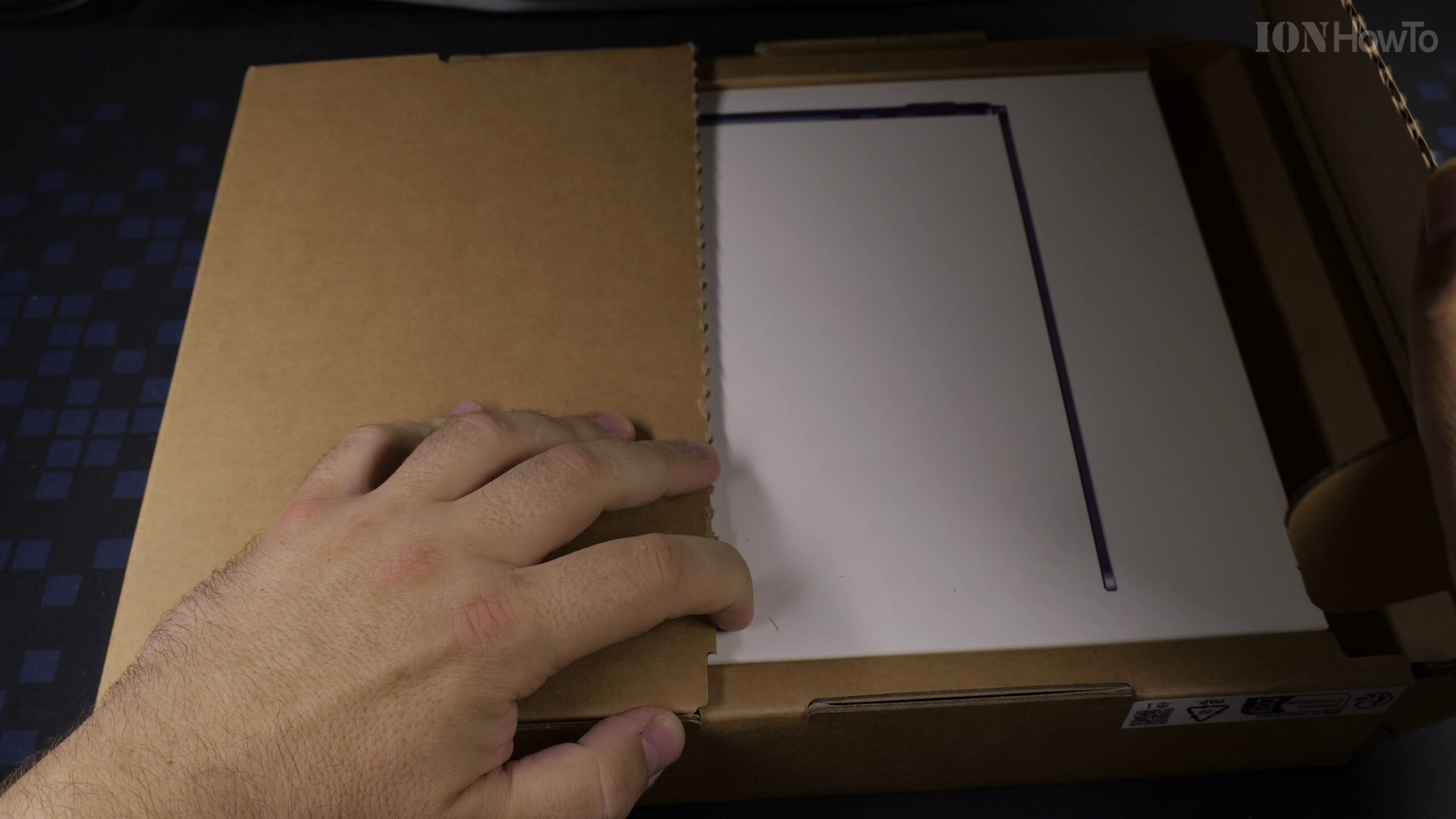
Check the brown cardboard shipping carton to make sure the protective corners and pull-tab seal arrived intact. Pull the perforated tear strip along the side to fold open the outer shipping protective flaps.
Verify the Retail Box Specs for Model A3449 (MDHE4D/A)
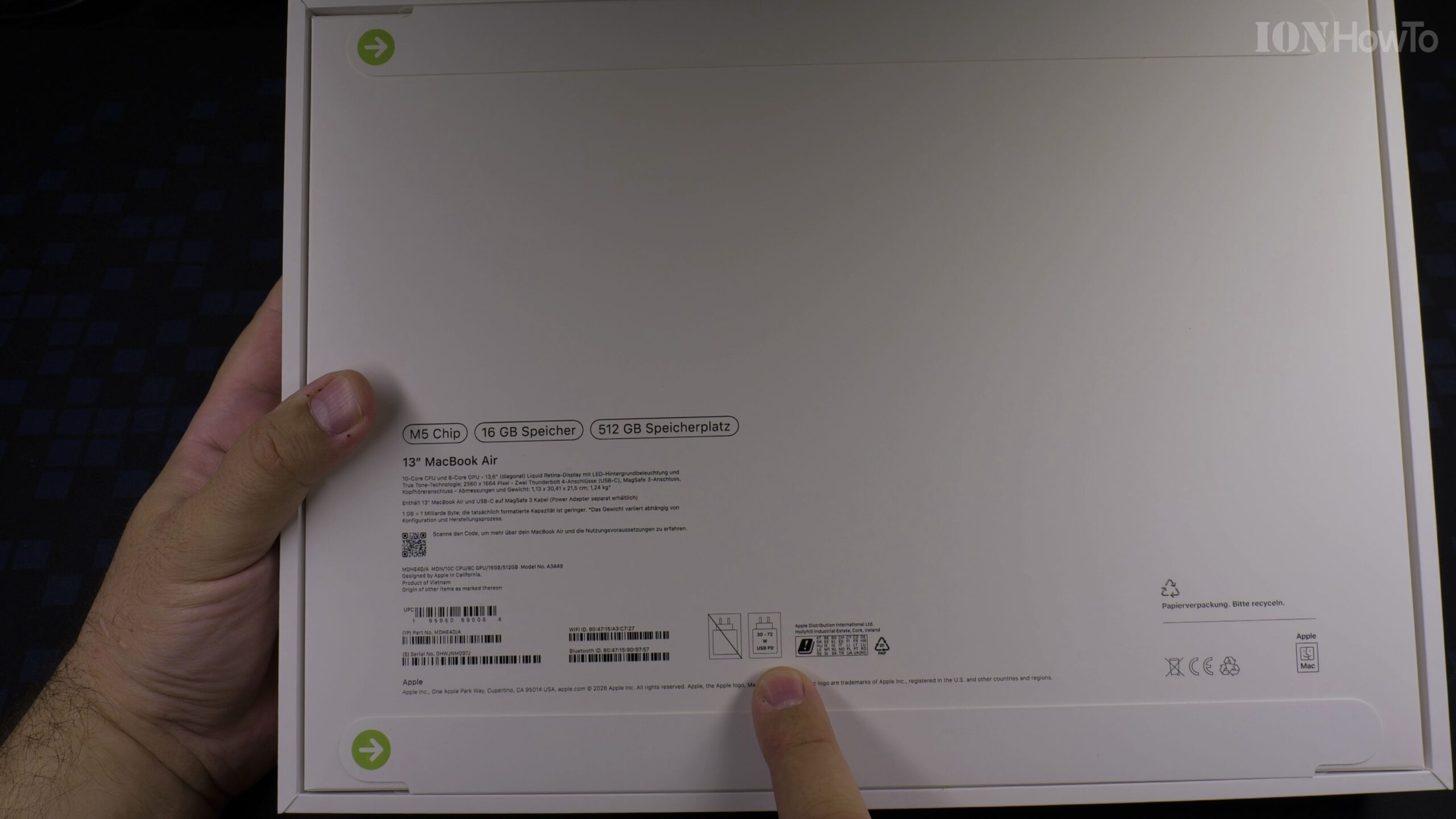
Slide out the white Apple retail box and inspect the specification sticker on the back: 13-inch MacBook Air in Midnight (Part No. MDHE4D/A, Model No. A3449, EAN 195950690064) featuring the Apple M5 chip with 10-core CPU, 8-core GPU, 16GB unified memory, and 512GB SSD.
Peel the Seals and Lift Off the MacBook Air Box Cover
Pull the two green-arrow paper tabs on the underside of the retail box and lift the top lid upward. The 13-inch MacBook Air M5 sits right on top wrapped in a protective matte paper sleeve.
Check the Braided USB-C to MagSafe 3 Cable and Documentation
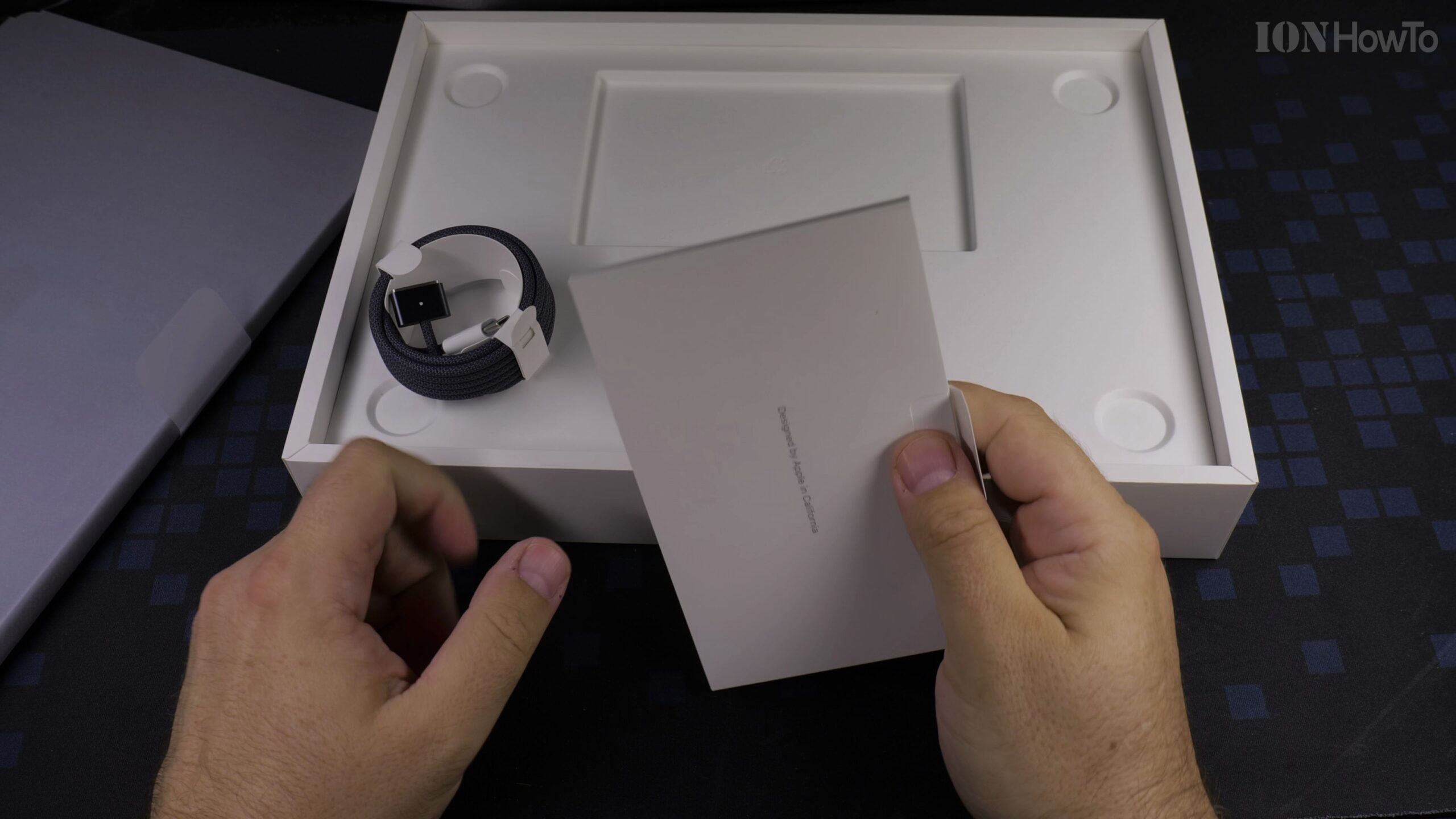
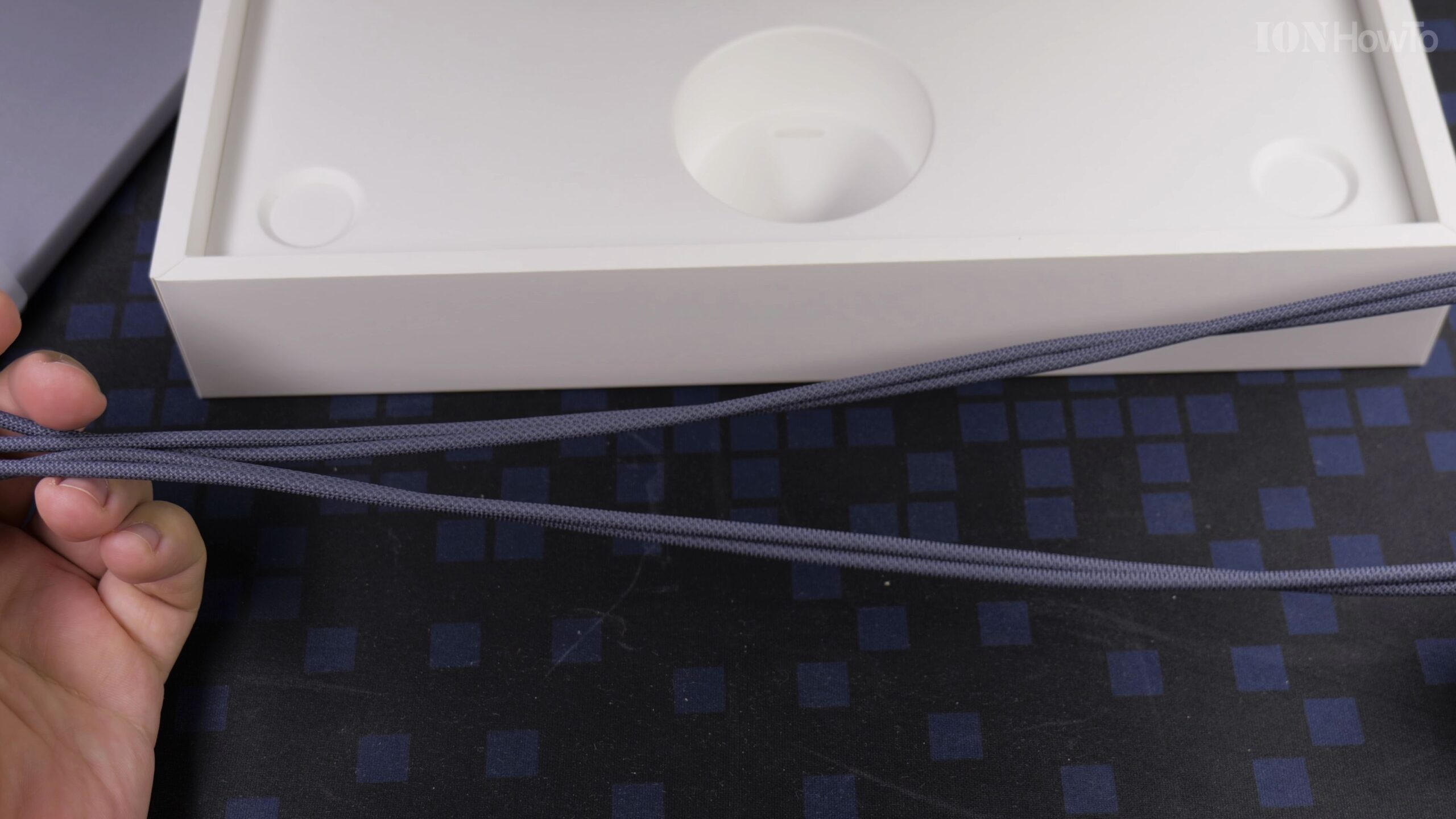
Lift the laptop out of the tray to access the accessory compartment underneath. Inside you will find the color-matched Midnight braided USB-C to MagSafe 3 charging cable and the documentation folder (note that in this regional configuration, the USB-C power adapter is sold separately).
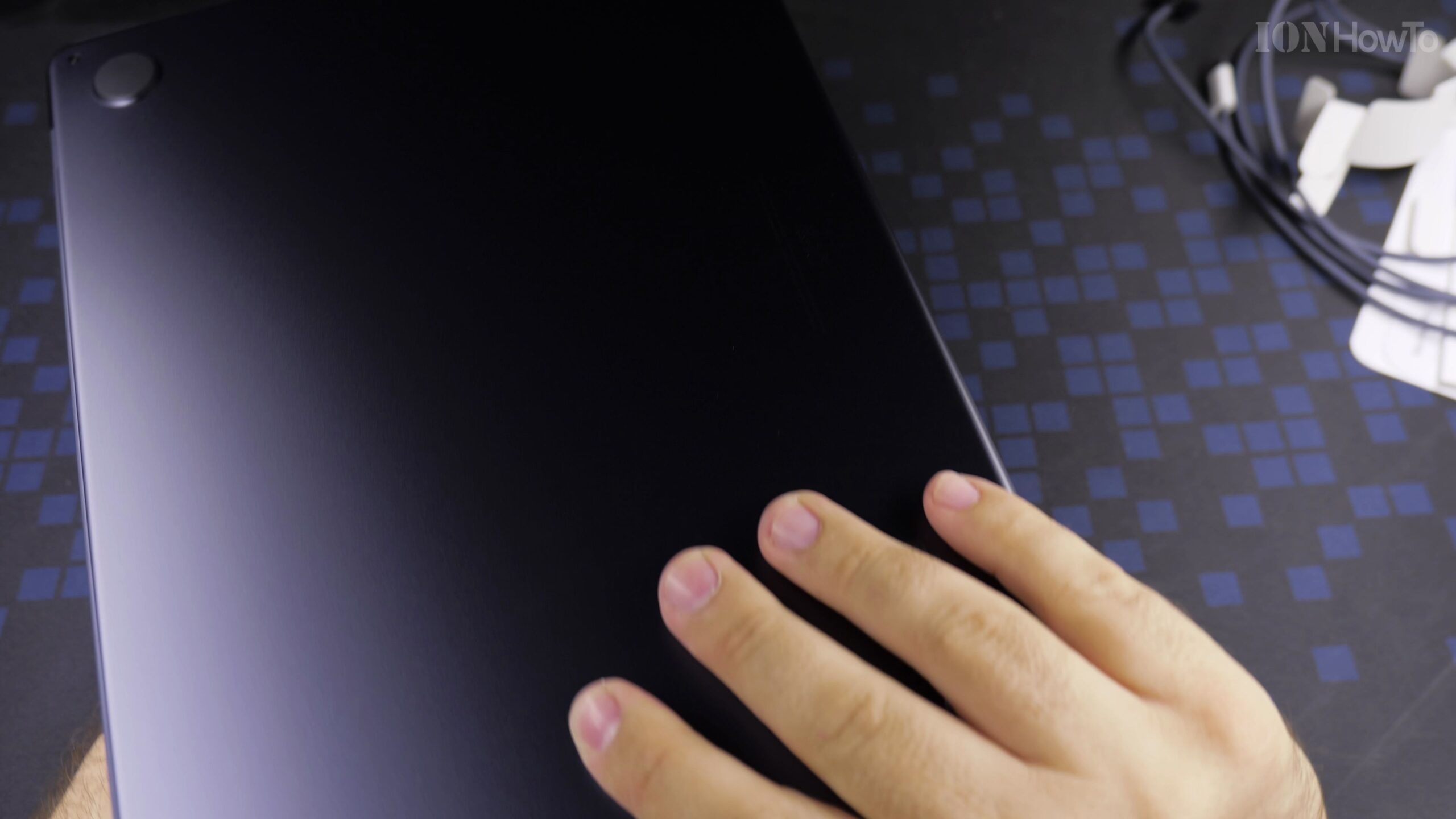
Unwrap the Midnight Aluminum Chassis and Inspect the Ports
Unfold the paper wrapper and open the 13.6-inch Liquid Retina display (2560×1664 resolution with 12MP Center Stage camera) to remove the protective tissue liner over the backlit Magic Keyboard and Force Touch trackpad. On the sides, inspect the MagSafe 3 charging port, two Thunderbolt 4 (USB-C) ports, and 3.5mm headphone jack.
Helpful Tips and Related Guides
At just 1.13 cm thin and weighing 1.24 kg, the 13-inch MacBook Air M5 also includes Wi-Fi 7 and Bluetooth 6 connectivity. For more hands-on articles, visit our MacBook Air M5 hub, browse our MacBook Air archive, or read our MacBook Air M5 13-Inch First Impressions and Overview.


Leave a Reply