
Category: Electronics & Gadgets
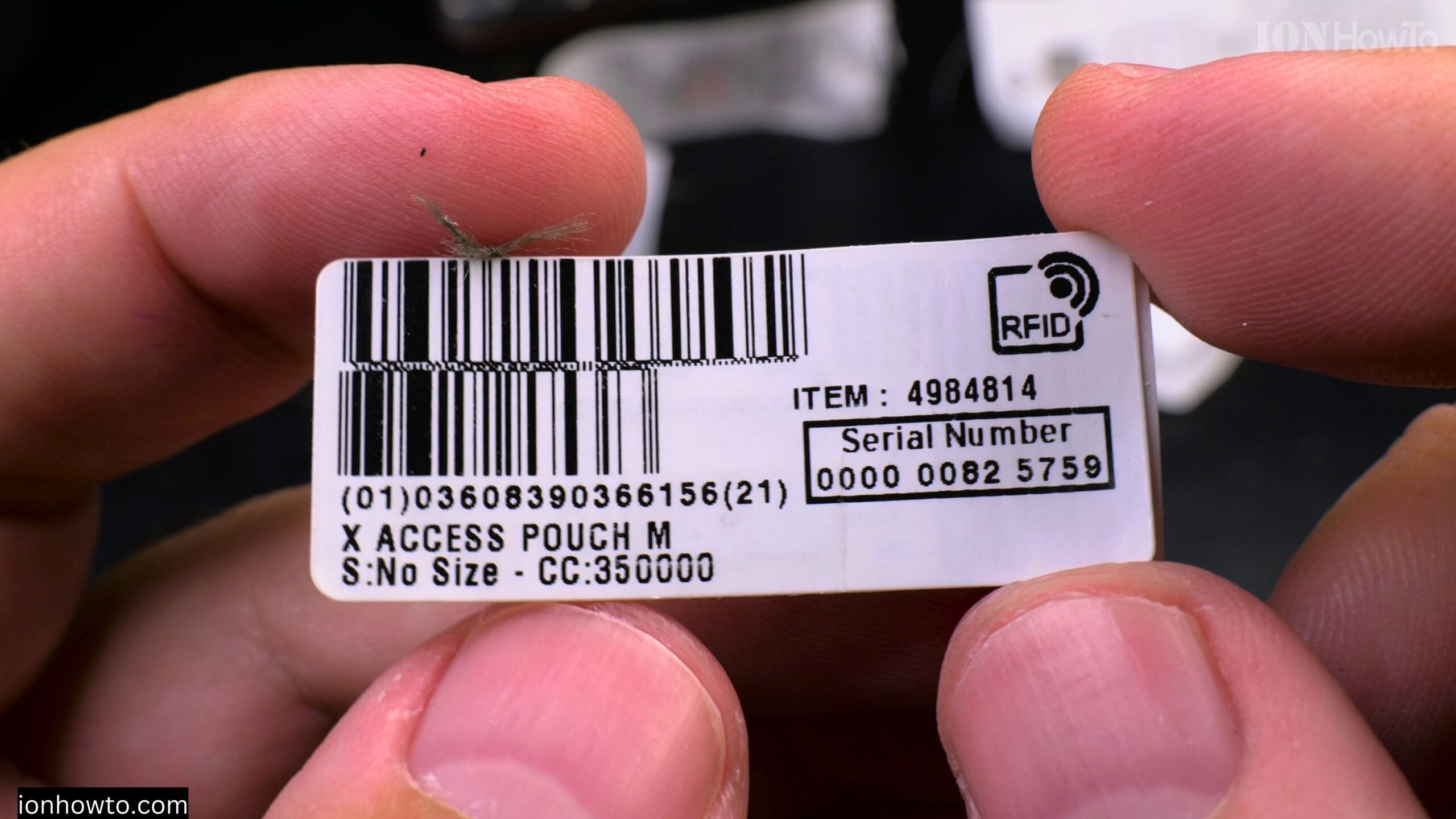
Decathlon RFID Chip in Labels How It Works
How Decathlon’s EDC Pouch RFID Chips Work and Their Uses. Learn how Decathlon uses RFID technology in their product labels to improve your shopping experience and store operations. What Are RFID Chips? RFID (Radio Frequency Identification) chips are tiny electronic tags that: How Decathlon Uses RFID in Labels 1. Faster Checkouts 2. Better Inventory Management…
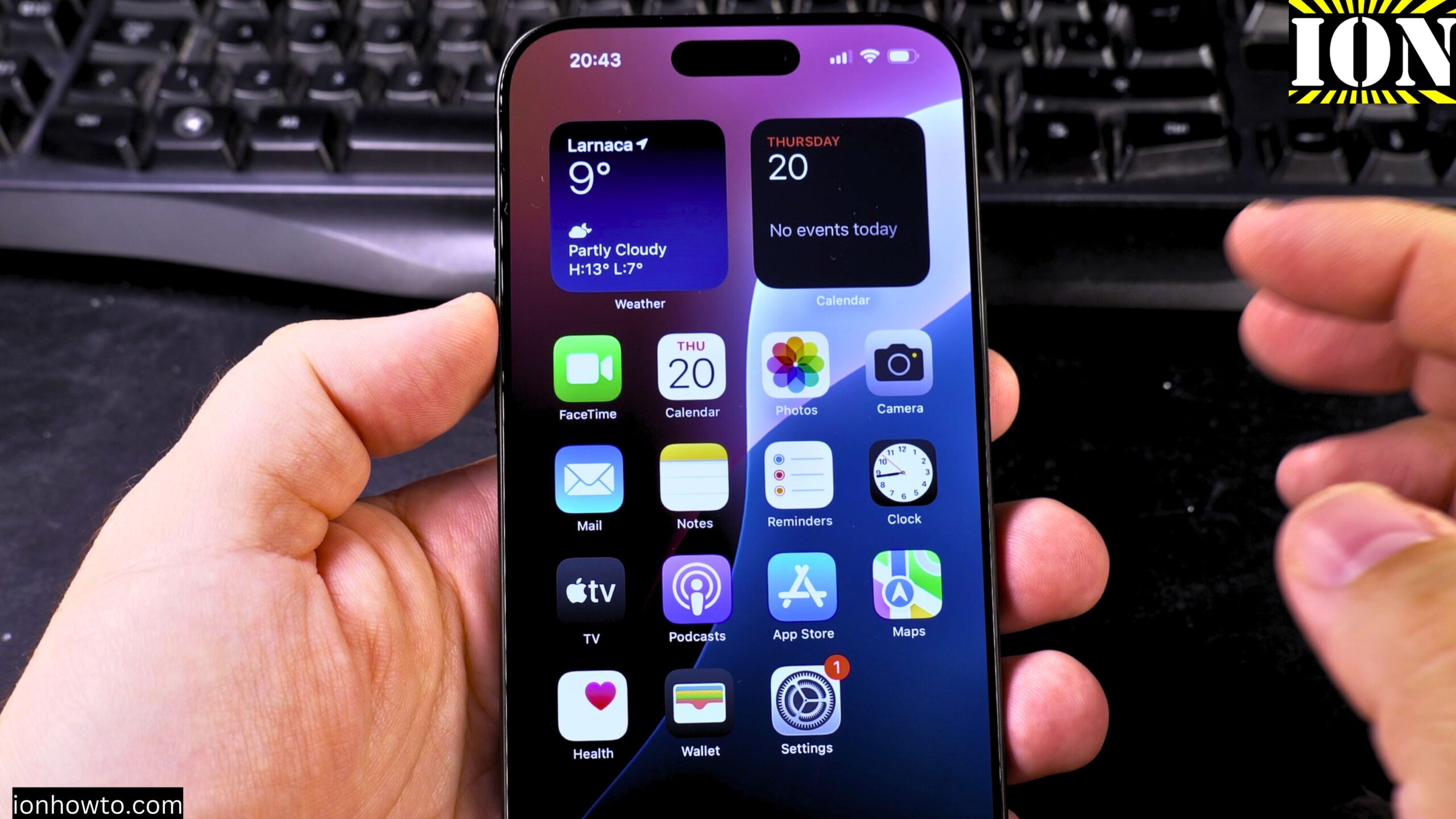
How to Remove Wallpaper on iPhone
How to Remove Wallpaper and Make iPhone Home & Lock Screen Black. Learn how to remove your wallpaper and set a pure black home screen and lock screen on your iPhone. I show you the steps to create a completely black background, which can help save battery life on iPhones with OLED screens. Showing you…
Disable Audio Auto Dubbing on YouTube Shorts
How to Disable Audio Auto Dubbing on YouTube Shorts. Learn how to disable audio auto dubbing on YouTube Shorts. If you prefer your Shorts to keep their original audio without automatic translations, I’ll show you how to turn this feature off in the YouTube Shorts player. How to Disable Audio Auto Dubbing on YouTube Shorts…
Enable Auto Dubbing and Change Audio Language on YouTube
How to Enable Auto Dubbing and Change Languages on YouTube. Learn how to turn on auto dubbing and switch translation languages in the YouTube app. I’ll show you the steps to enable audio translations on both iPhone and Android devices, so you can watch videos in your preferred language. Enable Auto Dubbing and Change Languages…
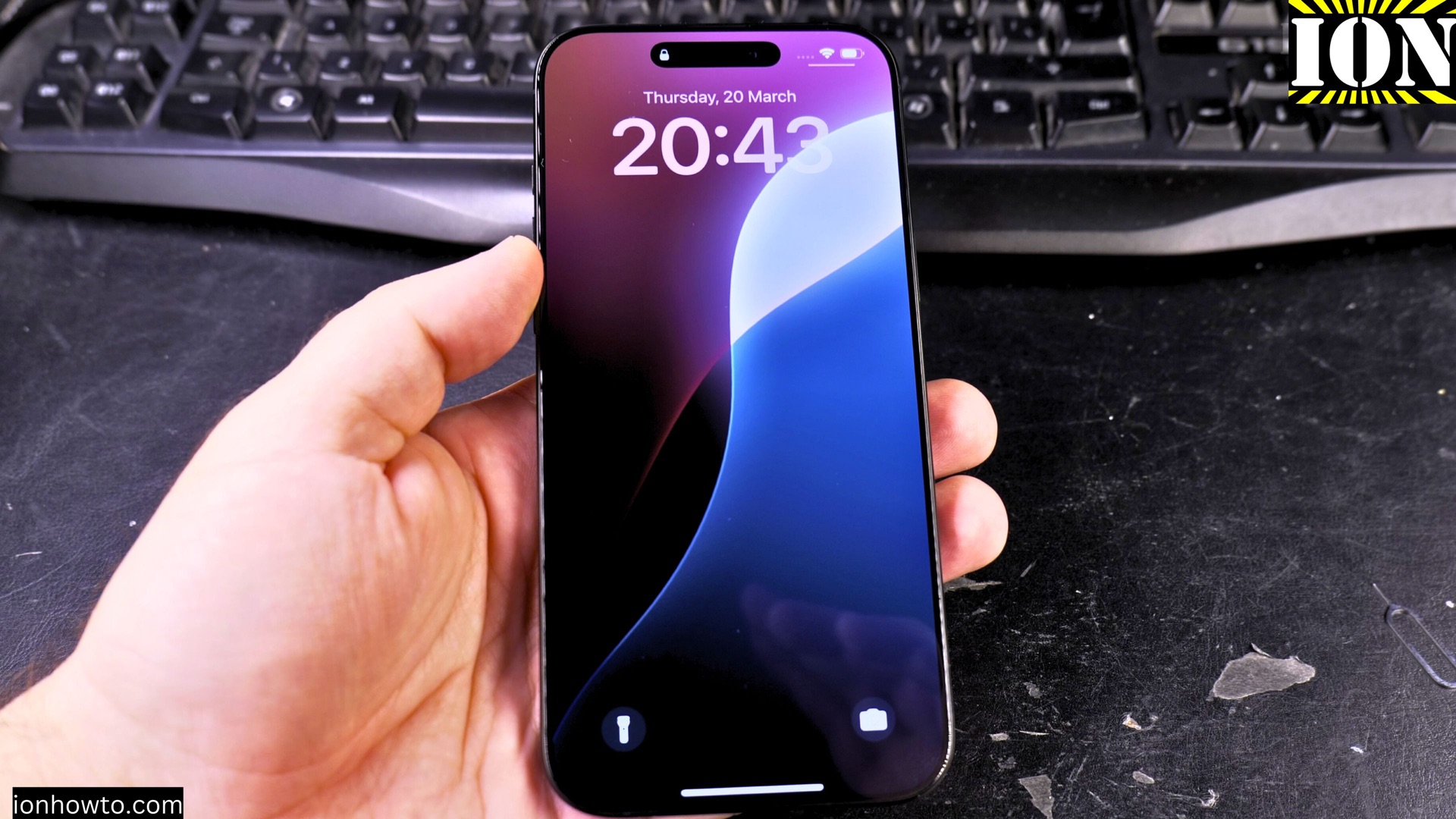
How to Sign Out and Factory Reset Your iPhone Erase All Data Before Selling
How to Sign Out and Factory Reset Your iPhone – Erase All Data Before Selling. If you’re selling, returning, or giving away your iPhone, you’ll want to wipe all your personal data first. A proper factory reset ensures your info stays safe and the next owner can set it up like a brand-new phone. This…
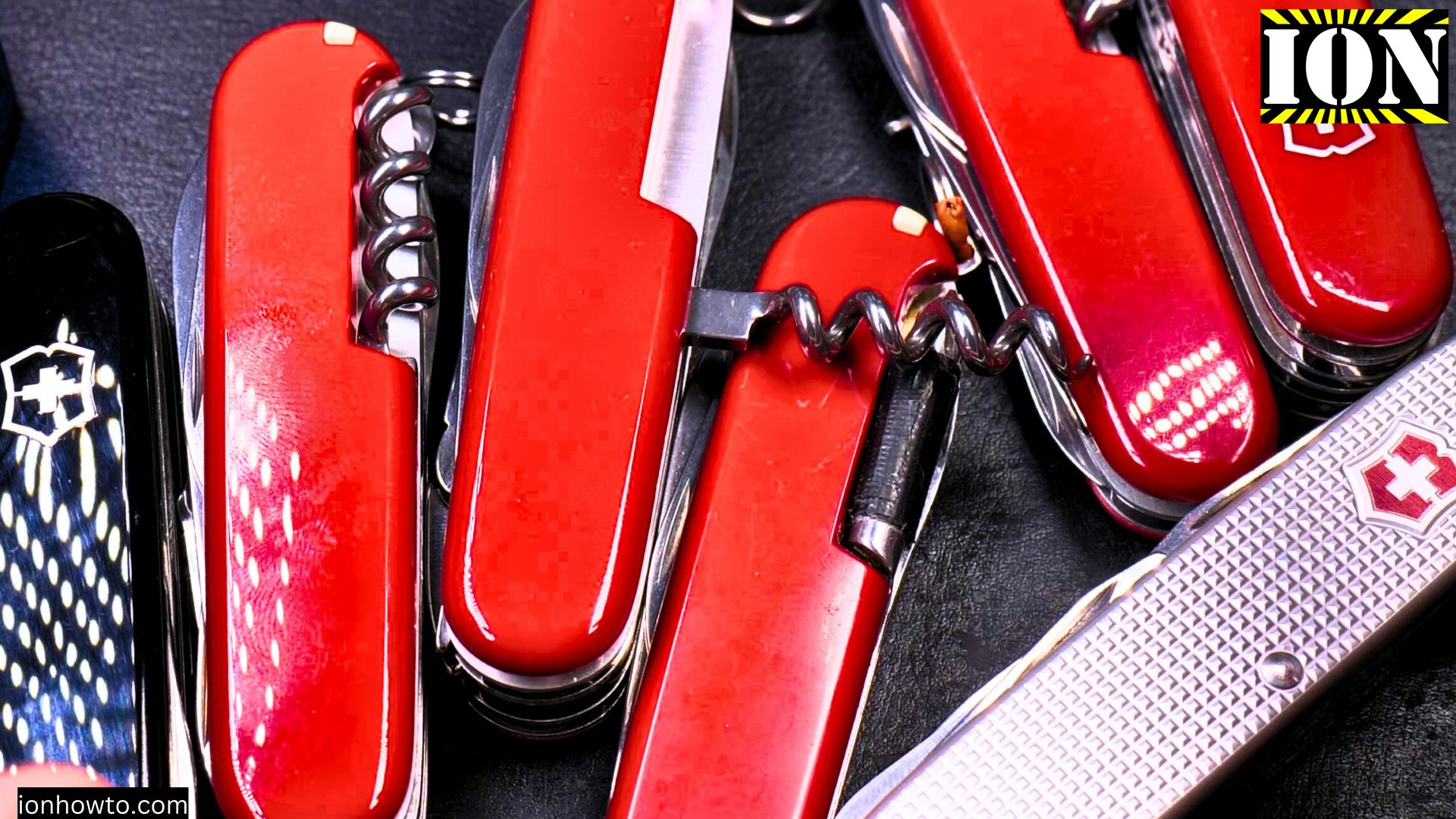
Victorinox Swiss Army Knife in Wallet Essential EDC
Victorinox Swiss Army Knife in Wallet Essential EDC Items Swiss Army Knife, Tapes, and More. Video In this video, I show you the essential everyday carry (EDC) items that I carry in my Wallet every day. These items are compact for quick fixes and everyday tasks. If you are at home or traveling, having these…
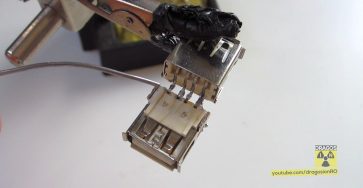
DIY USB Cable Extension
DIY USB Cable Extension What to do with the old phone charger cables? Instead of throwing them away, turn them into useful USB extension cables! This simple DIY project helps reduce e-waste and saves you money. What You Need USB Wiring A standard USB 2.0 cable has four wires: Wiring Note When connecting the cables,…
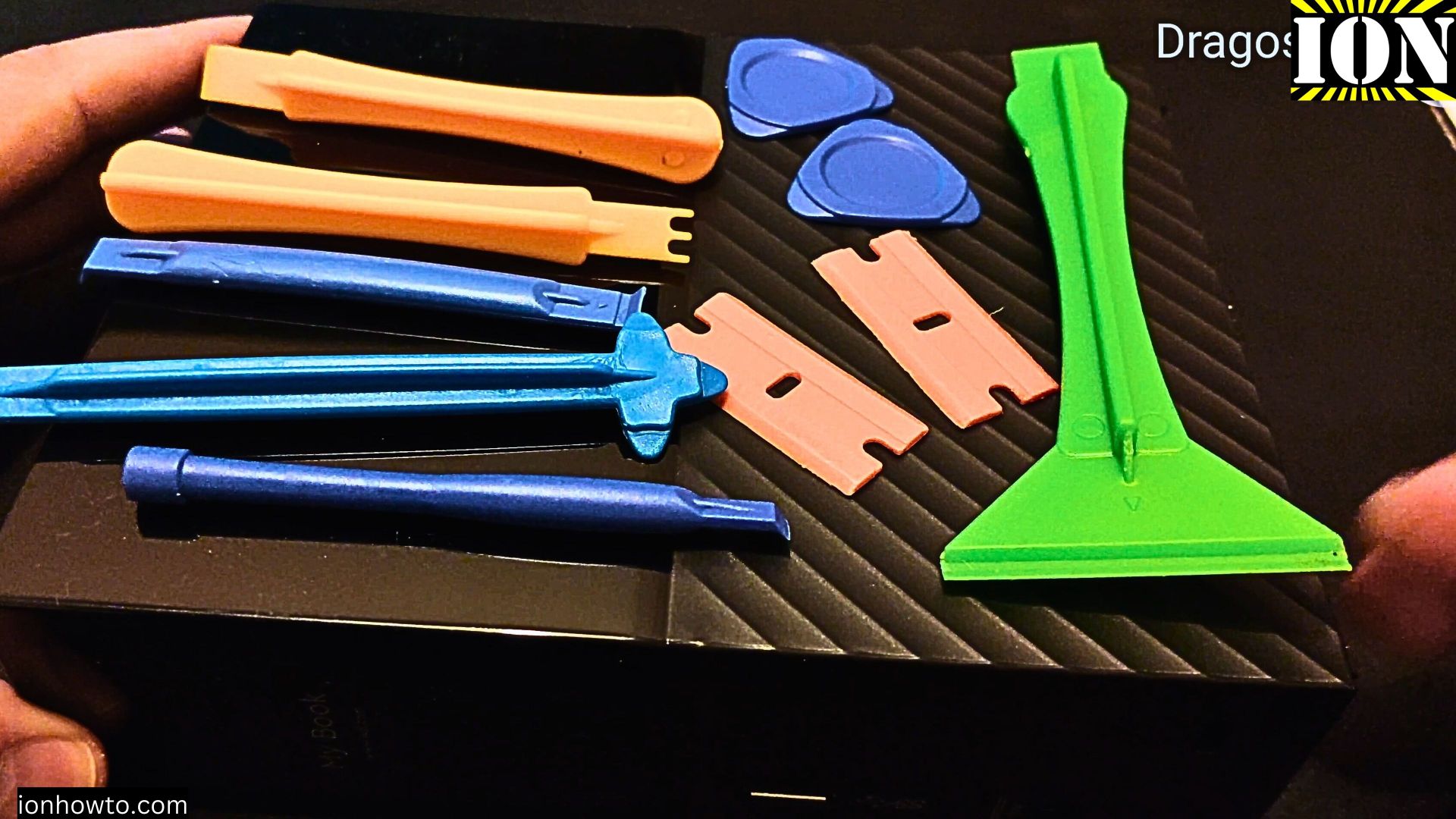
Mobile Phone Repair Tools
Essential Tools for DIY Electronics Repair Fix Your Gadgets at Home With the right tools and a bit of patience, you can repair your gadgets or phone. The essential tools you’ll need to start repairing your own electronics at home. The Basic Tool Kit Before looking into repairs, you’ll need a few good basic tools.…
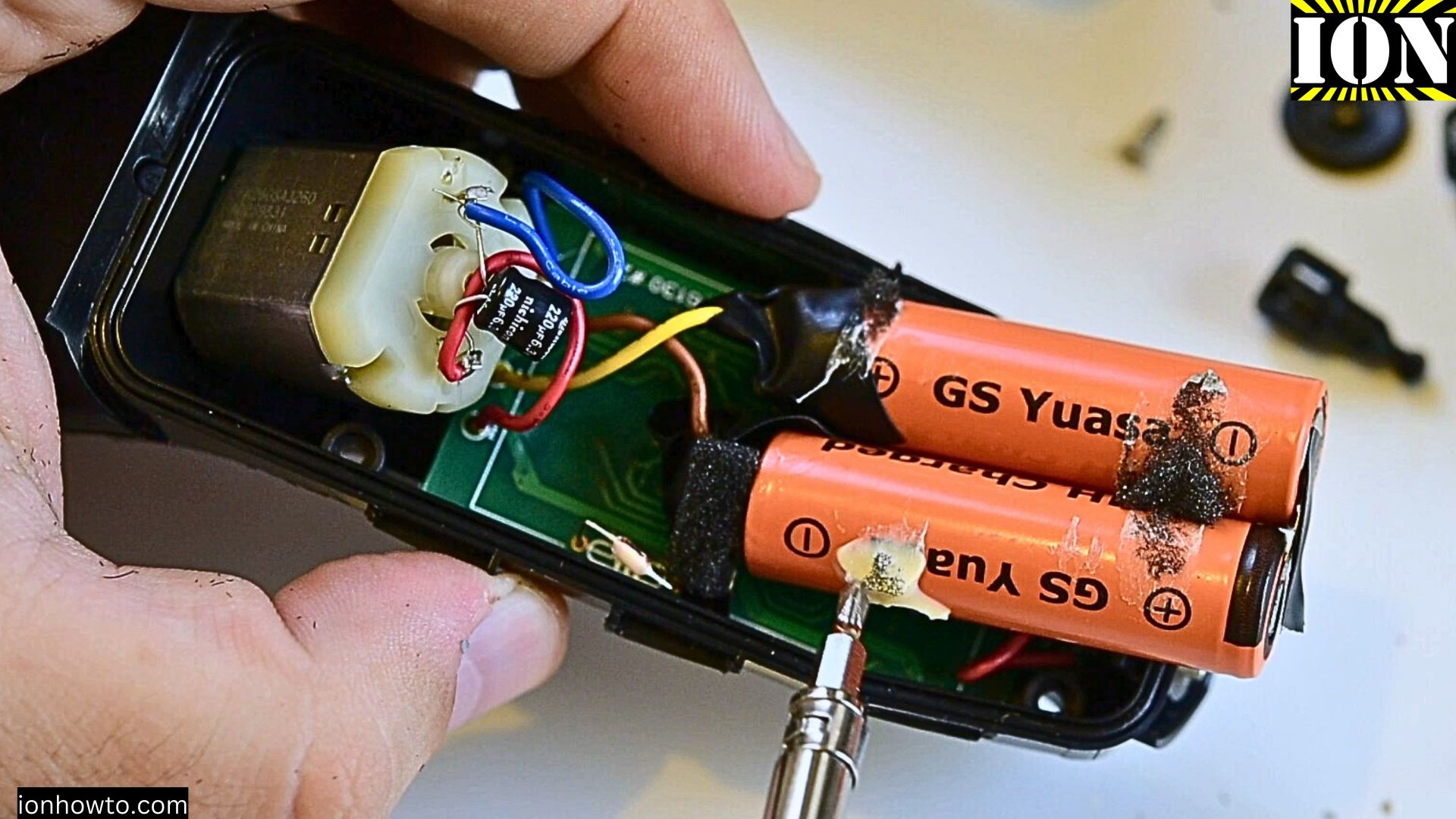
How to Replace Batteries in a Remington Electric Shaver
How to Replace Batteries in a Remington Electric Shaver R6130 This guide works for most electric shavers, not just the R6130 model. What You Need Tools Required Safety Step-by-Step Guide Opening the Shaver Locating the Battery Removing Old Batteries New Batteries Installing New Batteries Test Assembly Tips Troubleshooting If Shaver Won’t Power On If Charging…
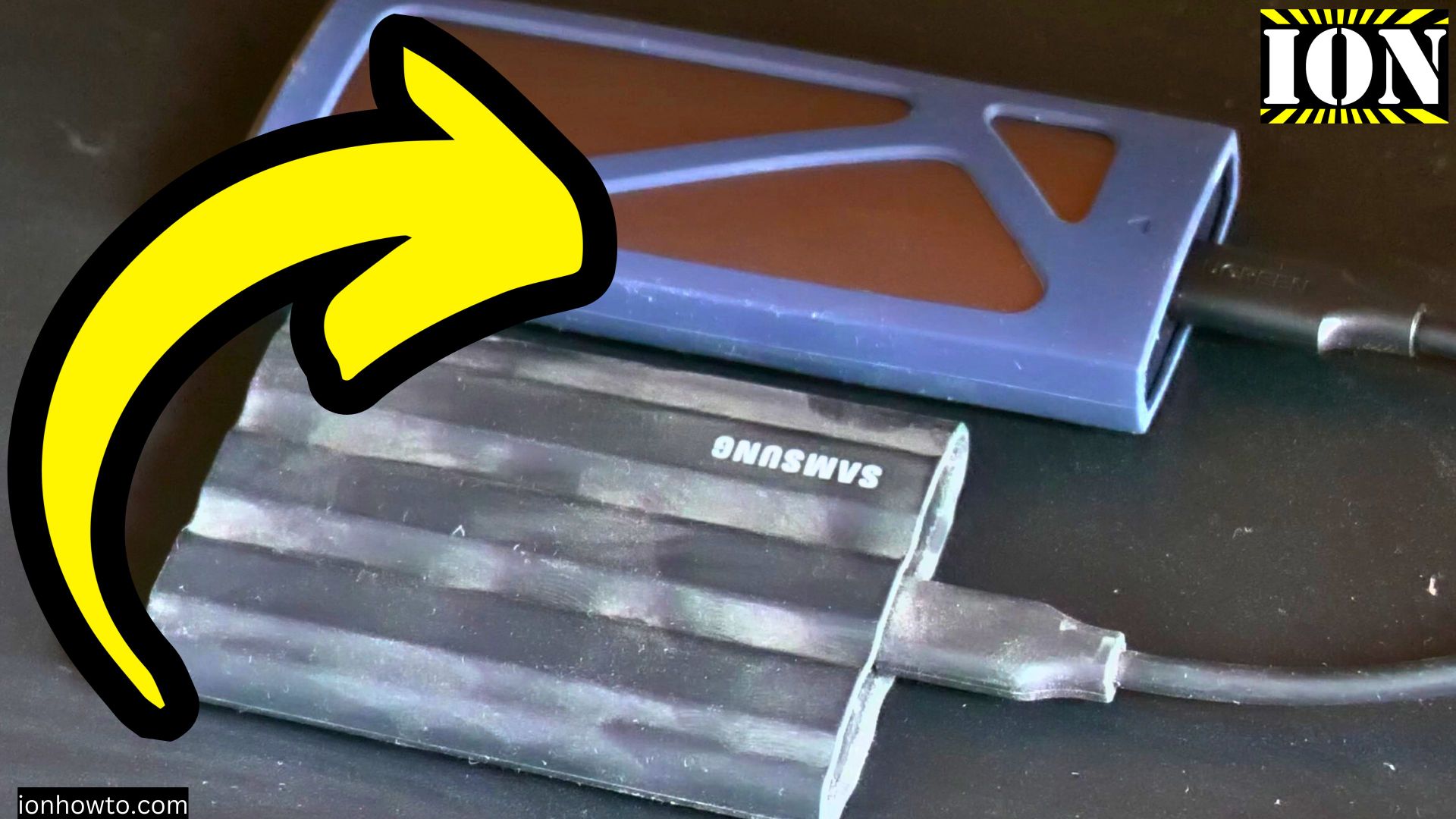
USB-C 3.2 Slow USB File Transfer Speed Fixed
USB-C 3.2 Slow USB File Transfer Speed Easy Fix. How to fix slow USB C speeds. USB-C 3.1 or USB-C 3.2 device running at USB 2.0 speed. How to fix slow USB C device speeds by turning the USB-C connector. Use the Correct USB 3.2 Port Know the difference between USB 2.0 and USB 3.0/3.1/3.2…