

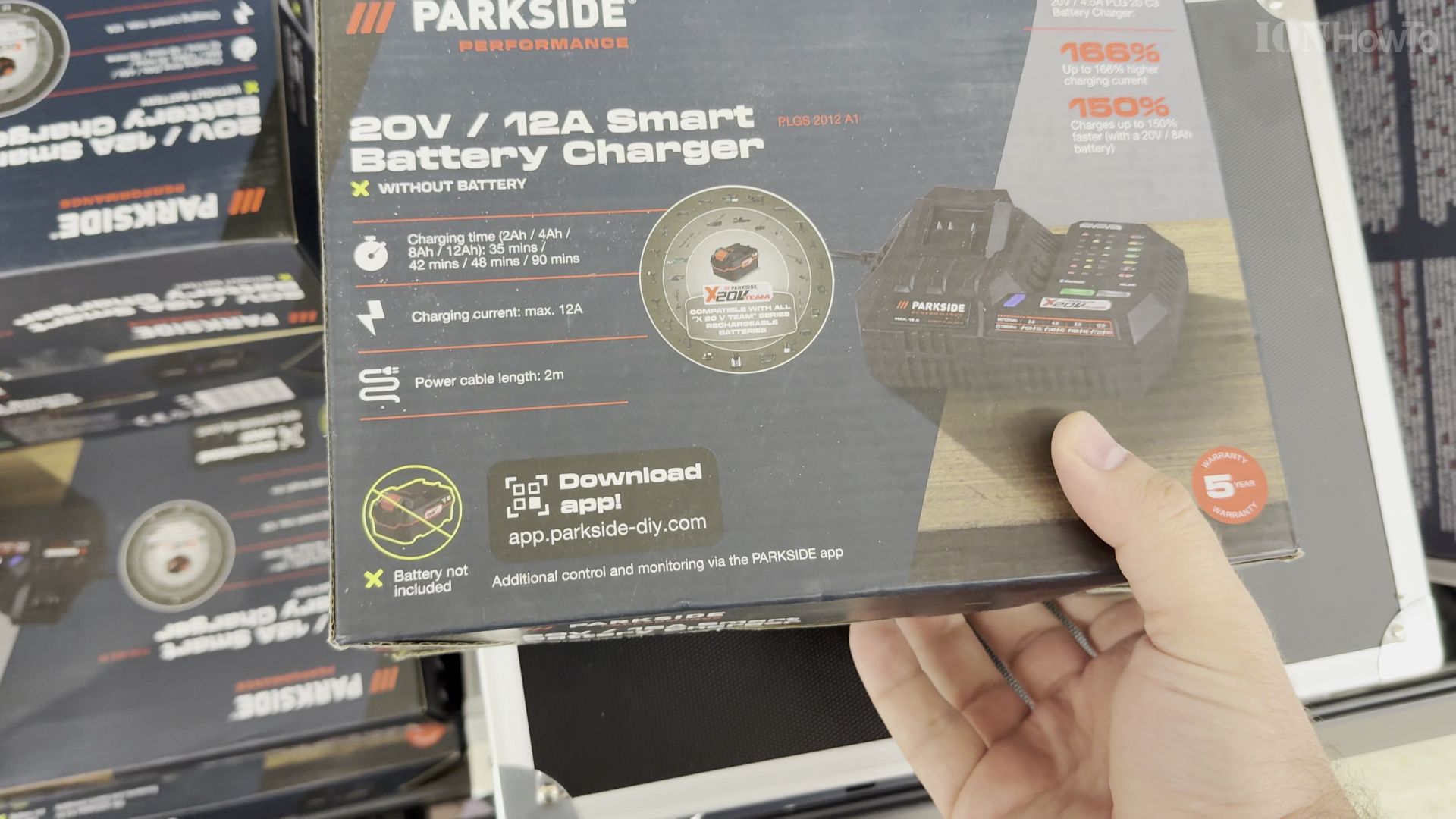
If your Parkside power tool batteries take hours to recharge, this high-current charger cuts your waiting time drastically. I’ll show you the key features and charging indicators on the Parkside PLGS 2012 A1 fast charger.
1. Check the 12A Power Specifications
Look at the back rating plate on the charger. This unit delivers up to **12 Amps** of current, making it Parkside’s fastest charger for high-capacity batteries.
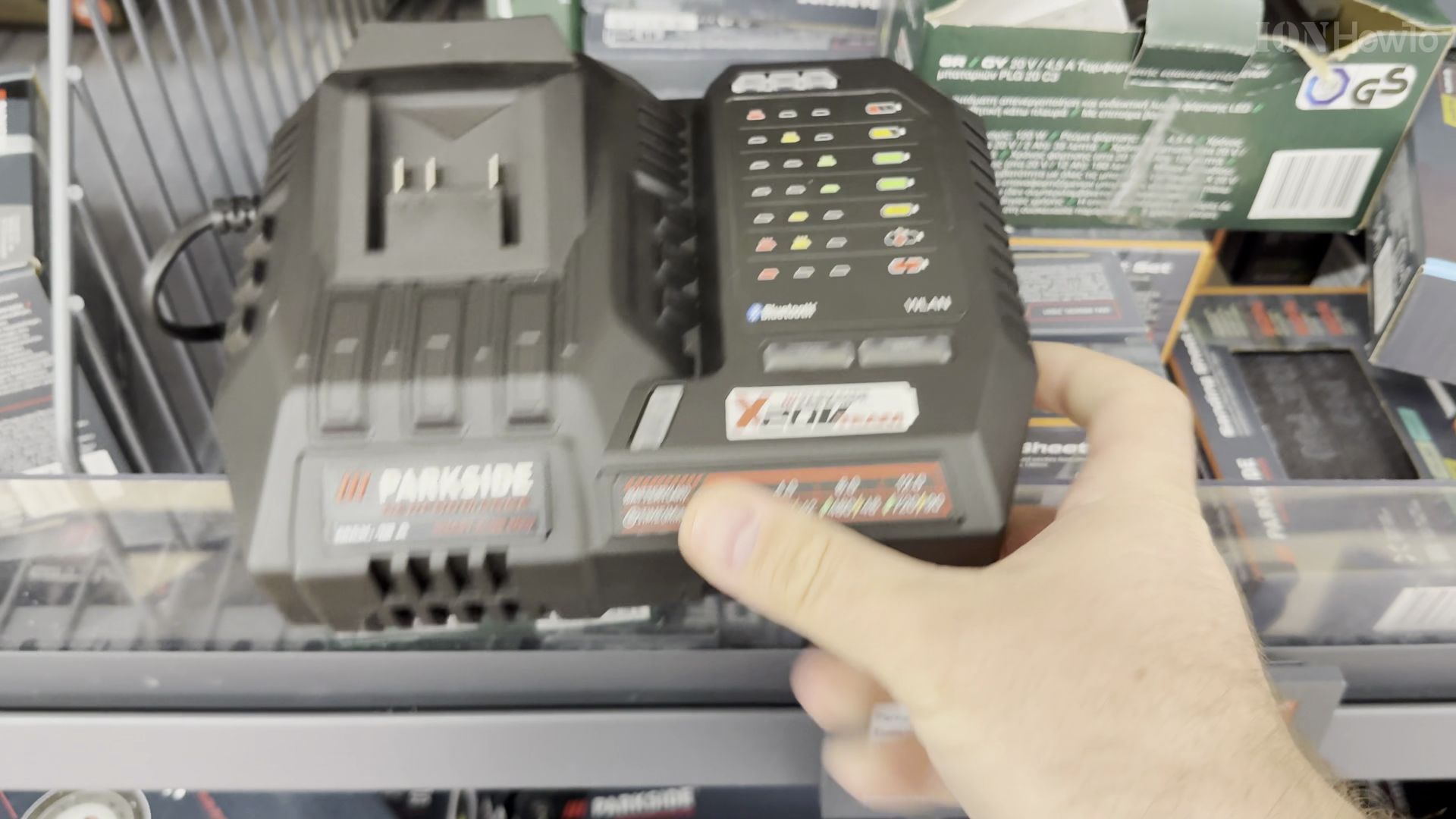
2. Keep the Cooling Vents Clear
Place the charger on a flat, dry workbench. An internal fan runs during high-speed charging to keep the electronics cool and prevent thermal throttling.
3. Slide Your 20V Battery into the Dock
Line up the guide rails on your Parkside 20V battery. Push the battery forward until you hear a solid click locking it in place.
4. Monitor the Dual-Color LED Indicator
Plug the charger into a wall socket. A steady red light indicates active fast charging, which turns green once your pack reaches full charge.
Helpful Tips
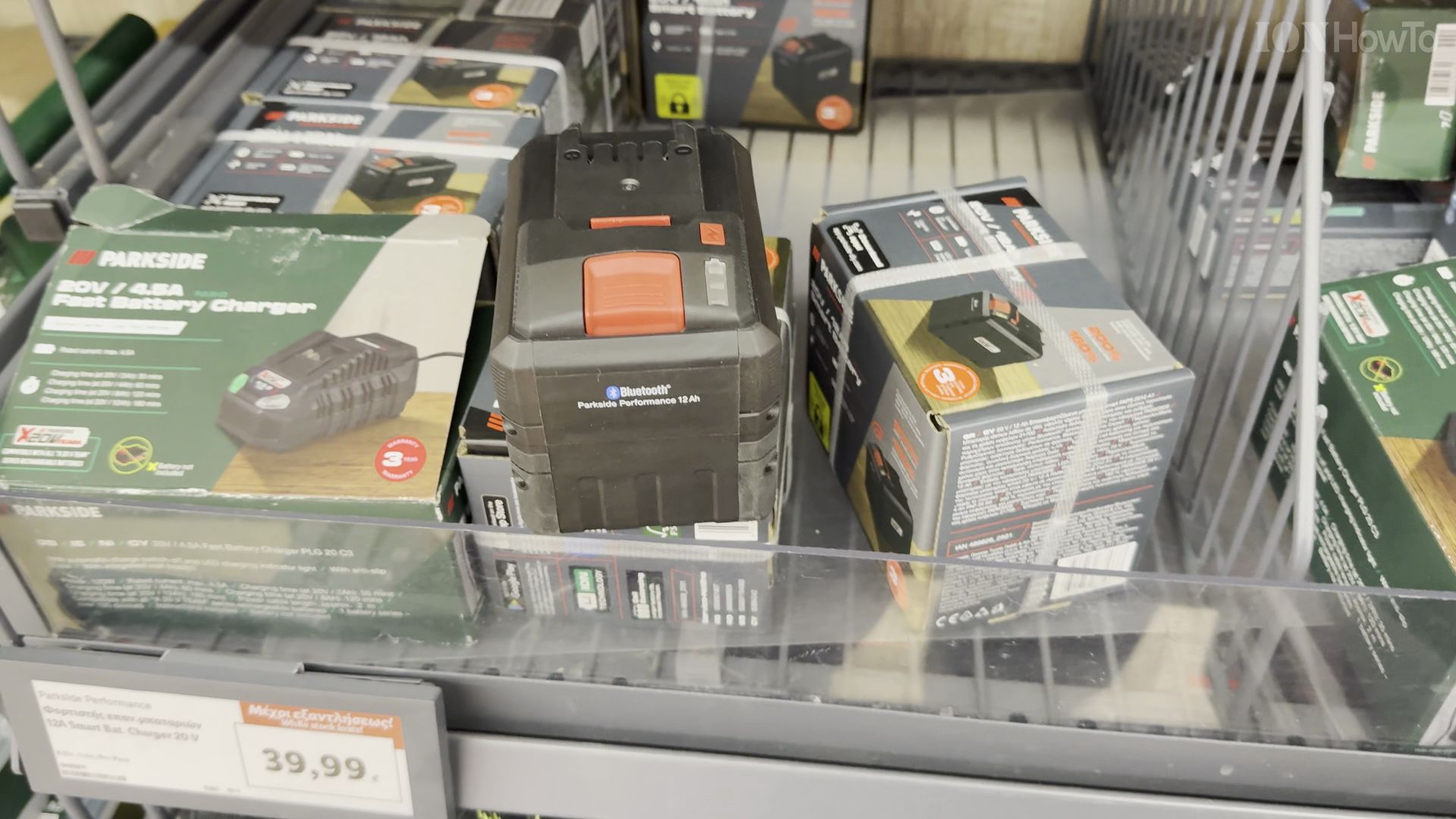
High-capacity smart batteries like the 8Ah and 12Ah packs charge safely thanks to the integrated thermal monitoring circuit. If the red LED blinks rapidly, the battery is either too hot or has a poor contact; allow it to cool down before reconnecting. Learn more about cordless workshop gear in our Tools & Hardware category or read our Parkside guides.


Leave a Reply