
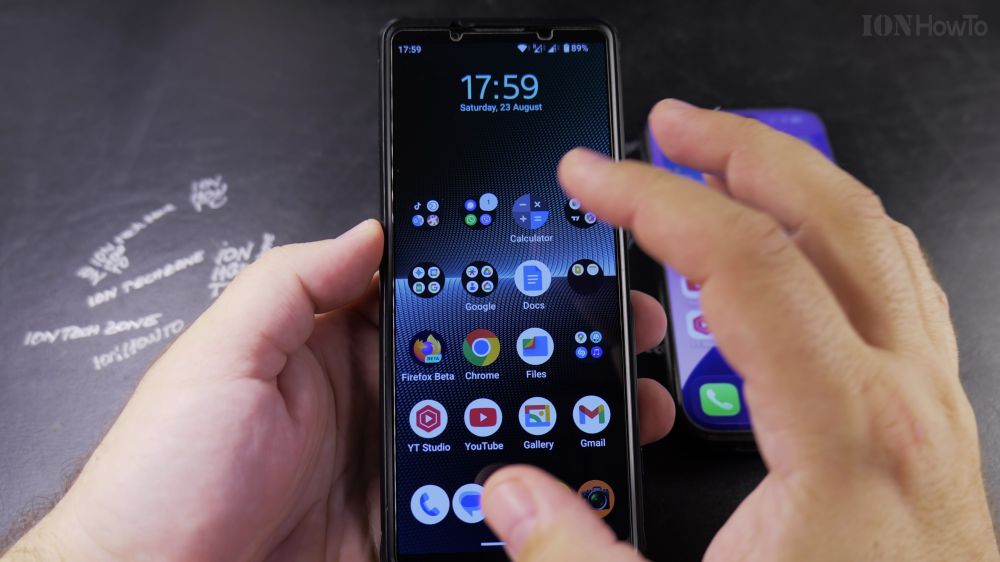
If your Android phone is ringing and you’re not sure which button to press or swipe, picking up takes just one finger motion. I’ll show you how to answer calls and turn on the speaker on any Android phone.
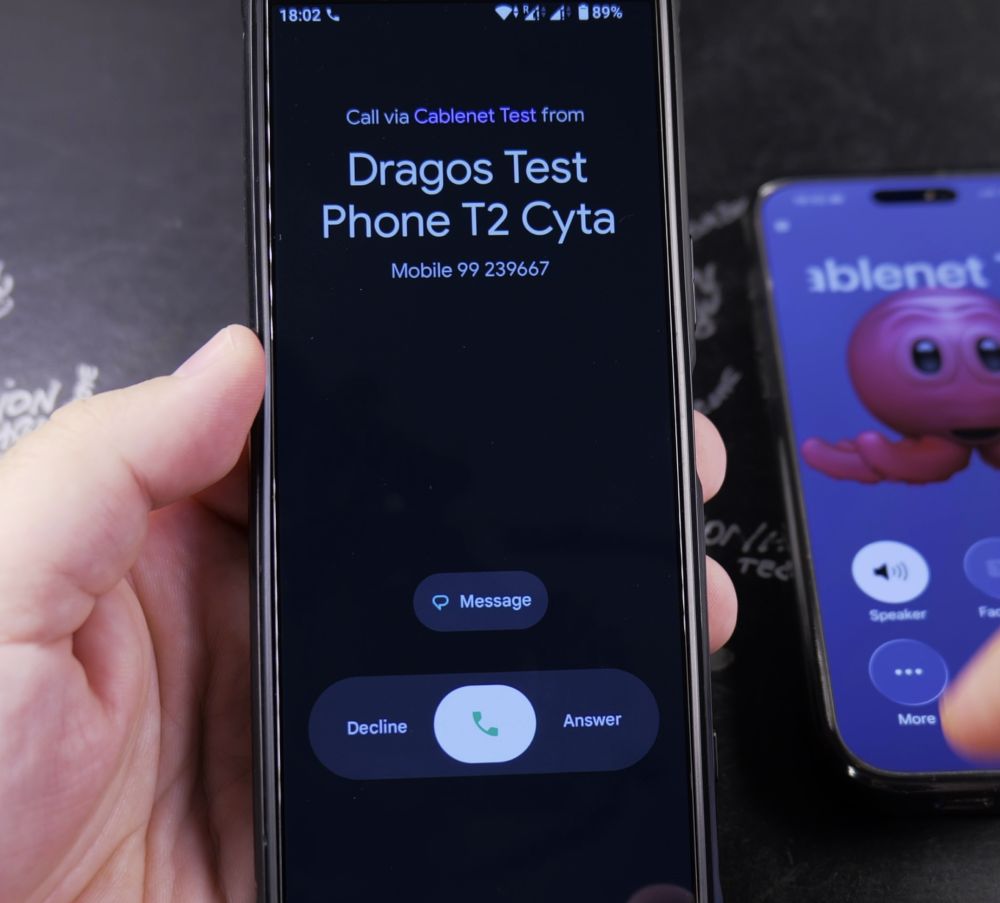
1. Answering from the Lock Screen
When the phone is locked, place your finger on the green **Phone** icon and swipe upward (or swipe to the right on Samsung phones).
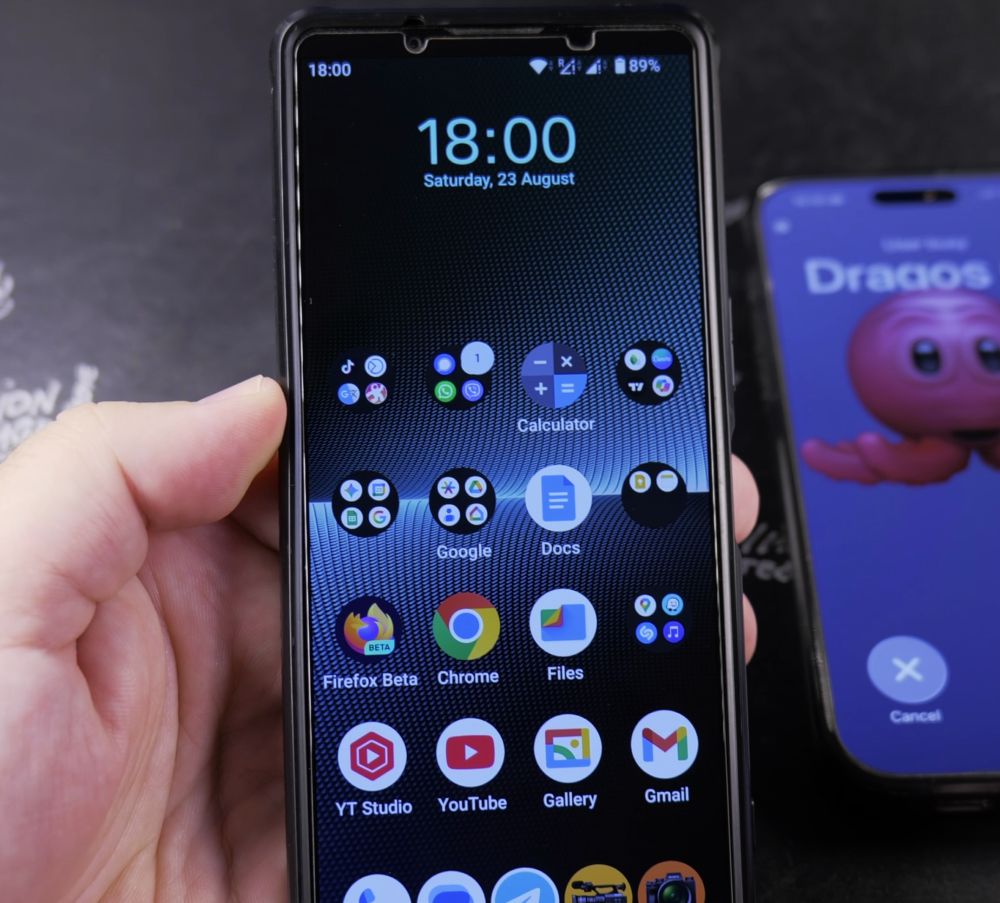
2. Answering from a Notification Banner
If your phone is unlocked, tap the green **Answer** button on the compact top notification alert.
3. Switch to Hands-Free Speaker
During the call, tap the **Speaker** icon on the keypad display so you can talk comfortably without holding the handset.
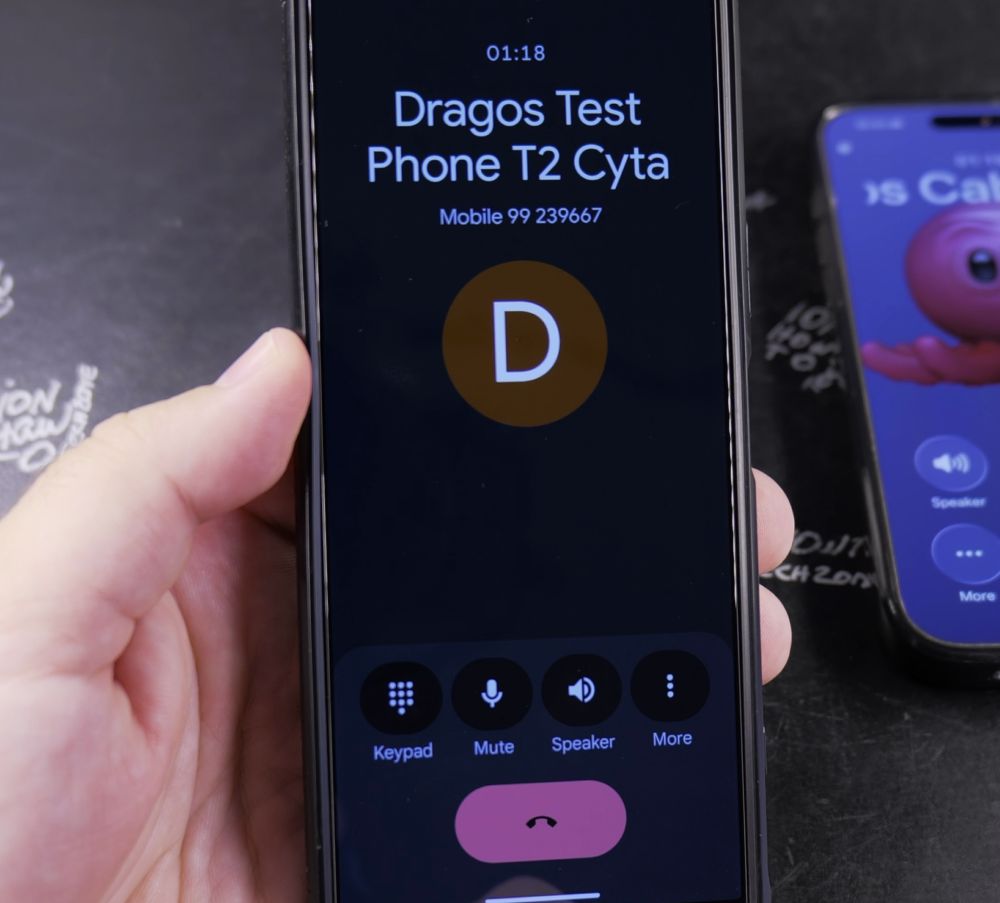
4. Muting the Microphone
Tap the **Mute** icon to silence your microphone when listening to automated menus or waiting on hold.
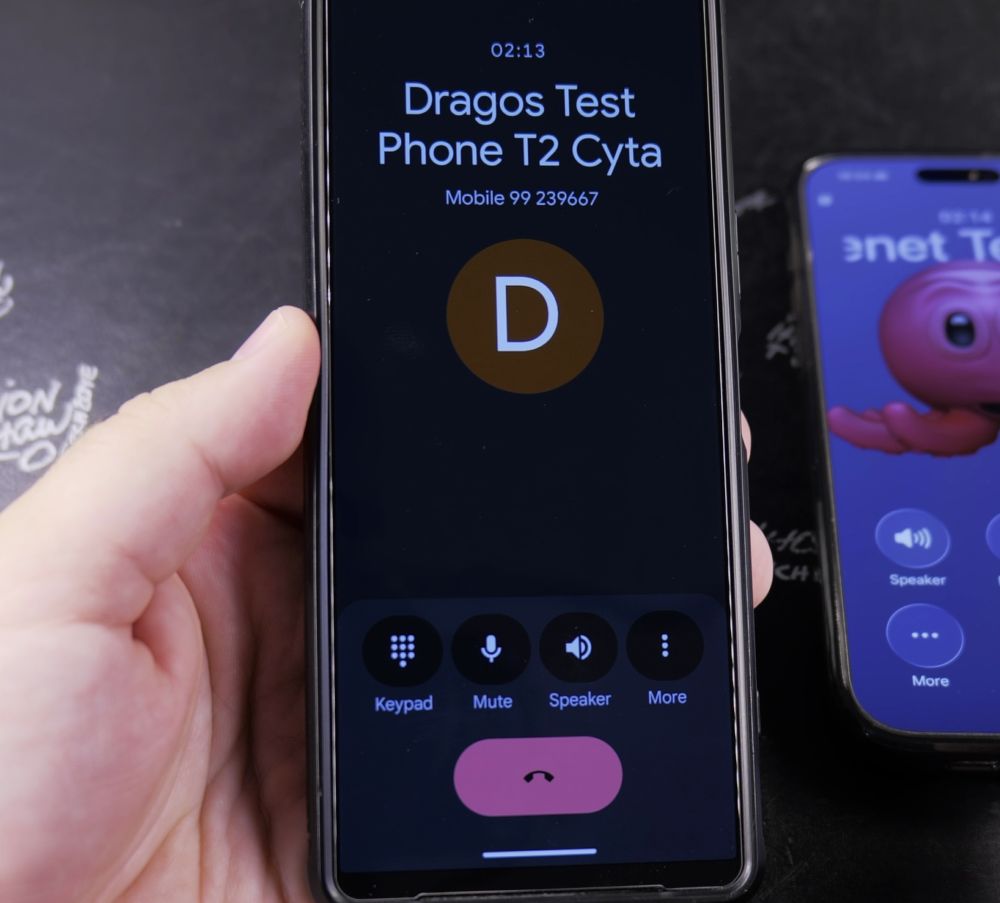
5. Ending the Call
When done speaking, tap the red **End call** receiver icon.
Helpful Tips
Pressing the physical **Volume Down** key on the side of your phone immediately silences an incoming ringtone without disconnecting the caller. For more everyday Android tips, explore our Android Guides hub.


Leave a Reply