
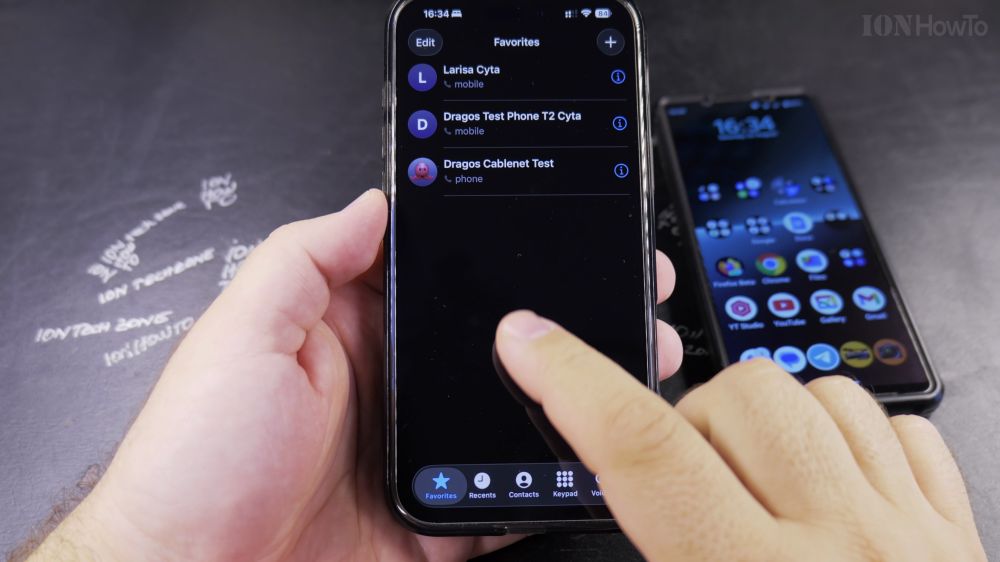
If you need to call a doctor’s office, store, or new number that isn’t saved in your address book, you can dial it straight from the keypad. I’ll show you how to type or paste phone numbers on your iPhone in a few seconds.
1. Open the Phone App
Tap the green **Phone** app icon in the bottom dock of your iPhone home screen.
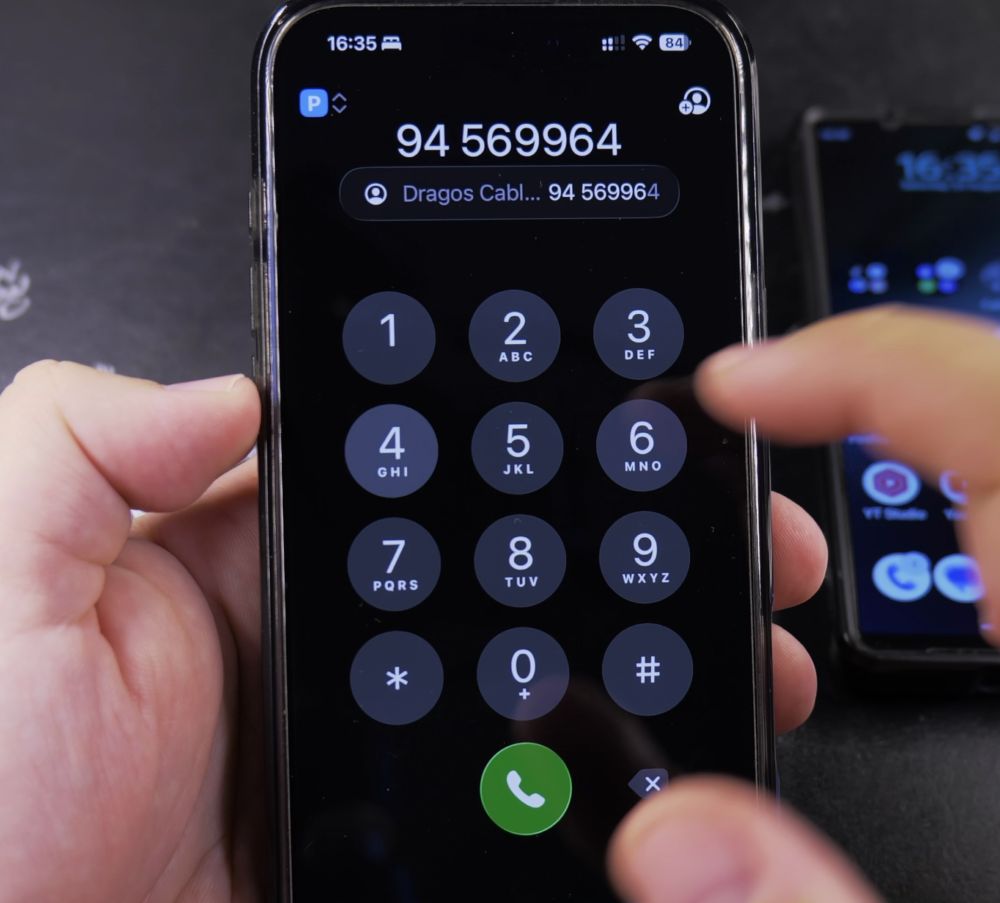
2. Open Keypad Tab
In the bottom toolbar, tap the **Keypad** tab (the grid of nine dots).
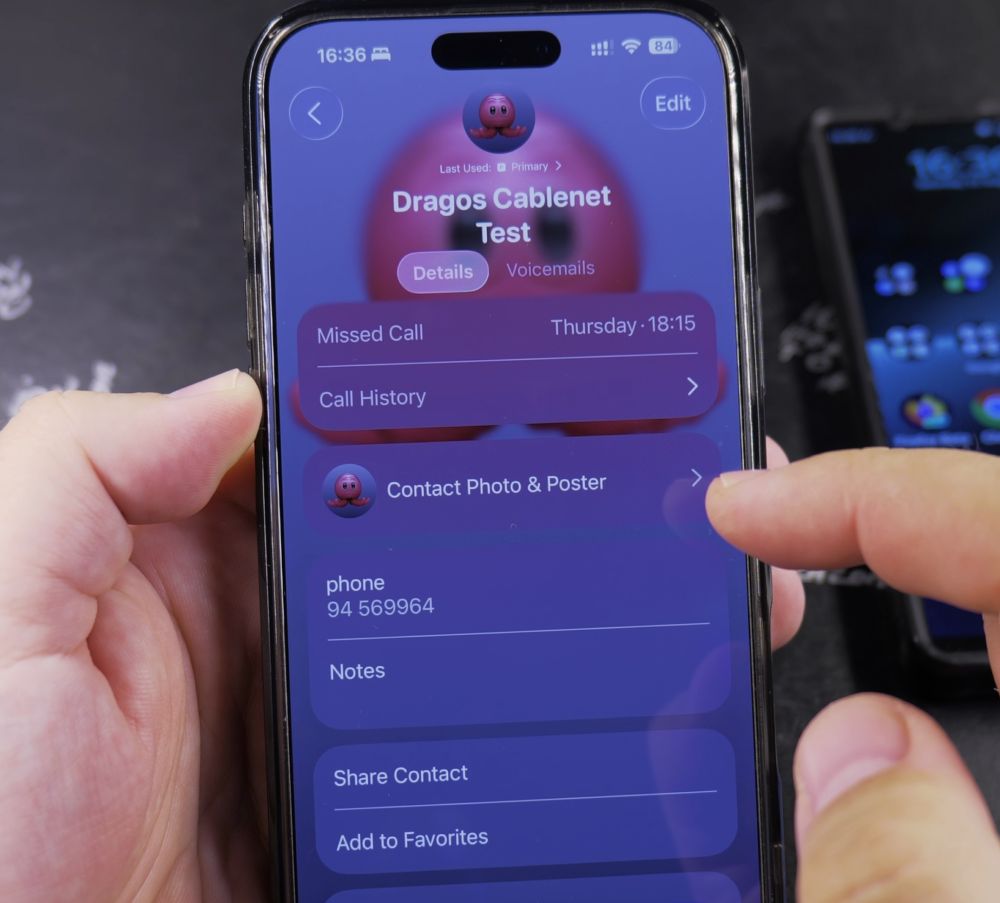
3. Enter the Phone Number
Tap the numbers on the screen to enter the phone number including area code. If you make a mistake, tap the backspace arrow in the bottom-right corner.

4. Pasting Copied Numbers
If you copied a number from a website or text, tap and hold the blank space above the numbers, then tap **Paste**.
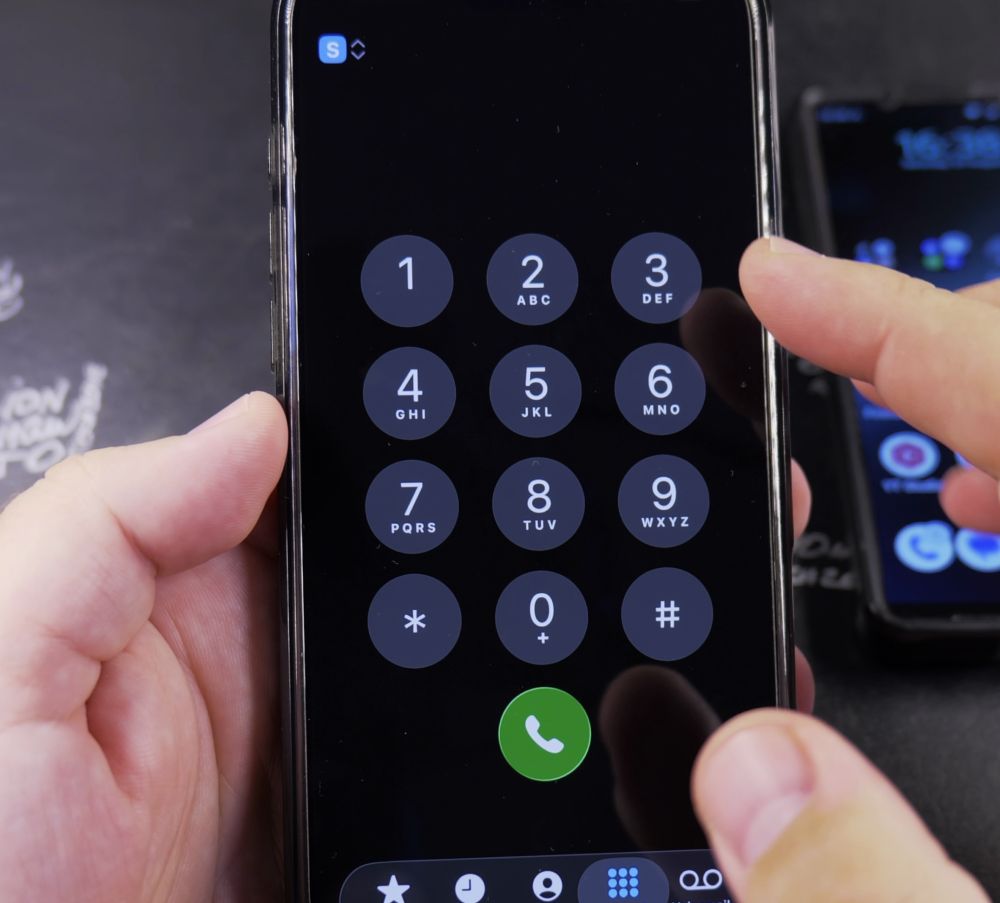
5. Place the Call
Tap the large green circular **Call** button at the bottom.
6. End the Call
When your conversation finishes, tap the red **End** button.
Helpful Tips
To dial a international plus (+) symbol, touch and hold the number **0** key for two seconds until the plus appears on screen. For more calling and messaging tips, explore our iPhone Guides collection.


Leave a Reply