
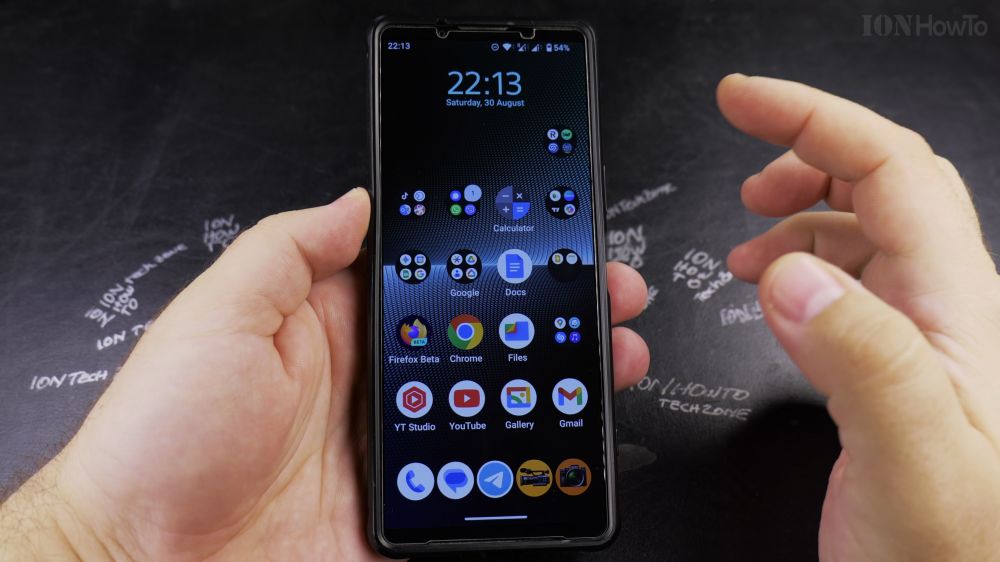
If an international travel eSIM has expired or you switched cell carriers, keeping unused profiles clutters your network settings. I’ll show you how to delete and remove an eSIM profile from your Android phone in a few taps.
1. Open Settings
Swipe down from the top of your screen and tap the **gear icon** to open Settings.
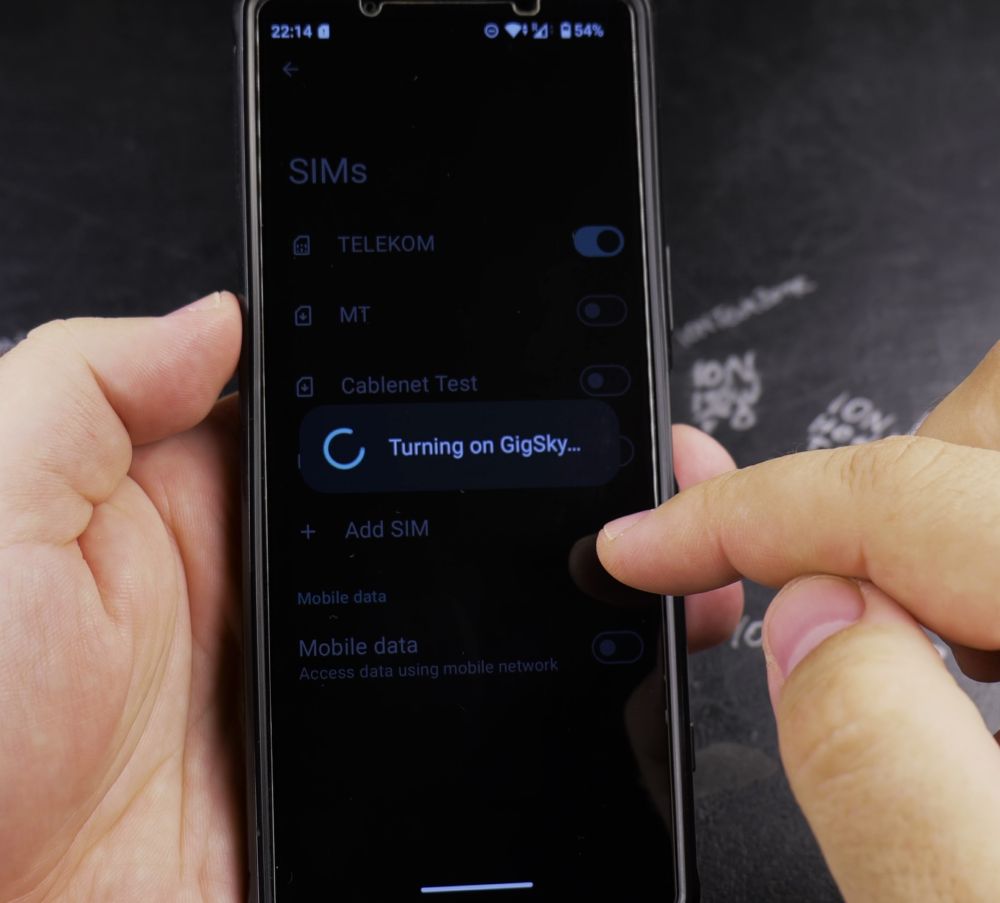
2. Tap Network & Internet
At the top of the menu, tap **Network & internet** (or **Connections** on Samsung devices).
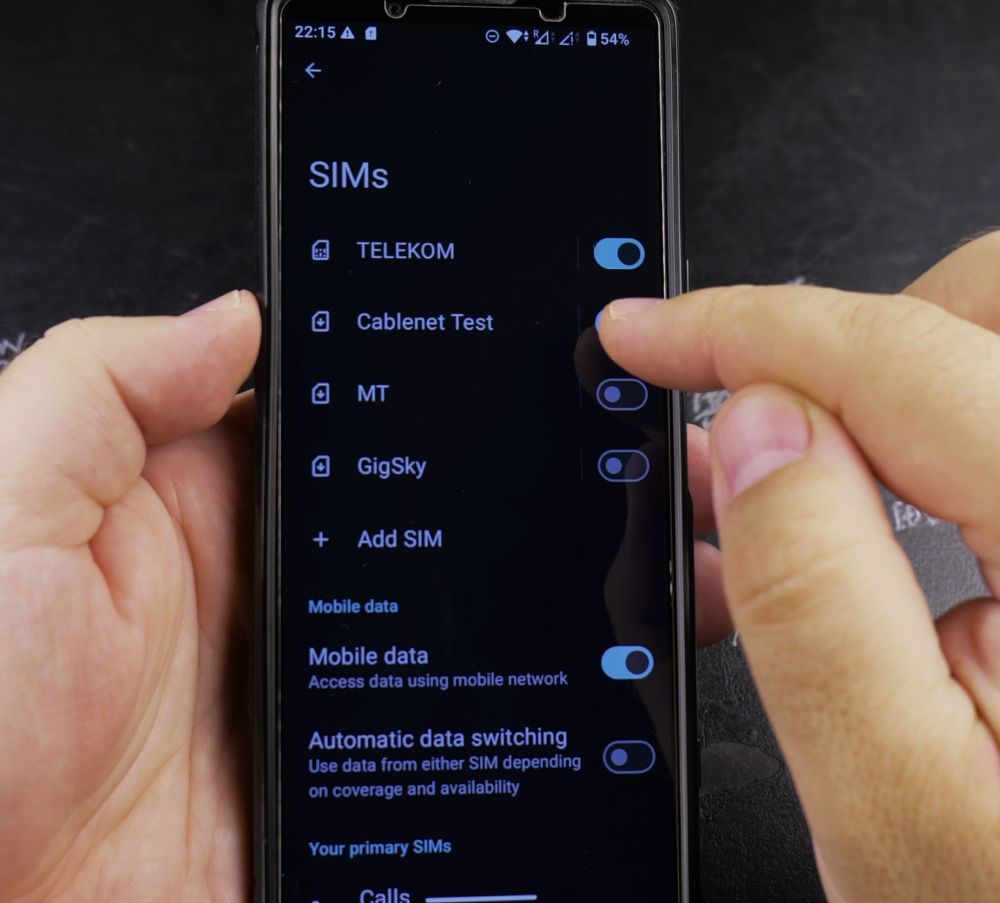
3. Tap SIMs
Select **SIMs** to display a list of all physical SIM cards and digital eSIM profiles installed on your device.
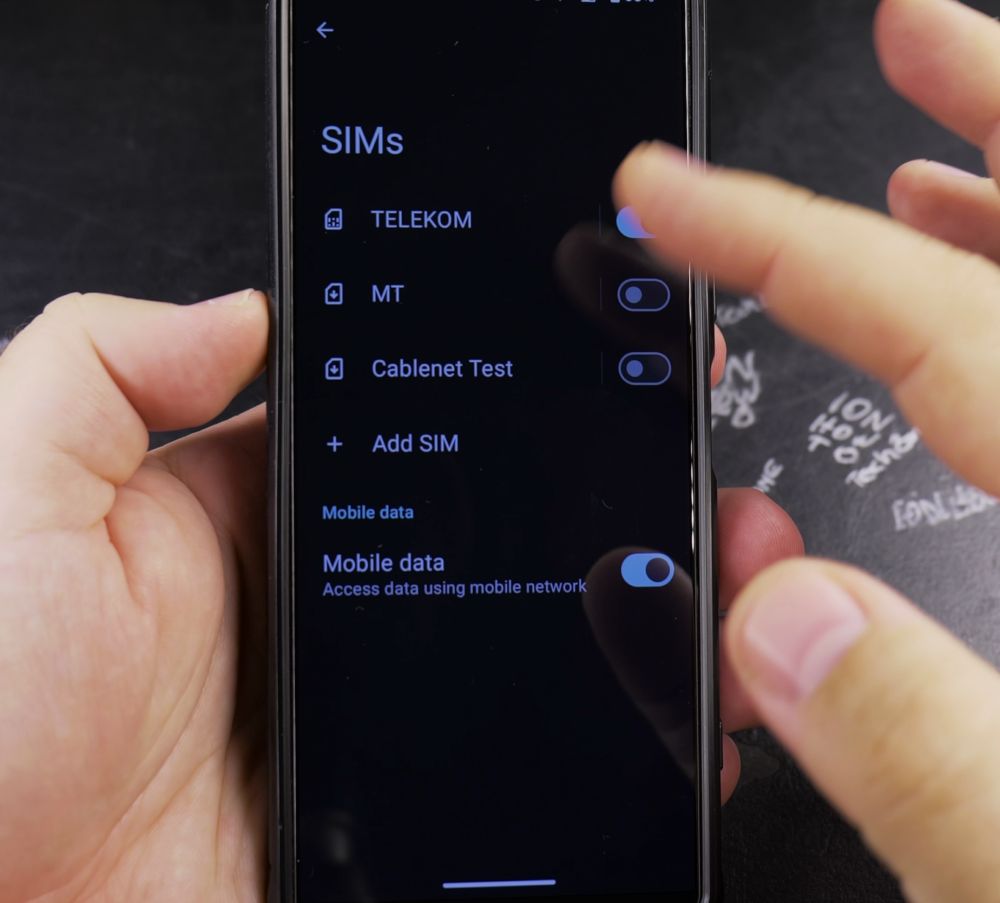
4. Select the eSIM to Remove
Tap the name of the eSIM you wish to delete (for example, an expired travel plan).
5. Tap Delete eSIM
Scroll to the very bottom of the screen and tap **Delete eSIM** (or **Erase SIM**).
6. Confirm Deletion
A prompt warns that removing the eSIM will permanently erase this cellular plan from your device. Tap **Delete** to confirm.
Helpful Tips
Deleting an eSIM from your phone does not cancel an active cellular subscription with your provider; contact your carrier if you need to stop recurring charges. To learn how to add a fresh plan, read our guide on how to install multiple eSIM profiles on Android.


Leave a Reply