
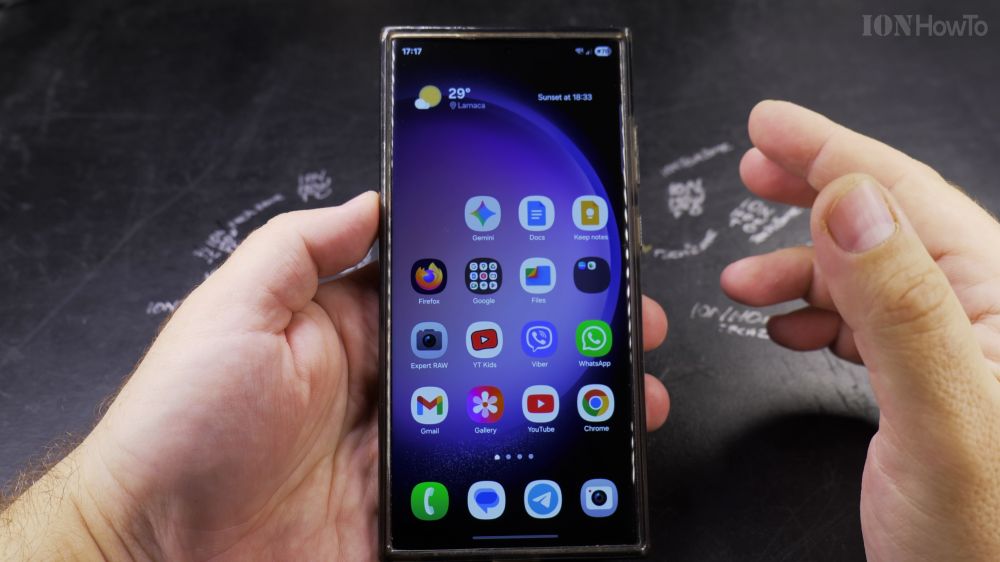
If you want to call a business or stranger without sharing your personal number, you can hide your caller ID using a quick dial code. I’ll show you how to dial private prefix codes on your Samsung phone in a few taps.
1. Open the Phone App Keypad
Tap the green **Phone** app icon on your home screen and open the **Keypad** tab at the bottom.
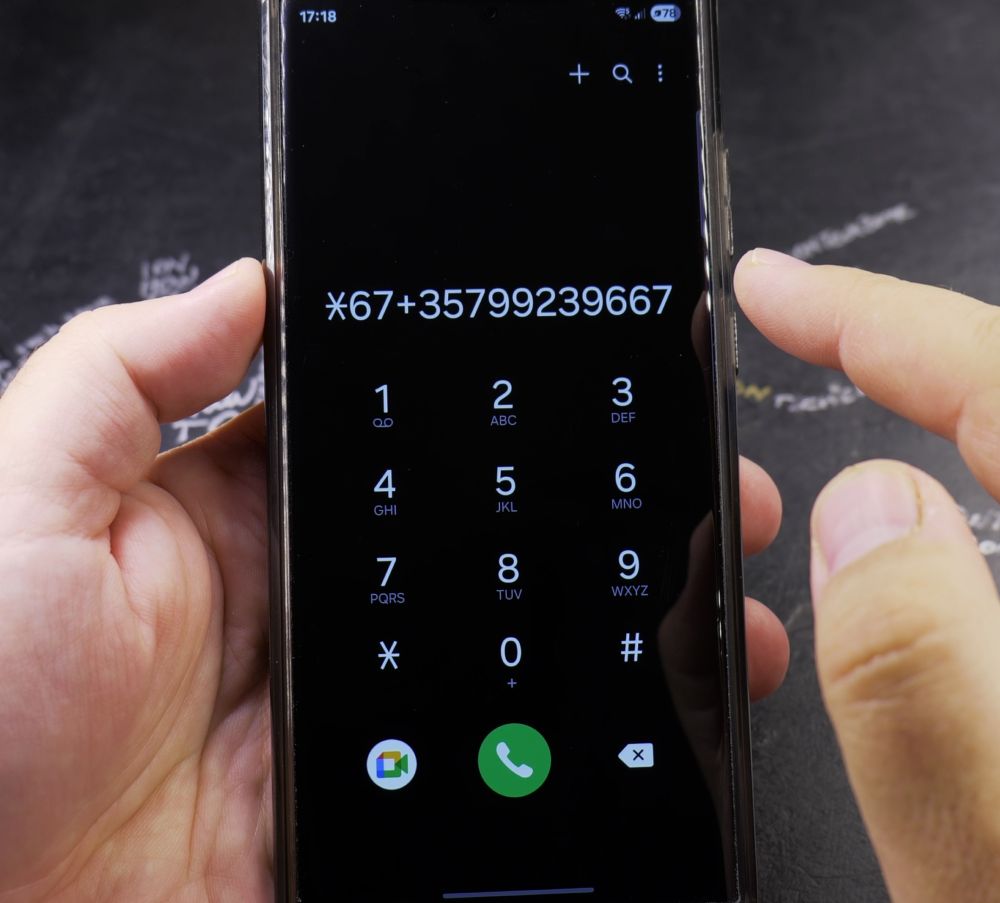
2. Type the Caller ID Blocking Prefix
Enter **#31#** (standard for GSM networks across Europe and global carriers) or ***67** (standard across North America).
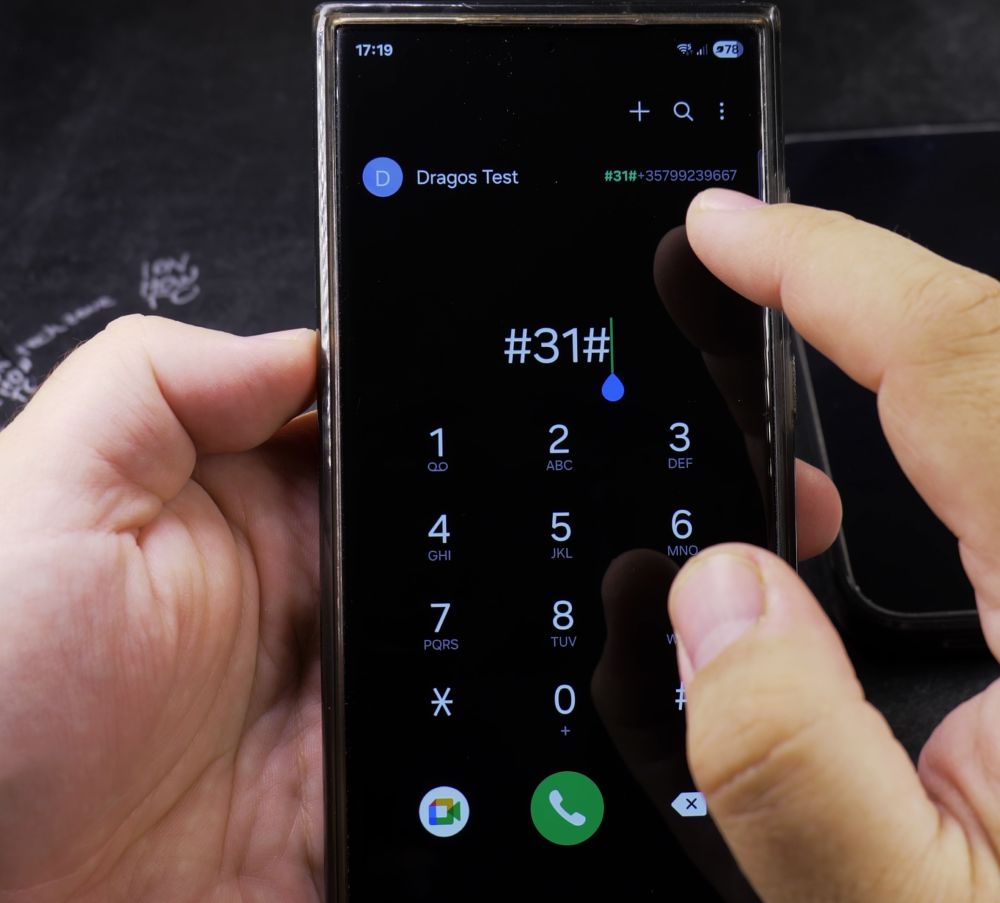
3. Enter the Recipient Phone Number
Type the complete phone number right after the prefix code without adding spaces or dashes.
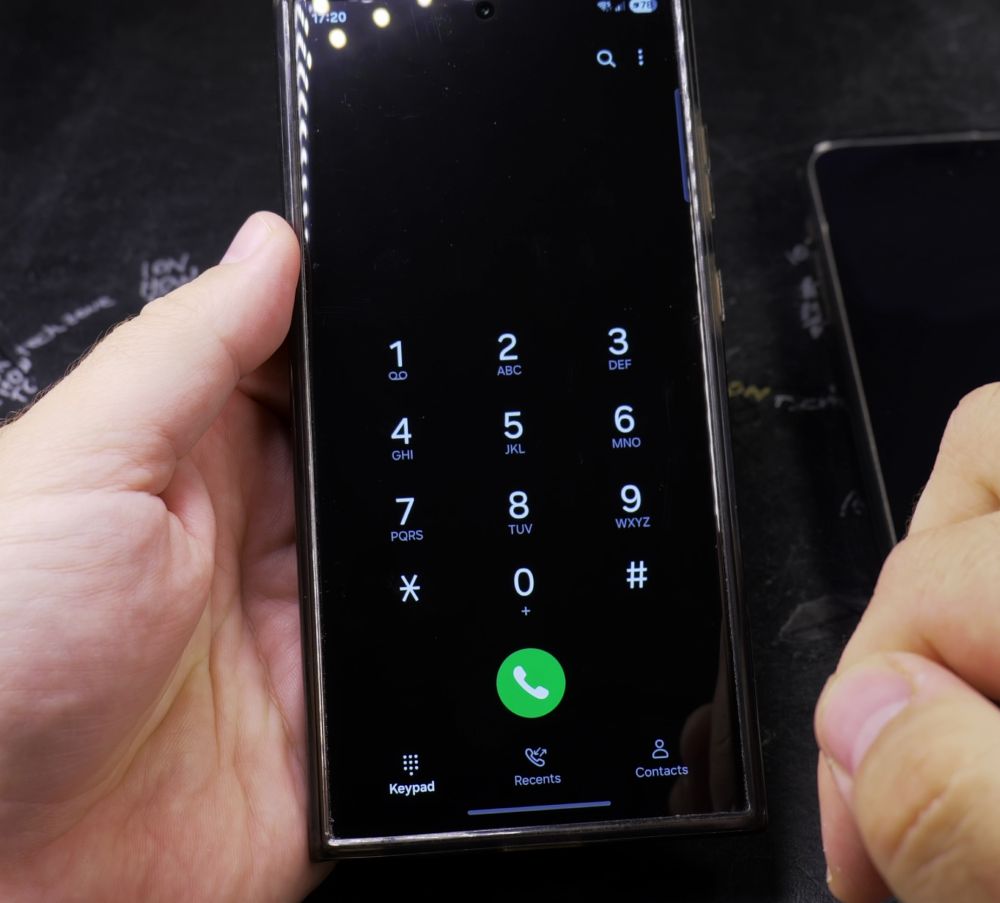
4. Tap the Call Button
Tap the green **Call** button. Your cellular carrier will strip your phone number and transmit Private Number or Unknown to the other phone.
5. Save the Prefix for Frequent Contacts
If you call a certain number regularly and always want privacy, tap **Contacts**, tap **Edit**, and paste the prefix directly in front of their number.
Helpful Tips
Dialing codes only block caller ID for that single phone call. If you want to block your number permanently on every call, read our guide on how to hide your number in Samsung phone settings.


Leave a Reply