
If your iPhone has no signal or is out of data, you can share the 5G connection from your Google Pixel 11 Pro XL in under a minute. I will show you how to turn on the Pixel Wi-Fi hotspot, check the password, and join it from your iPhone.
Quick Steps
- Open Hotspot & tethering on your Pixel
- Turn on Wi-Fi hotspot
- Check your hotspot name and password
- Connect the iPhone to the Pixel hotspot
Step 1: Open Hotspot & tethering on your Pixel
Open Settings on your Google Pixel 11 Pro XL, tap Network & internet, and then tap Hotspot & tethering.
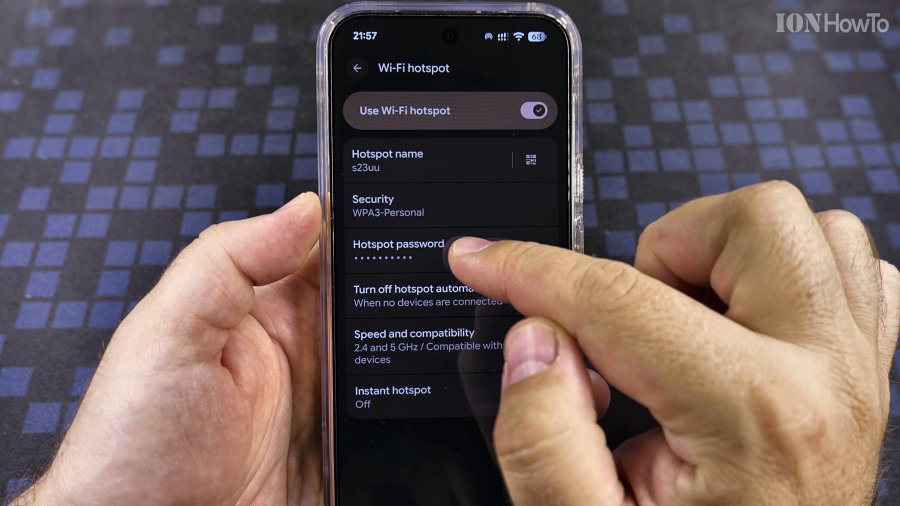
Step 2: Turn on Wi-Fi hotspot
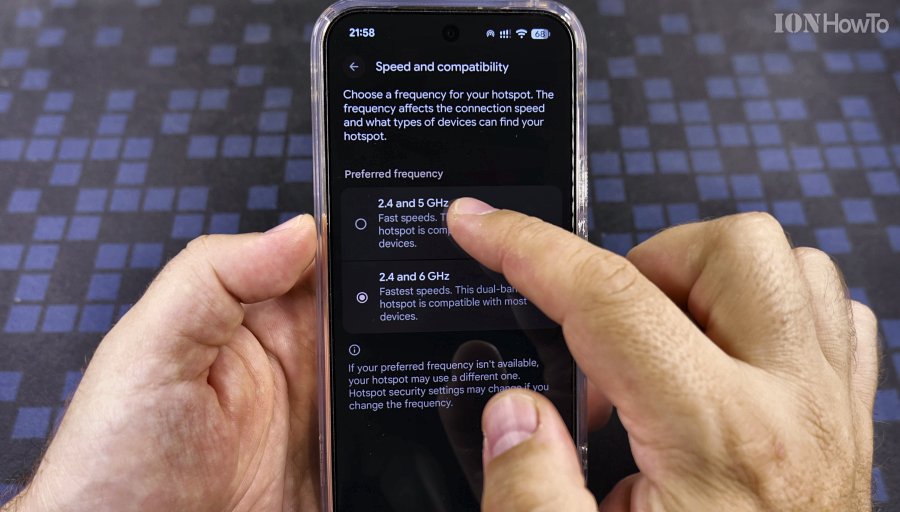
Tap Wi-Fi hotspot and switch Use Wi-Fi hotspot on so your Pixel starts broadcasting a private Wi-Fi network.
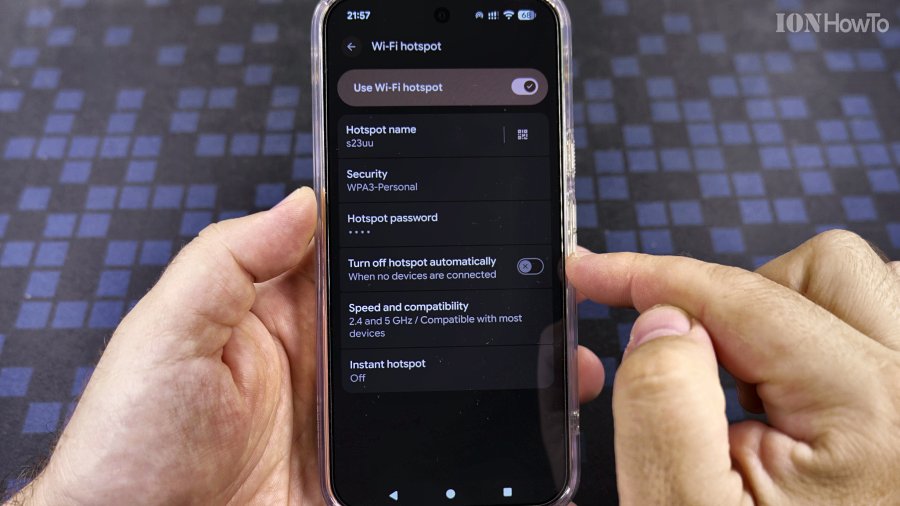
Step 3: Check your hotspot name and password
Note the Hotspot name and tap Hotspot password so you have the exact code ready for the iPhone.
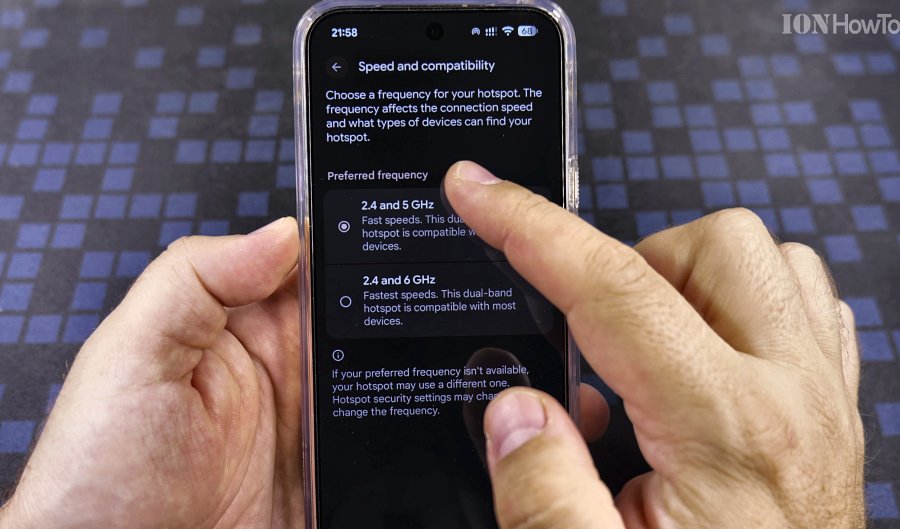
Step 4: Connect the iPhone to the Pixel hotspot
On the iPhone, open Settings, tap Wi-Fi, select your Pixel hotspot name from the list, enter the password, and tap Join.
Helpful Tips
- Turn off the Wi-Fi hotspot when you finish so your Pixel battery lasts longer and you save mobile data.
- Keep both phones close together during large downloads for a steady connection.
Related Guides
Explore more step-by-step tech tutorials on IONHowTo.


Leave a Reply