
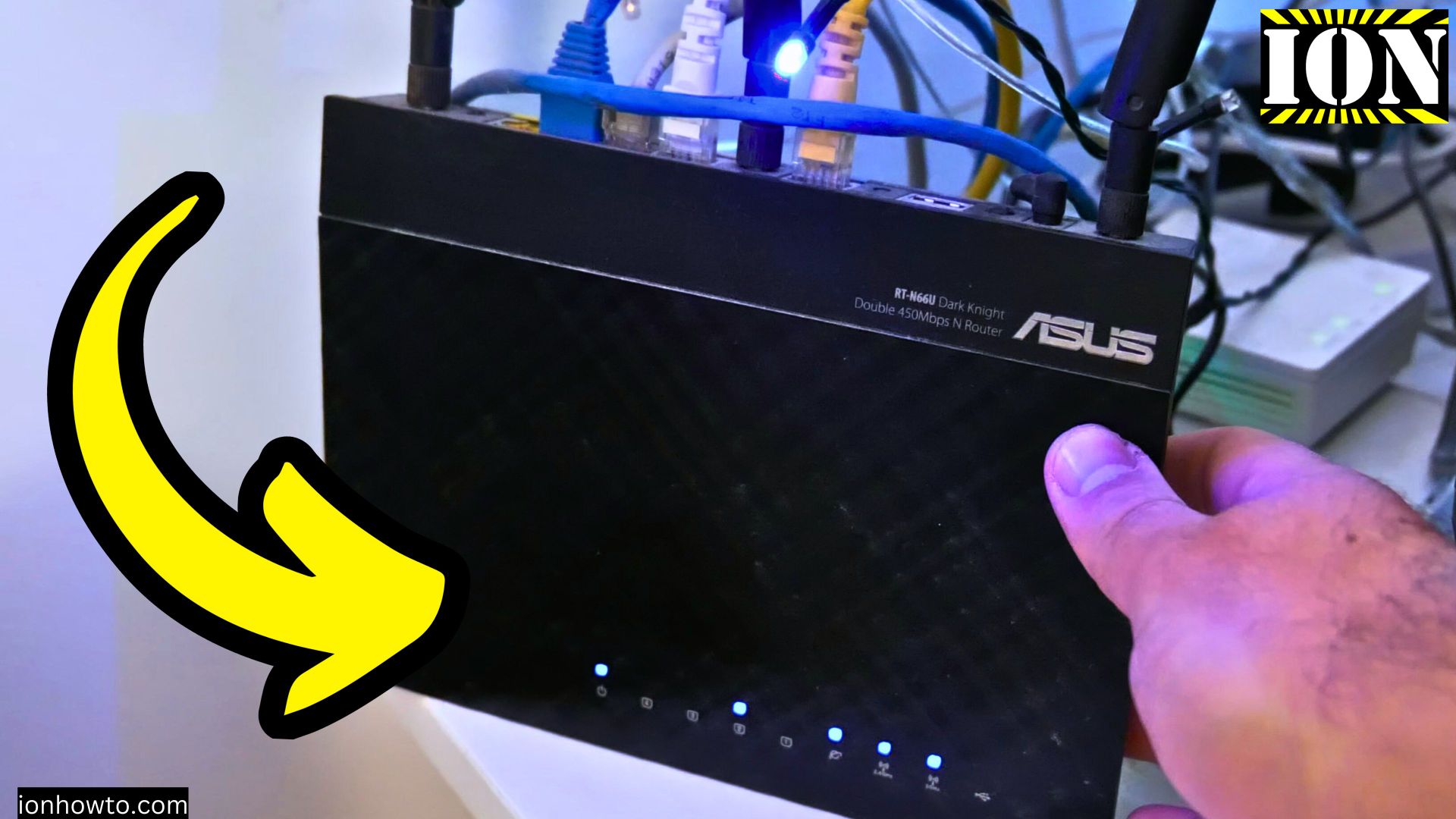
How to Turn Off LED Lights on Asus Merlin Wi-Fi Router: Stealth Mode Guide.
Amazon links
As an Amazon Associate I earn from qualifying purchases:
If you’re tired of the bright LED lights on your Asus router, especially at night, there’s a simple and effective way to turn them off without resorting to placing black electrical tape or gaffer tape over them. In this video, I’ll show you how to use the stealth mode in the Asus Merlin router settings to disable all router LEDs.
This video will show you multiple ways to create a more comfortable environment without the bright blinking lights disturbing you.
Find ways to turn off lights on your Asus Wi-Fi router and this guide provides a straightforward solution using the built-in stealth mode feature.
By following the steps in this video, you can easily turn off the LED lights on your Asus router without any physical modifications.
How to turn off LED lights on Asus router. Asus Merlin turn off LED lights or disable router LEDs with stealth mode in the router settings.

Watch the step-by-step video tutorial to learn how to disable the LED lights on your Asus Wi-Fi router using stealth mode, and enjoy a more peaceful, dark room without the annoying glow of LEDs.
Related Guides and Helpful Resources
If you found this guide helpful, check out these related step-by-step tutorials and category resources on ION HowTo:
- How to Replace AC Remote Batteries with a Ballpoint Pen: Lever out stubborn AAA batteries from deep remote slots without tools.
- Clean USB-C Port with Paper: Simple household trick to clean lint and debris from loose charging ports safely.
- IKEA KOPLA B22 to E27 Socket Converter Guide: Convert older UK bayonet lamp fittings to fit modern screw-in LED bulbs.
- DIY Hacks and Life Solutions: Explore our full collection of tutorials and step-by-step articles in this category.


Leave a Reply