

If you need a sturdy sit-stand workstation that does not shake while you type, the IKEA Idasen is built for heavy daily use. I’ll show you how the motorized controls work and how stable this 160×80 desk feels at standing height.
1. Adjust Desk Height with the Linak Paddle
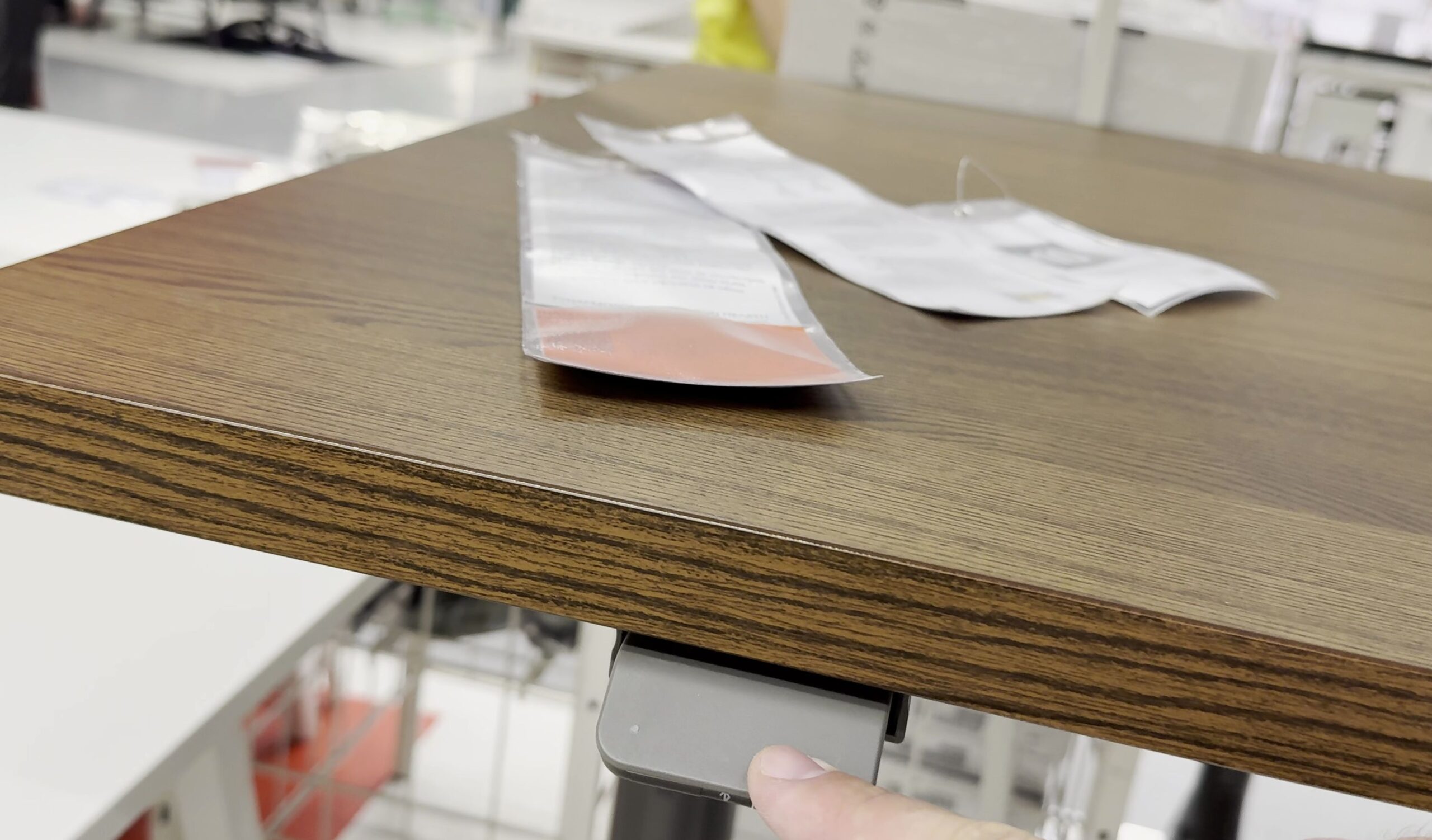
Look underneath the front edge of the desktop on the right side. You will find a compact tilt paddle.
Pull the paddle upward gently to raise the desk. Push it downward to lower the surface.
The desk glides smoothly and quietly between 63 cm and 127 cm.
2. Check Stability and Wobble at Full Height
Most motorized standing desks wobble noticeably when extended to taller heights. The Idasen handles stability much better than lighter models.
Push against the front edge while standing. The frame absorbs hand pressure with very little side-to-side flex.
3. Inspect the Dual Motor Drive and Cable Net
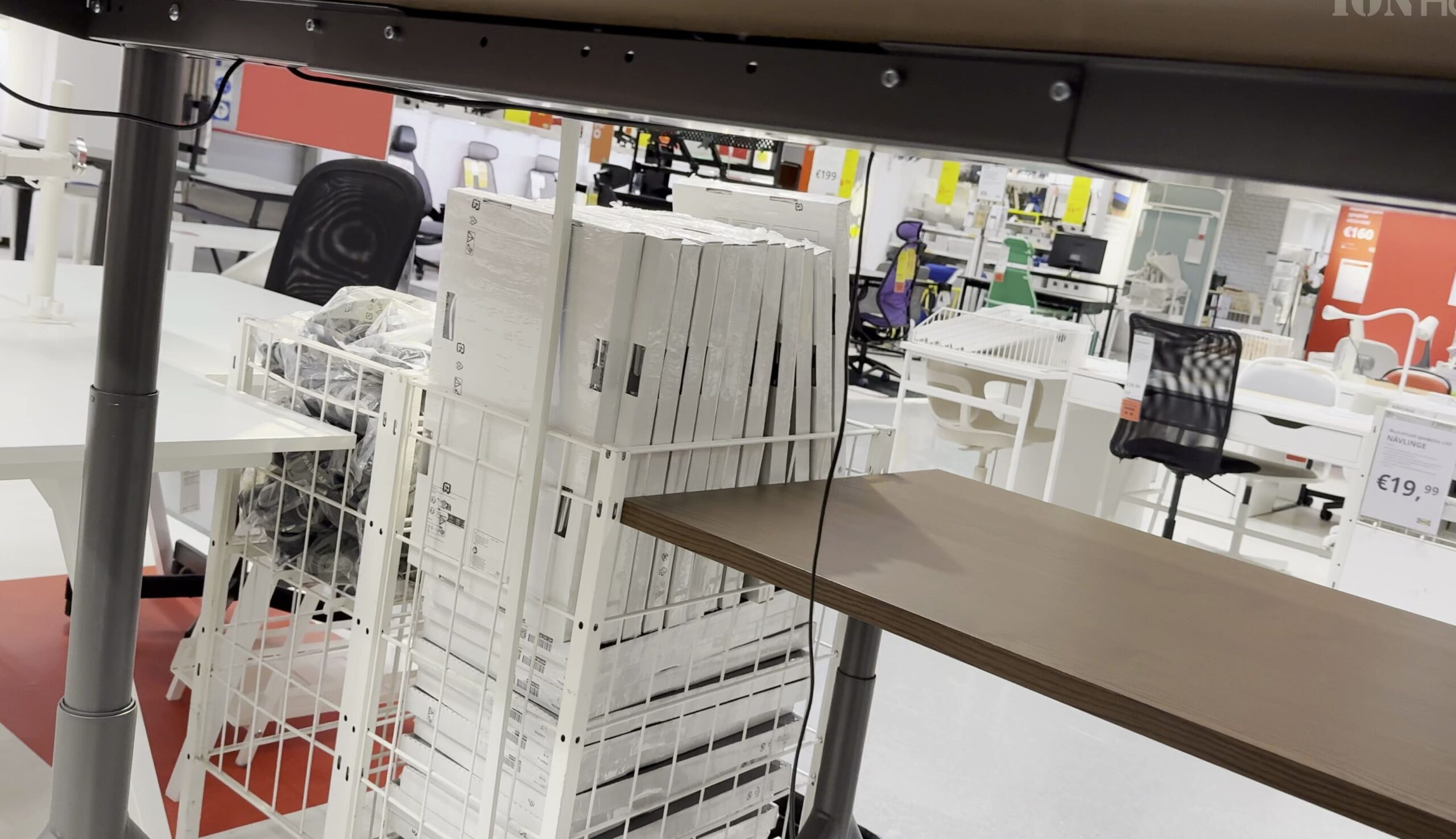
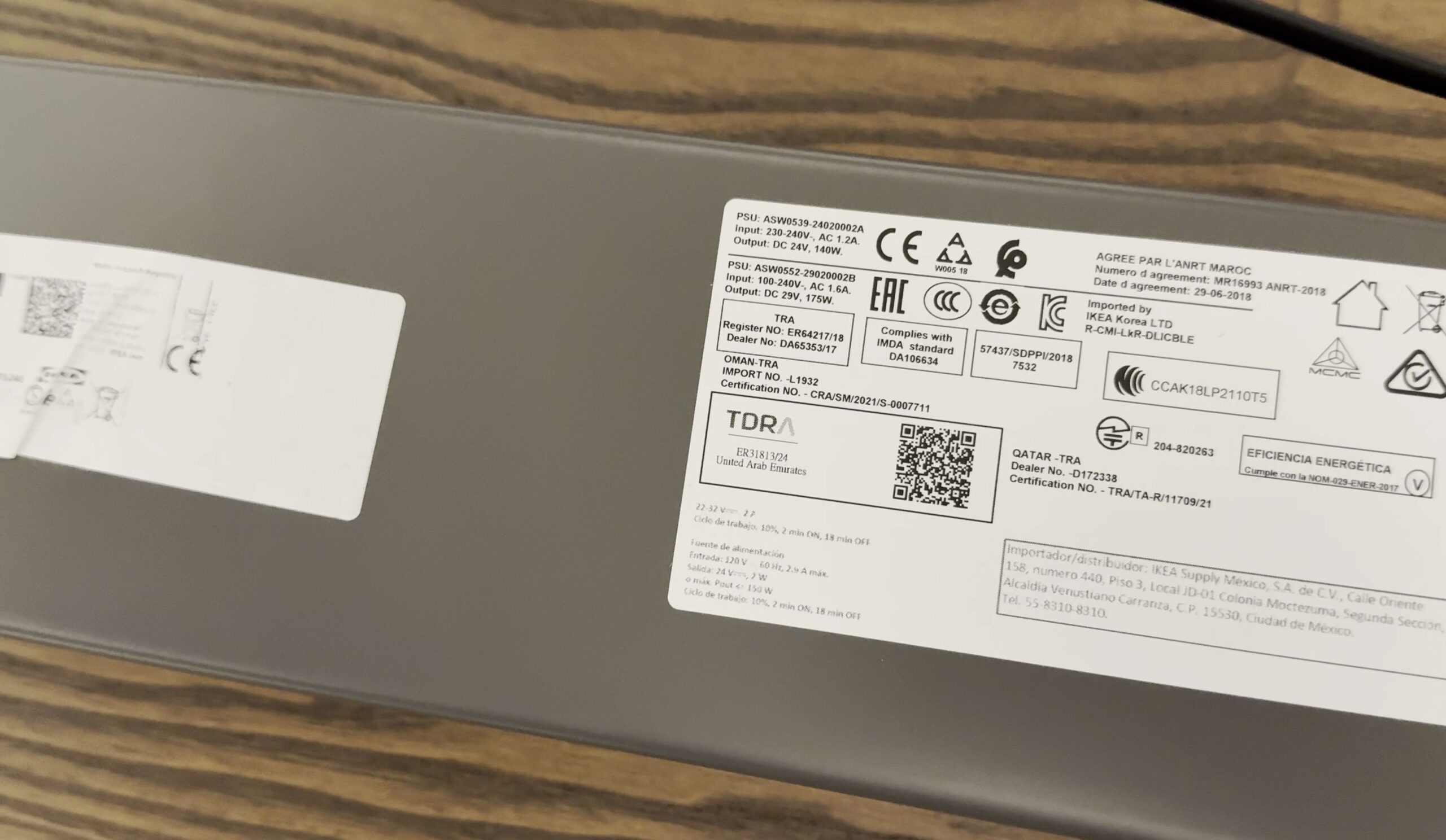
Crawl under the desk to examine the drive system. Two Linak internal column motors lift heavy gear up to 75 kg with ease.
A heavy fabric mesh net hangs across the central metal beam. Tuck your power strips and charging cables into this net to keep your floor clutter-free.
4. Heavy-Duty Triangular Steel Legs and Tabletop Finish
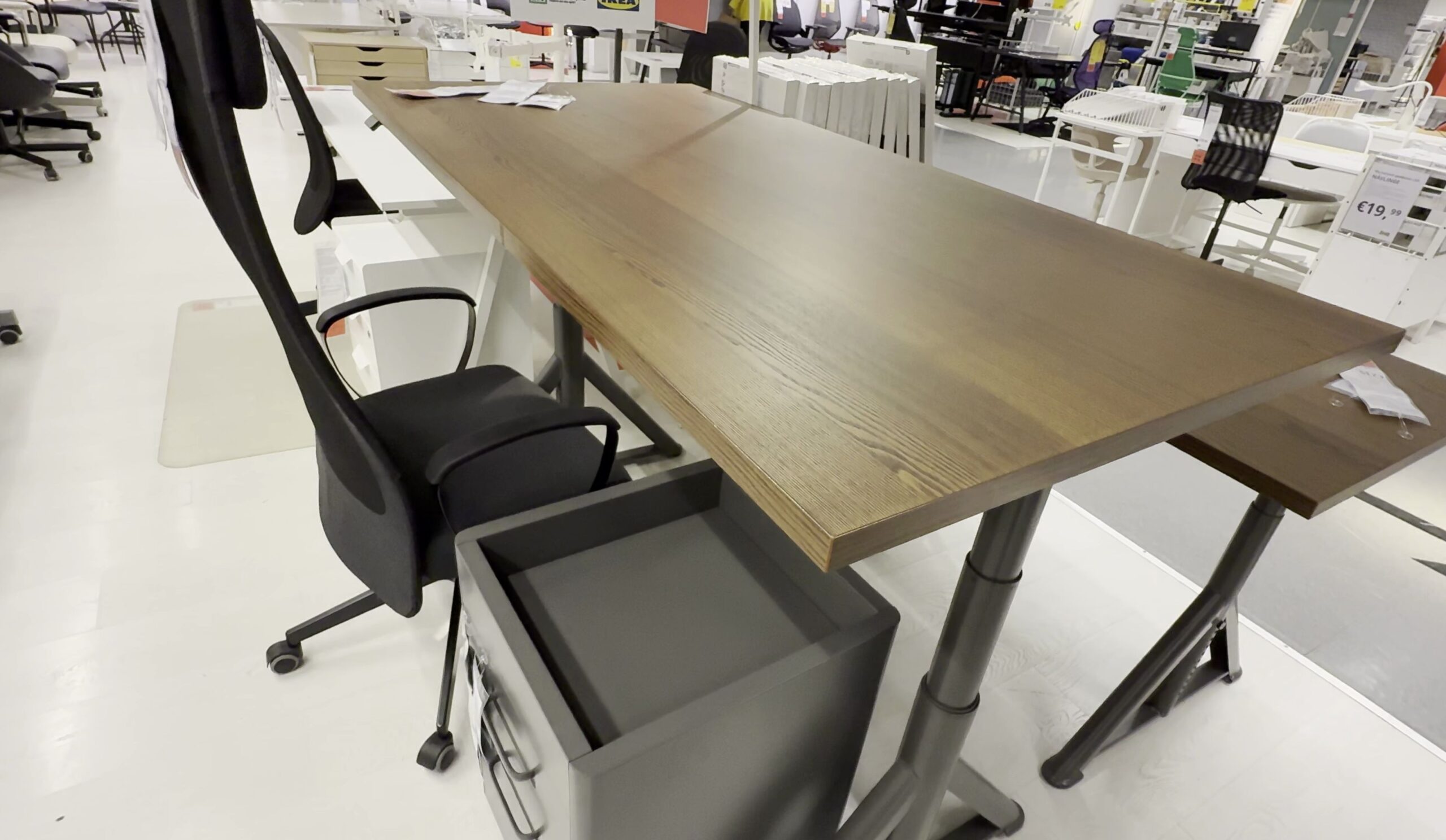
Notice the wide triangular shape of the lower leg supports. This wide stance prevents front-to-back tipping.
The desktop features an ash veneer surface with a dark brown stain. It resists scratches and feels solid when resting your arms while typing.
Helpful Tips
The paddle switch includes built-in Bluetooth. Download the free Desk Connect app from Linak on your phone to set favorite height memories and receive standing reminders throughout the workday.
If you are planning your home workspace, browse our complete list of IKEA Desks & Standing Desks. You can also explore our upcoming guide on the IKEA KALLAX Shelf Unit Assembly and visit the IKEA Solutions & Hacks hub for more practical furniture guides.


Leave a Reply