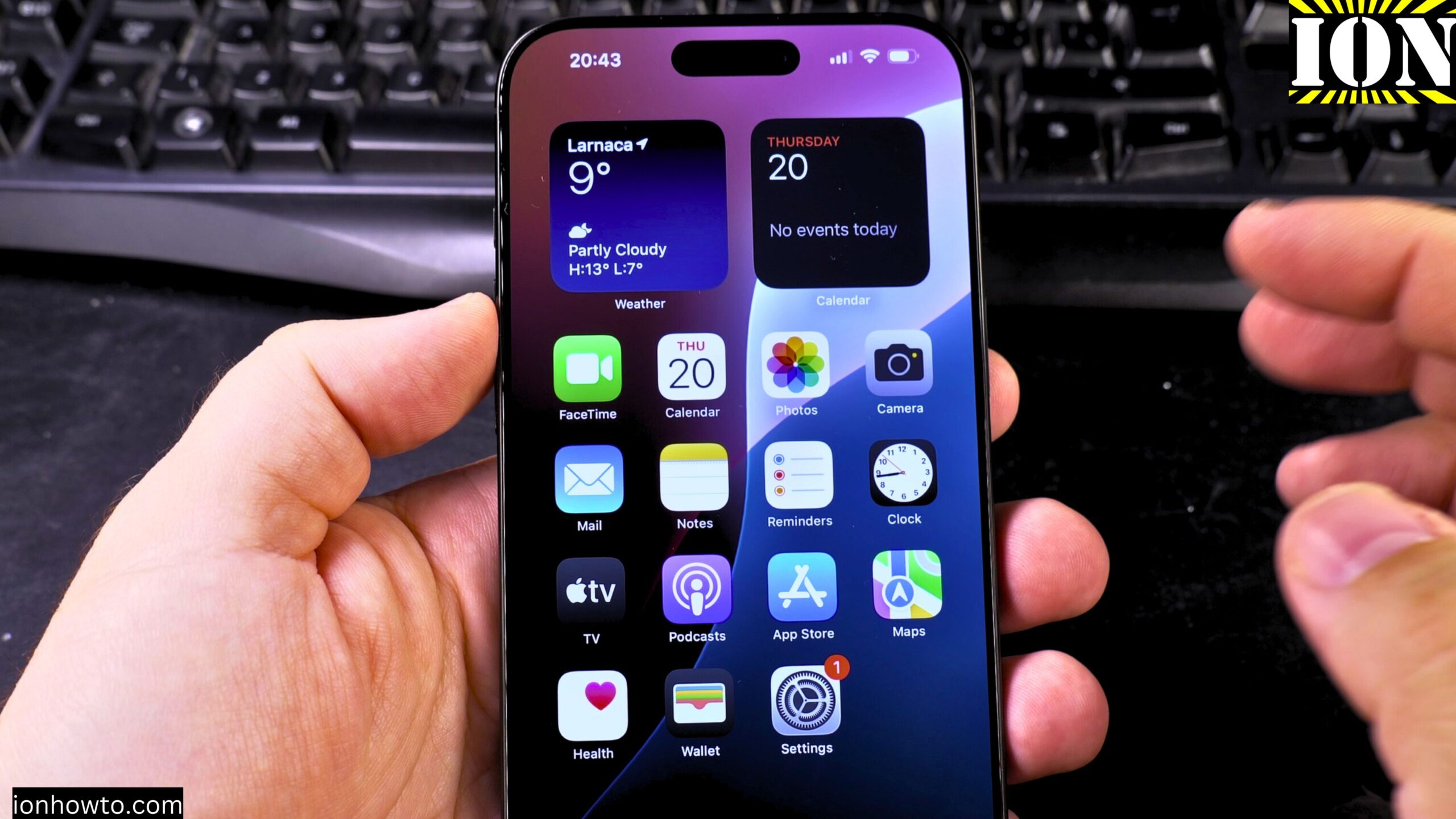
How to Remove Wallpaper on iPhone
How to Remove Wallpaper and Make iPhone Home & Lock Screen Black. Learn how to remove your wallpaper and set a pure black home screen and lock screen on your iPhone. I show you the steps to create a completely black background, which can help save battery life on iPhones with OLED screens. Showing you…
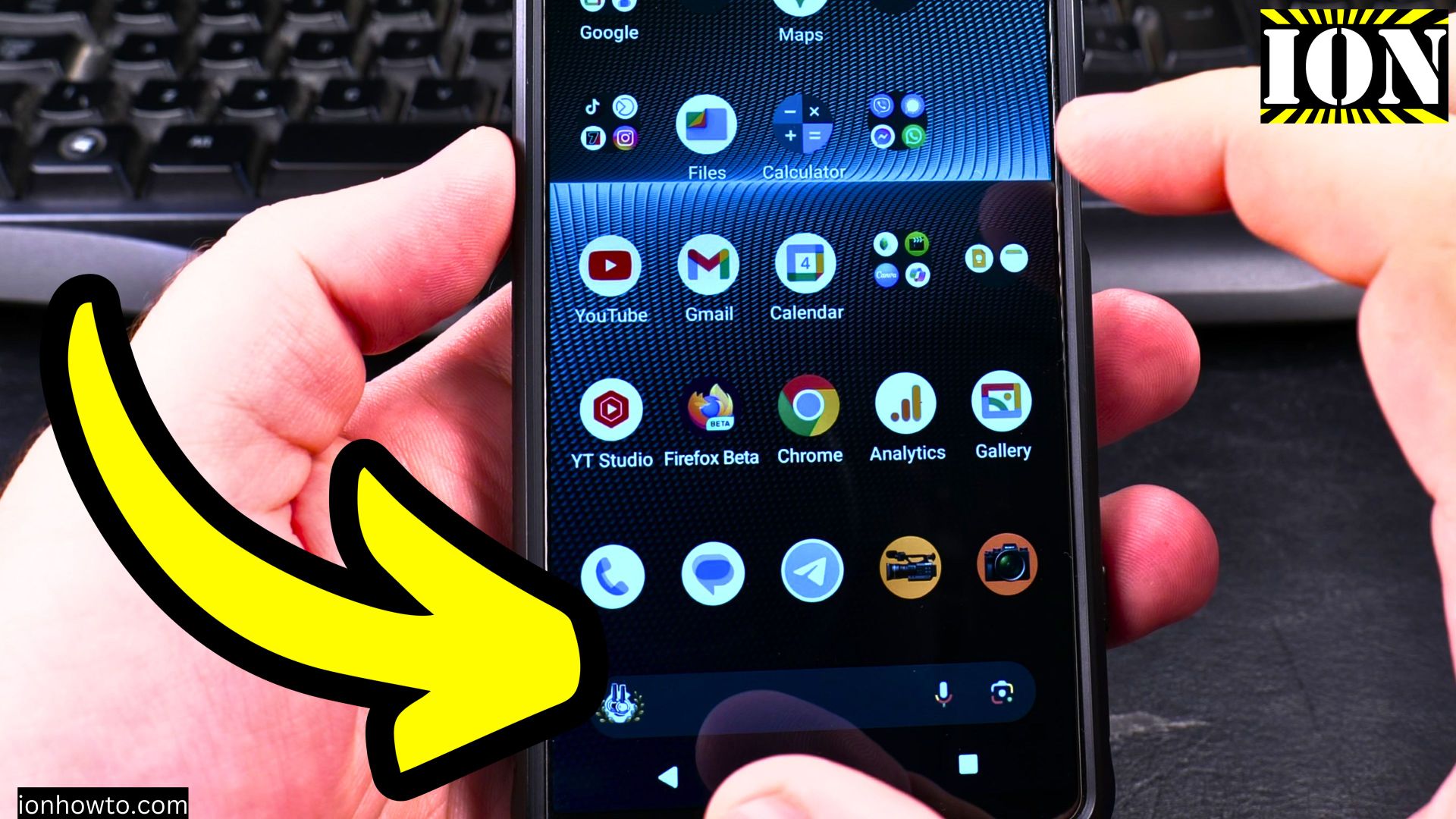
Remove Wallpaper on Android Lock Screen
How to Remove Wallpaper on Android Lock Screen & Home Screen Learn how to remove wallpaper from both your lock screen and home screen on Android devices. I’ll show you the steps to reset your wallpapers to default or set a plain background instead. Android How to Remove Wallpaper on Lock Screen and Home Screen…
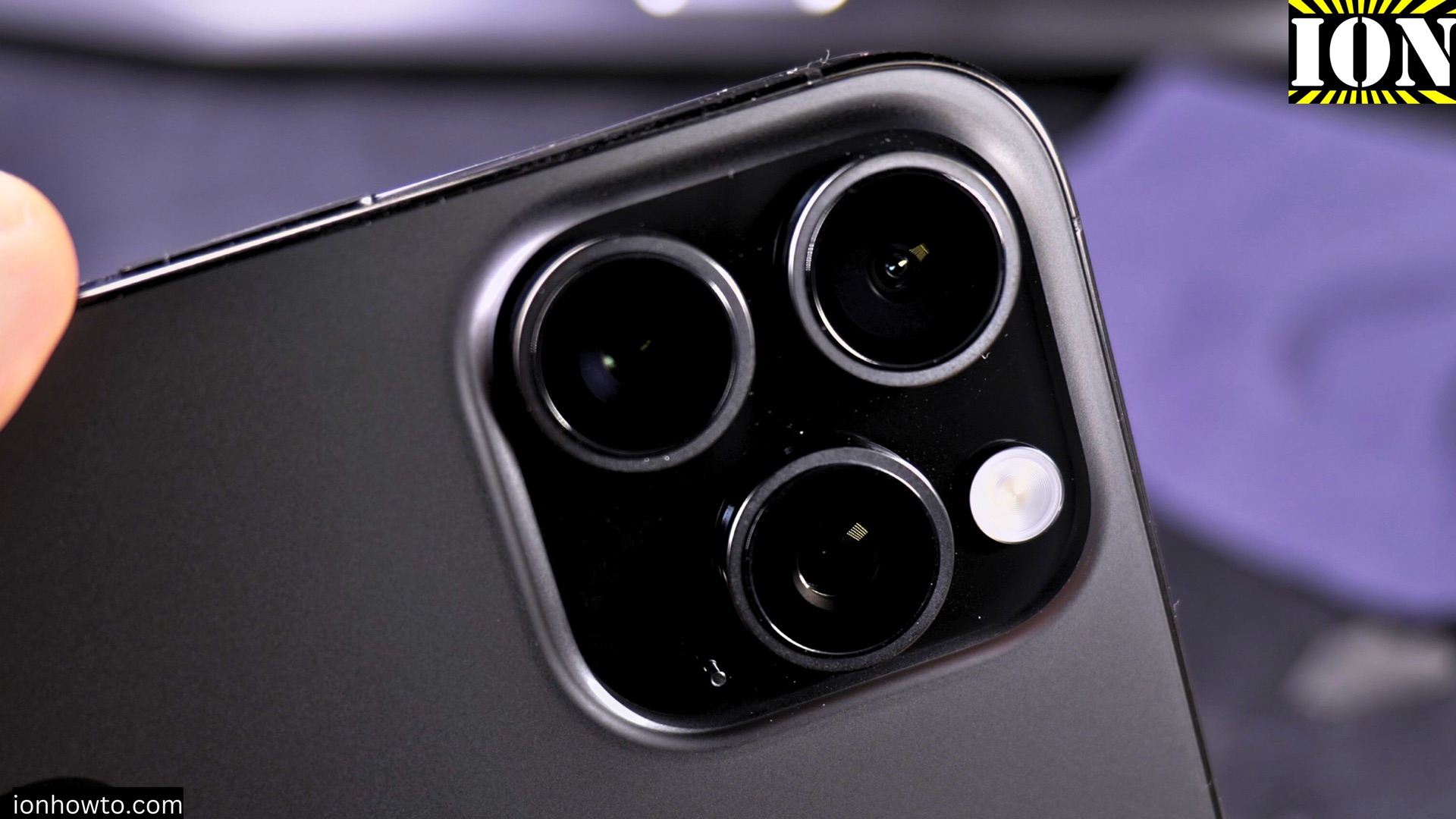
iPhone iOS 26 vs Android 15 Compared
iPhone iOS 26 vs Android 15 Compared Which Operating System is Right For You? Learn how the latest versions of iOS and Android stack up in this comparison of iOS 26 and Android 15. I show you the key differences in features, performance, and user experience to help you decide which operating system works best…
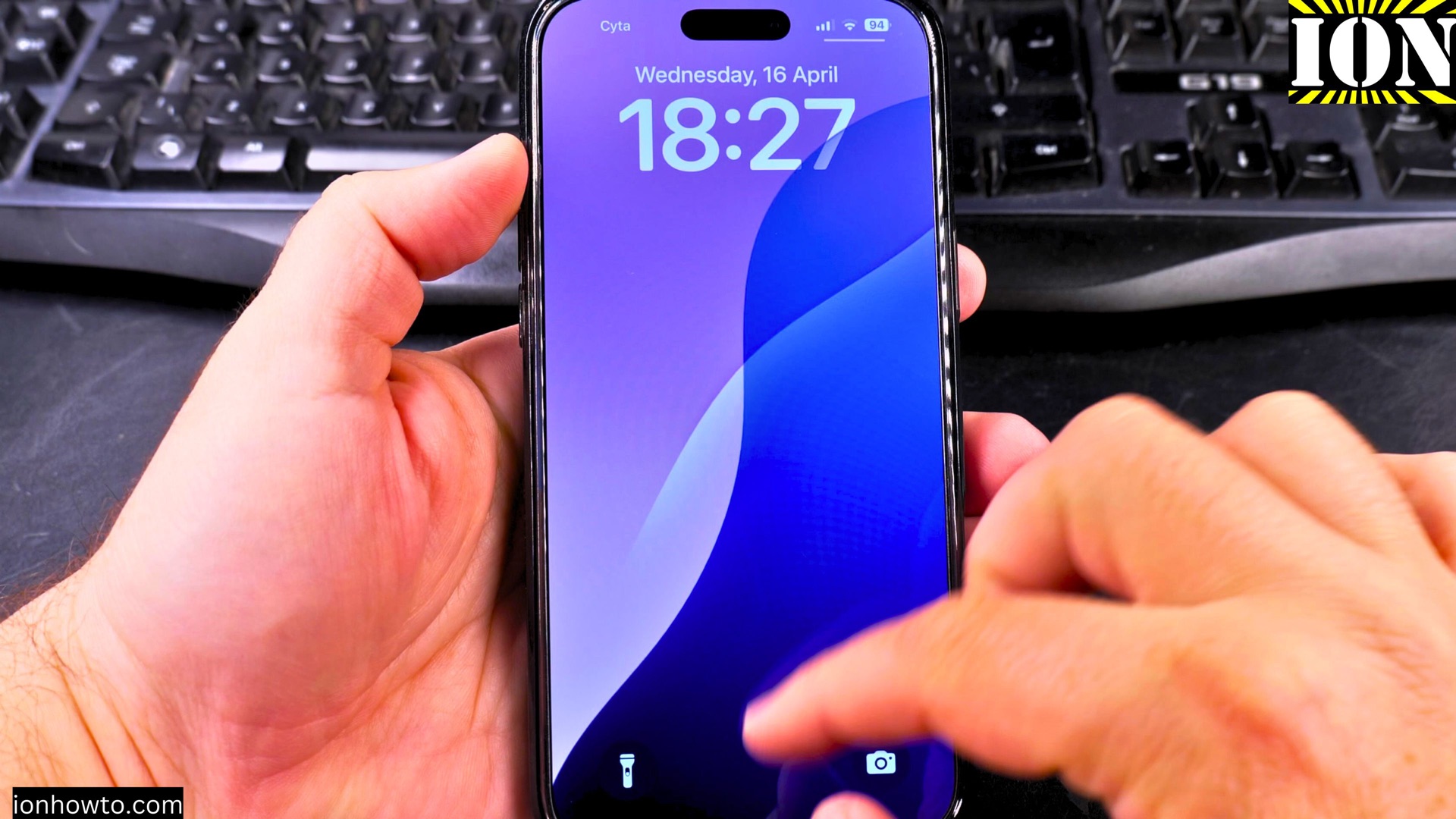
Change Lock Screen Clock Size and Font Style in iOS 26
How to Change Lock Screen Clock Size and Font Style in iOS 26. Why Customize Your Lock Screen Clock? Your iPhone’s lock screen is the first thing you see when you wake up your device. With iOS 26, Apple gives you more control over how your clock looks. Learn how to change the clock size,…
Disable Audio Auto Dubbing on YouTube Shorts
How to Disable Audio Auto Dubbing on YouTube Shorts. Learn how to disable audio auto dubbing on YouTube Shorts. If you prefer your Shorts to keep their original audio without automatic translations, I’ll show you how to turn this feature off in the YouTube Shorts player. How to Disable Audio Auto Dubbing on YouTube Shorts…
Set Snooze Duration and a Bigger Snooze Button in iOS 26
How to Set Snooze Duration and Get a Bigger Snooze Button in iOS 26. Learn how to change the snooze duration for your iPhone alarm and make the snooze button bigger in iOS 26. If you often use the snooze feature, adjusting these settings can make your mornings easier. iPhone How to Set Snooze Duration…
Restrict Apps from Using Mobile Data or Wi-Fi on Samsung
How to Restrict Apps from Using Mobile Data or Wi-Fi on Samsung Android Devices. Learn how to control which apps can use mobile data or Wi-Fi on your Samsung phone. I’ll show you the steps to restrict network access for specific applications to save data and improve privacy. Showing you on Samsung S23 Ultra Android…
Switch Wi-Fi Networks and View Network Properties on Android
How to Switch Wi-Fi Networks and View Network Properties on Android. Learn how to change between available Wi-Fi networks and check detailed network properties on your Android device. I show you the steps to switch connections and view important network information like signal strength, frequency, and security type. How to Switch Wi-Fi Networks and View…
Make Wi-Fi Turn On Automatically at Known Locations on Android
How to Make Wi-Fi Turn On Automatically at Known Locations on Android. Learn how to set up your Android device to automatically enable Wi-Fi when you arrive at familiar locations. I show you how to configure this smart feature that helps you stay connected while saving mobile data. How to Make Wi-Fi Turn On Automatically…
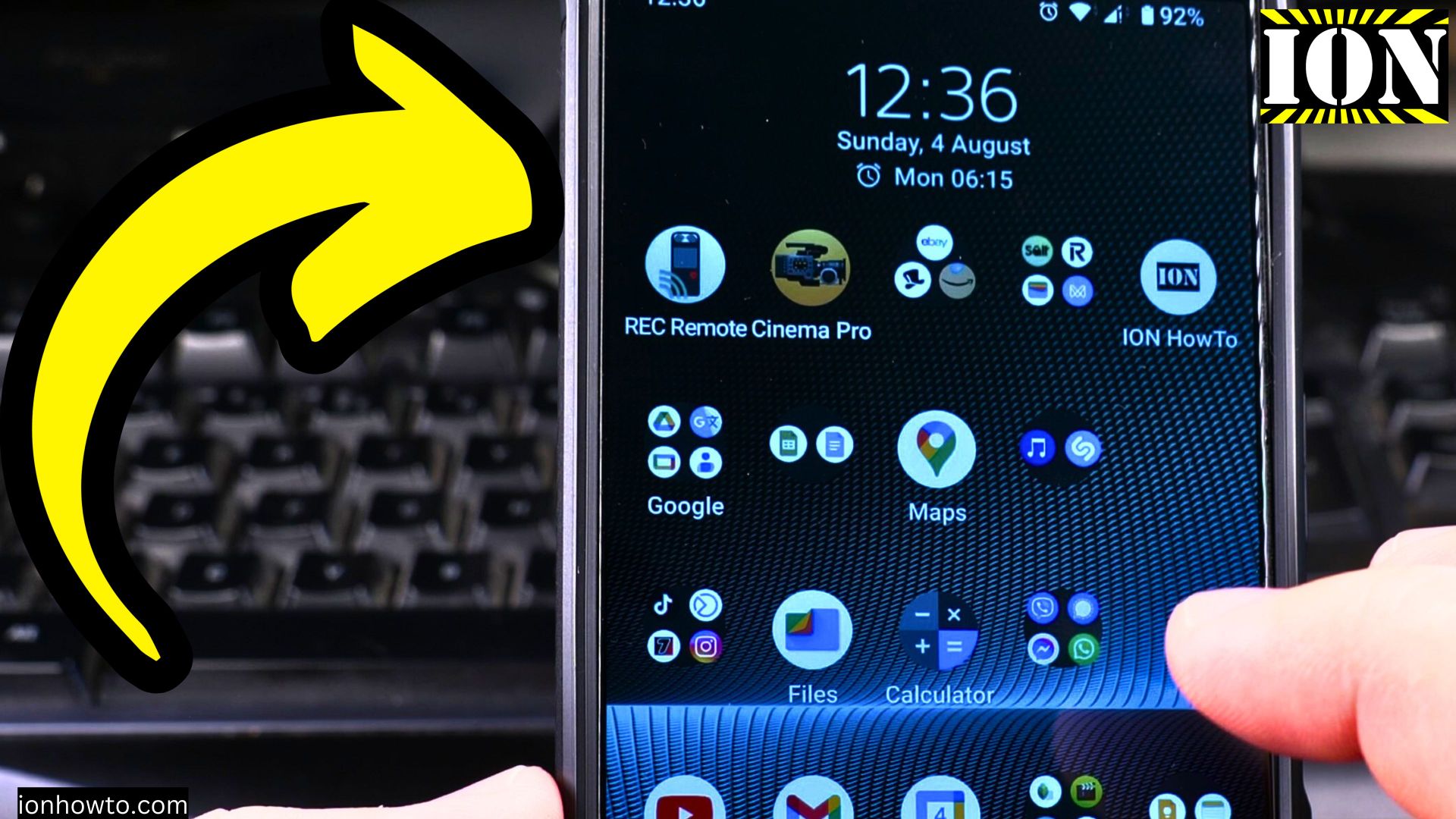
How to Turn Off Wi-Fi on Android Devices
How to Turn Off Wi-Fi on Android Devices. Learn how to disable Wi-Fi on your Android phone or tablet. I show you the steps to turn off wireless networking when you want to conserve battery, use mobile data, or troubleshoot connection issues. How to Turn Off Wi-Fi on Android Devices Video. Tested on Sony Xperia…
