
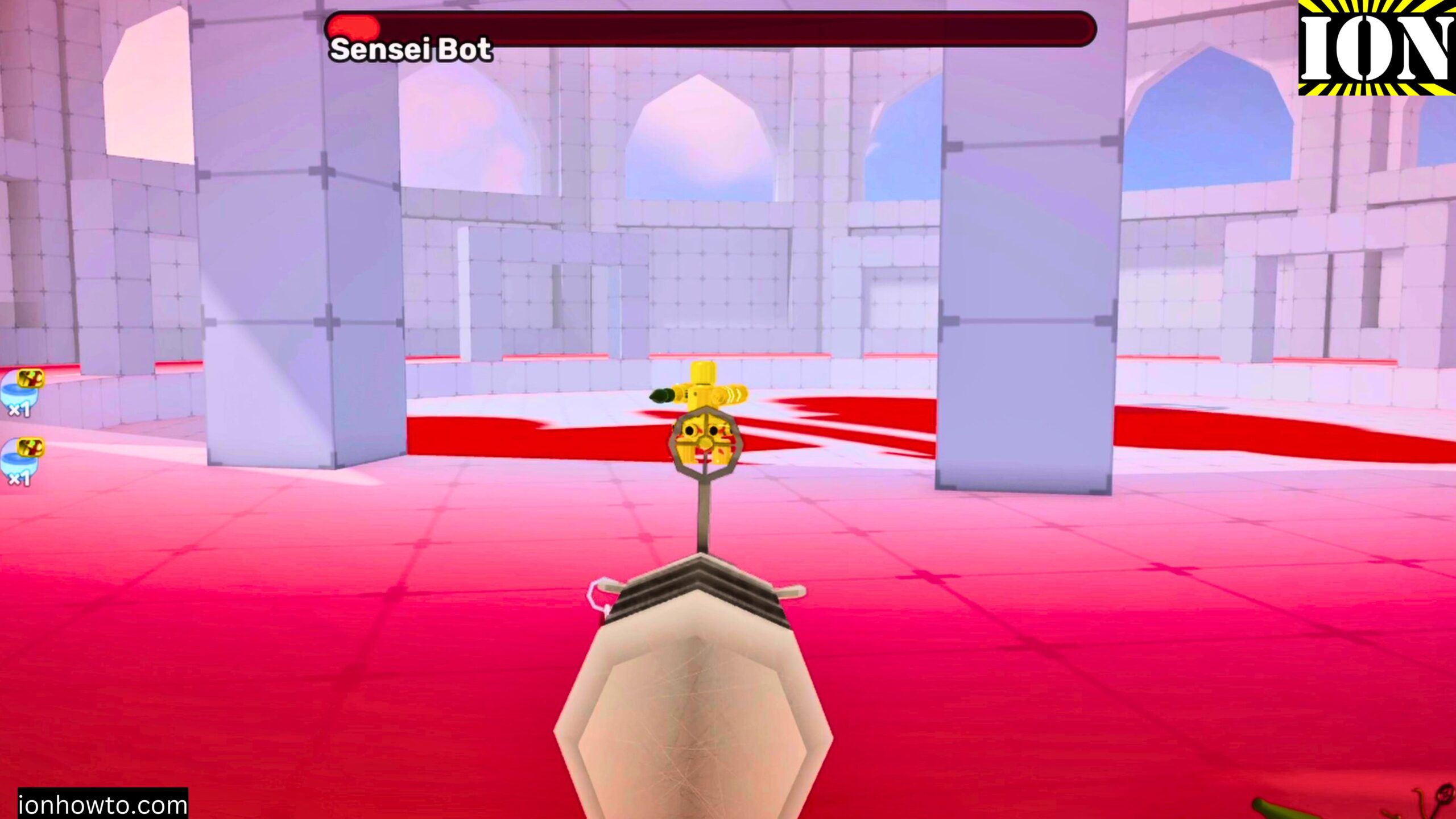
Roblox Create and Play on Private Server Rivals and Strongest Battlegrounds.
Roblox How to Create Private Server in Roblox Rivals and Strongest Battlegrounds or most Roblox games or experiences.
Roblox How to Create Private Server Video.
We have the new Roblox Plus subscription that enables unlimited private servers.
You can create one private server in Roblox Rivals and other games might have some free private servers options.
I show you how to create a private servers in a few clicks and how to allow your friends to join your private server.
You can also allow specific Roblox users access to join your private server.
You can also use a special link to share your private server.
You can rename your private server and for each Roblox experience, you have a separate private server. With the Roblox plus subscription it’s unlimited private servers.
I noticed in Roblox Rivals having a private server created with the Plus subscription gives Rivals Unlimited.
I could use all the weapons but rewards are not granted while playing on the private server.
A private server can be made restricted even to yourself to disable it.
Related Guides and Helpful Resources
If you found this guide helpful, check out these related step-by-step tutorials and category resources on ION HowTo:
- How to Replace AC Remote Batteries with a Ballpoint Pen: Lever out stubborn AAA batteries from deep remote slots without tools.
- Clean USB-C Port with Paper: Simple household trick to clean lint and debris from loose charging ports safely.
- IKEA KOPLA B22 to E27 Socket Converter Guide: Convert older UK bayonet lamp fittings to fit modern screw-in LED bulbs.
- DIY Hacks and Life Solutions: Explore our full collection of tutorials and step-by-step articles in this category.


Leave a Reply