
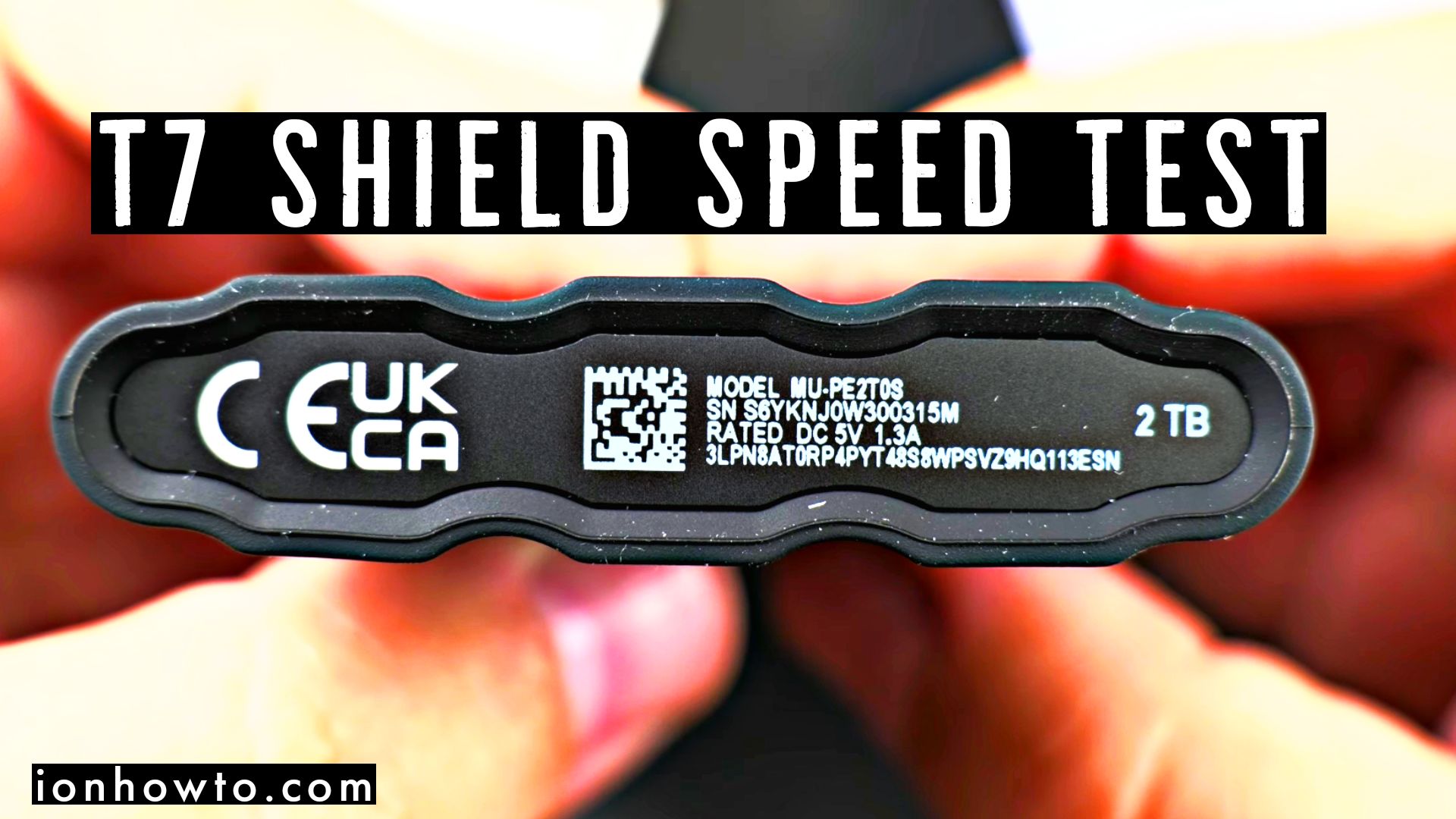
Samsung T7 Shield SSD unboxing and build quality close look.
Quick Steps and Scenarios Overview
| What You Need to Do | Quick Jump |
|---|---|
| Samsung T7 Shield SSD Speed tests | Jump to Step 1 |
| Speed test | Jump to Step 2 |
| If speeds is important | Jump to Step 3 |
| Features | Jump to Step 4 |
| Performance | Jump to Step 5 |
| Product details | Jump to Step 6 |
Recommended Amazon Gear and Accessories
Disclosure: This article contains Amazon affiliate links. As an Amazon Associate, we earn from qualifying purchases at no extra cost to you.
- Phone Accessories
- Android Phone Case
- USB-C Charger
- USB-C Cable
- Wireless Charger Stand
- Wireless Car Charger
Samsung portable SSD T7 and T7 Shield are compact portable external SSD made for fast and secure access to your files.
Samsung T7 Shield SSD Speed tests
They work with Android, Windows and Mac.
Samsung T7 and T7 Shield are very similar and while the T7 SSD is compact and has high performance for read and write speed.
The T7 Shield offers the same read and write speed but in a more rugged enclosure.
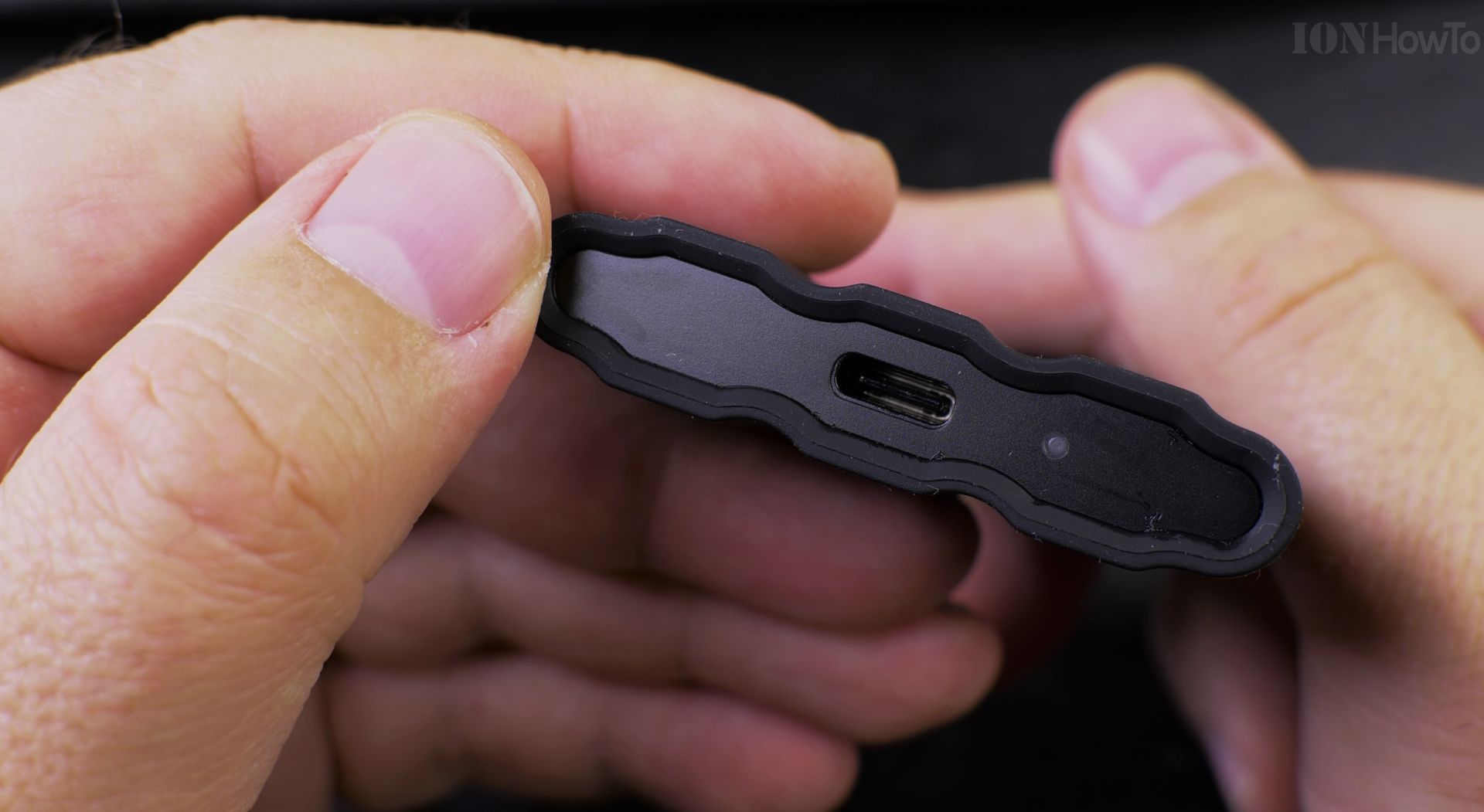
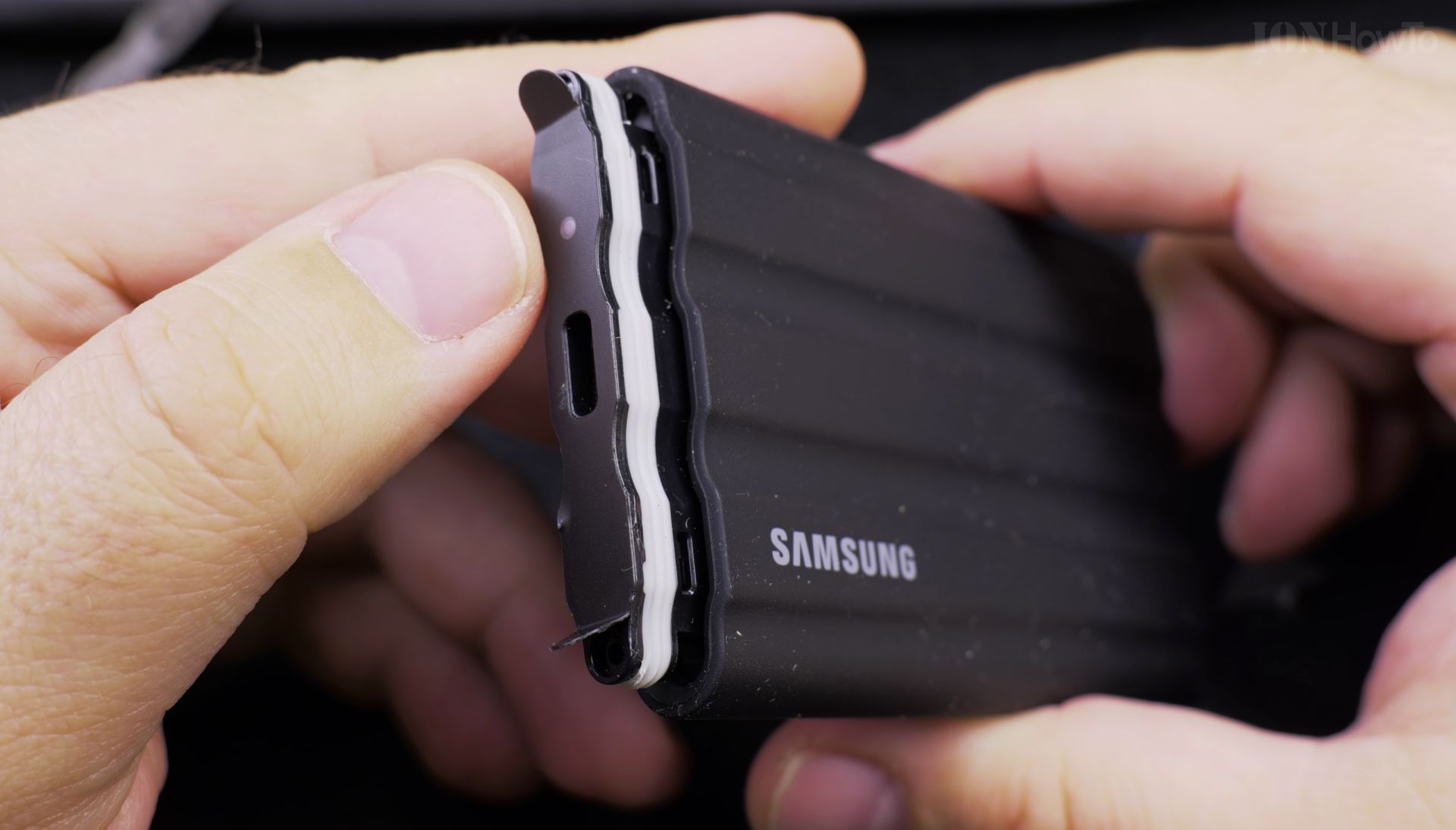
The T7 Shield is resistant to water and dust and it’s even impact resistant.
Samsung T7 Shield is covered in a soft rubber-like material that smelled like inflatable beach toys to me. The outer layer is soft and grippy so you have less chances to drop the T7 Shield.
T7 Shield SSD 2TB package markings:
Samsung
Portable SSD T7 Shield
Speed test
On USB 3.2 Gen 2 the T7 Shield reaches the full read/ write speed.

Using the T7 Shield with a USB 3.0 extension gave unexpected freezes in transfers and eventually the T7 Shield SSD became unresponsive.
If you need a USB 3.2 Gen 2 extension cable, better look for a USB 3.2 Gen 2 hub that can sit on your desk and you plug the T7 Shield in the hub then unplug it using safe remove on Windows 11.
USB 3.0 and USB 3.2 Gen 1 Speed test

On a PC front panel the USB ports are USB 3.0 usually. This is the speed you can expect and I had around 500MB/s transfer speeds on a USB 3.2 Gen1 port.
USB 3.0 and USB 3.1 Gen 1 will give you very similar USB transfer speeds.
If speeds is important
If you must have the maximum speed you paid for, you must use USB 3.1 Gen 2 or USB 3.2 Gen 2 and avoiding USB 3.0 extension cables. Directly into the USB port or in a USB 3.2 Gen 2(x1) Hub at least.
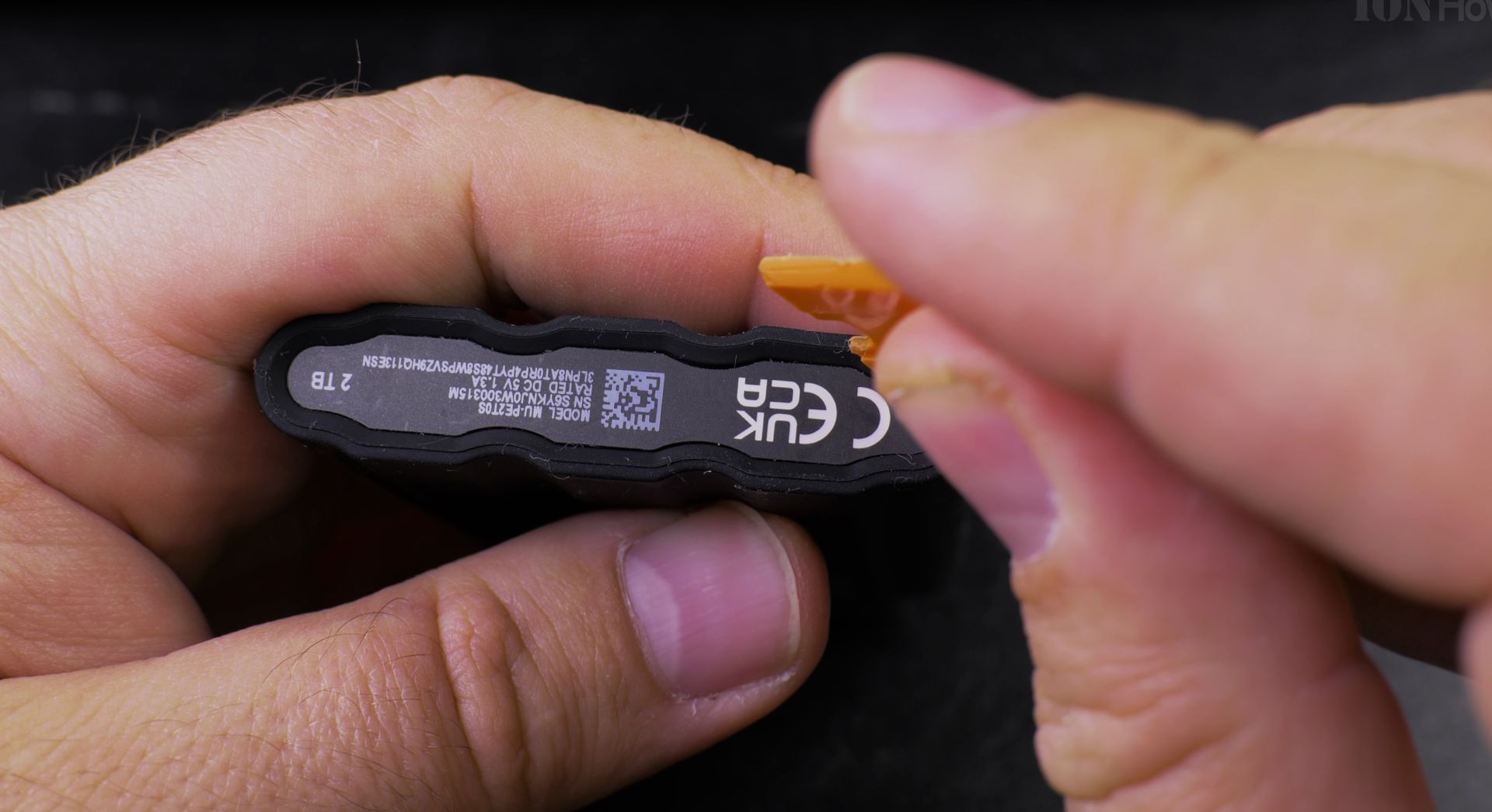
Features
Password protection
3 meter drop resistance
IP65 water and dust resistance
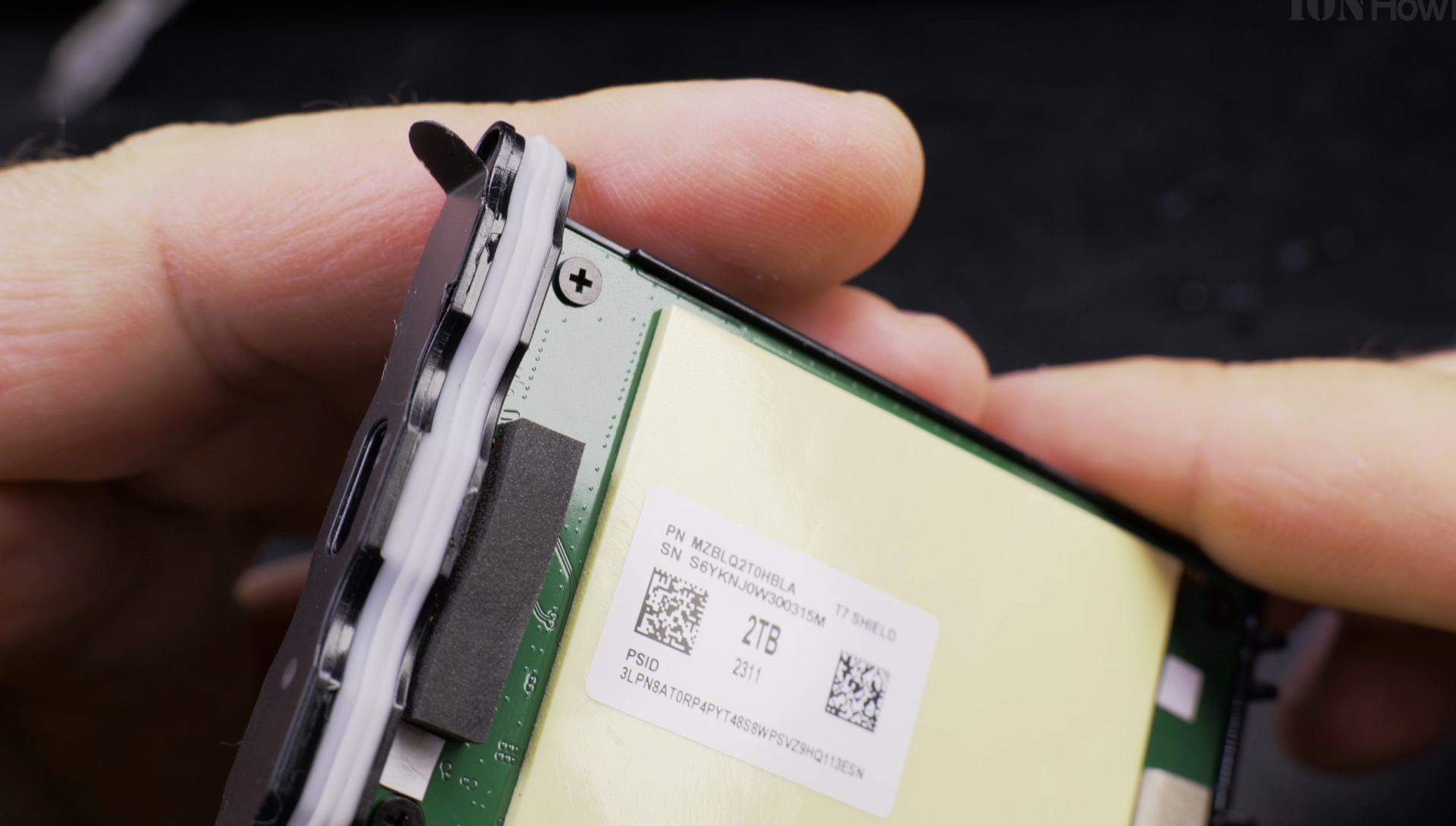
Performance
Up to 1050MB/s read speed and 1000M write speed
Supported by USB 3.2 Gen 2(10Gbps)
Utilizes rhe PCIe NVMe interface
AES-256-bit hardware encrypted password protection
Product details
SKU: MU-PE2T0S/EU
Ean barcode: 8806092968431
Product name: Samsung Portable SSD Shield 2 TB
Model: MU-PE2T0S
Model code: MU-PE2T0S/EU
R-R-SEC-MU-PE2T0
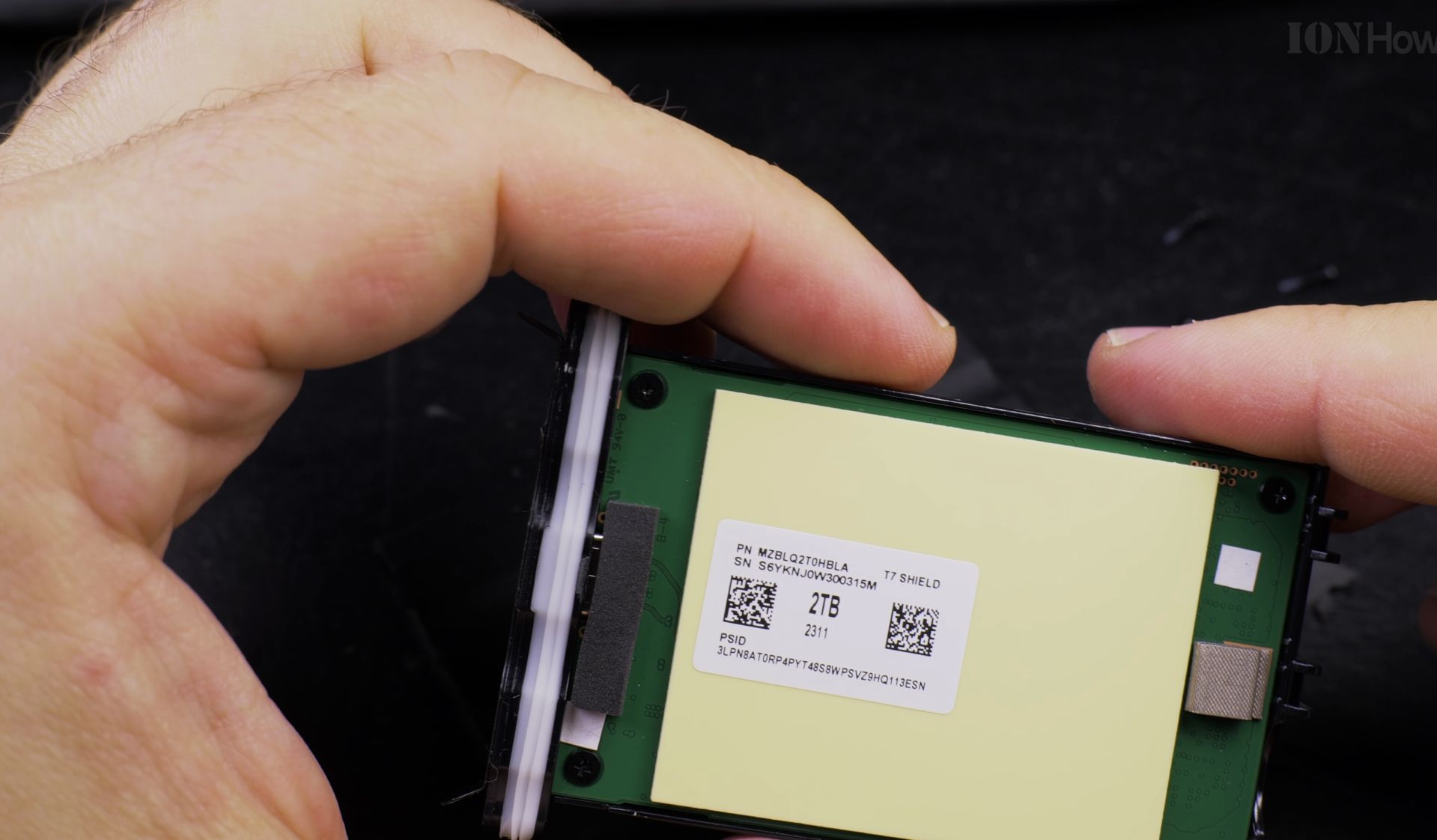
Power rating
USB-C
DC 5V 1.3A
Package contents
Portable SSD T7 Shield
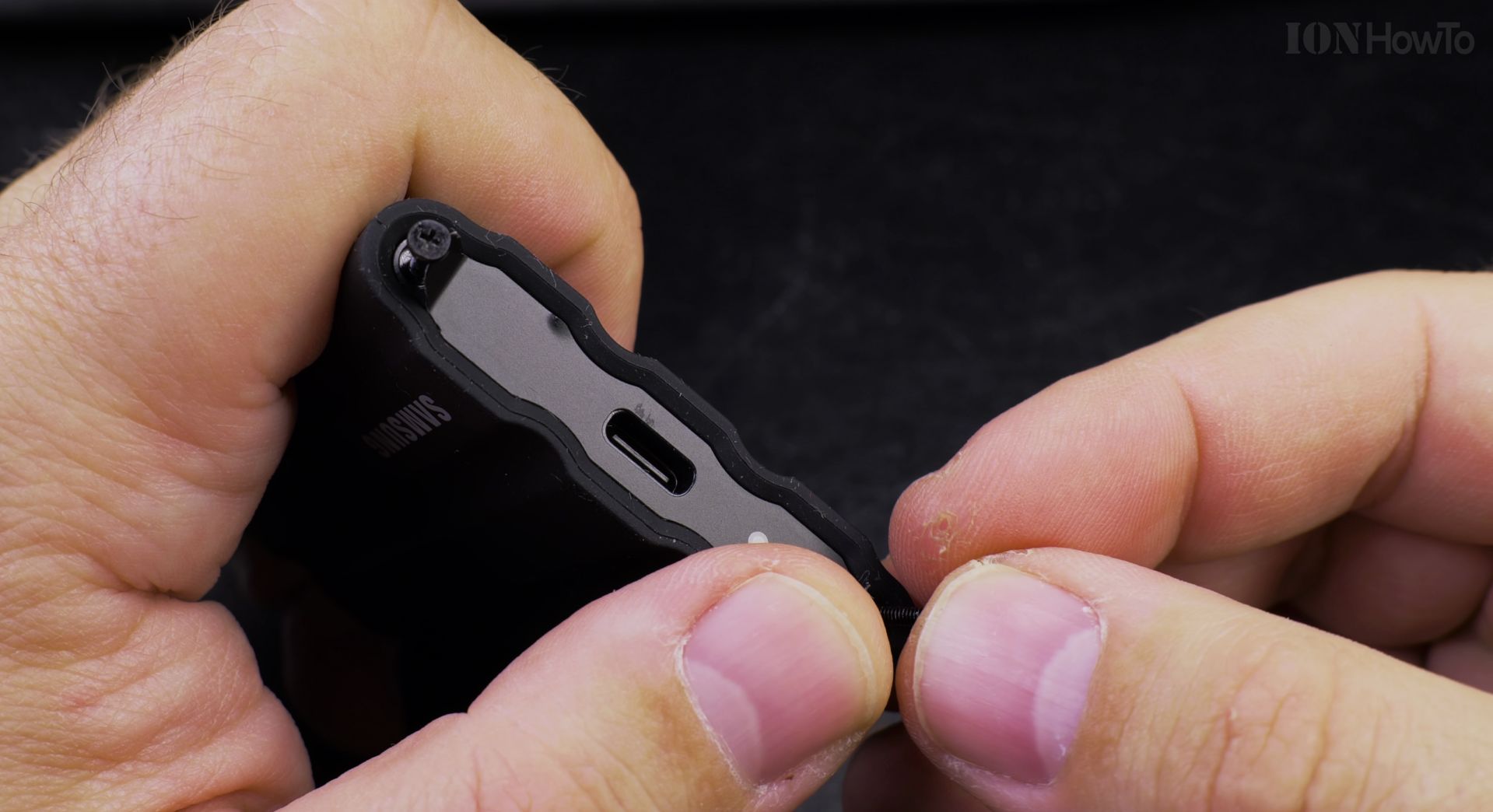
USB Type-A to USB Type-C data and power cable for Computer
USB-C to USB-C data and power cable for Android
Helpful Tips
Take your time and check the screen carefully after each tap so you can confirm the setting changed as expected. If an option appears in a slightly different spot on your device, watch the embedded video above for a closer look.
Related Guides
- Speed Up Your Samsung Android Phone with Developer Options – How to Speed Up Your Samsung Galaxy Android Phone: Optimize with Developer Options
- Samsung 850 EVO speed test on SATA II ports – Today we unbox, install and speed-test the Samsung 850 EVO SSD drive on an old SATA 2 ( SATA II) port in my old but good 10+…
- DaVinci Resolve Speed Editor – Browse more tutorials and practical guides in this section.


Leave a Reply