
Quick Steps and Scenarios Overview
| What You Need to Do | Quick Jump |
|---|---|
| Highlighter refill vs yellow printer ink | Jump to Step 1 |
| Fix dry highlighter pen | Jump to Step 2 |
Recommended Amazon Gear and Accessories
Disclosure: This article contains Amazon affiliate links. As an Amazon Associate, we earn from qualifying purchases at no extra cost to you.
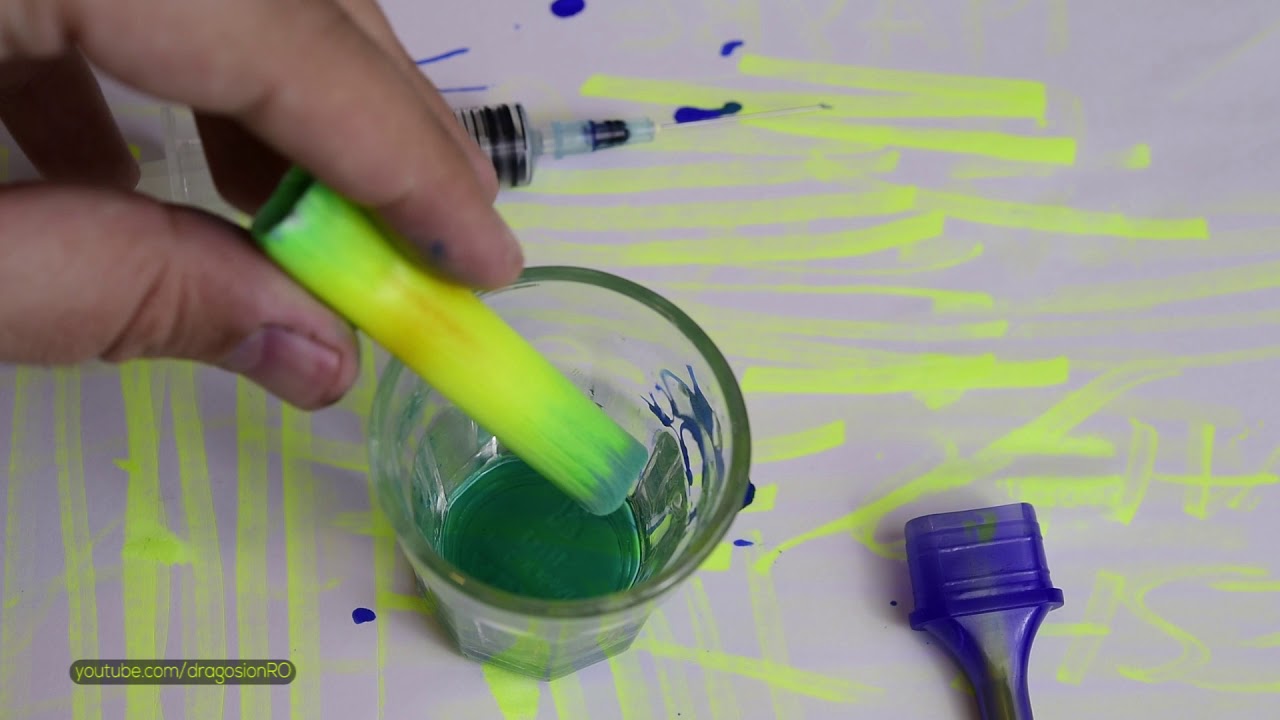
These are 2 simple hacks for fixing and how to refill and revive dry highlighter marker pens and how to change the highlighter pen color to any color you want.
When the highlighters become dry they don’t work anymore and will not highlight text.
You could buy a new one but this trick will make your highlighter work again with a few easy steps.
If you prefer to change the color and not only revive the highlighter, you can also do that!
You can combine multiple colors and make a rainbow with your highlighter pen.
Highlighter refill vs yellow printer ink
You can use printer ink or special highlighter refill ink to refill your highlighter.
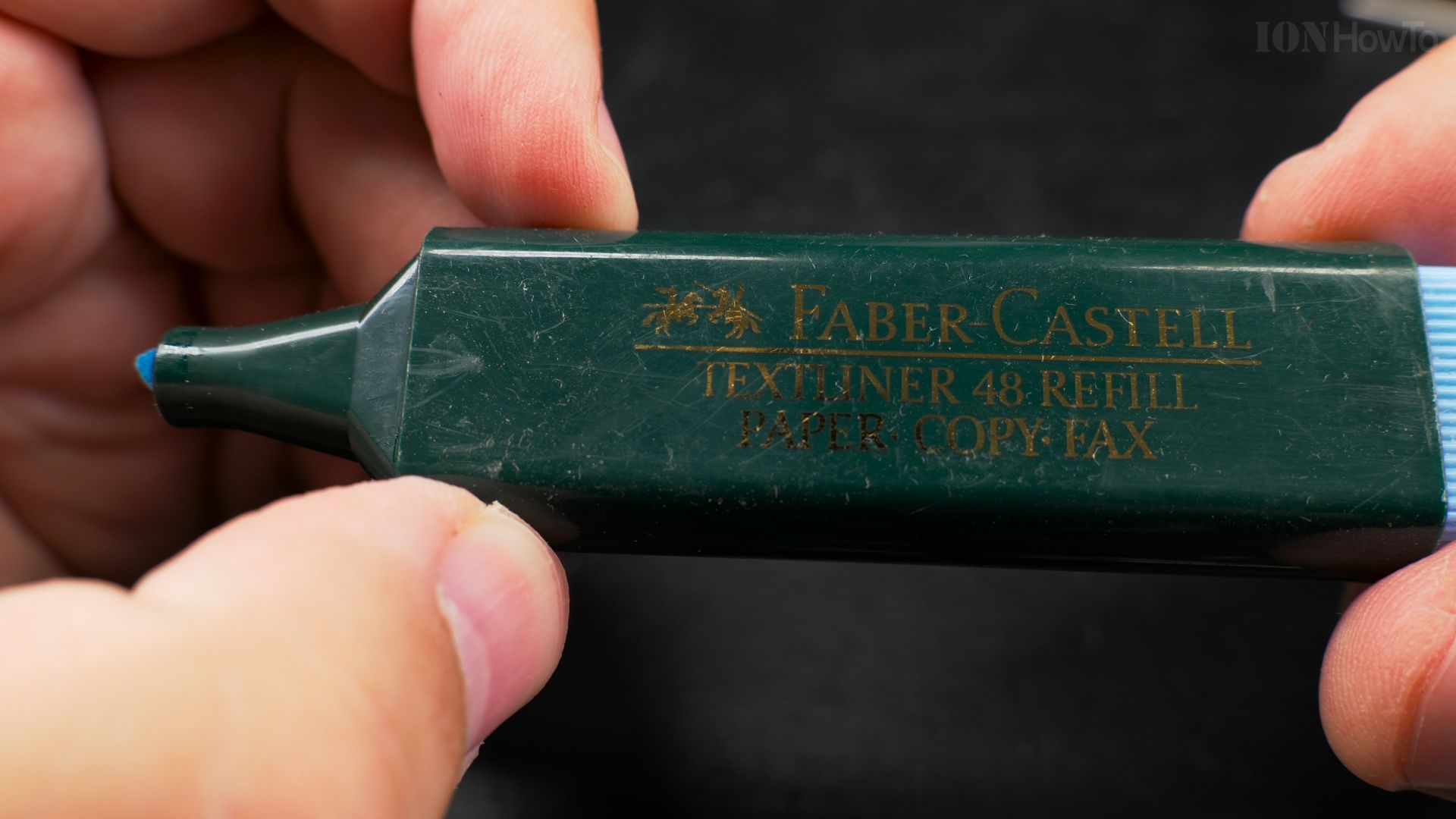
Fix dry highlighter pen
To revive a dry highlighter you can open it as shown in the video and take the sponge out of the highlighter pen.
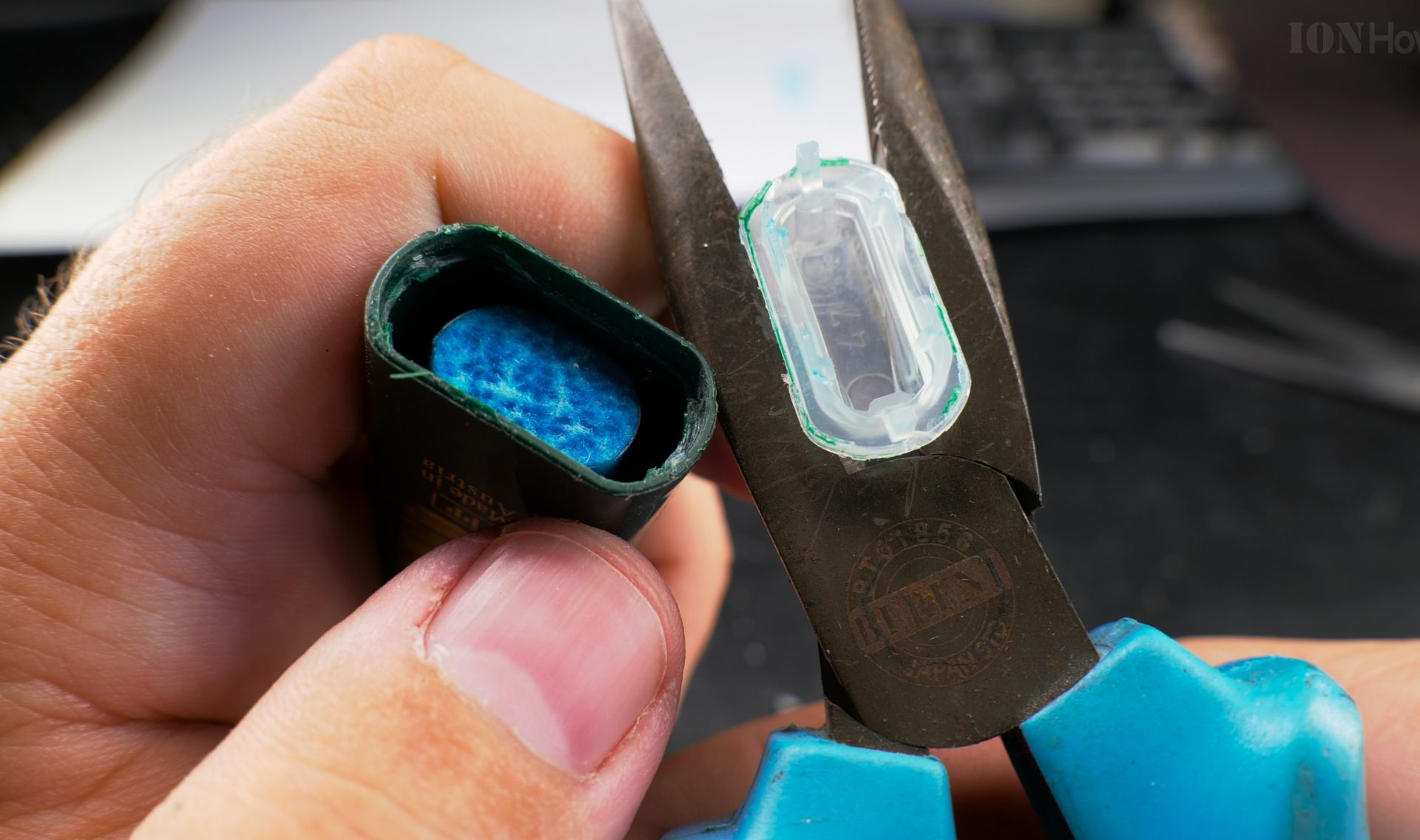
Keep rhe highlighter pen sponge for a few seconds 5-30 seconds in a distilled water solution or mix 50% plain house vinegar (4-5%) with 50% water.
If you prefer no vinegar smell, you can use plain deionized water or a reduced vinegar concentration from 50% to 10-20% vinegar mix. Please note you should only use house vinegar with 4 to 5% concentration and not higher.
When you mix half 4% vinegar with half water, the solution becomes 2% vinegar acidity concentration.
Enjoy your new highlighter pen!
Helpful Tips
Check all labels, connections, and power ratings before starting so everything fits safely and securely. If any detail looks slightly different on your model, pause the embedded video above for a clear closeup view.
Related Guides
- Fix printer paper feeding problems – Fix printer paper feeding problems in inkjet printers or laser printers.
- Fix Canon Pixma Printer Error B200 – Printer error B200 happens often and usually at the wrong time.
- Canon Printer Error P10 error code b204 how to fix – Canon Printer Error P10 error code b204 and how to fix it.
- Highlighter pen hacks – Browse more tutorials and practical guides in this section.


Leave a Reply