
Category: Apple Music & Audio
Step-by-step Apple Music tutorials for iPhone, iPad, and Mac. Learn how to manage your queue, playlists, audio quality, and vocal controls.
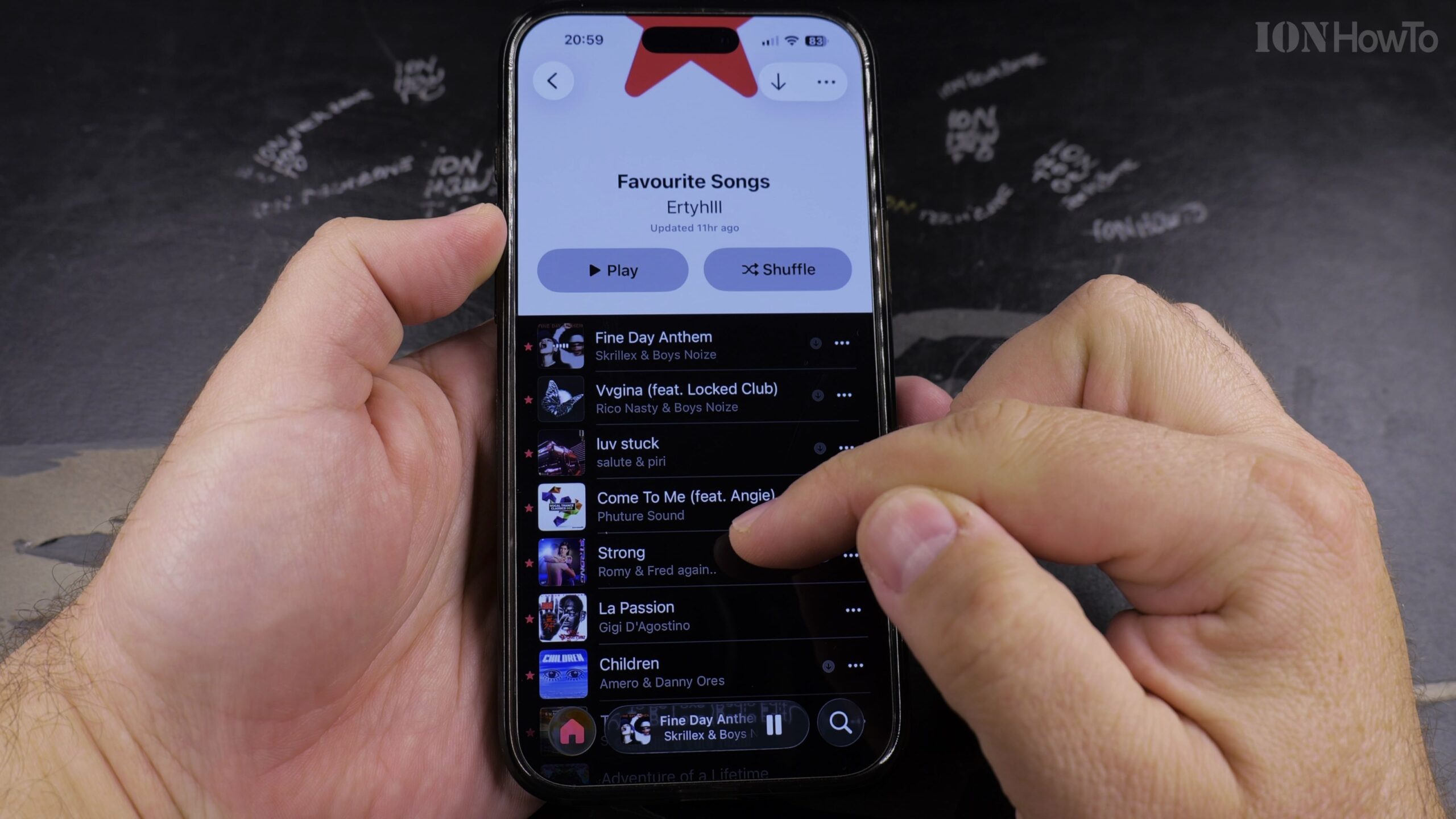
Apple Music Equalizer (EQ): How to Customize Audio Presets on iPhone
If you want clearer spoken vocals for podcasts, punchier bass for workout tracks, or an acoustic balance for classical instruments, iOS includes 23 built-in equalizer profiles. Here is how to configure and customize Apple Music EQ presets on your iPhone.
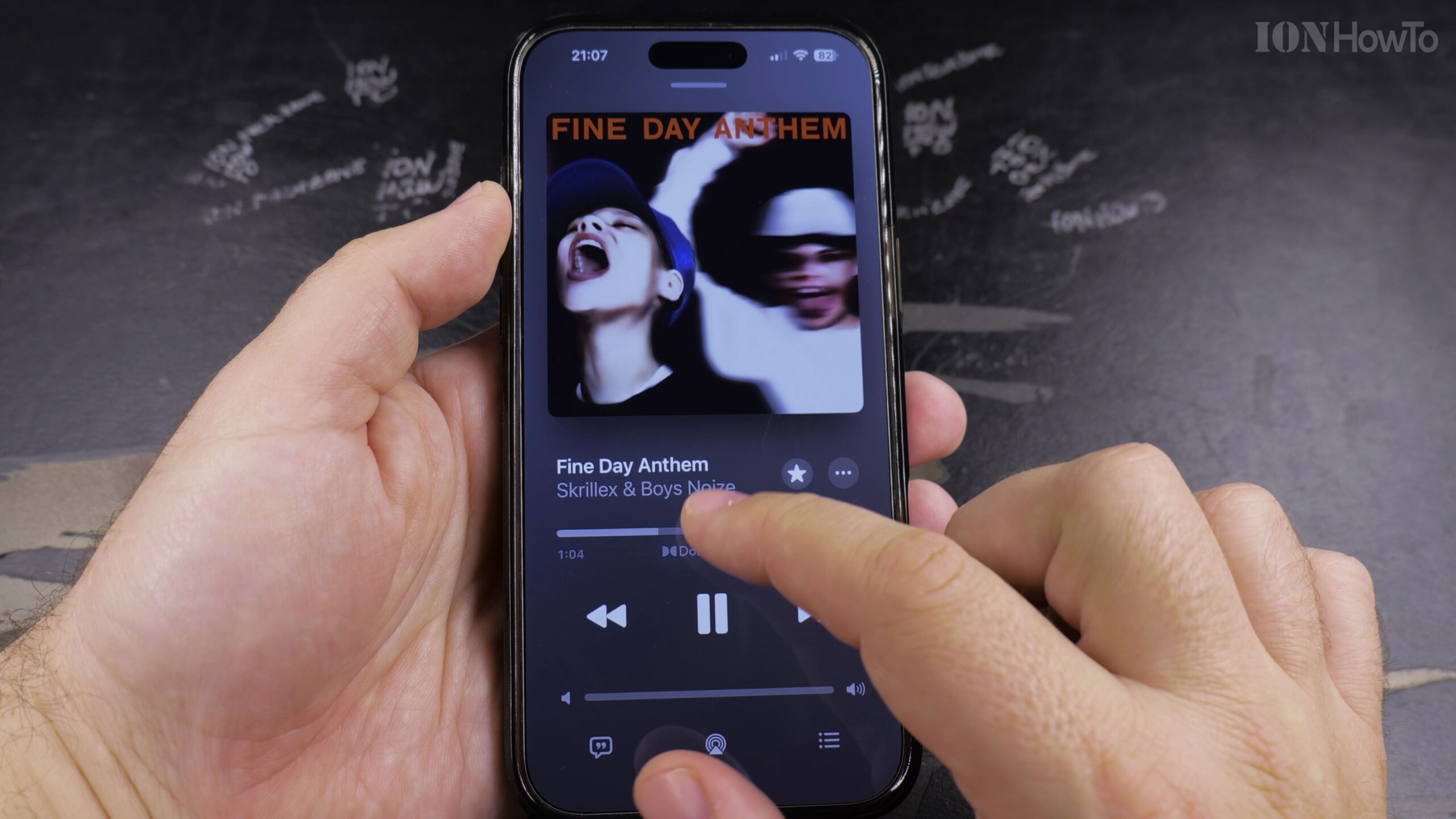
Apple Music: How to Turn Off AutoPlay on iPhone and iPad
Apple Music’s AutoPlay feature automatically queues up similar songs when your chosen album or playlist finishes. If you prefer playback to stop when your music ends, here is how to easily turn off the AutoPlay infinity mode.
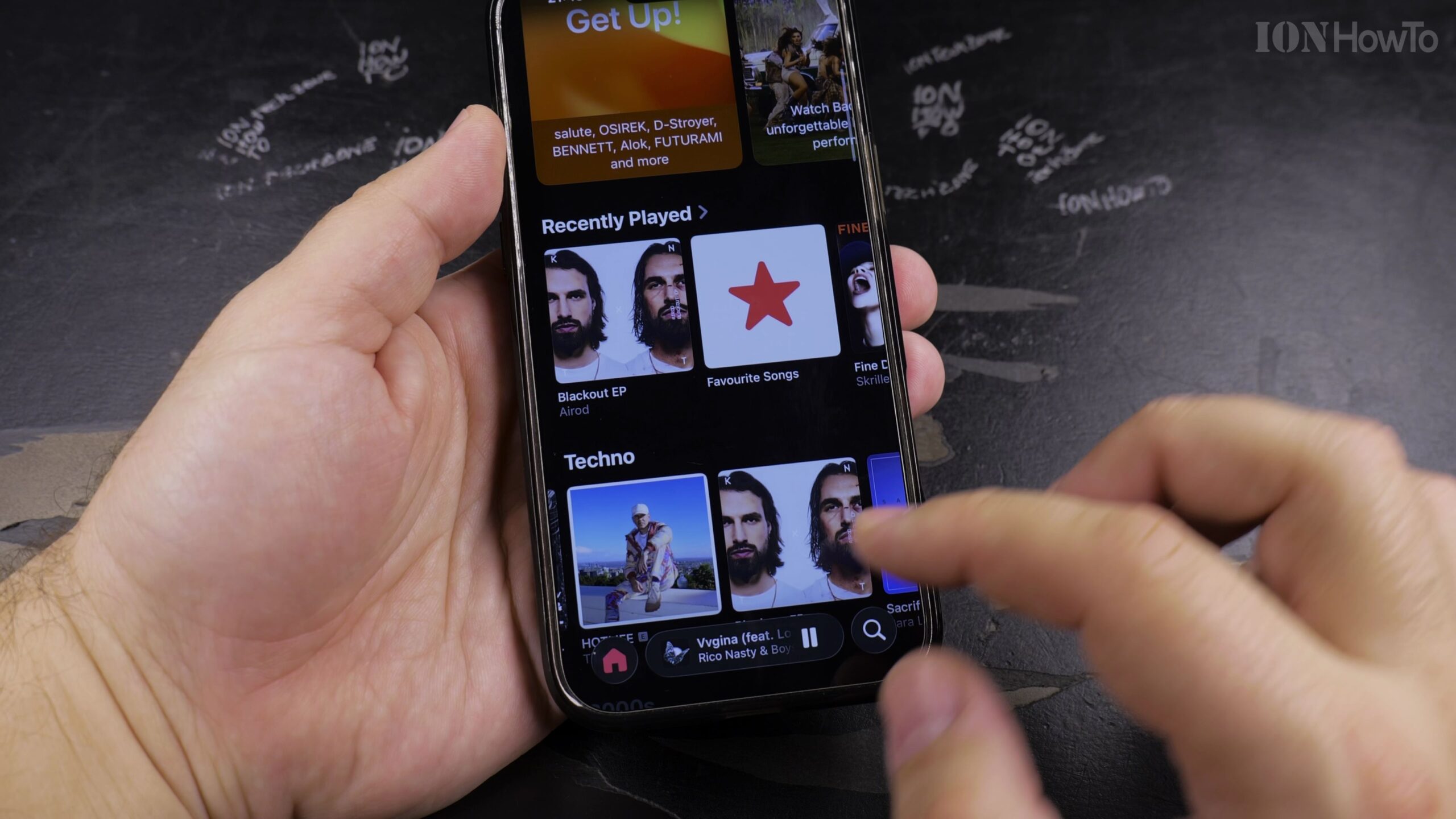
How to Delete a Playlist in Apple Music on iPhone and iPad
When you want to declutter your music library and remove old playlists you no longer listen to, Apple Music allows you to delete them in seconds. Here is how to delete a playlist from your library without losing the individual songs saved on your account.
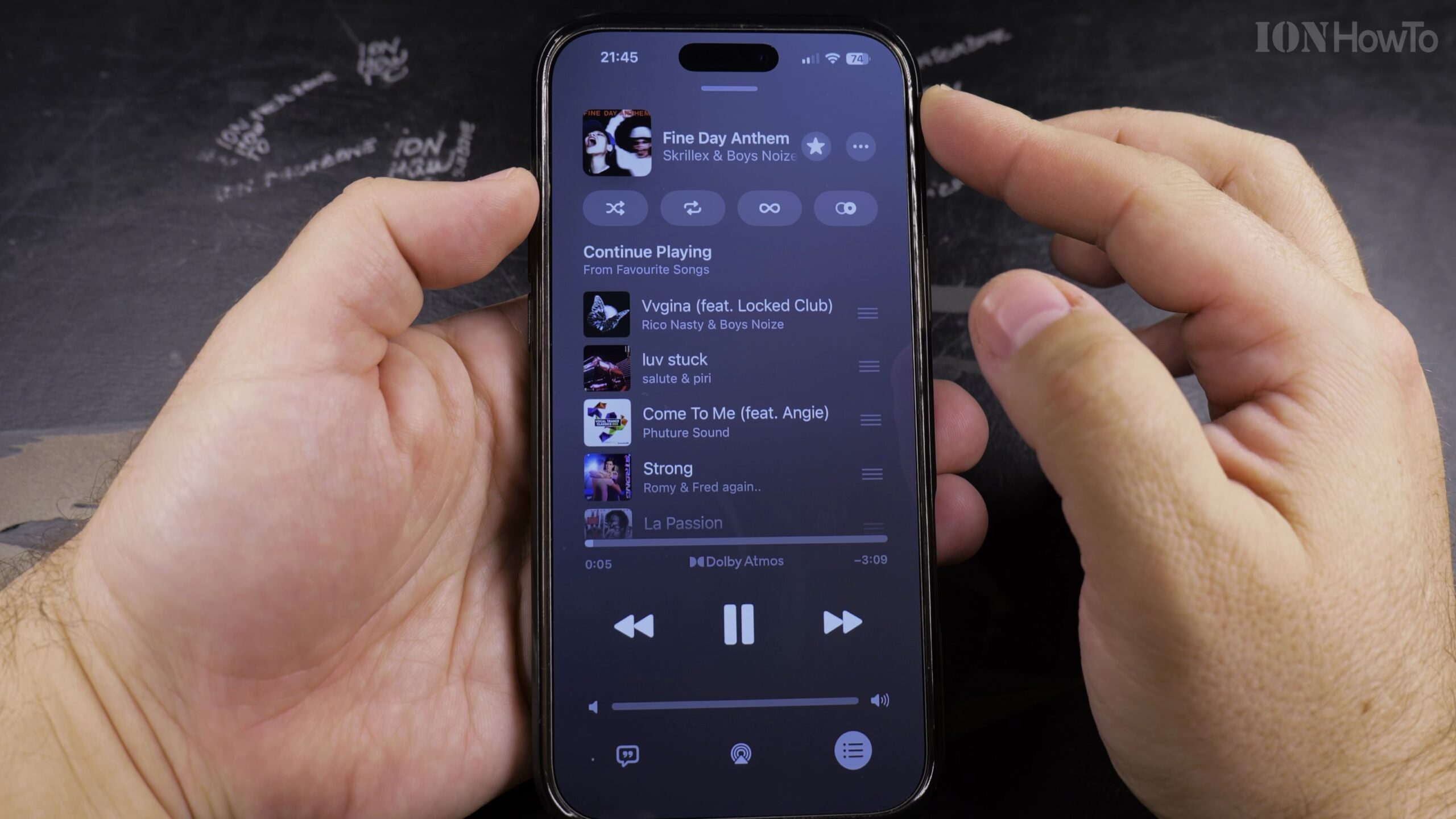
How to Add Songs to Playlists in Apple Music on iPhone and iPad
Curating custom playlists for workouts, road trips, or relaxing evenings is one of the best features of Apple Music. In this step-by-step guide, I’ll show you how to add any song to an existing playlist or create a brand new playlist on the fly.
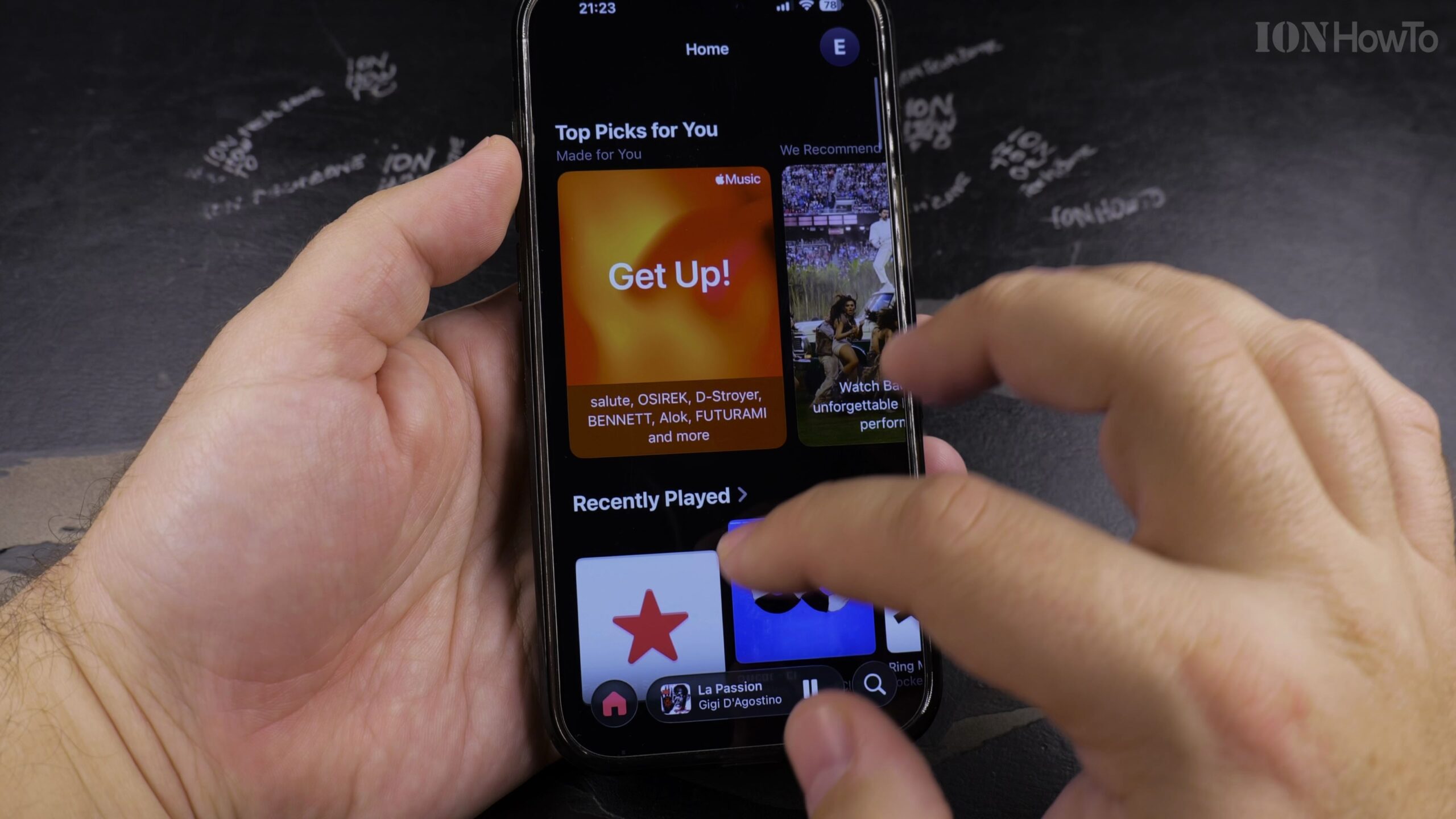
Apple Music: How to Remove Downloaded Songs to Free Up Storage
Downloading albums and playlists for offline listening is convenient, but uncompressed audio files can consume tens of gigabytes of phone memory. Here is how to safely remove downloaded songs from your device without deleting them from your music library.
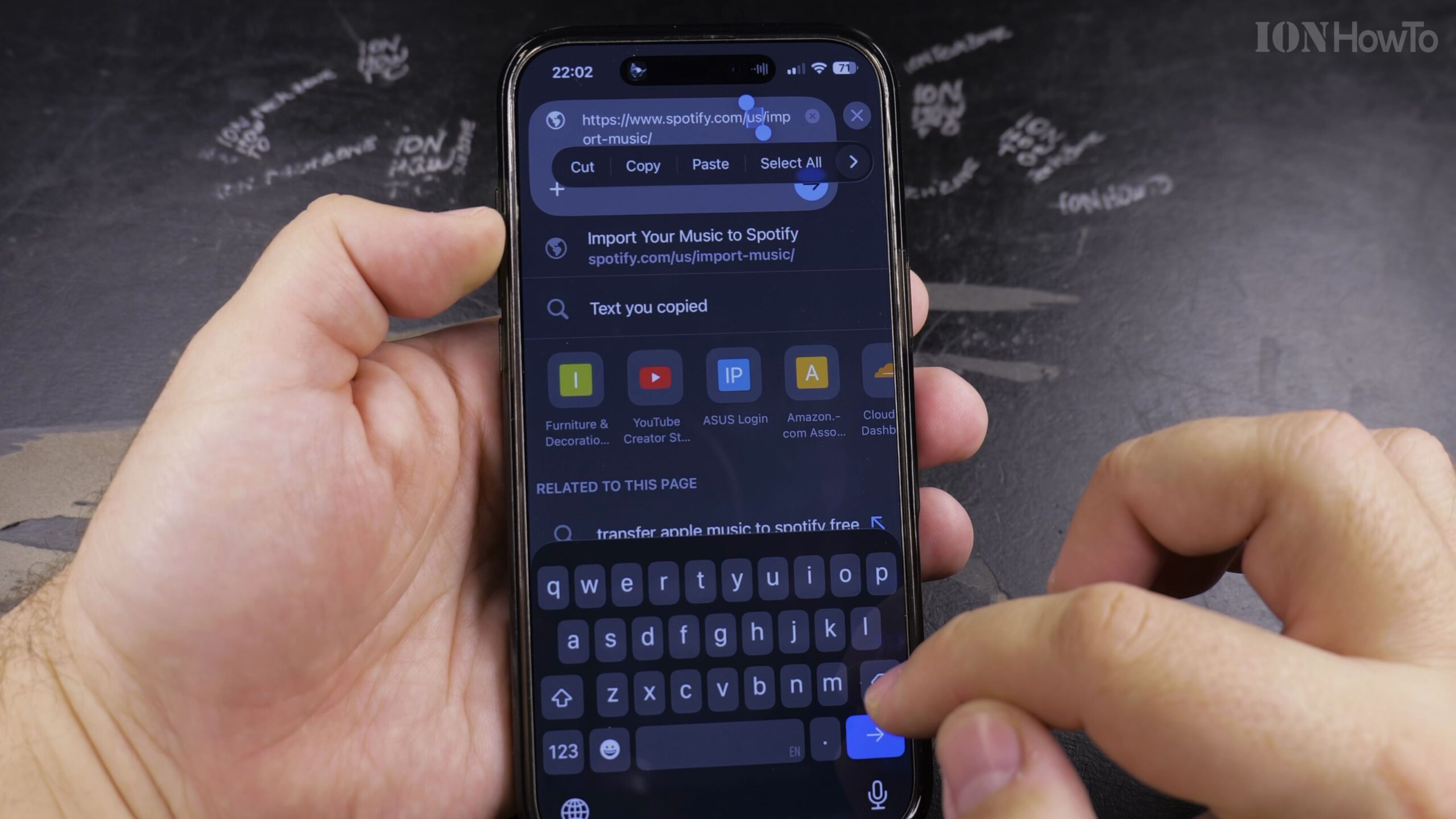
How to Transfer Apple Music Library and Playlists to Spotify
Moving your music collection from Apple Music to Spotify no longer requires recreating playlists by hand song by song. In this walkthrough, I’ll show you how to transfer your complete Apple Music library, curated playlists, and favorite songs directly into Spotify.
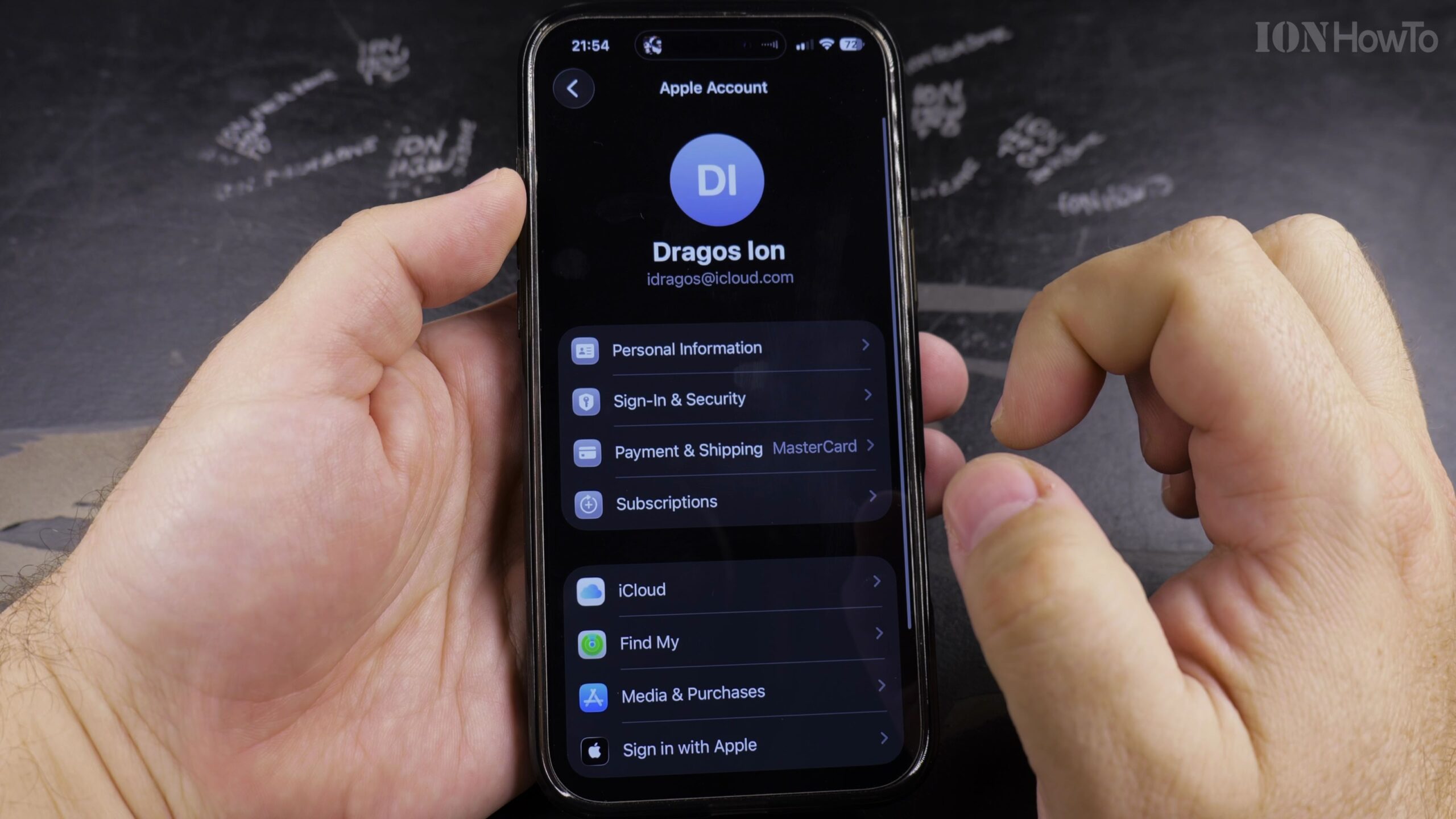
Apple Music: How to Change Payment Method for Subscriptions
When your credit card expires or you want to switch Apple Music billing to Apple Pay or a different bank card, you can easily manage payment methods from your Apple Account. Here is how to update your billing card and ensure your subscription remains.
Apple Music: How to Bass Boost with Equalizer (EQ) Settings
If your headphones or car speakers sound thin and lack low-end punch, Apple Music includes dedicated equalizer presets to elevate low-frequency bass notes. In this tutorial, I’ll show you how to activate and configure the Bass Booster EQ setting on your iPhone or iPad.
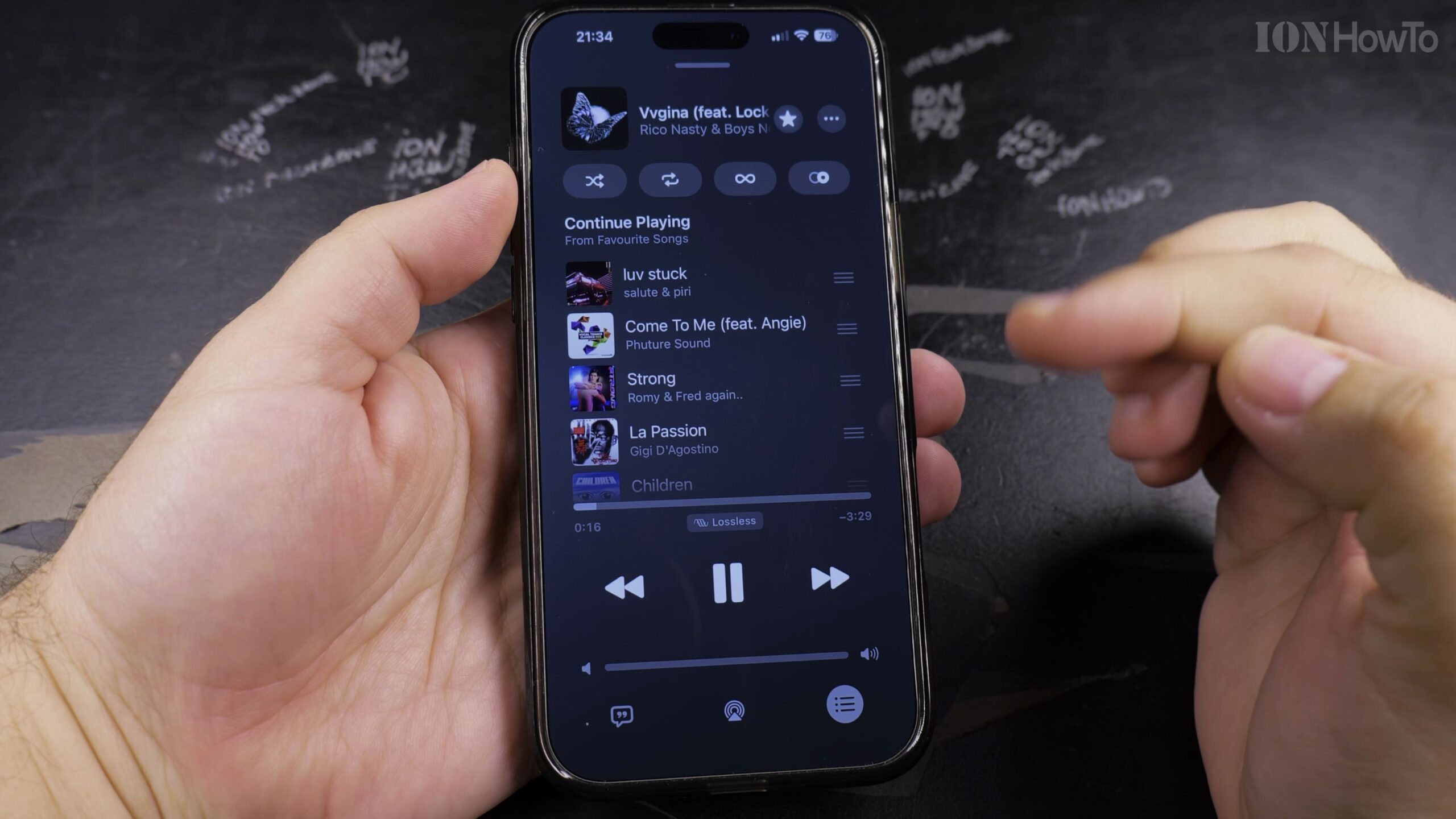
Apple Music: How to Fix Sound When the Player Sounds Weird
When songs in Apple Music sound muffled, distorted, unusually quiet, or abrupt during transitions, conflicting audio processing settings are usually the culprit. In this troubleshooting guide, I’ll show you how to check EQ presets, Automix, Crossfade, and Sound Check to restore crisp music playback.
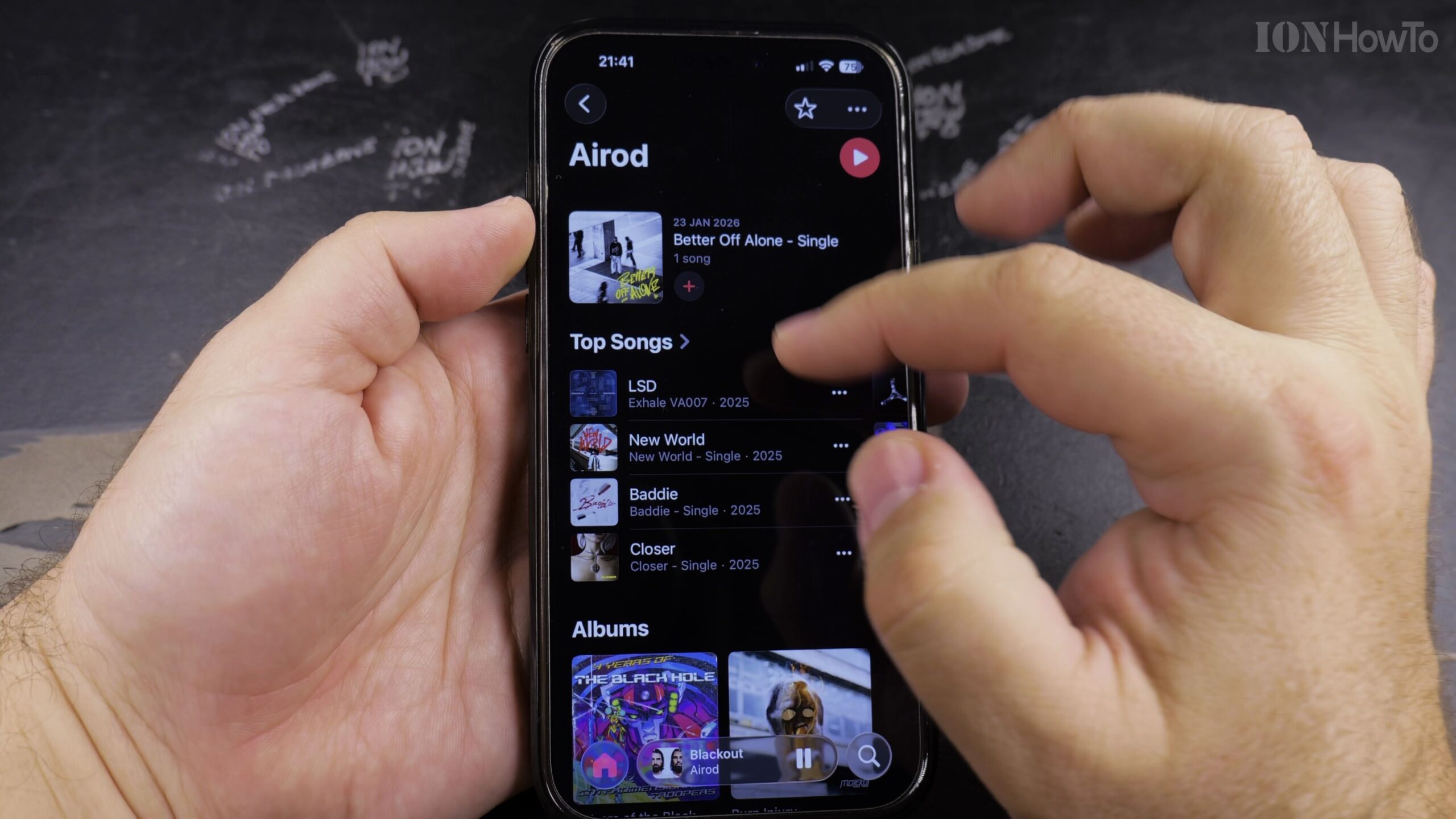
Apple Music: How to Block an Artist Using Suggest Less to Recommend Less
If certain musicians or tracks you dislike keep popping up in your personal radio stations and algorithmic mixes, Apple Music includes a built-in Suggest Less tool. Here is how to use Suggest Less to block artists and refine your music recommendations.