
Category: Tech, Hardware & Audio
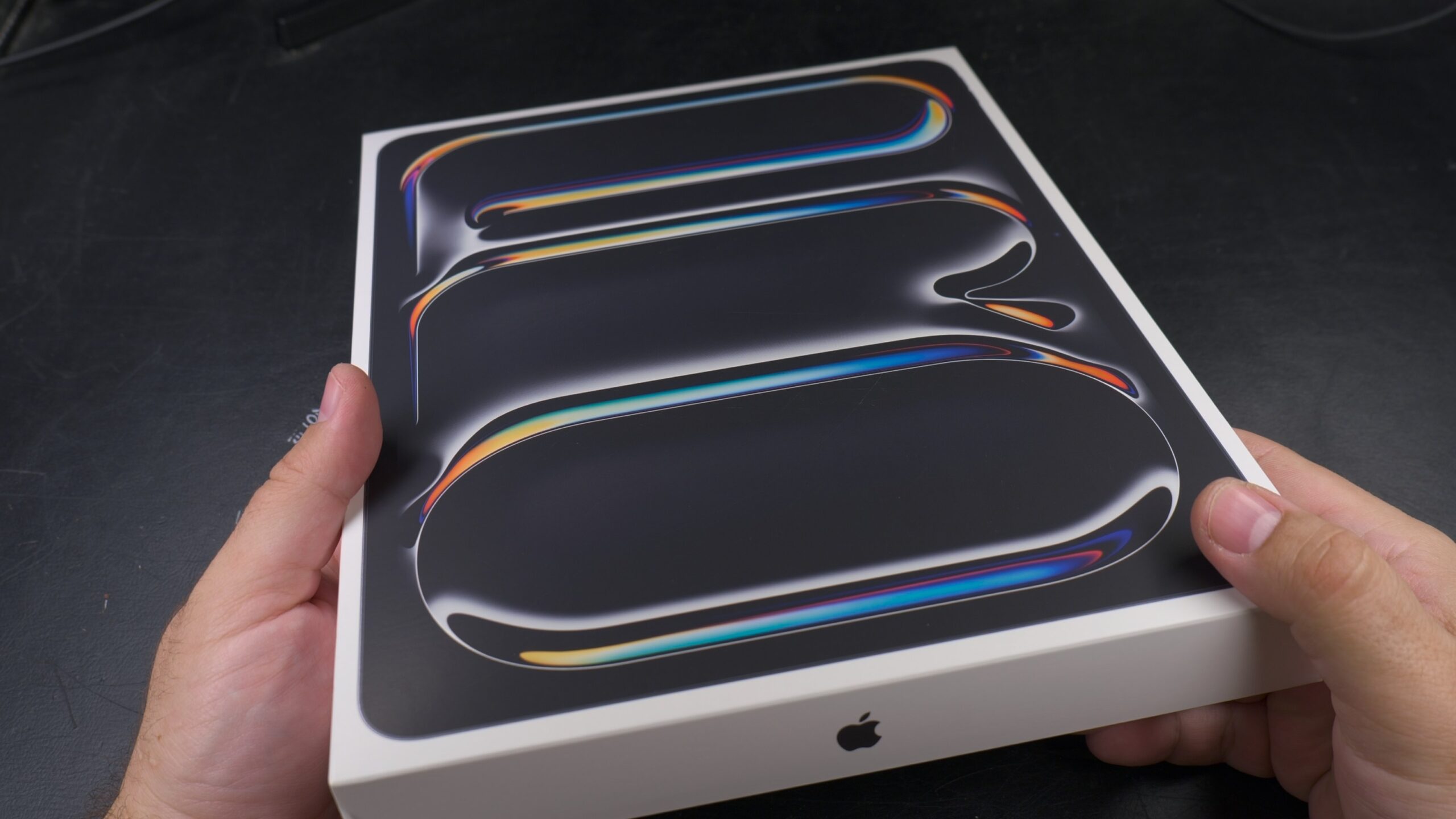
iPad Pro M5 13 Inch ESR MagSafe Folio Case Review
iPad Pro M5 13 Inch ESR MagSafe Folio Case Review. After I just got my brand new iPad Pro M5 13 Inch protection was the first thing in my Ming after unboxing it. iPad Pro M5 13 Inch ESR Magnetic Folio Case Installation Video. It’s so light and thin that I immediately felt like I…
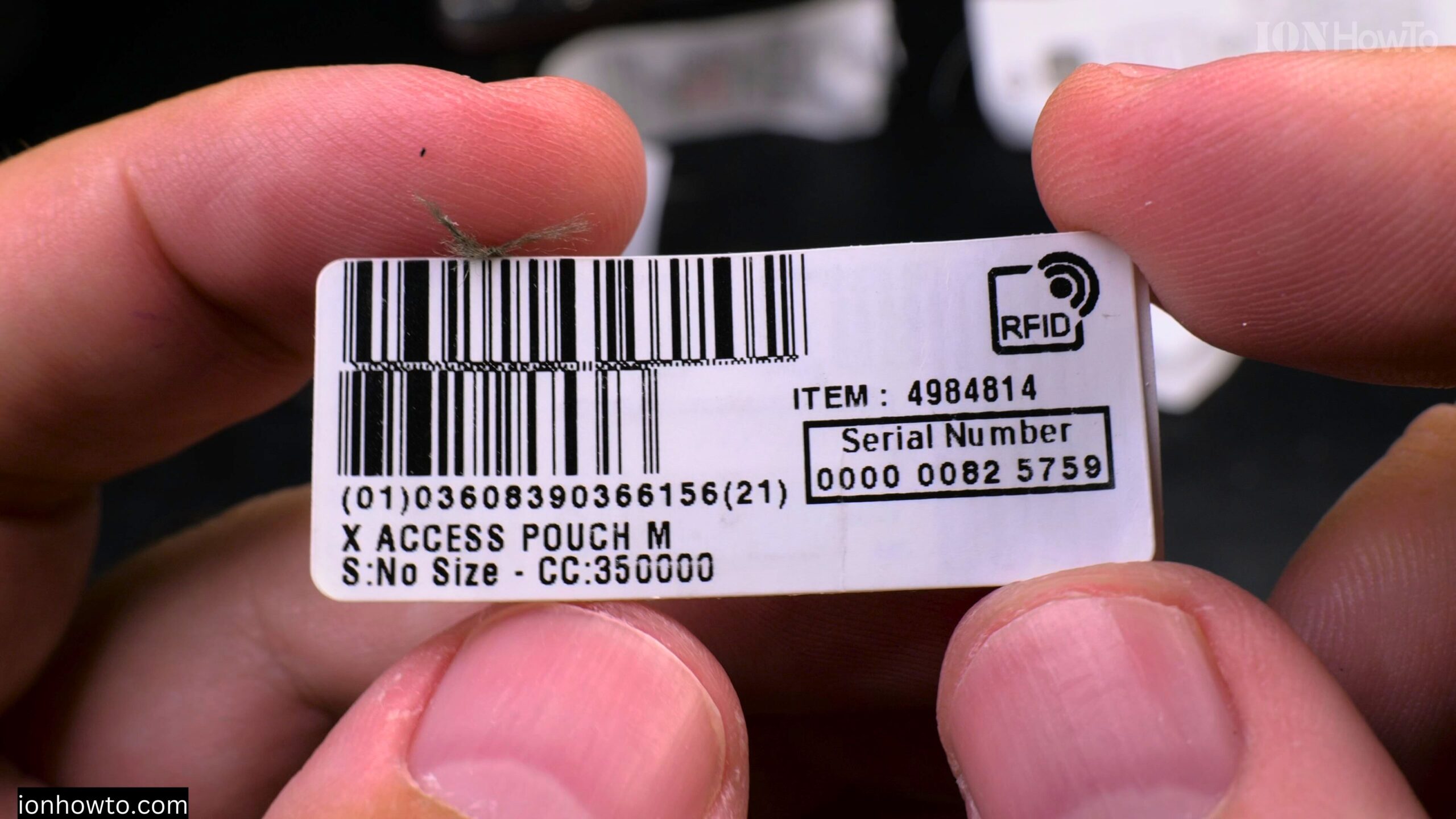
Decathlon RFID Chip in Labels How It Works
How Decathlon’s EDC Pouch RFID Chips Work and Their Uses. Learn how Decathlon uses RFID technology in their product labels to improve your shopping experience and store operations. What Are RFID Chips? RFID (Radio Frequency Identification) chips are tiny electronic tags that: How Decathlon Uses RFID in Labels 1. Faster Checkouts 2. Better Inventory Management…
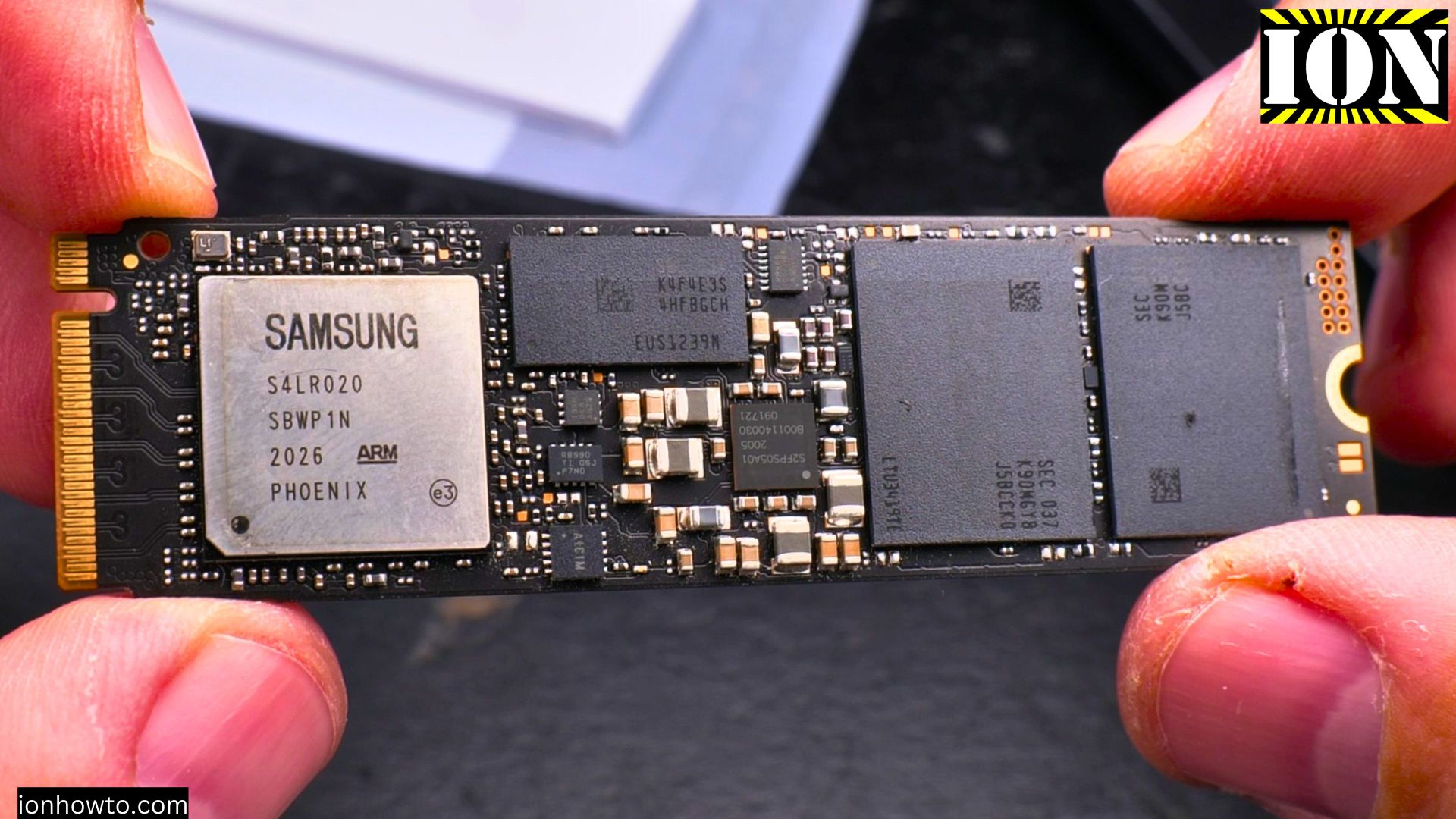
Arctic M2 Pro Cooler Crucial T500 Pro NVMe M.2 SSD Installation
Arctic M2 Pro Cooler Crucial T500 Pro NVMe M.2 SSD Installation Learn how to install the Crucial T500 Pro NVMe M.2 SSD with an aftermarket Arctic M2 Pro heatsink cooler in an Asus Prime X570-P setup running Windows 11. Why Choose the Crucial T500 Pro NVMe SSD The Crucial T500 Pro 1TB Gen 4 NVMe…
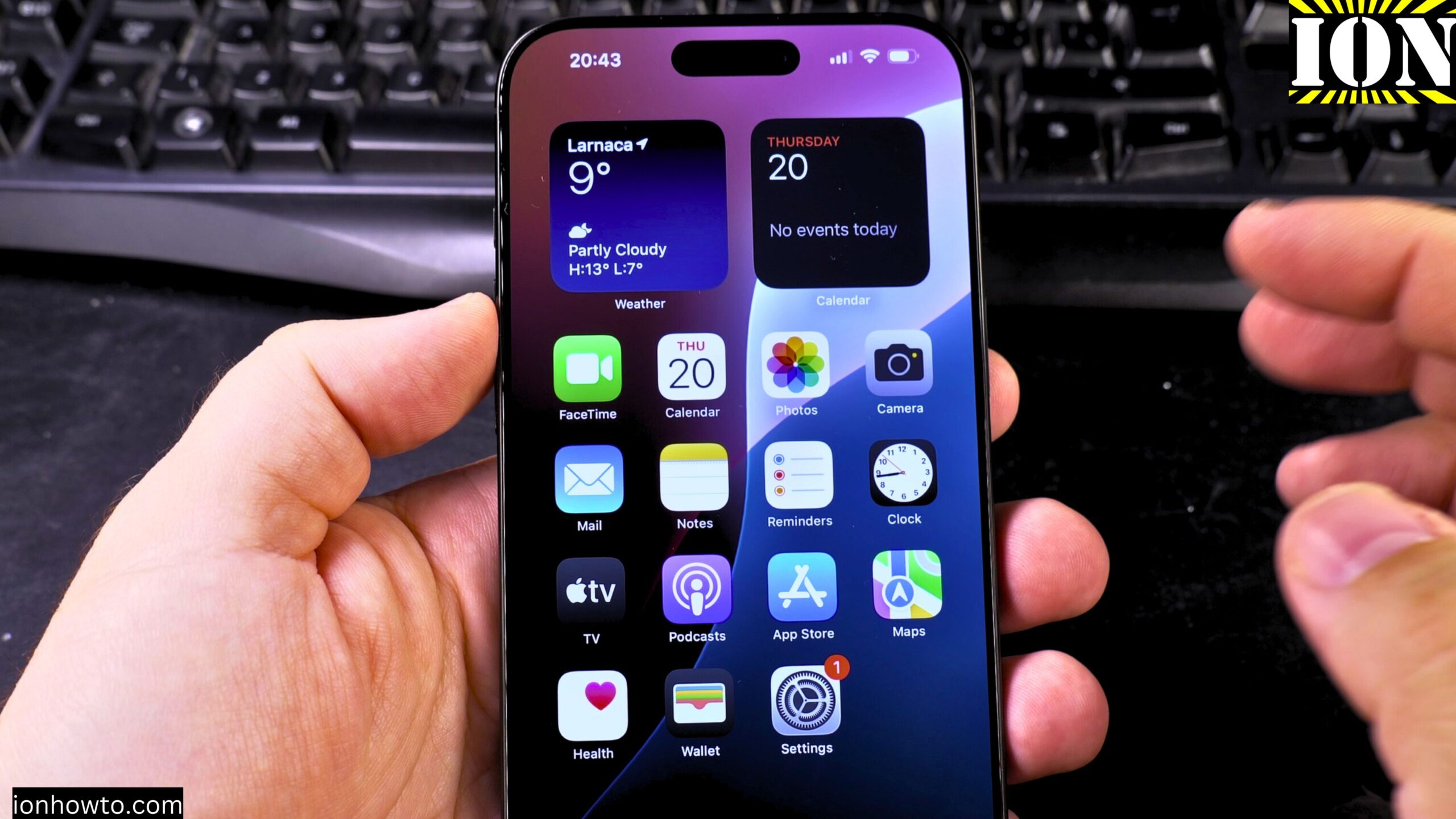
How to Remove Wallpaper on iPhone
How to Remove Wallpaper and Make iPhone Home & Lock Screen Black. Learn how to remove your wallpaper and set a pure black home screen and lock screen on your iPhone. I show you the steps to create a completely black background, which can help save battery life on iPhones with OLED screens. Showing you…
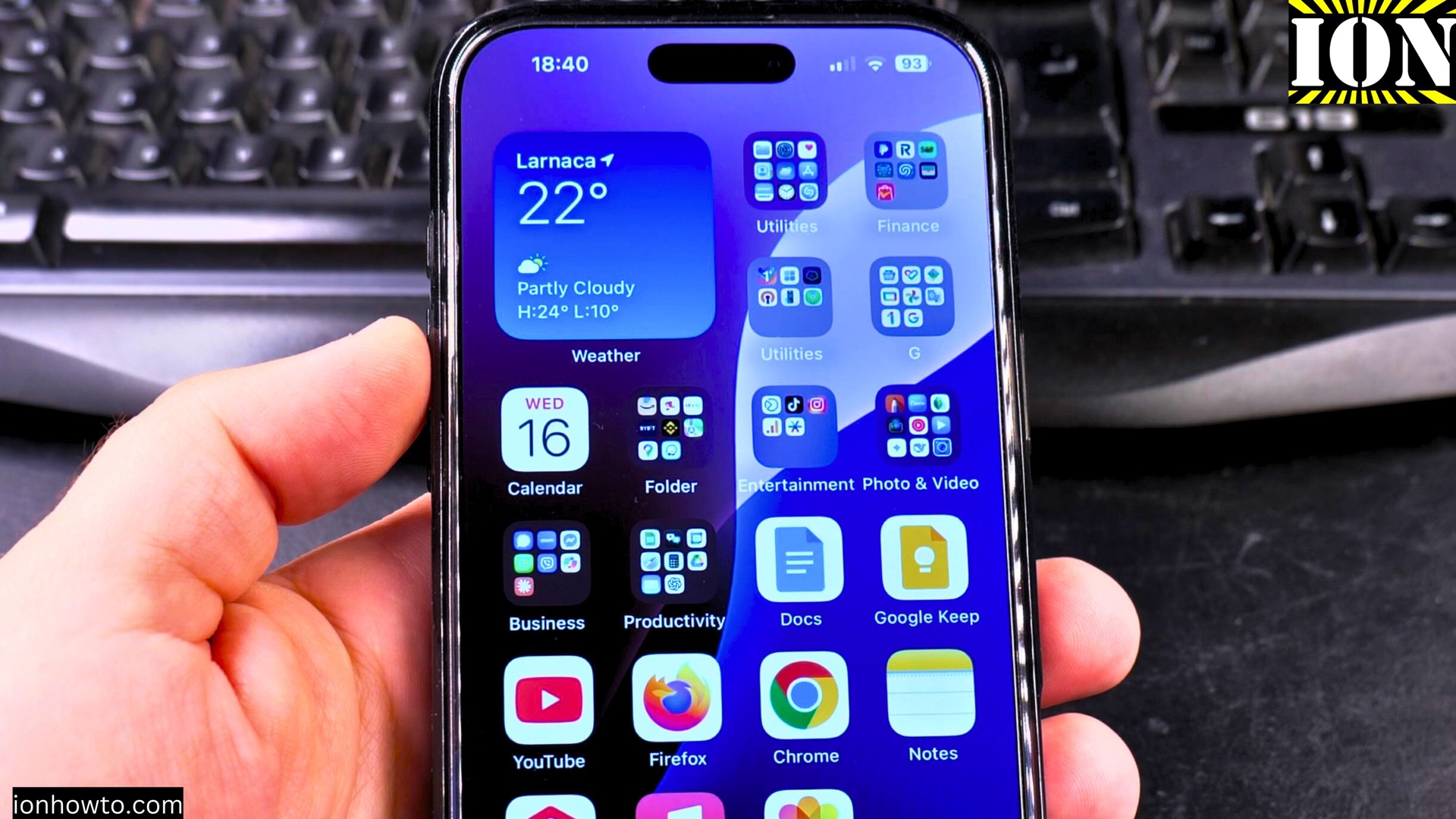
How to Turn Off Auto Dubbing on YouTube App
How to Turn Off Auto Dubbing on the YouTube App. Why You Might Need to Disable Auto Dubbing If your YouTube videos suddenly play with translated audio or an automated voiceover, you might have accidentally enabled auto dubbing. This feature automatically translates videos into your preferred language using synthesized voices. While it can be helpful,…
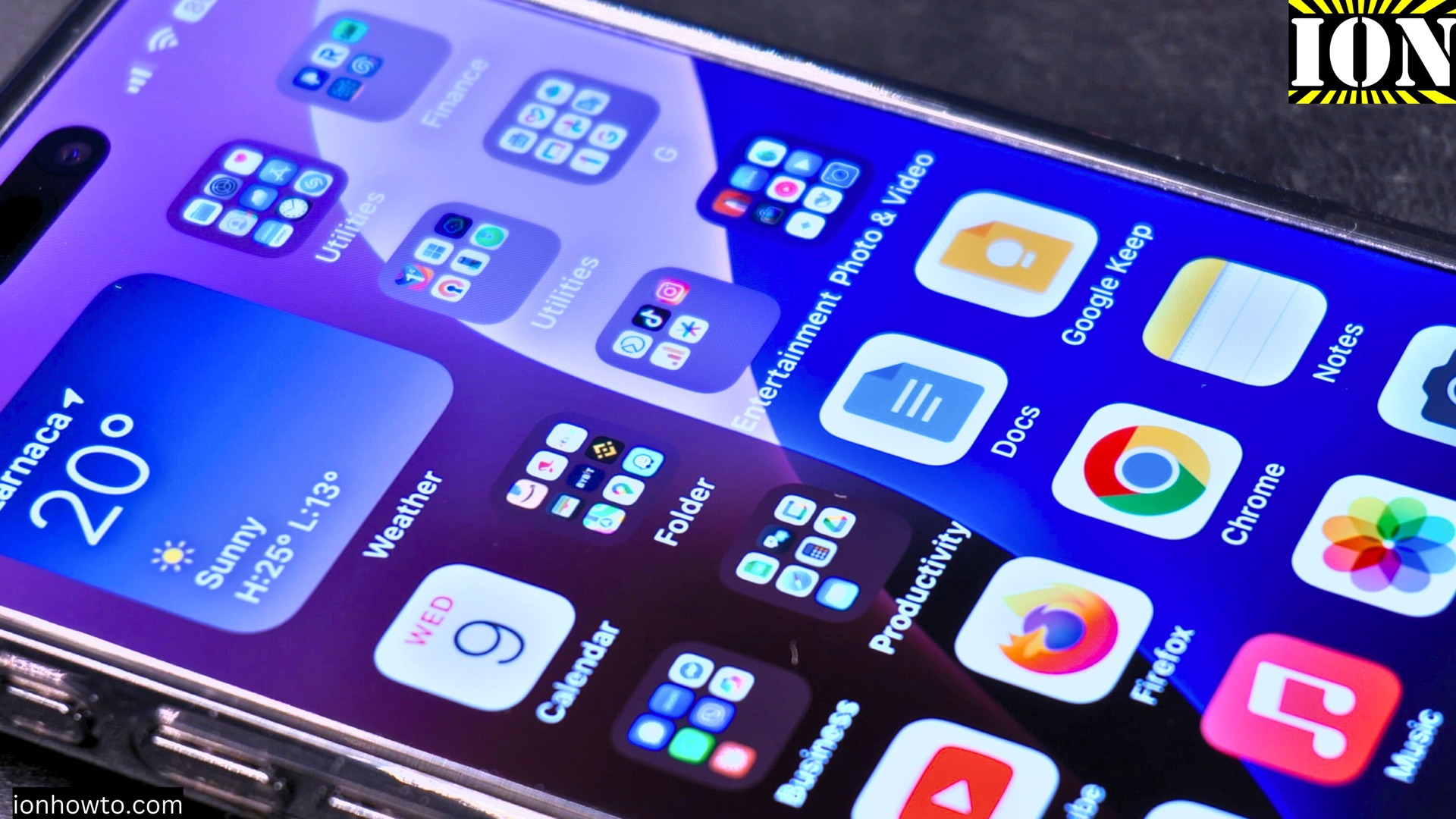
Disable Audio Auto Dubbing on YouTube Shorts
How to Disable Audio Auto Dubbing on YouTube Shorts. Learn how to disable audio auto dubbing on YouTube Shorts. If you prefer your Shorts to keep their original audio without automatic translations, I’ll show you how to turn this feature off in the YouTube Shorts player. How to Disable Audio Auto Dubbing on YouTube Shorts…
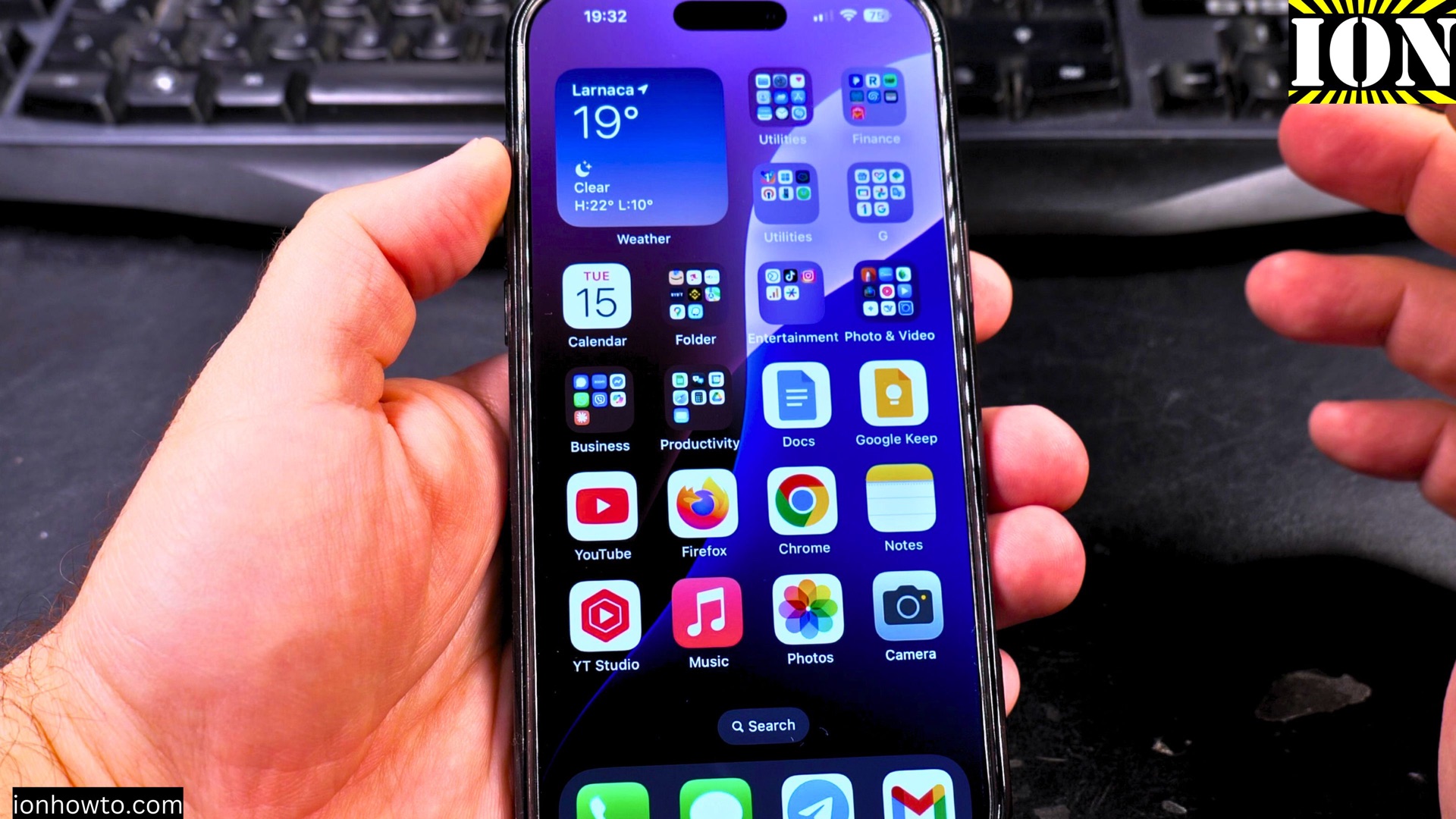
Enable Auto Dubbing and Change Audio Language on YouTube
How to Enable Auto Dubbing and Change Languages on YouTube. Learn how to turn on auto dubbing and switch translation languages in the YouTube app. I’ll show you the steps to enable audio translations on both iPhone and Android devices, so you can watch videos in your preferred language. Enable Auto Dubbing and Change Languages…
Add Captions to iPhone Photos
How to Add Captions to iPhone Photos. Learn how to add descriptions to your iPhone photos and make them easily searchable. I’ll show you how to find photos by their text descriptions, edit existing captions, and keep your photo library organized. How to Add Captions to iPhone Photos. Demonstrated on iOS 18.4.1 with iPhone 16…
Add Apps to iPhone Home Screen
How to Add Apps to Your iPhone Home Screen. Learn how to put apps back on your iPhone’s home screen, whether you removed them temporarily or deleted them completely. I’ll show you how to find apps in your App Library and add them to your home screen with just a few taps. How to Add…
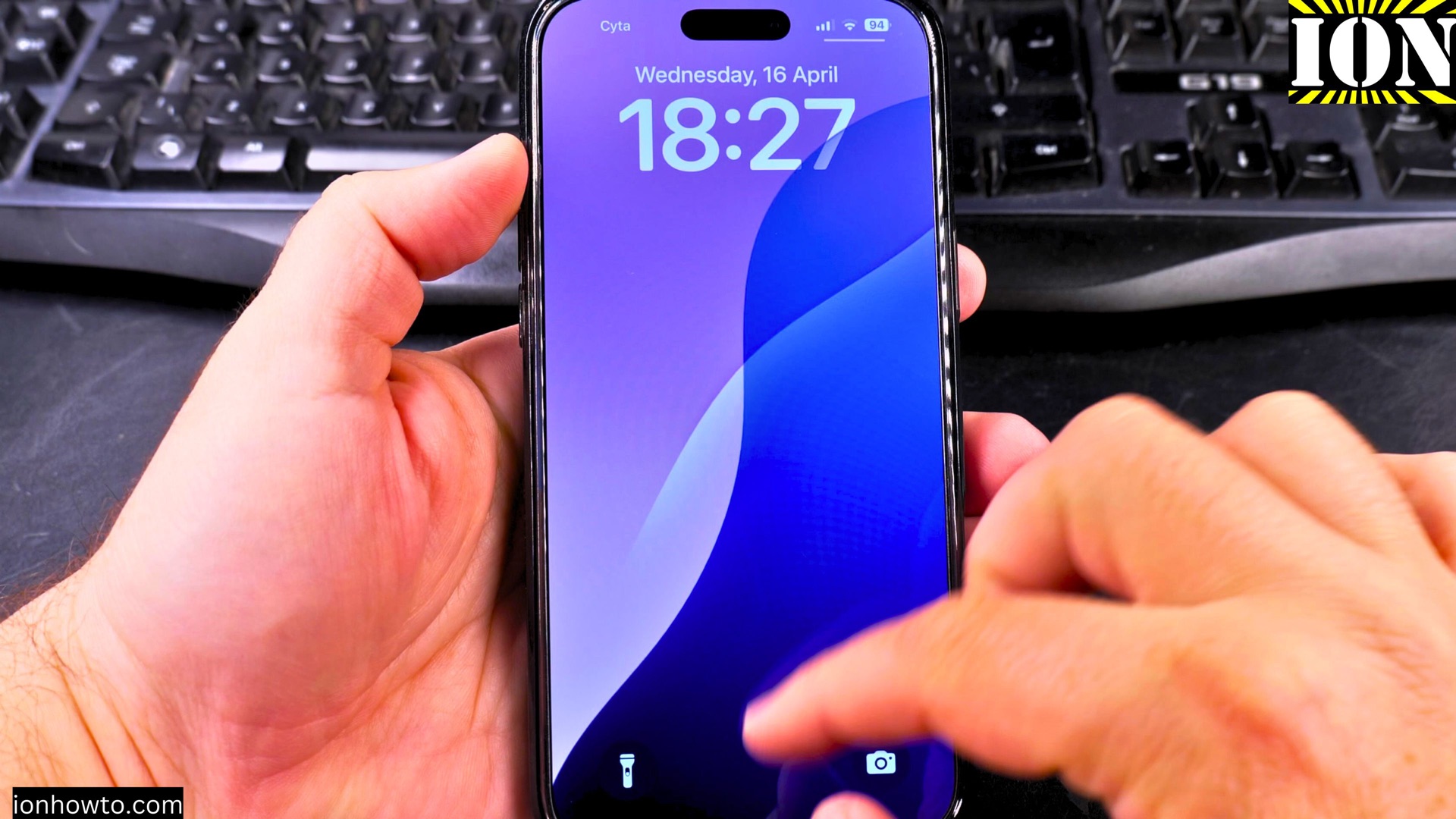
Select Multiple Photos on iPhone Fast
How to Select Multiple Photos on iPhone Quickly. Learn the fastest ways to select multiple photos in your iPhone’s Photos app. Whether you want to share, delete, or organize many pictures at once, these methods will save you time. How to Select Multiple Photos on iPhone Quickly. Demonstrated on iOS 18.4.1 with iPhone 16 Pro…