
Category: Tech, Hardware & Audio
Remove Microphone Access from Apps on iPhone
How to Remove Microphone Access from Apps on iPhone. Learn how to stop apps from using your iPhone’s microphone and take control of your privacy settings. I’ll show you how to manage app permissions and what to do if apps stop working after changes. How to Remove Microphone Access from Apps on iPhone. Demo performed…
Fix Apple Intelligence Language Problem on iPhone
How to Fix Apple Intelligence Language Problem on iPhone. If Apple Intelligence isn’t working on your iPhone, the issue might be your language settings. Apple Intelligence requires your iPhone’s system language and Siri language to match. I’ll show you how to fix this problem with clear steps. How to Fix Apple Intelligence Language Problem on…
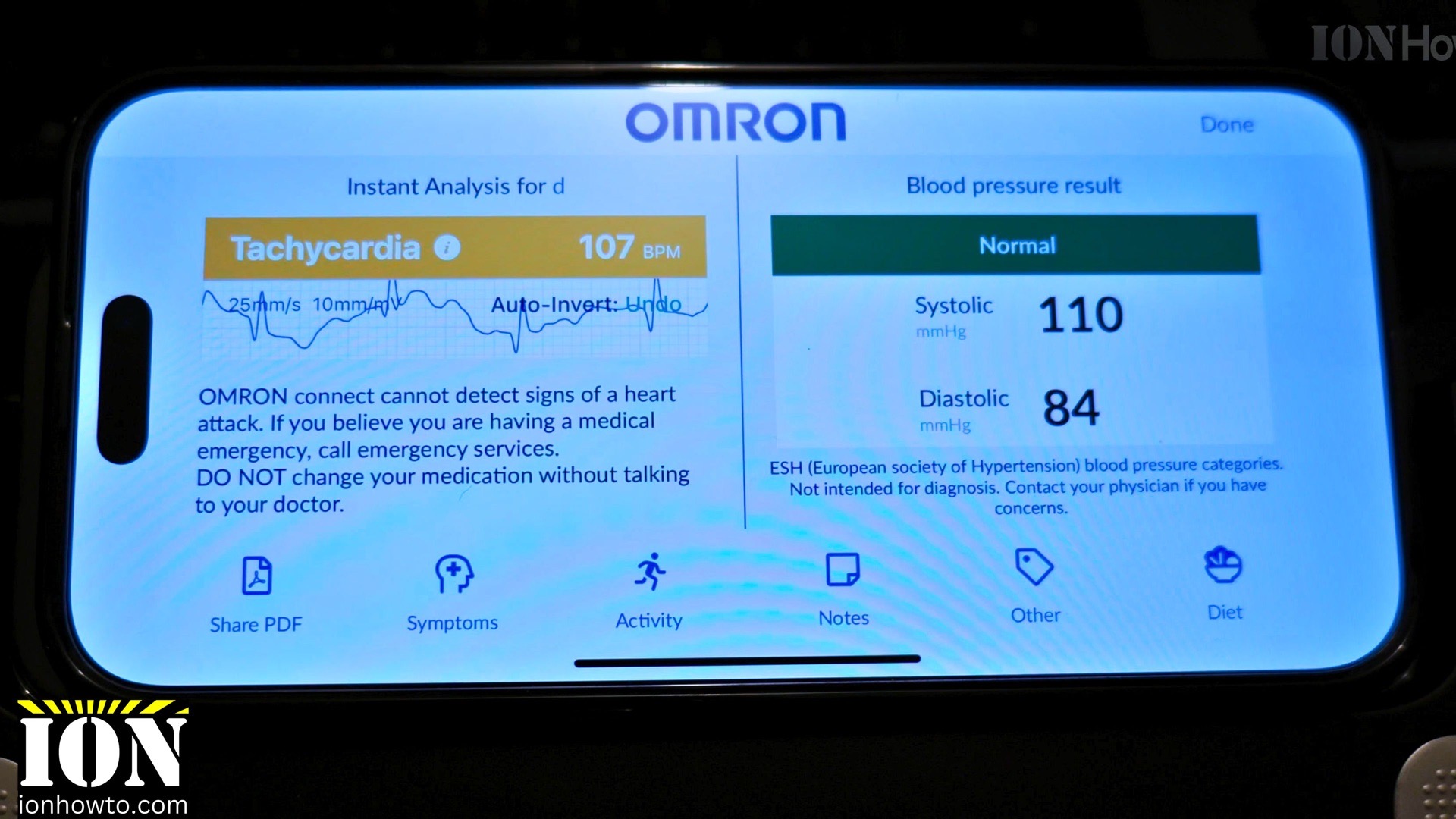
Omron Complete Blood Pressure and ECG Monitor Setup
How to Set Up Your Omron Complete Blood Pressure and ECG Monitor. Getting started with your new Omron Complete monitor is simple, but there are a few key steps to follow. Here’s a straightforward guide to unboxing, setting up, and connecting your device. What’s in the Box Omron Complete Blood Pressure and ECG Unboxing. Your…
How to Silence Unknown Numbers on iPhone
How to Silence Unknown Numbers on iPhone. Tired of spam calls and unknown numbers interrupting your day? Your iPhone has a built-in feature that automatically silences calls from numbers not in your contacts. Here’s how to set it up. What Happens When You Silence Unknown Callers? When enabled, this feature: How to Silence Unknown Numbers…
How to Take a Screenshot on iPhone
How to Take a Screenshot on iPhone. Need to take a screenshot on your iPhone but not sure how? If you have the latest iPhone 16 or an older model, it’s easy once you know the right button combo. Here’s a simple guide for every iPhone. How to Screenshot on iPhone (With or Without Home…
How to Turn Off Silent Mode on iPhone
How to Turn Off Silent Mode on iPhone. Quick Fixes to Get Your Sounds Back. Is your iPhone not making any sounds even when you get calls or notifications? You might have accidentally enabled silent mode. Here’s how to turn it off and get your sounds back to normal. This guide works for all iPhone…
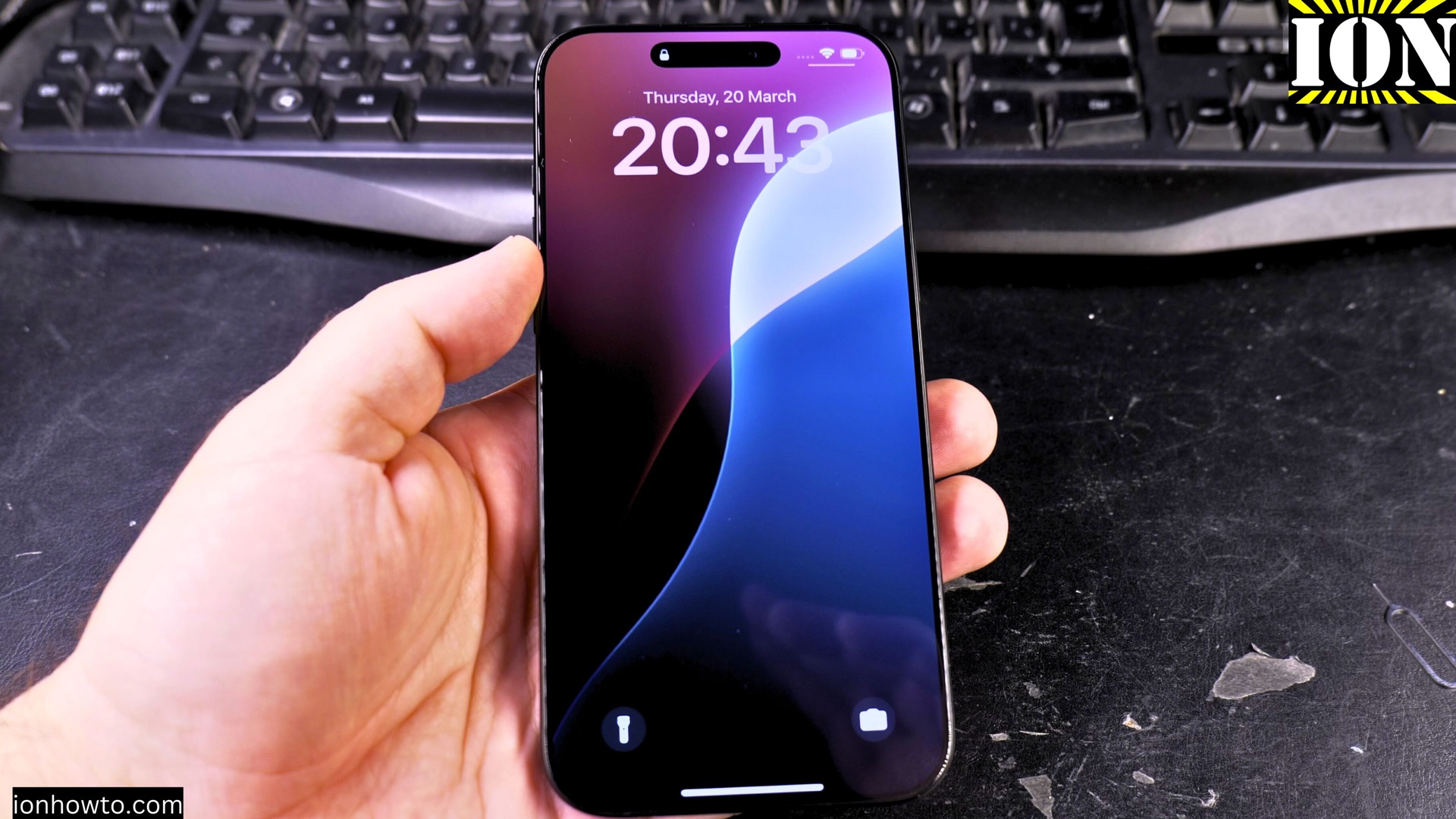
How to Remove a Time Zone from Your iPhone Clock
How to Remove a Time Zone from Your iPhone Clock. Delete Cities from iPhone Clock & Clean Up Your World Clock Do you have old or unused time zones cluttering your iPhone’s Clock app? Maybe you added cities for a trip and no longer need them, or you just want to tidy up your World…
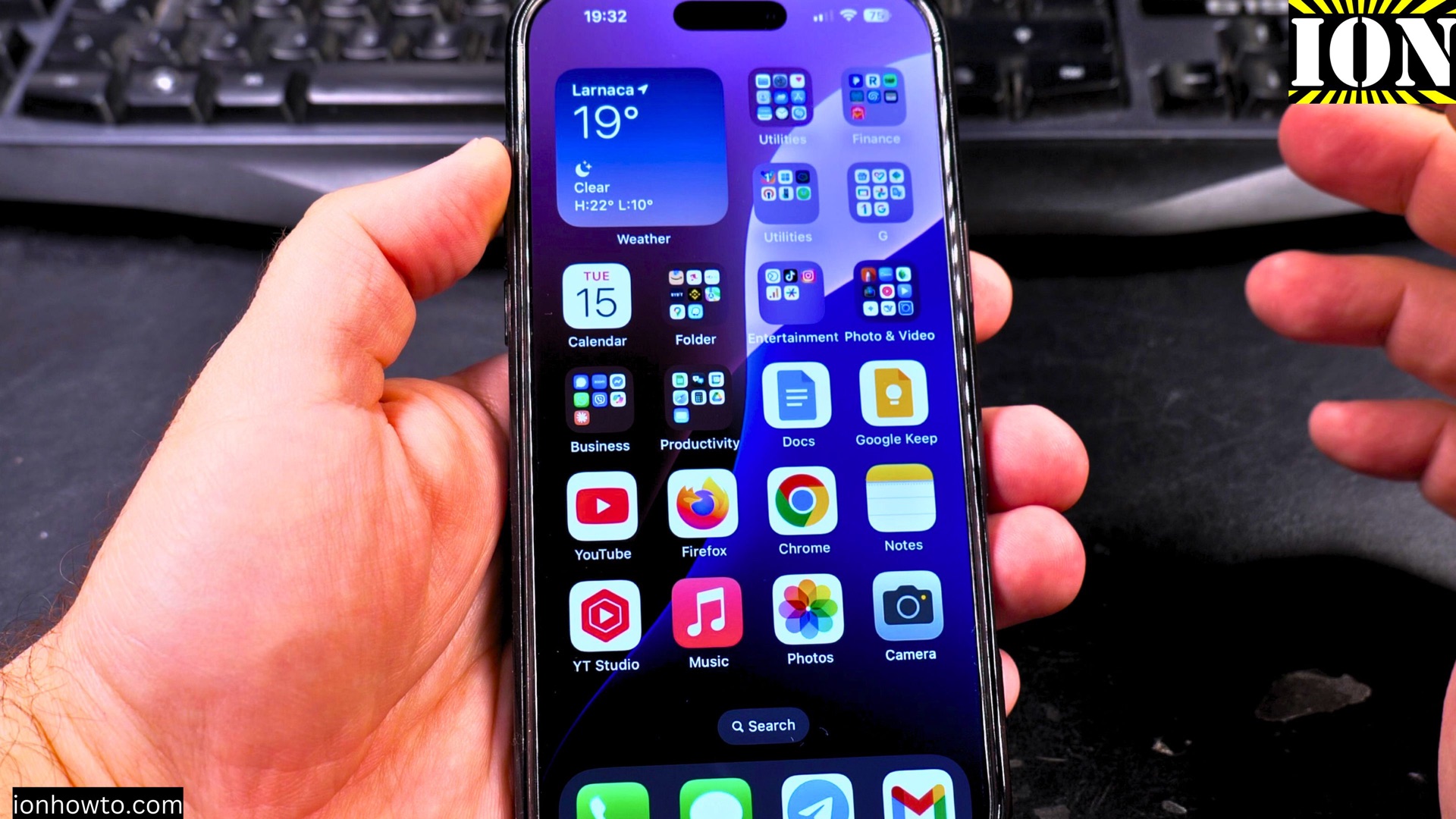
How to Go Back on iPhone Navigation Tips
How to Go Back on iPhone: Navigation Tips & Tricks. iPhone Back Button Gesture Tutorial. Learn How to Return to Previous Screen in iOS. If you find yourself stuck in an app or menu, trying to figure out how to go back on your iPhone, you’re not alone. Unlike Android, where a universal back button…
How to Change WhatsApp Notification Sound on iPhone
How to Change WhatsApp Notification Sound on iPhone. If you have the same old WhatsApp notification sound? You want to make certain chats stand out with unique tones? Great news! Customizing your WhatsApp alerts is easy. This is how to change notification sounds for WhatsApp on your iPhone. How to Change WhatsApp Notification Sound on…
How to Download and Install Apps on iPhone
How to Download and Install Apps on iPhone If you’re new to iPhone or just need a quick refresher, downloading and installing apps is easy. If you’re looking for free apps or paid ones, the App Store makes it easy to install apps. This is a step-by-step guide to help you get started. How to…