
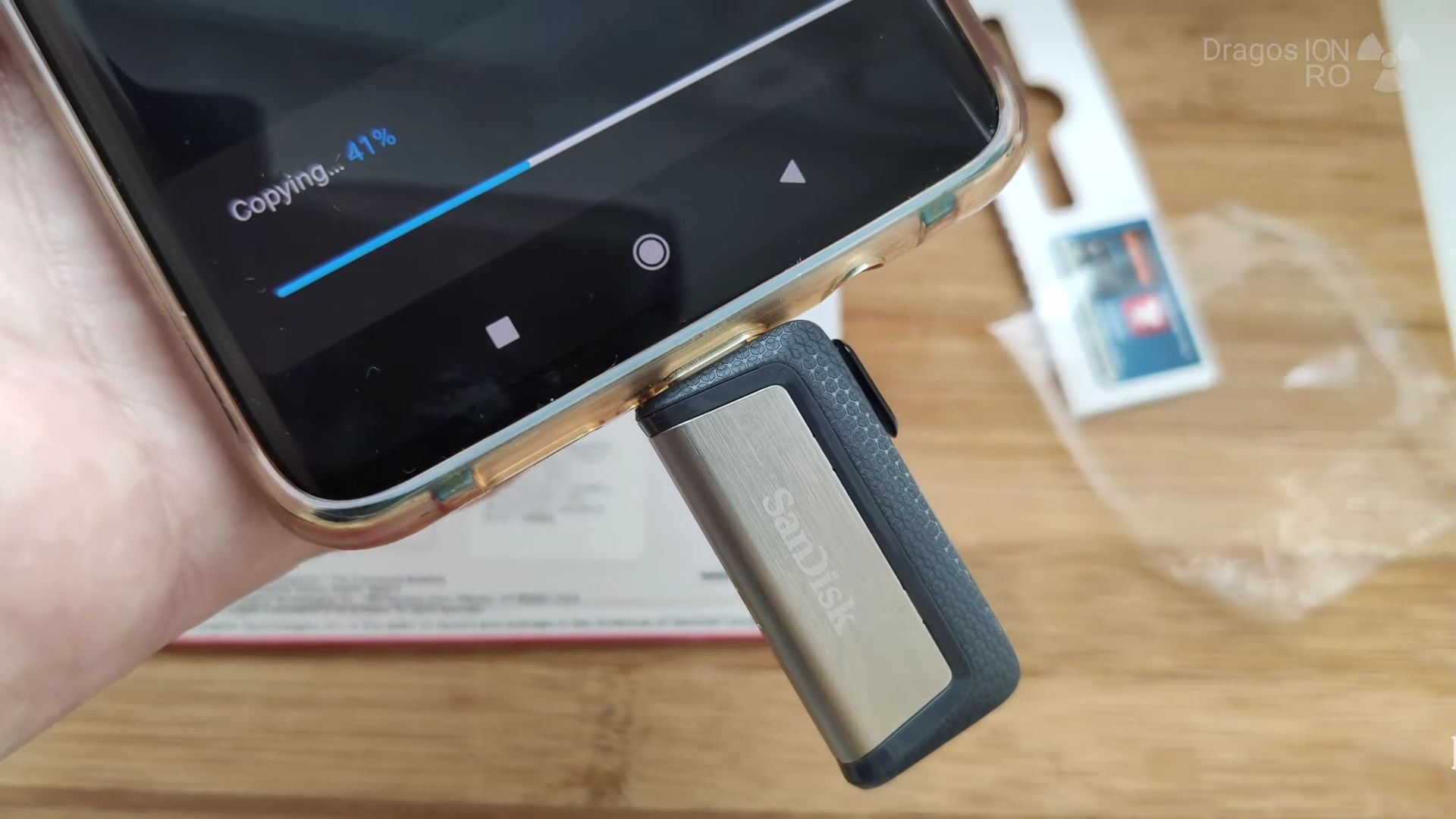

USB 3.1 Type-C and USB Type-A combined for smartphones, tablets and computers.
Read speed test and write speed tests sequential and random.
Capacity 256GB
Model: SDDDC2
Product code: SDDDC2-256G-G46
Quick Steps and Scenarios Overview
| What You Need to Do | Quick Jump |
|---|---|
| Sandisk Dual USB-C flash drive package | Jump to Step 1 |
| Speed tests read write | Jump to Step 2 |
Recommended Amazon Gear and Accessories
Disclosure: This article contains Amazon affiliate links. As an Amazon Associate, we earn from qualifying purchases at no extra cost to you.
Sandisk Dual USB-C flash drive package

The Sandisk Dual USB-C flash drive package is minimal but the information needed is displayed on the front or on the back of the package.

Speed tests read write
Tests with the Sandisk Ultra Dual flash drive reveal the read speed is great while the write speed is on the slow side but this is expected.


If you need the fastest write speed on a USB flash drive, look at Sandisk Extreme flash drive series.
Helpful Tips
Check all labels, connections, and power ratings before starting so everything fits safely and securely. If any detail looks slightly different on your model, pause the embedded video above for a clear closeup view.
Related Guides
- How to Move Files into a Folder in the iPad Files App (Internal & External USB Drive Guide) – Learn how to move files into a folder in the iPad Files app, if you are organizing documents stored on your iPad or managing…
- Best USB Flash Drives in 2022 – The best USB flash drives are the fastest flash drives and the flash drives with more flexible functionality.
- USB-C 3.2 Slow USB File Transfer Speed Fixed – USB-C 3.2 Slow USB File Transfer Speed Easy Fix.
- DaVinci Resolve Speed Editor – Browse more tutorials and practical guides in this section.


Leave a Reply