
How to Fix Volume Buttons on Your Xiaomi TV Box Remote Control
How to fix volume control issues on the XMRM-006 remote model, commonly used with Xiaomi Mi Box 4S and other Xiaomi TV boxes.
Quick Steps and Scenarios Overview
| What You Need to Do | Quick Jump |
|---|---|
| Quick Checks First | Jump to Step 1 |
| Opening the Remote Control | Jump to Step 2 |
| Common Issues and Fixes | Jump to Step 3 |
| Testing and Reassembly | Jump to Step 4 |
| When to Replace the Remote | Jump to Step 5 |
| Extra Tips | Jump to Step 6 |
Recommended Amazon Gear and Accessories
Disclosure: This article contains Amazon affiliate links. As an Amazon Associate, we earn from qualifying purchases at no extra cost to you.
- Phone Accessories
- Android Phone Case
- USB-C Charger
- USB-C Cable
- Wireless Charger Stand
- Wireless Car Charger
Quick Checks First
Before taking apart your remote, try these simple fixes:
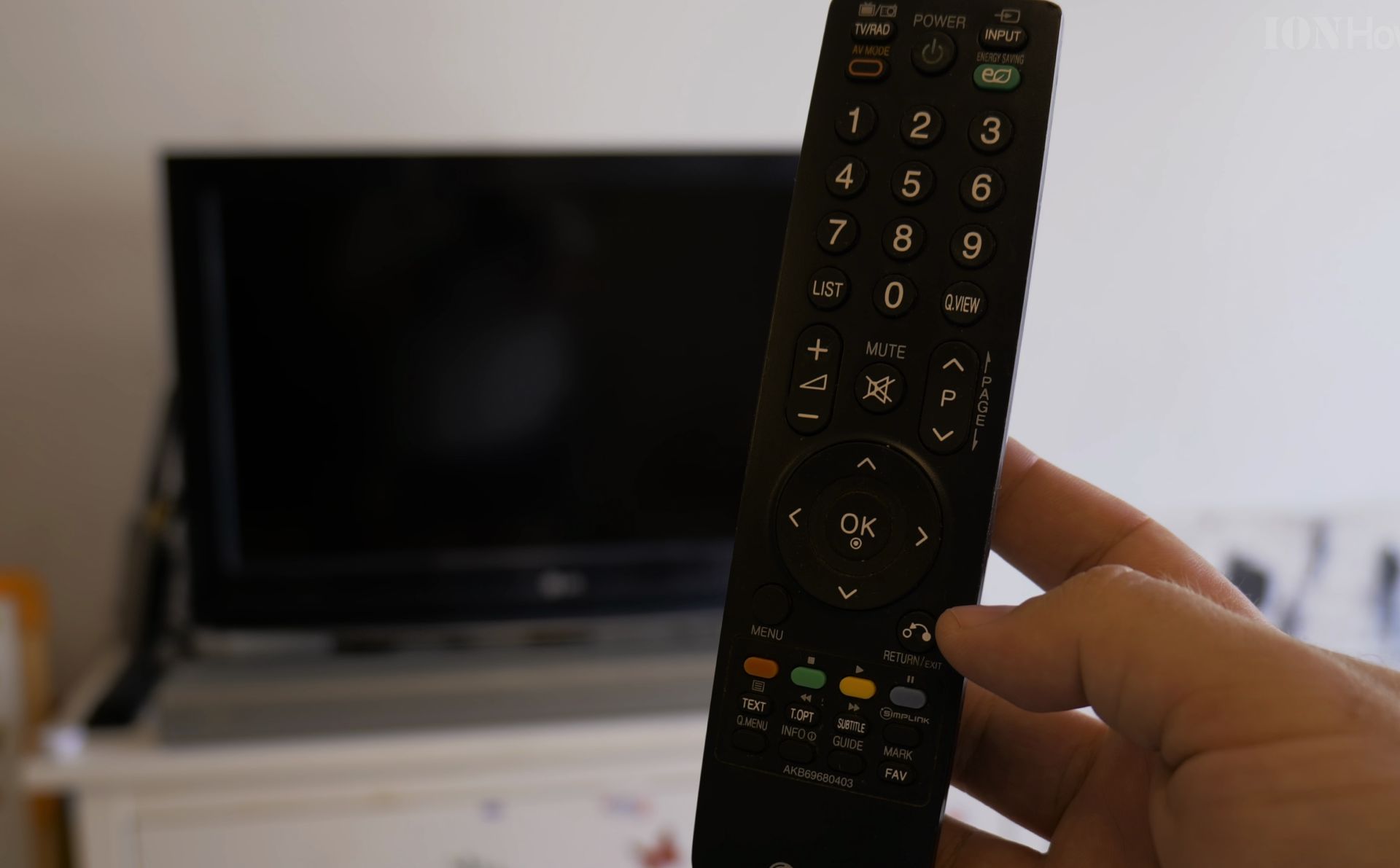
- Check your audio output settings
- Go to your TV box settings
- Look for audio output options
- Make sure it’s not stuck on PCM digital format
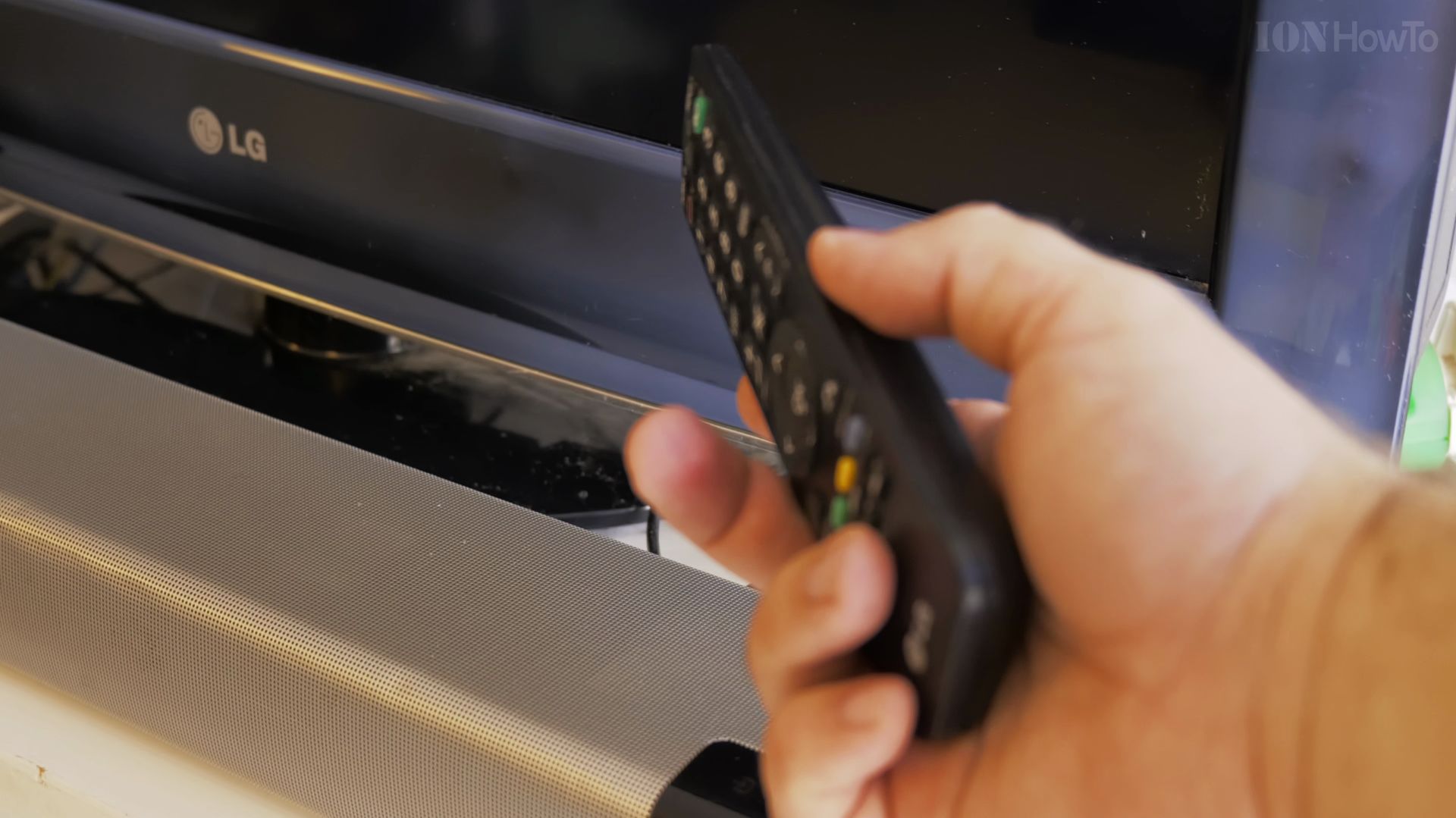
- Test voice commands
- Try using voice controls to change volume
- If this works, it confirms the problem is in the remote buttons
Opening the Remote Control
If the quick fixes didn’t work, you might need to open your remote. Here’s how:
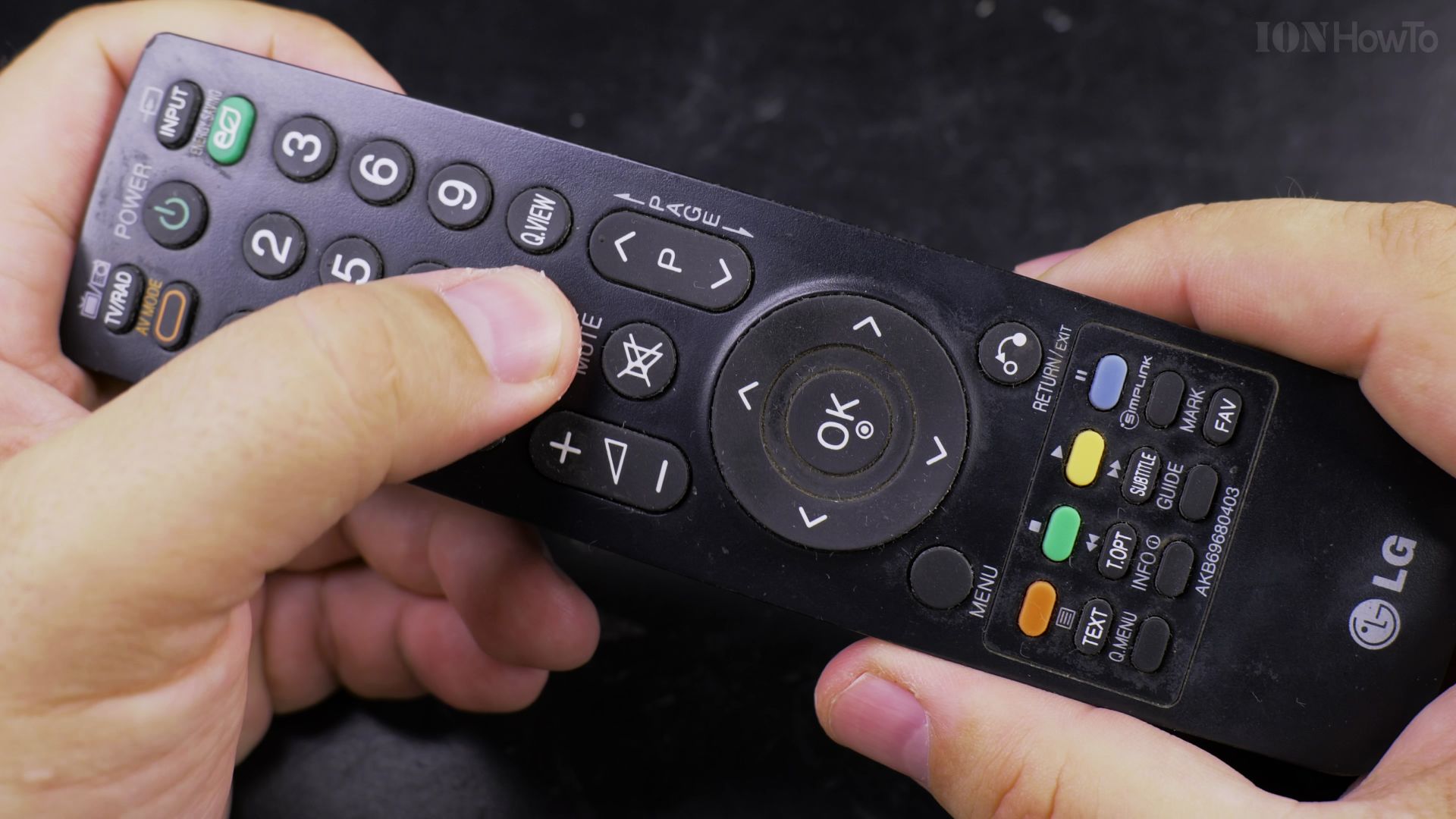
- Remove the battery cover
- Take out the batteries
- Look for small screws at the bottom
- Carefully open the remote using a small flat opening tool
- Keep track of all small parts and screws
Common Issues and Fixes
The most frequent problem is water damage or oxidation on the button contacts. Here’s how to fix it:
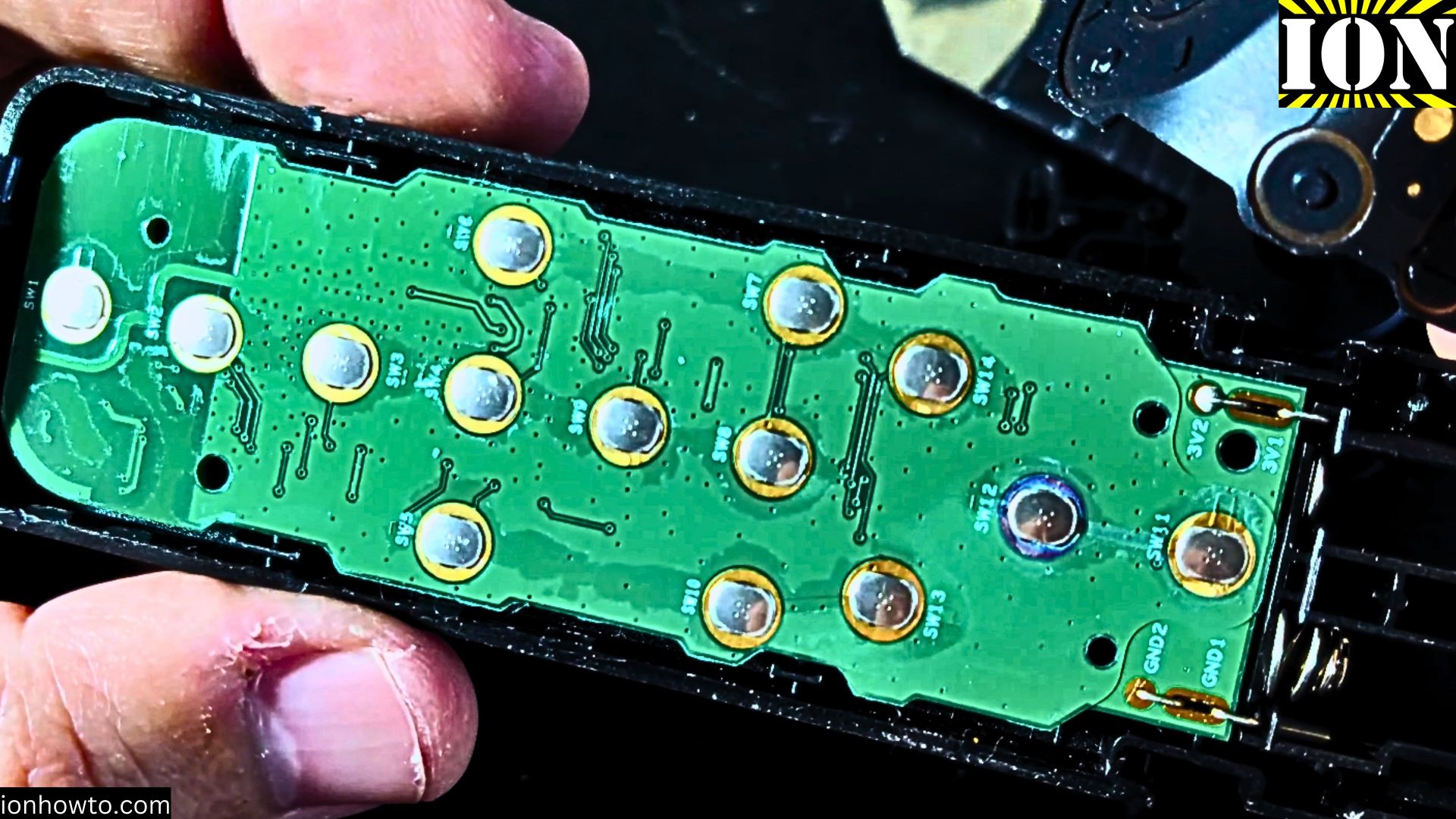
- Once opened, Find the rubber button pad
- Check for any green or white residue on the contacts
- Clean the contacts using:
- Isopropyl alcohol
- Cotton swabs
- A soft cloth
- Let everything dry before reassembly
Testing and Reassembly
Before closing everything up:
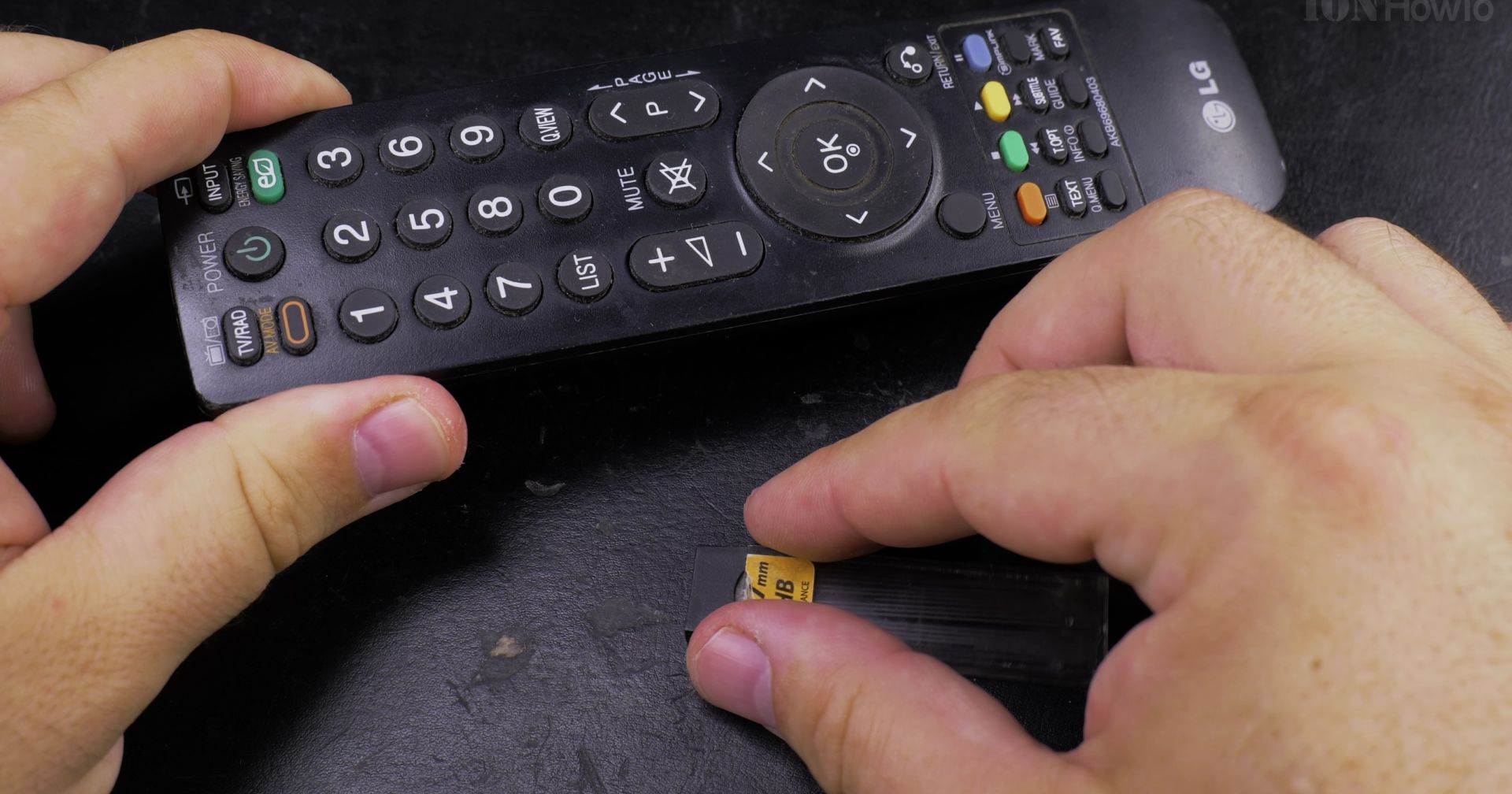
- Temporarily connect the circuit board
- Put in the batteries
- Test all buttons
- If working, carefully reassemble in reverse order
- Make sure no wires are pinched
When to Replace the Remote
Consider replacement if:
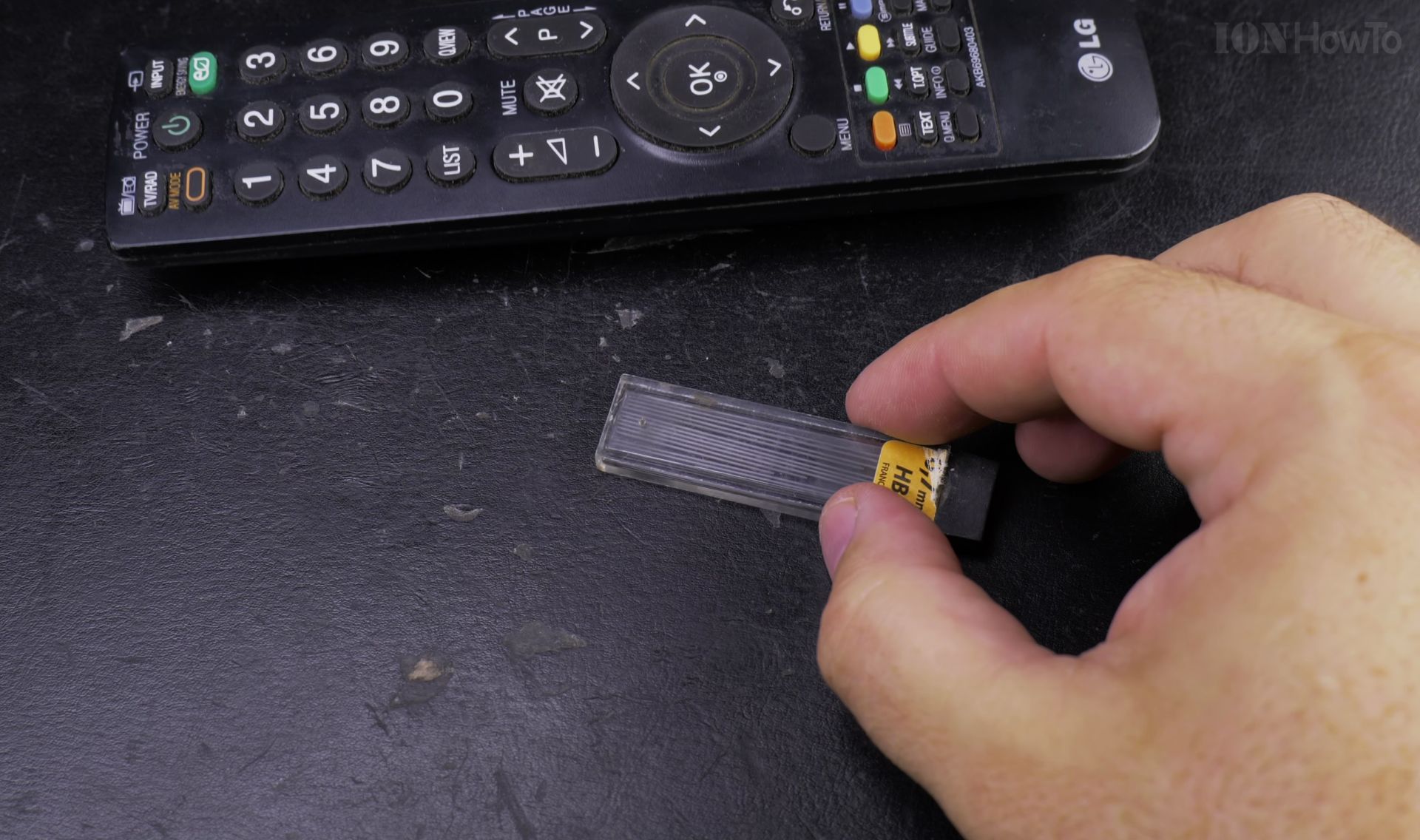
- Cleaning doesn’t fix the issue
- You see severe water damage
- The circuit board is visibly damaged
Extra Tips
- Keep your remote away from moisture
- Remove batteries if not using for long periods
- Consider a backup remote just in case
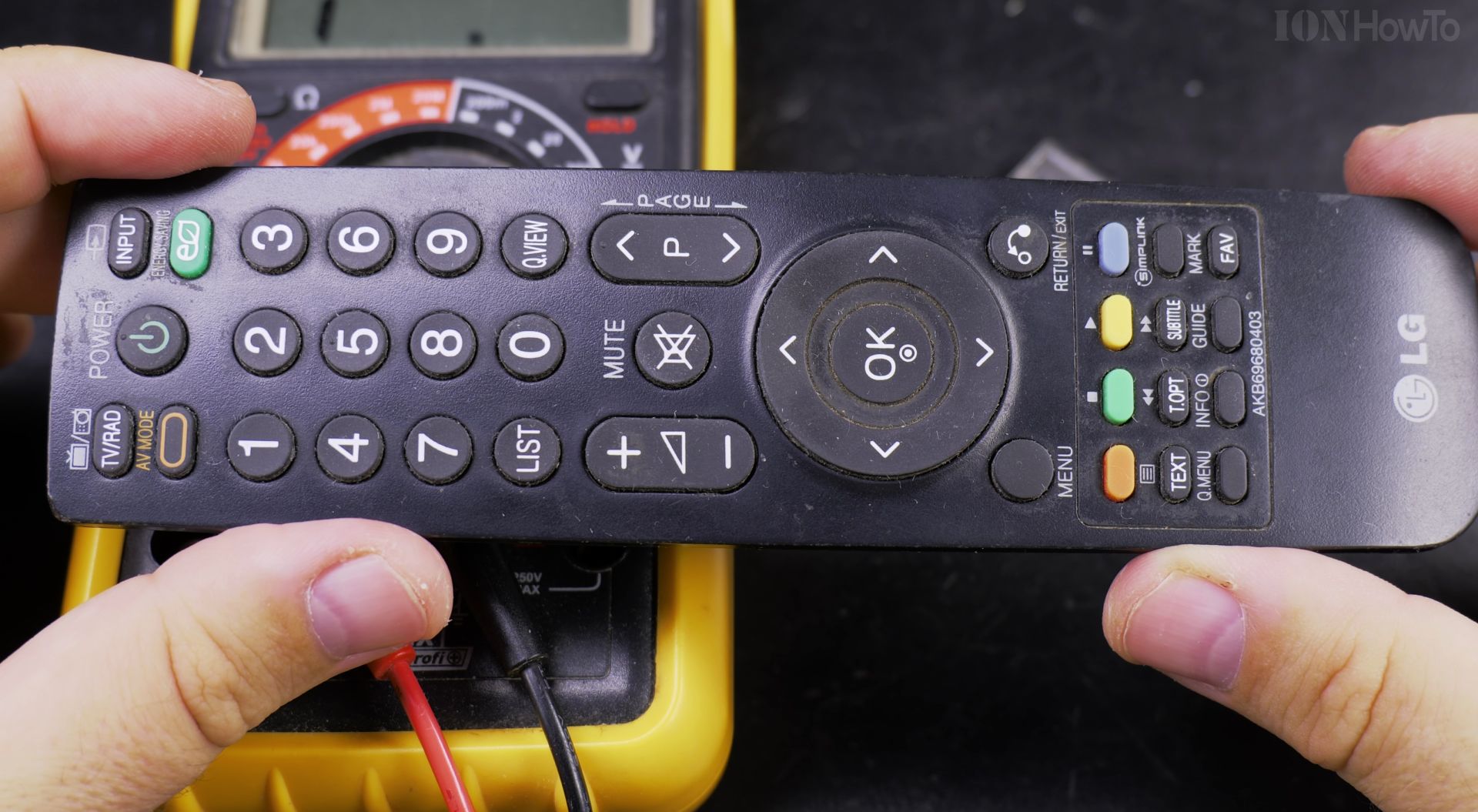
Technical Details
Remote specifications:
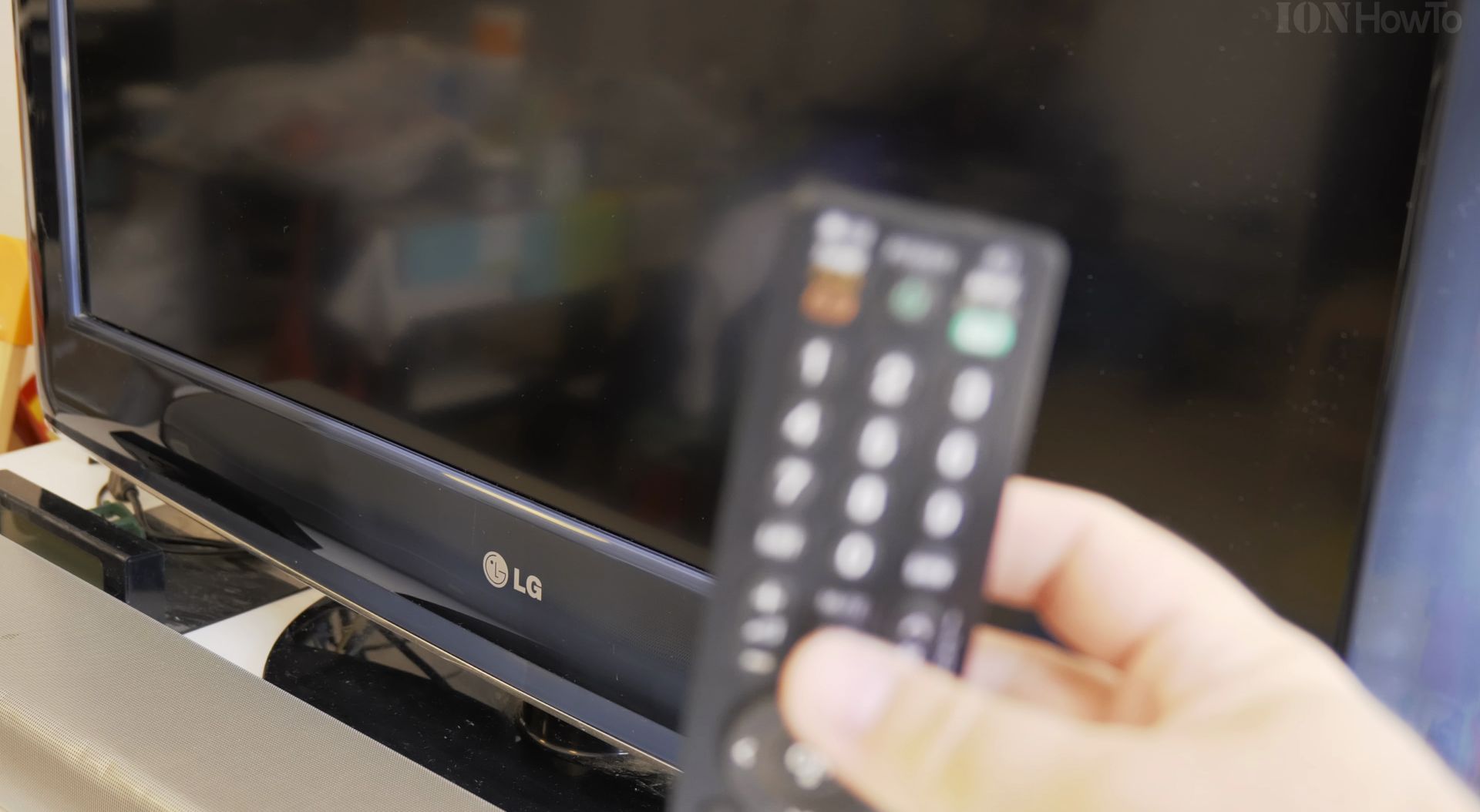
- Model: XMRM-006
- Type: Bluetooth
- Compatible with: Xiaomi Mi Box 4S and other Xiaomi TV boxes
Remember, it might be safer to get a replacement remote. These fixes are meant for out-of-warranty devices and should be attempted at your own risk.
Need more help?
Helpful Tips
Check all labels, connections, and power ratings before starting so everything fits safely and securely. If any detail looks slightly different on your model, pause the embedded video above for a clear closeup view.
Related Guides
- Fix a Loose Remote Battery Cover – How to Fix a Loose Remote Battery Cover with Tape or Stickers.
- Repair Mi Box 4S Remote Buttons – Repair Your Mi Box 4S Remote to Fix Unresponsive Buttons.
- Best Android TV Box 2022 – What is the best Android TV box in 2022 for streaming Netflix 4K quality and other streaming services.
- Fix Apple iPad – Browse more tutorials and practical guides in this section.


Leave a Reply