
Amazon links
As an Amazon Associate I earn from qualifying purchases:
- laptop bag
- laptop sleeve
- laptop camera cover clip
- external usb camera for laptop
- laptop oled 32gb ram
- laptop cooling pad
- laptop gaming
- laptop accessories
Quick Steps and Scenarios Overview
| What You Need to Do | Quick Jump |
|---|---|
| Why You Should Cover Your Laptop Camera | Jump to Step 1 |
| Best Options for Covering Your Camera | Jump to Step 2 |
| How to Apply a Camera Cover | Jump to Step 3 |
| Important Tips | Jump to Step 4 |
| Remove Tape Residue | Jump to Step 5 |
Why You Should Cover Your Laptop Camera
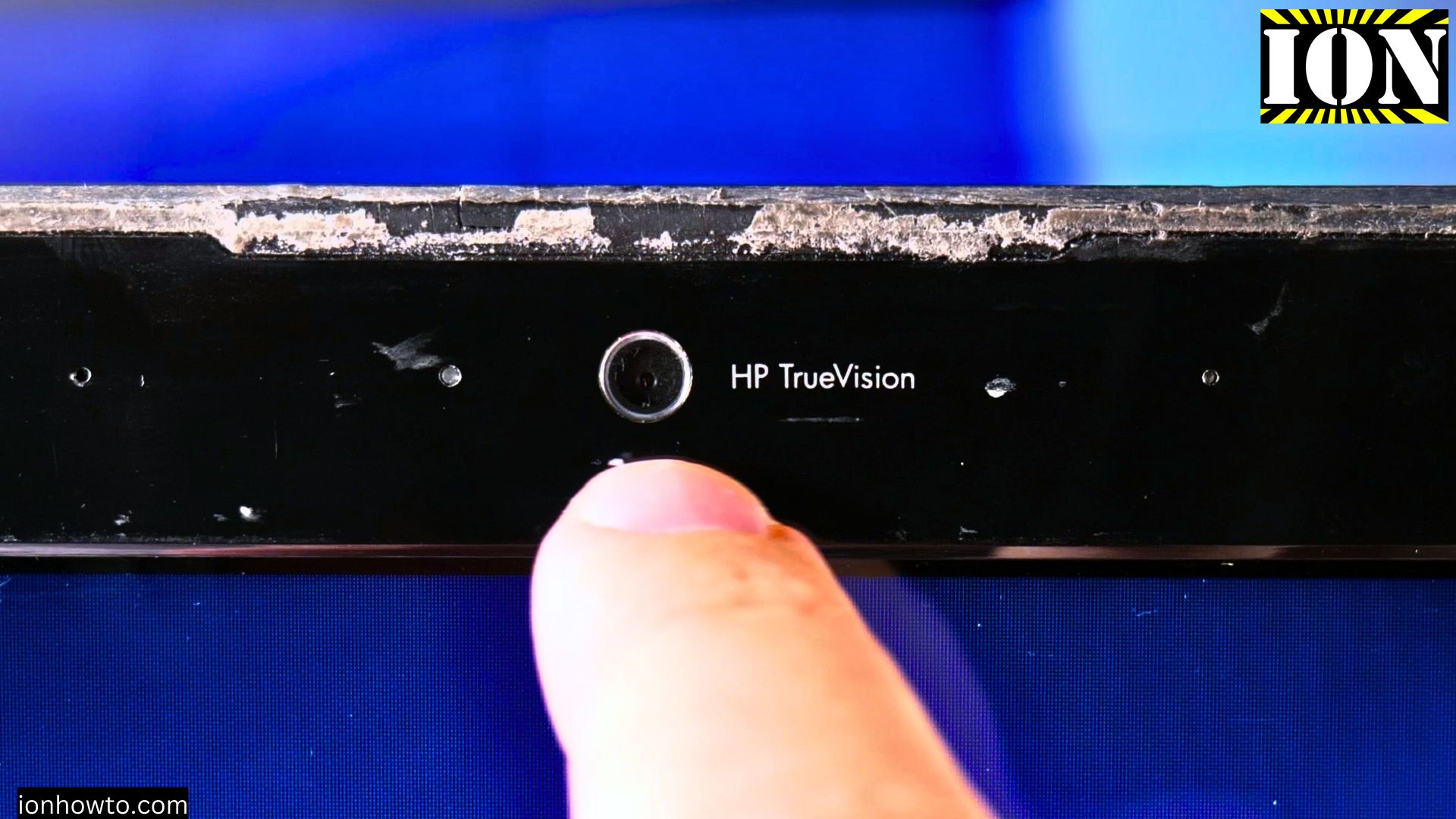
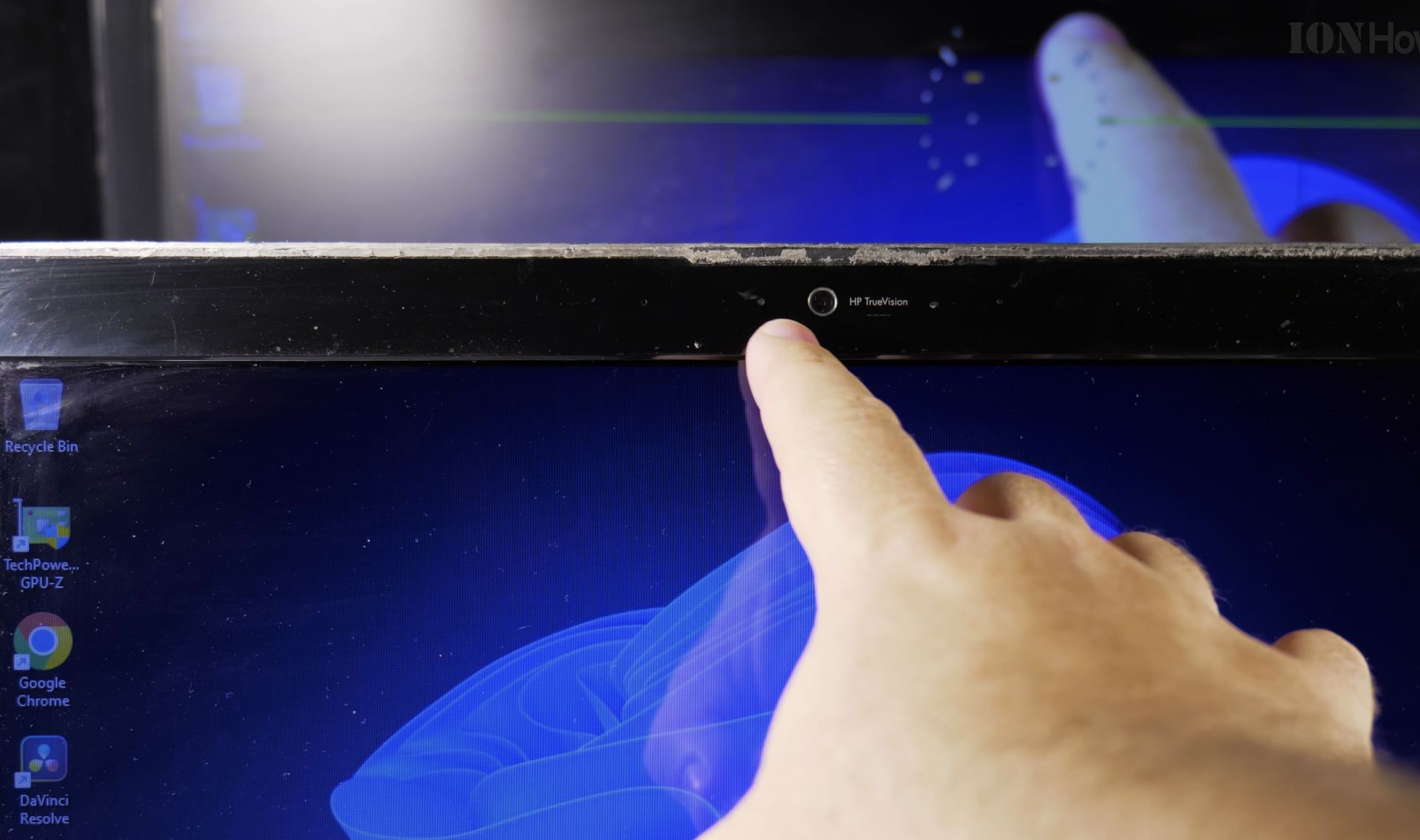
Laptop camera security isn’t just for the paranoid. While built-in cameras are great for video calls, they can potentially be compromised by malware or hackers. Cover your camera when not in use.
Best Options for Covering Your Camera
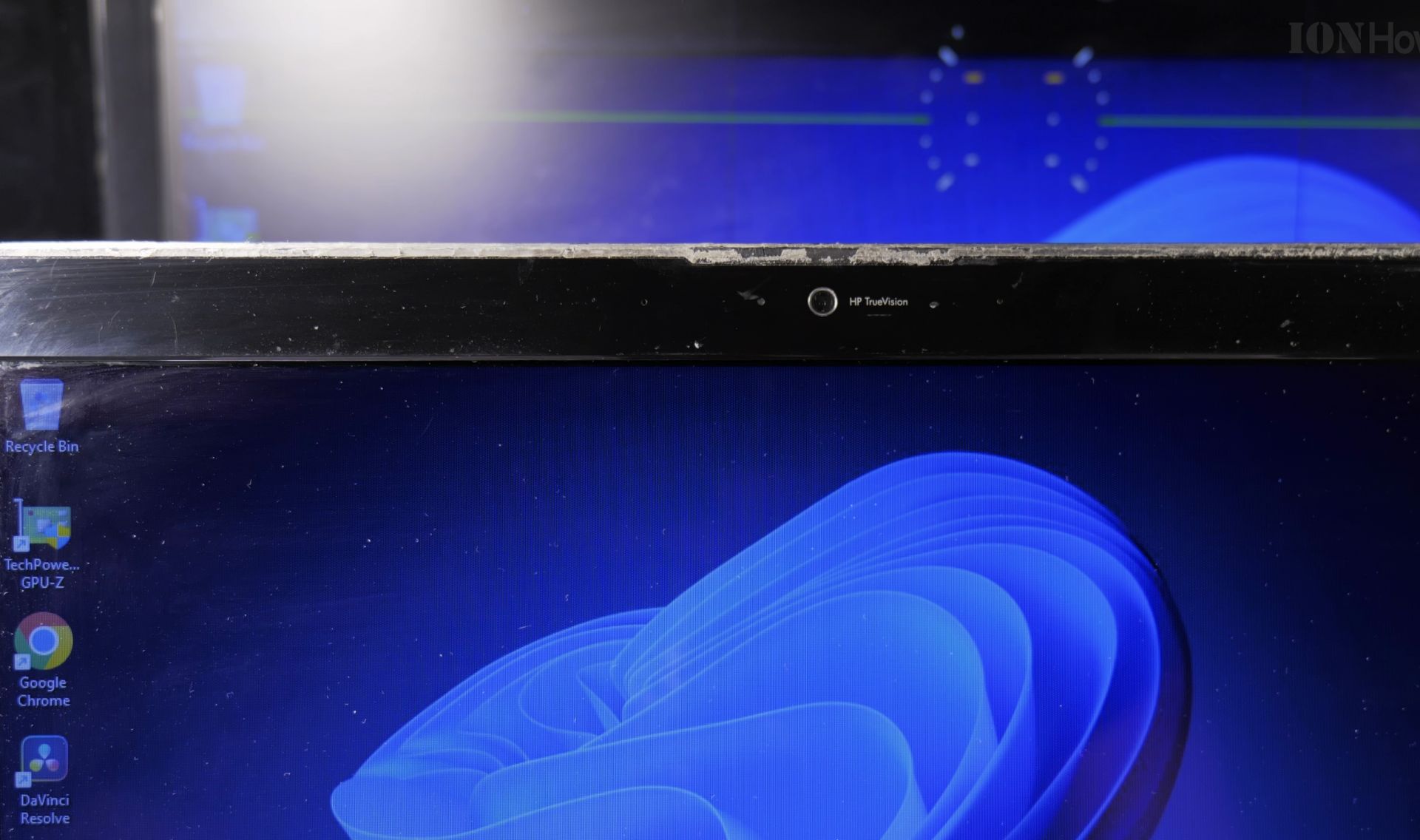
Sliding Camera Covers
The Sliding covers for laptop cameras are probably the most convenient solution for regular camera users:
- They’re reusable and slide open easily when you need to open a video call
- Most are slim and won’t prevent you from closing the laptop
- They stick to your laptop with strong adhesive
- Many come in colors to match your laptop
- Installation usually is very easy
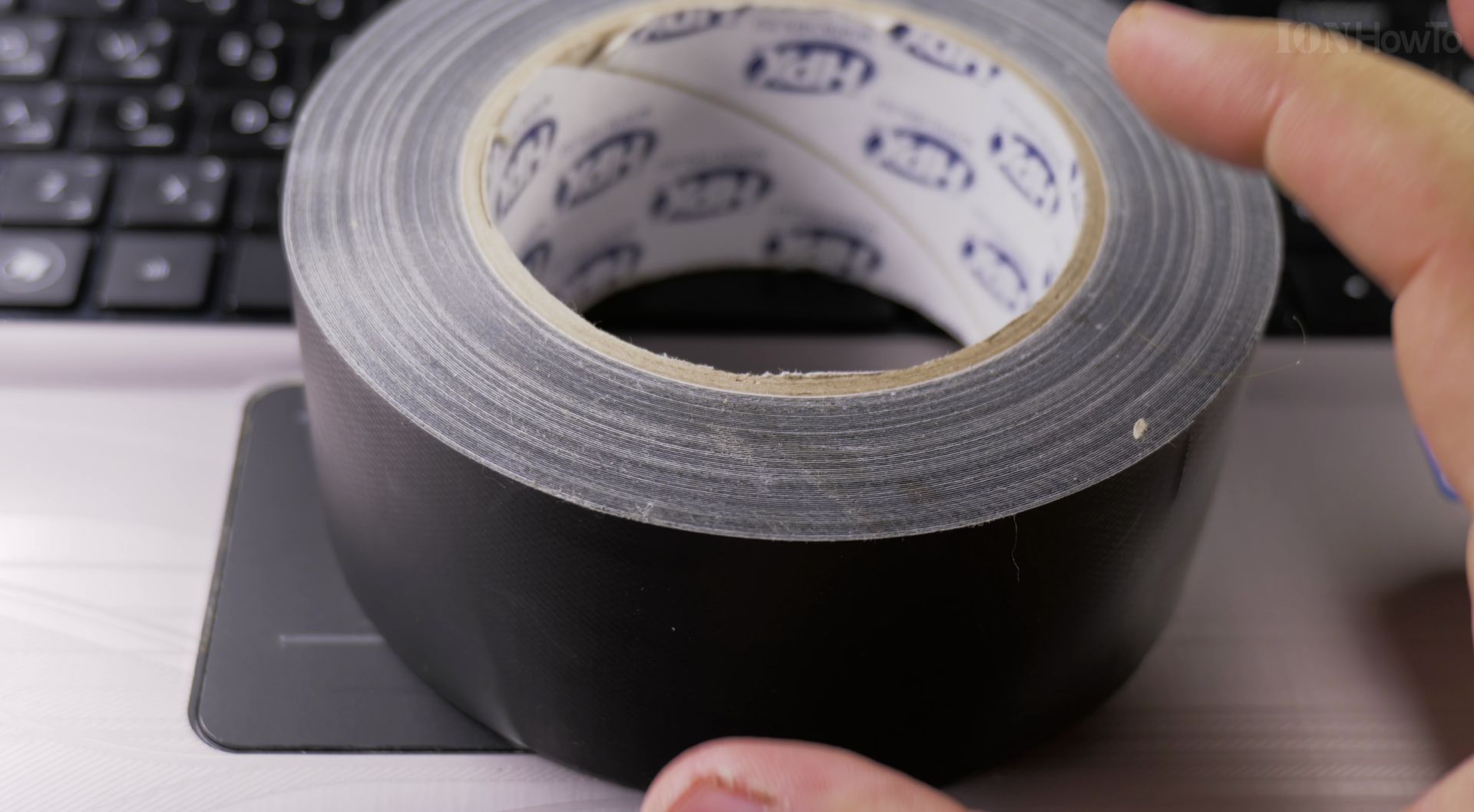
Gaffer Tape
Gaffer tape is actually one of the best options if you want to go the tape route:
- It doesn’t leave sticky residue like electrical or duct tape
- The matte black finish looks clean and professional
- It’s easy to remove and replace
- One roll will last a long time and you can use the tape to mask bright LED light too
Electrical Tape
A cheap quick fix, electrical tape works fine:
- It’s cheap and readily available
- Black electrical tape blends well with most laptop bezels
How to Apply a Camera Cover
For Sliding Covers:
- Clean the area around your camera with alcohol
- Let it dry completely
- Remove the adhesive backing from the sliding cover
- Line it up carefully over your camera
- Press it on for about 30 seconds
- Test the sliding mechanism a few times
For Tapes:
- Cut a piece slightly larger than your camera
- Place it carefully over the camera lens
- Smooth out any air bubbles
Important Tips
- Don’t use thick tape or stickers that might damage your screen when closing the laptop
- Test that your laptop closes properly after applying any cover
- Keep the camera area clean to maintain good adhesion
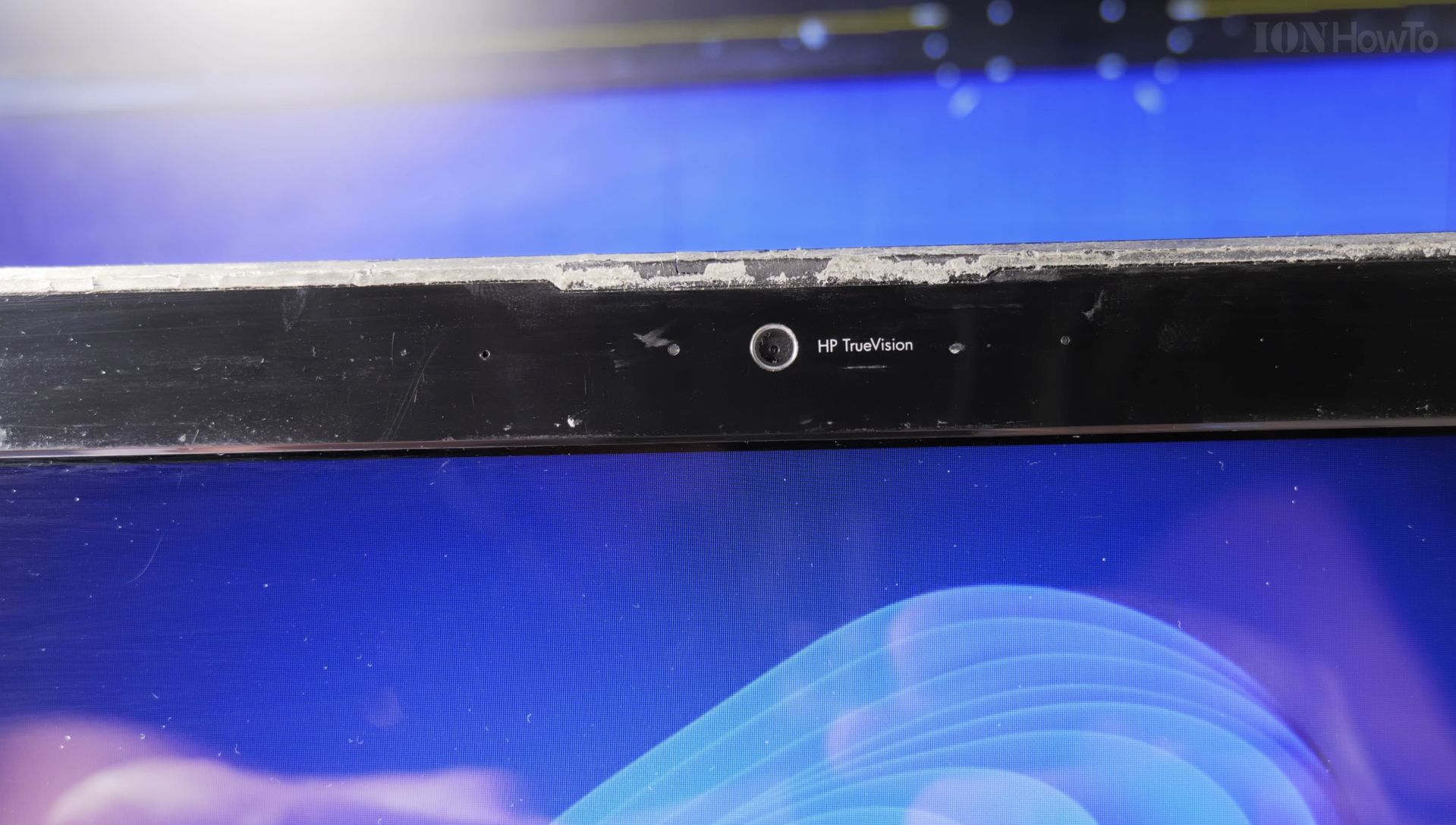
Remove Tape Residue
If you end up with sticky residue on your laptop:
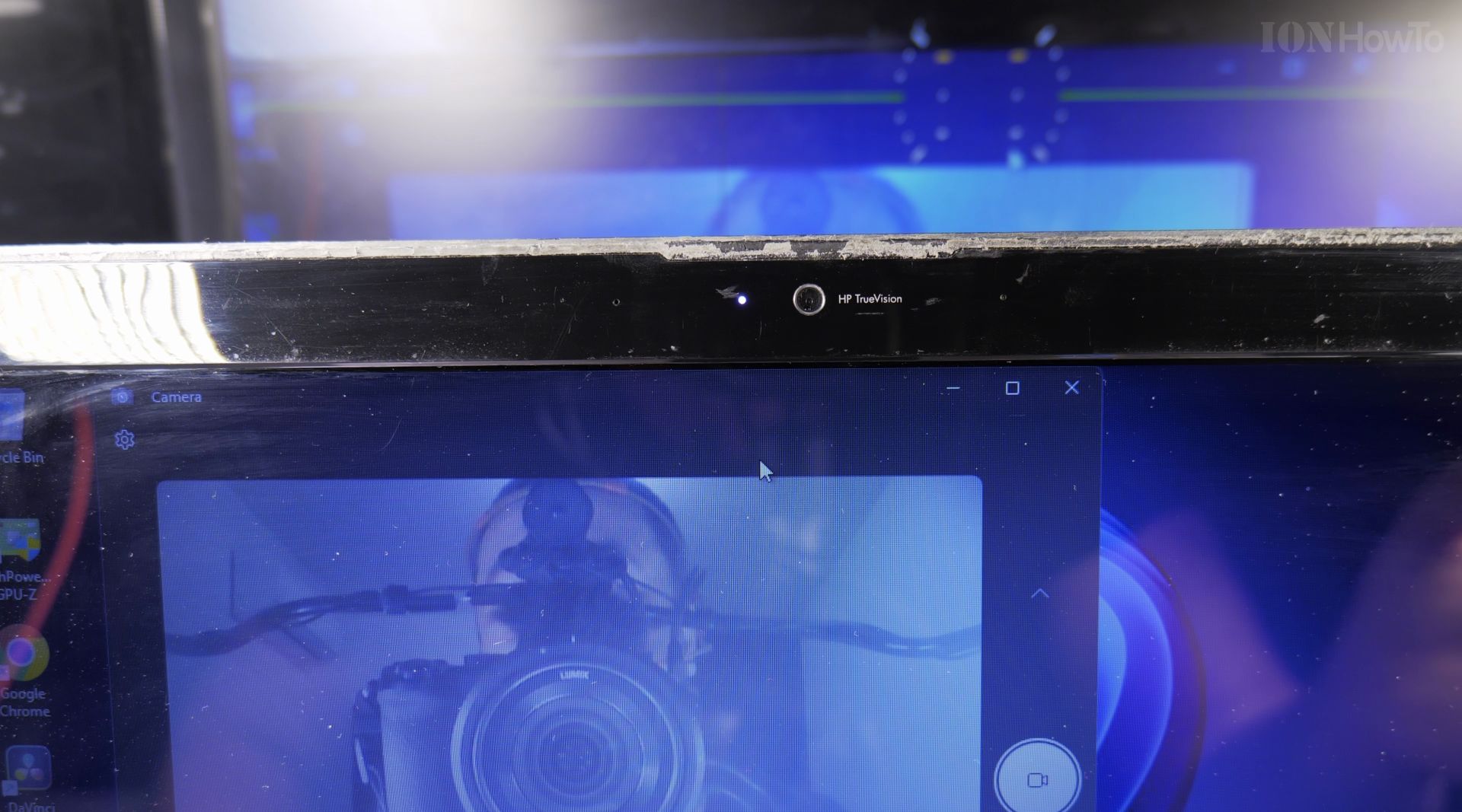
- Use a bit of isopropyl alcohol on a soft cloth
- Gently rub the affected area
- Let it dry completely before applying any new cover
- Never use harsh chemicals or scrape with hard objects
Conclusion
Whatever method you choose, the important thing is finding a solution that works for your needs. If you use your camera frequently, a sliding cover might be worth the small investment. If you rarely use your camera, tape might be the perfect simple solution. The key is making camera privacy part of your regular digital security routine.
Helpful Tips
Check all labels, connections, and power ratings before starting so everything fits safely and securely. If any detail looks slightly different on your model, pause the embedded video above for a clear closeup view.
Related Guides
- IKEA Stankregn LED Ring Light for Video Calls Review and Setup – If your face looks dark or grainy during Zoom or FaceTime calls, a dedicated monitor ring light makes you look clear and…
- How to Stop Your Other Devices Ringing When You Get a Call on iPhone – If your iPad, Mac, and Apple Watch all ring simultaneously every time someone calls your phone, you can silence them easily.
- How to Get Phone Calls on Wi-Fi Only iPad – If your iPad does not have a cellular SIM card, you can still answer regular phone calls right from your tablet.
- Camera Gear & Accessories – Browse more tutorials and practical guides in this section.


Leave a Reply