
Converting your physical nano-SIM card to an electronic eSIM profile frees up your phone’s physical SIM slot for travel or secondary lines. Demonstrated using a carrier QR code voucher, here is how to scan and activate an eSIM profile on Android.
Obtain an eSIM QR Code Voucher from Your Mobile Carrier
Request an eSIM migration from your carrier customer portal or retail store. You will receive an activation voucher containing an encrypted QR code and confirmation code.
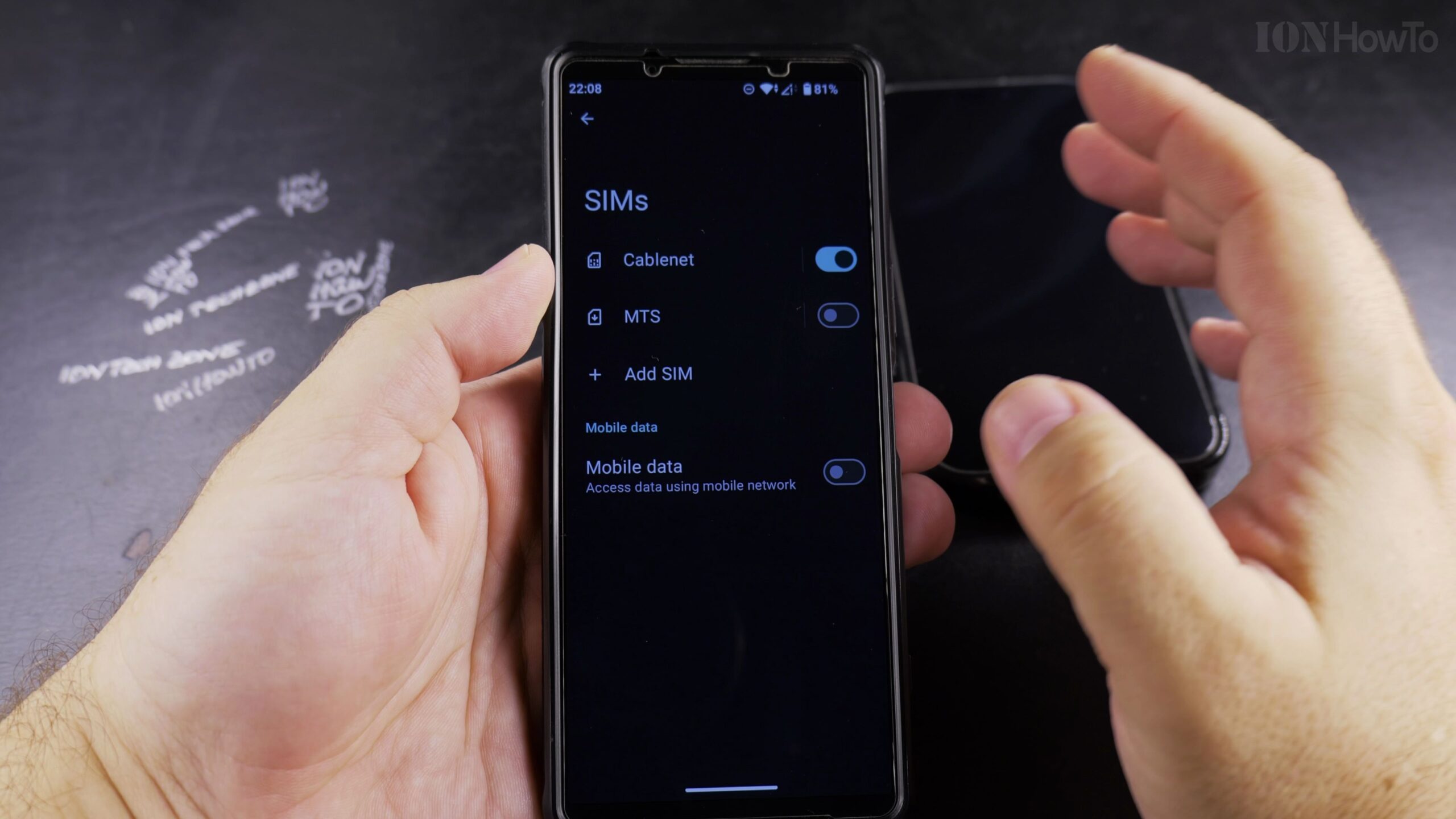
Open Settings and Tap Network & Internet
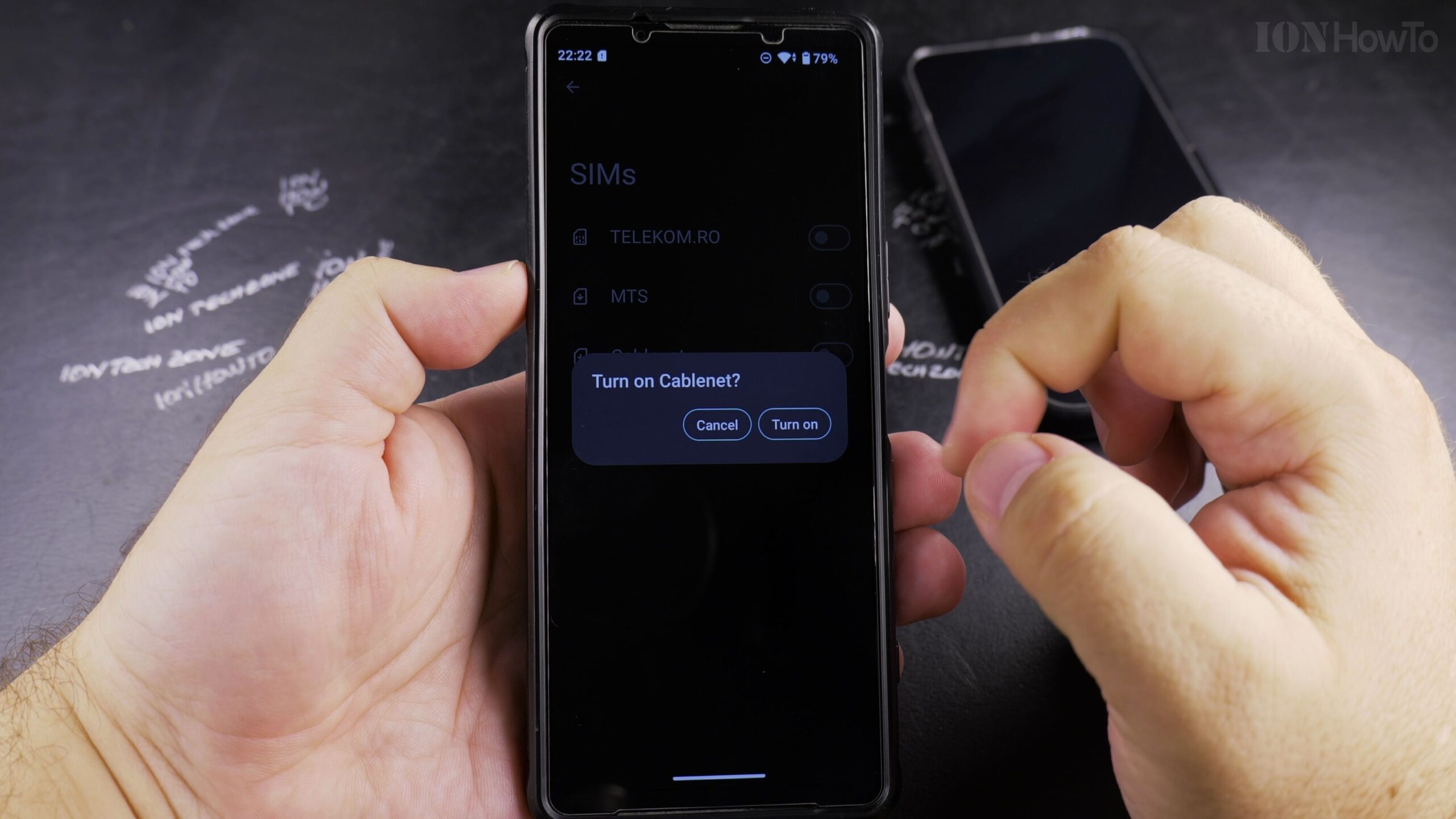
Open the Settings app on your eSIM-compatible Android smartphone and navigate to Network & internet > SIMs.
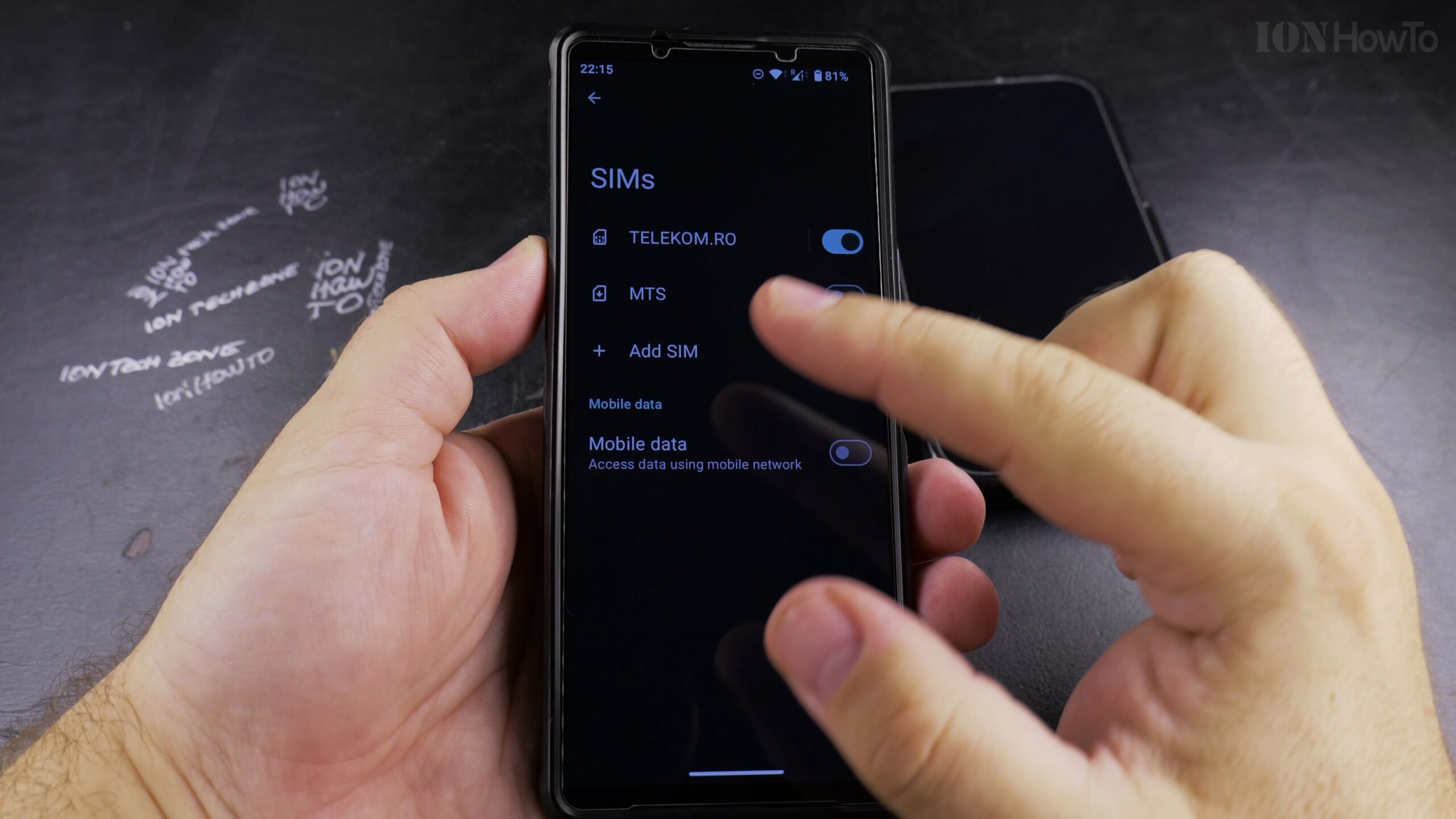
Tap Add SIM or Set Up an eSIM
Tap the plus (+) icon or Add SIM button, then choose Download a SIM instead (or Set up an eSIM).
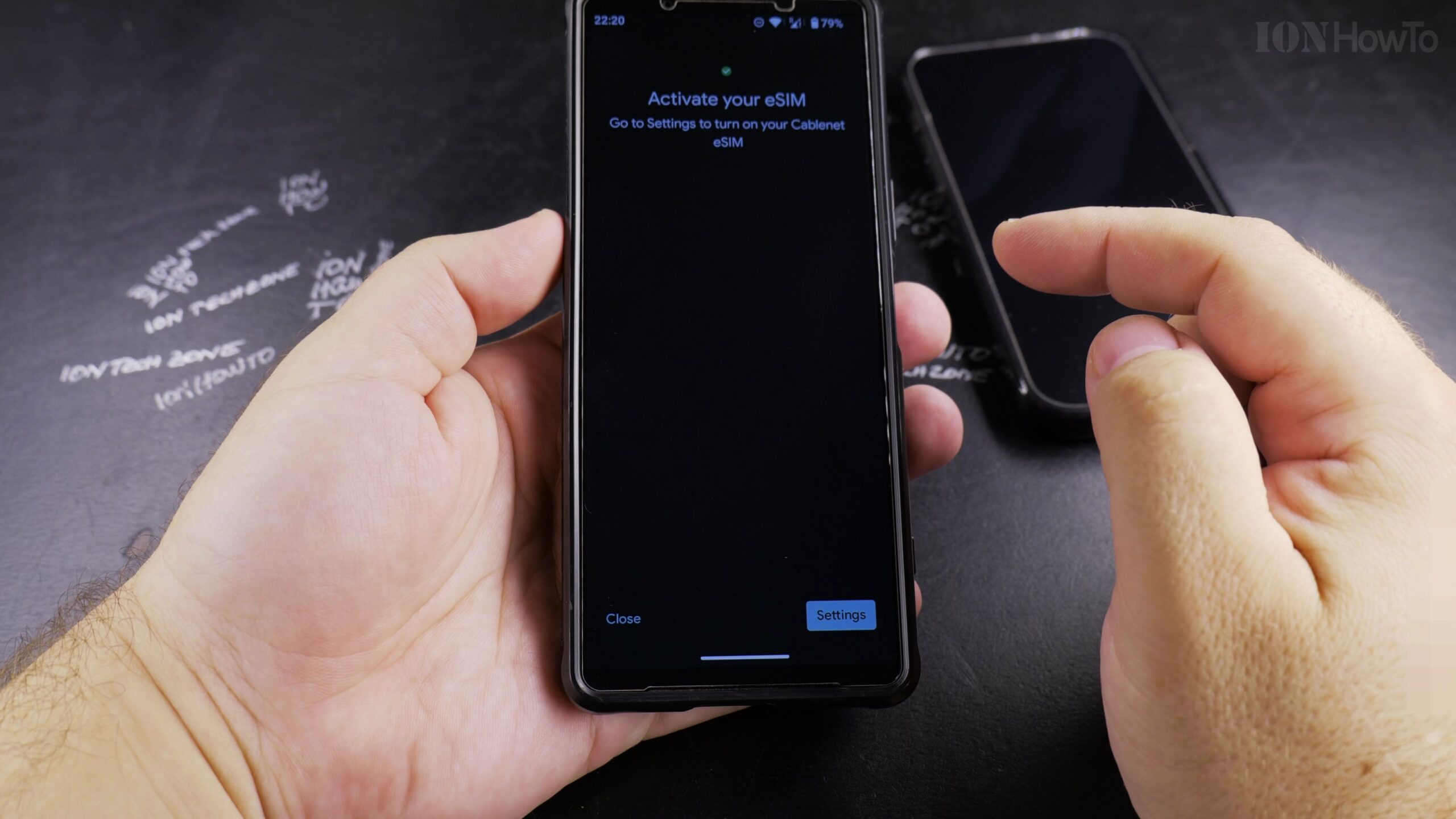
Scan the QR Code with Your Phone Camera
Point your phone’s camera at the carrier voucher QR code. The system will read the carrier profile and prompt you to confirm activation.
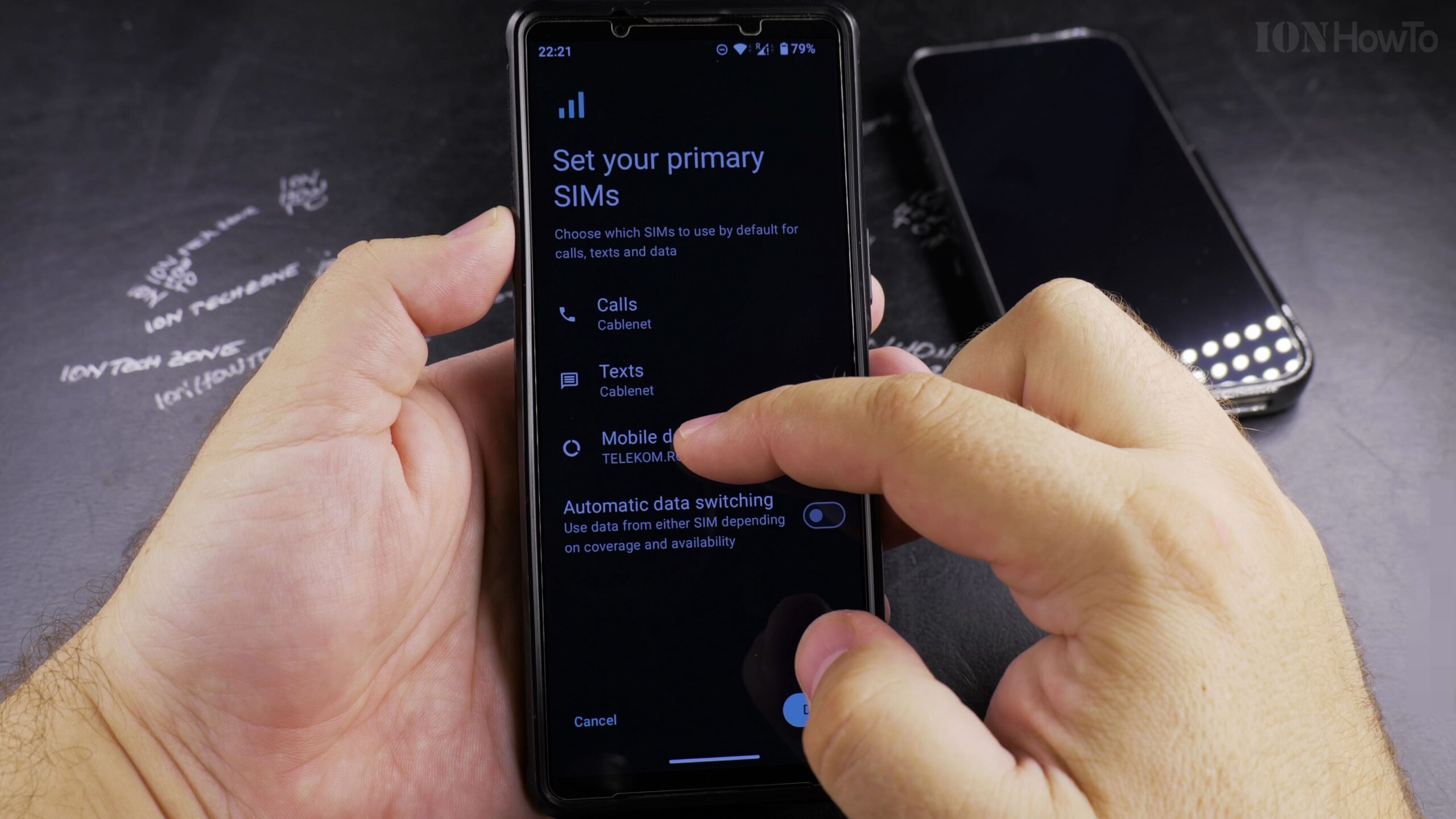
Download the Profile and Restart If Needed
Tap Download and wait a minute for the eSIM profile to register on the mobile network. Once finished, you can safely eject your old physical SIM card from the tray.
Helpful Tips and Related Guides
Make sure your Android phone is connected to a stable Wi-Fi network before scanning the QR code so the carrier profile downloads without interruption. Browse more mobile tutorials in our Android Tips section, visit our Android Setup Guides, or check Android.


Leave a Reply