
Tag: Diy

How to create a user in Linux
Creating a user in Linux Terminal The useradd command will create the user and usermod can modify user properties such as groups the user is part of. useradd [options] username Example: Using default options to create username dragos. Also created the user home directory: /home/dragos A group is also created for the user with the…

How to exit VIM – VI Editor
How to exit VIM or VI editor. VIM stands for Vi IMproved. As in a better editor than VI. You can start Vim at any terminal or in a SSH session on Linux with this command: Same goes for vi commands, opens a file the same way. Once vim / vi is opened you are…

Linux commands cheat sheet the most used list
Most useful Linux commands for daily # Display how long has the system been running – since tle last restart. # List directory contents # List files in directory but better attributes and human-readable # List files in directory sorted by file date/time. # Change directory # Wildcards When filtering for files or directories you…
Find top visiting ip with Awk
Find top visiting ip with AwkHow to find top visiting ip with Awk list in apache logs in CLI Linux. You can use the Awk programming language to extract the field you need from the Apache / Httpd access logs.Then you can chain multiple commands to have the desired output.You can also modify this to…
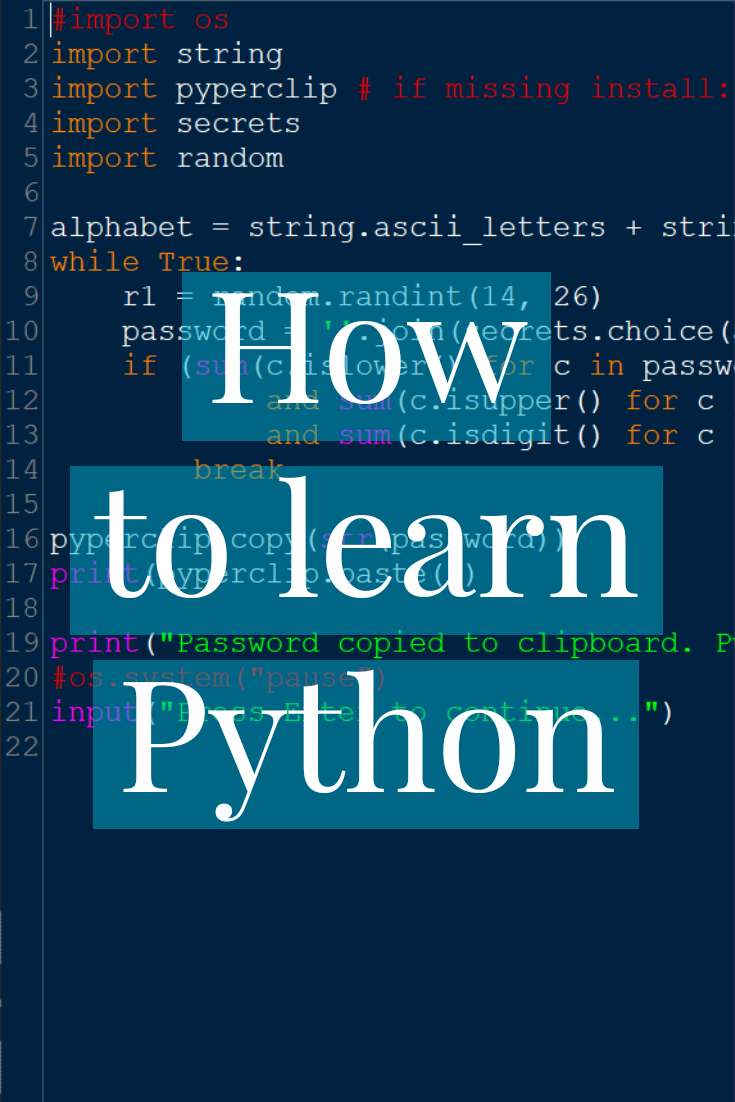
How to learn Python as a second language
How to learn Python as a second language. After watching and reading few tutorials you still can’t say that you know much Python and that’s probably true. How I try to learn it, still work in progress, is to use a project-based approach. Learn the basics of the language. 1. No semicolons; 2. Indentation matters…
Windows 11 nag screen after update
Windows 11 nag screens after update.How to avoid the Windows 11 beta nag screen after updating. Windows 10 also had a nag scren afte updates were applied but on Windows 10 you could say remind me later and it would not bother you until the next major udate. Enter Windows 11, the remind me later…
20. Valid Parentheses Leetcode Solution
Valid Parentheses Leetcode 20 Solution Return boolean indicating wether the pairs of paranthesis are matching and there are no un-matched paranthesis found. Using a list to implement a stack in Python.Store all the pairs of opening and closing tags in a dictionary. Closing brackets are the key.Go thru the characters of the string and add…
66. Plus One LeetCode Solution in Python
Plus One LeetCode Solution in Python 3. Given a non empty array of decimal digits representing a non-begative integer.Increment the integer, most significant digit is on the left. Each element contains a single digit.No leading zeros except for the number 0. Examples Input: digits = [1,2,3] Output: [1,2,4] Input array represents the int 123 +…
Two Sum Solution [LeetCode 1]
Two Sum Solution in Python 3 [LeetCode 1] Given an array of integers nums and a target integer. Return the indexes (not values) of the 2 numbers that add up to the target value. One solution and one element can’t be used twice. Example nums = [1,2,8,7,11,15], target = 13 output= [1,4], indexes start at…
LeetCode 482 License Key Formatting Solution
LeetCode 482 License Key Formatting Solution in Python 3. LeetCode 482 Solution 32 ms in Python 3 You are given a license key represented by the string s that contains only alphanumeric characters and dashes. You are also given an integer k. Reformat the string s so that each group contains exactly k characters, except…