
Tag: iPad
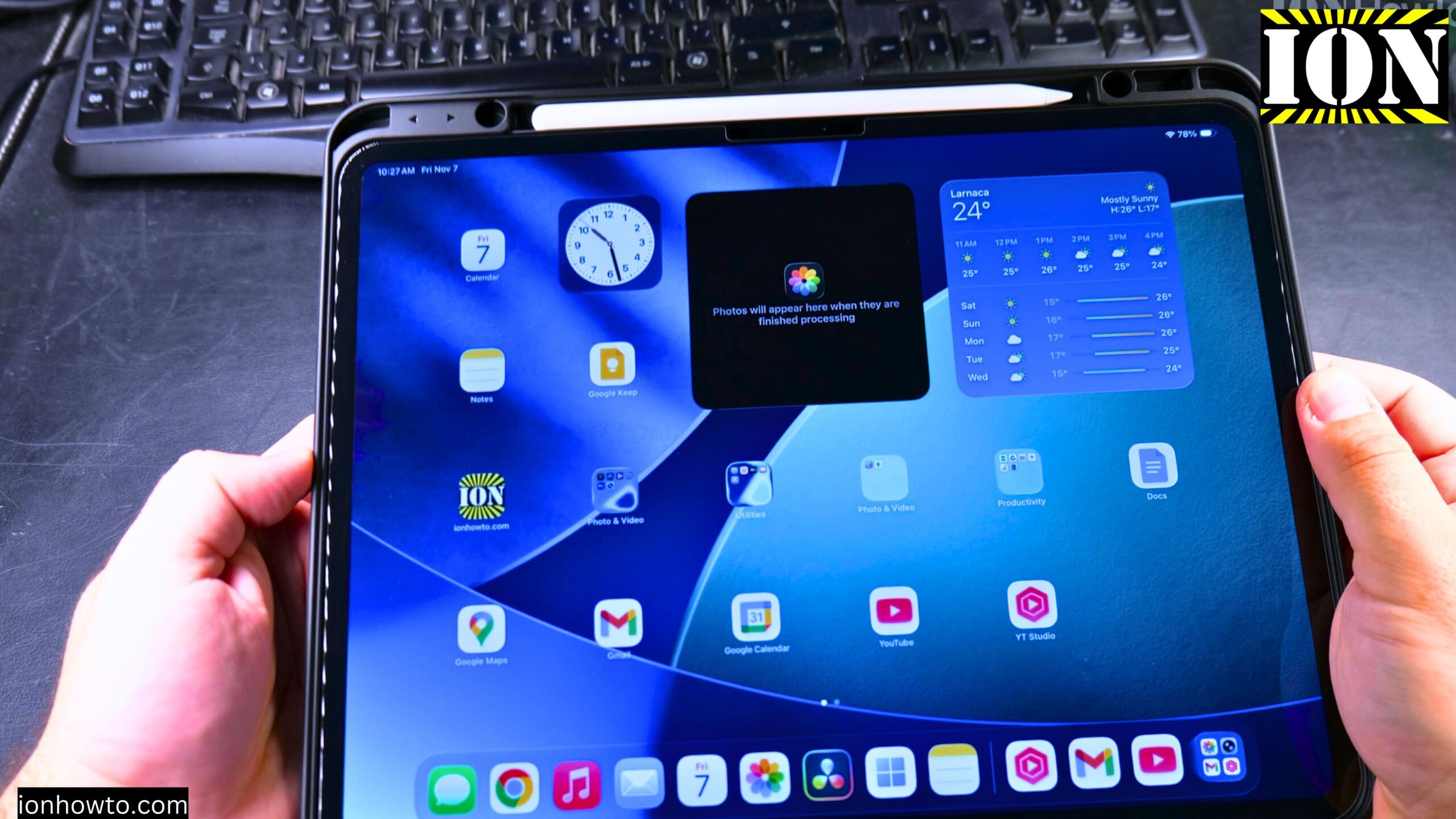
Install Chrome on iPad
In this post, I show you how to install the Chrome browser on your iPad. I guide you through the steps to get Chrome on your iPad using the App Store. This is a simple process, and I’ll show you exactly what to do.
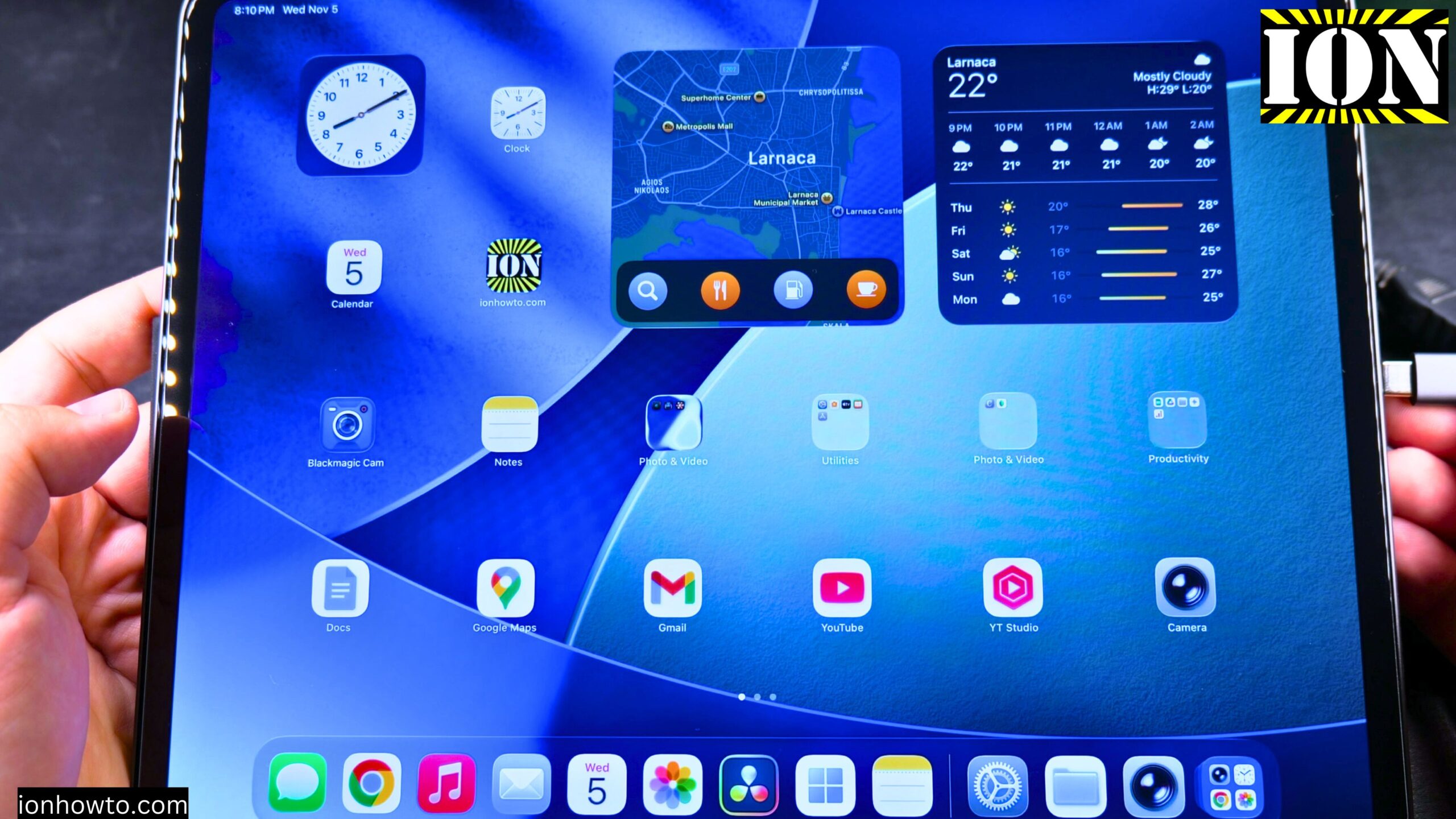
Connect HDMI to Extend iPad Screen
I show you how to connect your iPad to an external display using HDMI and extend your screen. This lets you use the external monitor as a separate workspace, not just a mirror of your iPad.
Use Wired Headphones with Your iPad Pro
Learn how to use wired headphones with a 3.5mm jack on your iPad Pro. Since the iPad Pro uses a USB-C port, you need a specific adapter to connect standard headphones.
Check iPad Display for Stuck Pixels or Lines
Learn how to check your iPad display for stuck pixels or lines on the screen. This is helpful if you buy a used iPad or just want to make sure your display is in good shape.
Set Up Your New iPad Pro M5 with iPhone and iCloud
Learn how to set up your new iPad Pro M5. This guide is perfect if you just got your iPad and want to start using it quickly. I show you the steps to transfer all your data from your iPhone using the automatic setup process. This is the easiest way to move.
iPad Frozen Force Restart Not Working Remote iCloud Erase
Learn what to do when your iPad Pro M5 is frozen and a force restart is not working. If your iPad screen is unresponsive and the normal reset methods have failed, this guide shows you a solution.
Reduce Clock Transparency on iPad Lock Screen
Learn how to reduce transparency on your iPad lock screen clock. I show you on iPadOS 26.2 running on an iPad Pro M5 13 Inch 2025 model. The steps work the same on most newer iPads running recent versions of iPadOS.
Phone Calls on iPad Using iPhone
Learn how to make phone calls with an iPad that doesn’t have cellular service. You can use your iPhone to let your iPad make and receive calls. This is great for using the bigger screen without needing to grab your phone every time it rings.
Eject an External SSD from a USB-C iPad Pro
Learn how to safely eject an external SSD or hard drive from your iPad. This is the correct way to disconnect your USB storage from iPad Pro, iPad Air, or any iPad with a USB-C port.
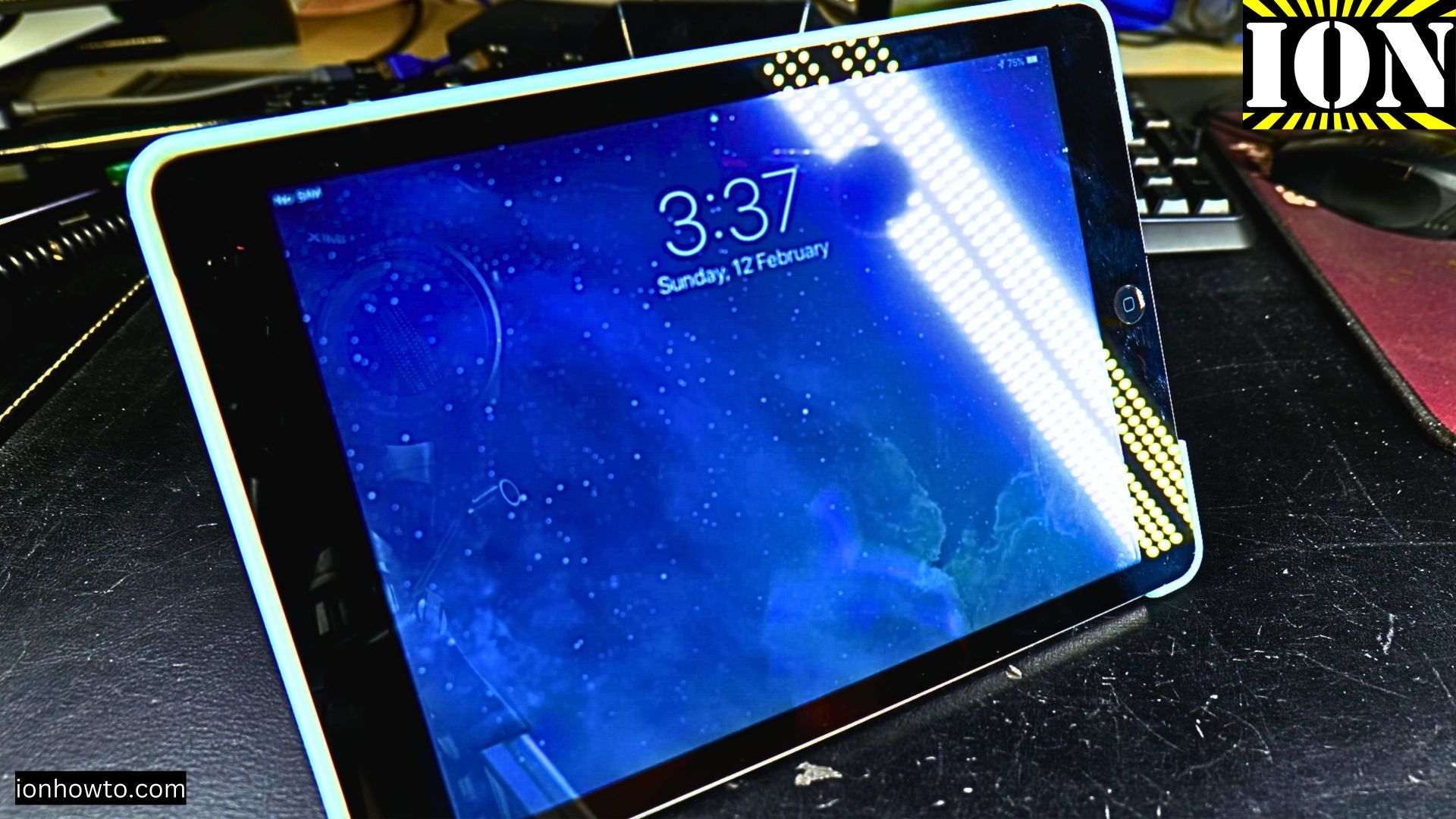
iPad Air Ghost Typing Fix
Is your iPad acting like it’s possessed? You’re trying to tap one thing, but it opens apps, types gibberish, or clicks on random parts of the screen all by itself. This frustrating issue is commonly called “ghost touch” or “ghost typing.” Before you decide.