
Tag: iPad Pro M5 13 inch
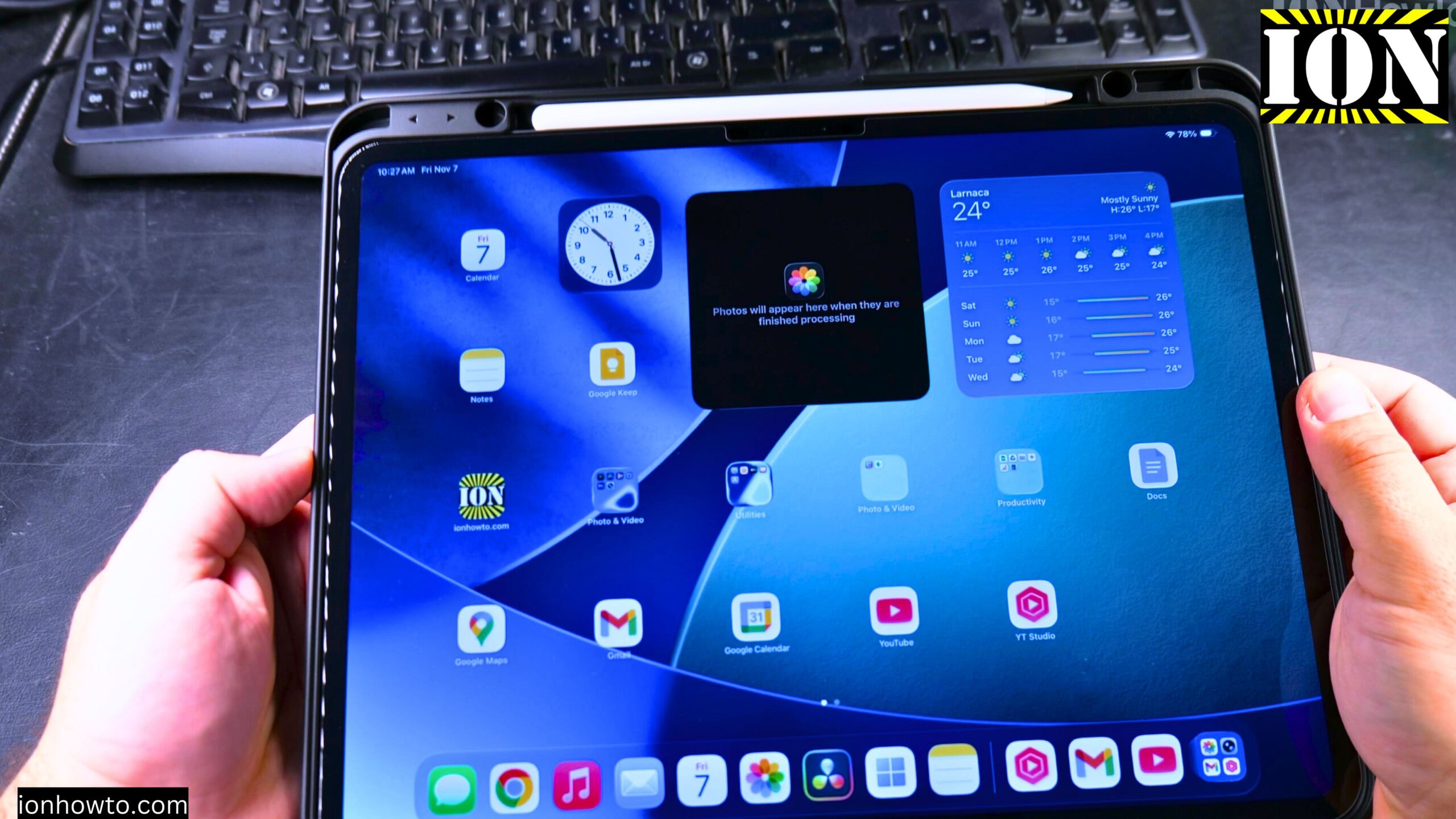
Install Chrome on iPad
How to Install Chrome on iPad. In this post, I show you how to install the Chrome browser on your iPad. I guide you through the steps to get Chrome on your iPad using the App Store. This is a simple process, and I’ll show you exactly what to do. I’ll show you on iPadOS…
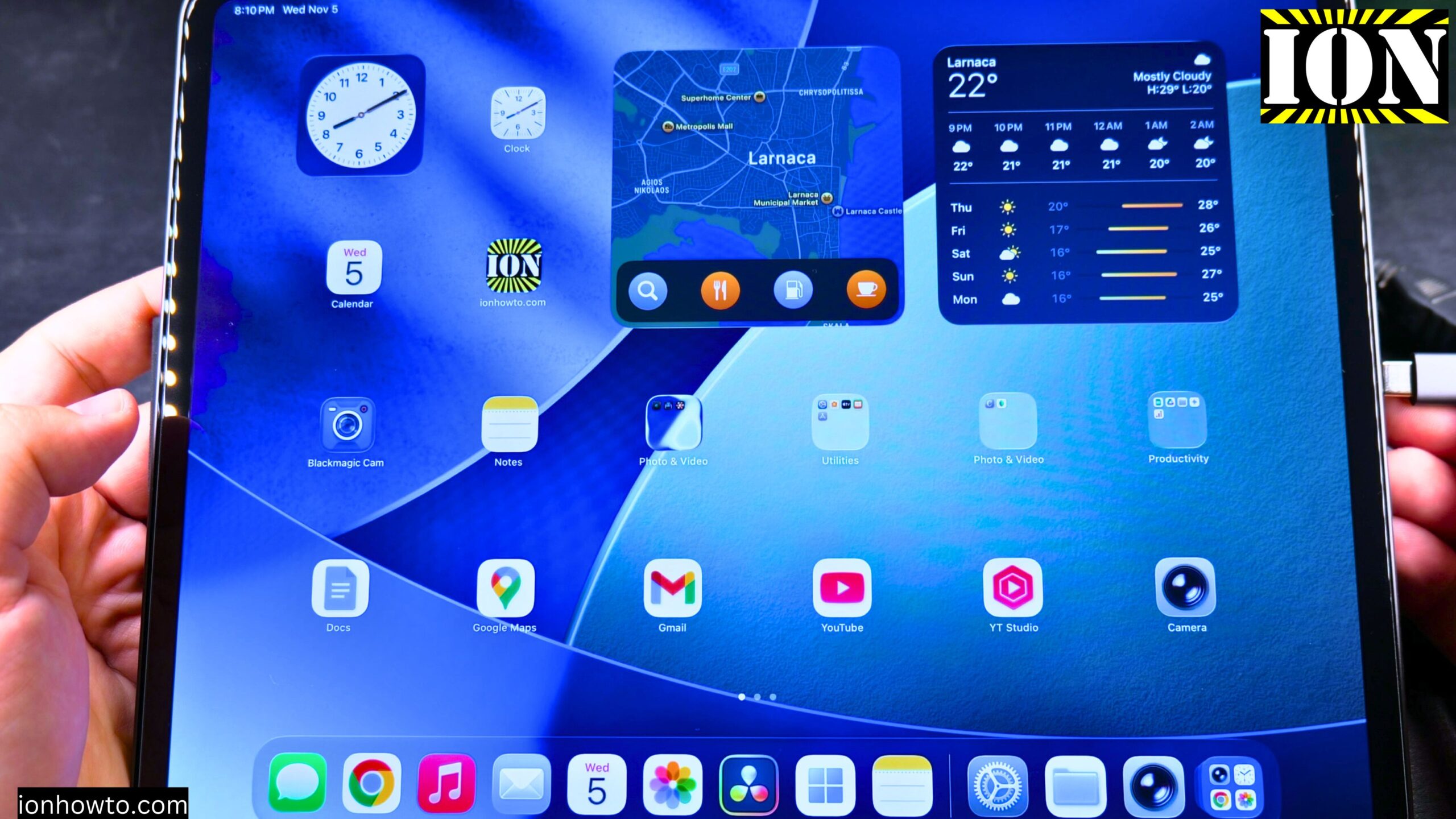
Connect HDMI to Extend iPad Screen
How to Connect an HDMI External Display and Extend Your iPad Screen. I show you how to connect your iPad to an external display using HDMI and extend your screen. This lets you use the external monitor as a separate workspace, not just a mirror of your iPad. I’ll show you on iPadOS 26 on…
Use Wired Headphones with Your iPad Pro
How to Use Wired Headphones with Your iPad Pro USB-C Port. Learn how to use wired headphones with a 3.5mm jack on your iPad Pro. Since the iPad Pro uses a USB-C port, you need a specific adapter to connect standard headphones. I’ll show you on iPadOS 26 on iPad Pro M5 13 Inch 2025…
Check iPad Display for Stuck Pixels or Lines
How to Check iPad Display for Stuck Pixels or Lines on Screen. Learn how to check your iPad display for stuck pixels or lines on the screen. This is helpful if you buy a used iPad or just want to make sure your display is in good shape. This was shown on iPadOS 26 on…
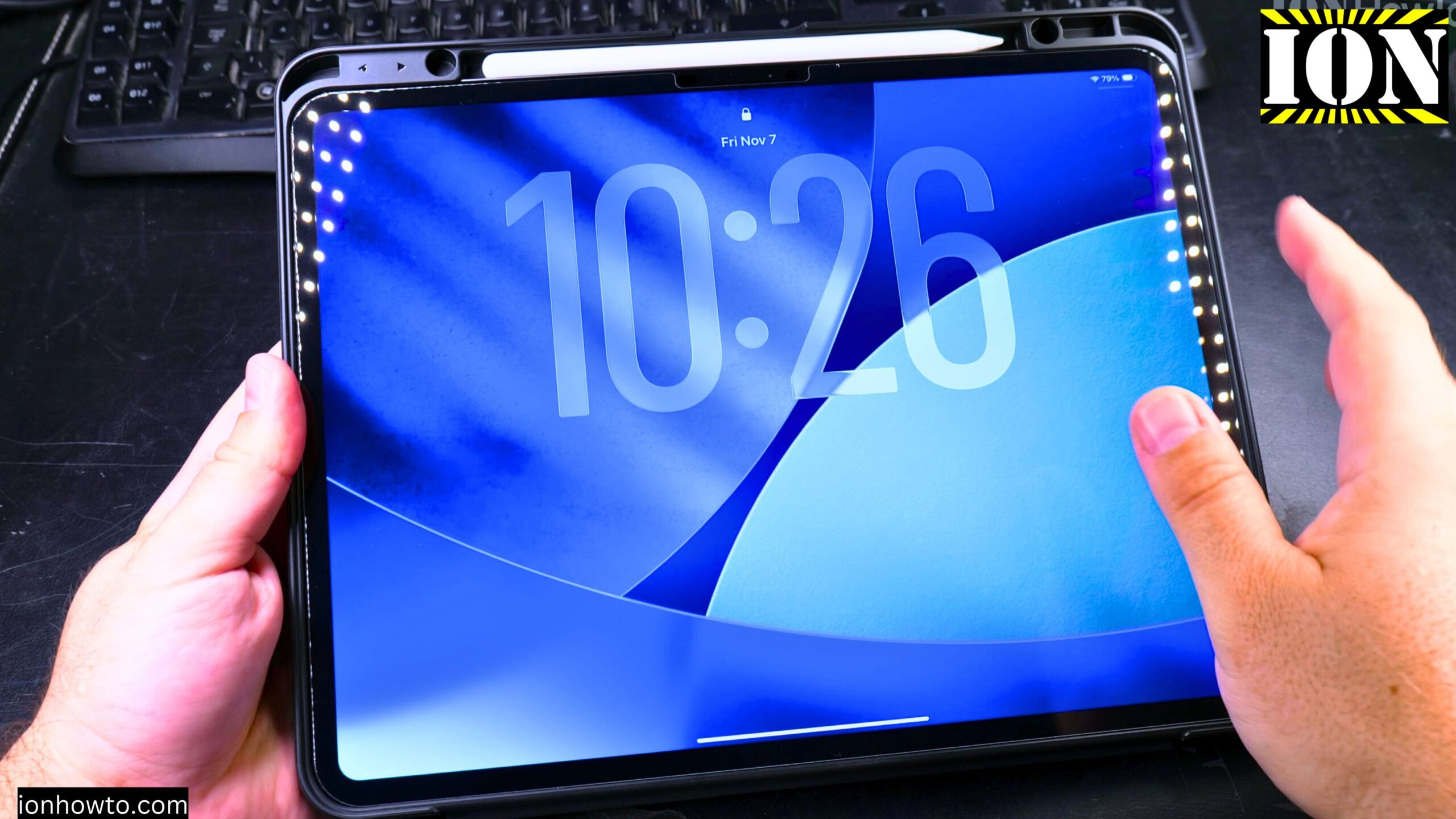
Set Up Your New iPad Pro M5 with iPhone and iCloud
How to Set Up Your New iPad Pro M5 with iPhone and iCloud Backup. Learn how to set up your new iPad Pro M5. This guide is perfect if you just got your iPad and want to start using it quickly. I show you the steps to transfer all your data from your iPhone using…