
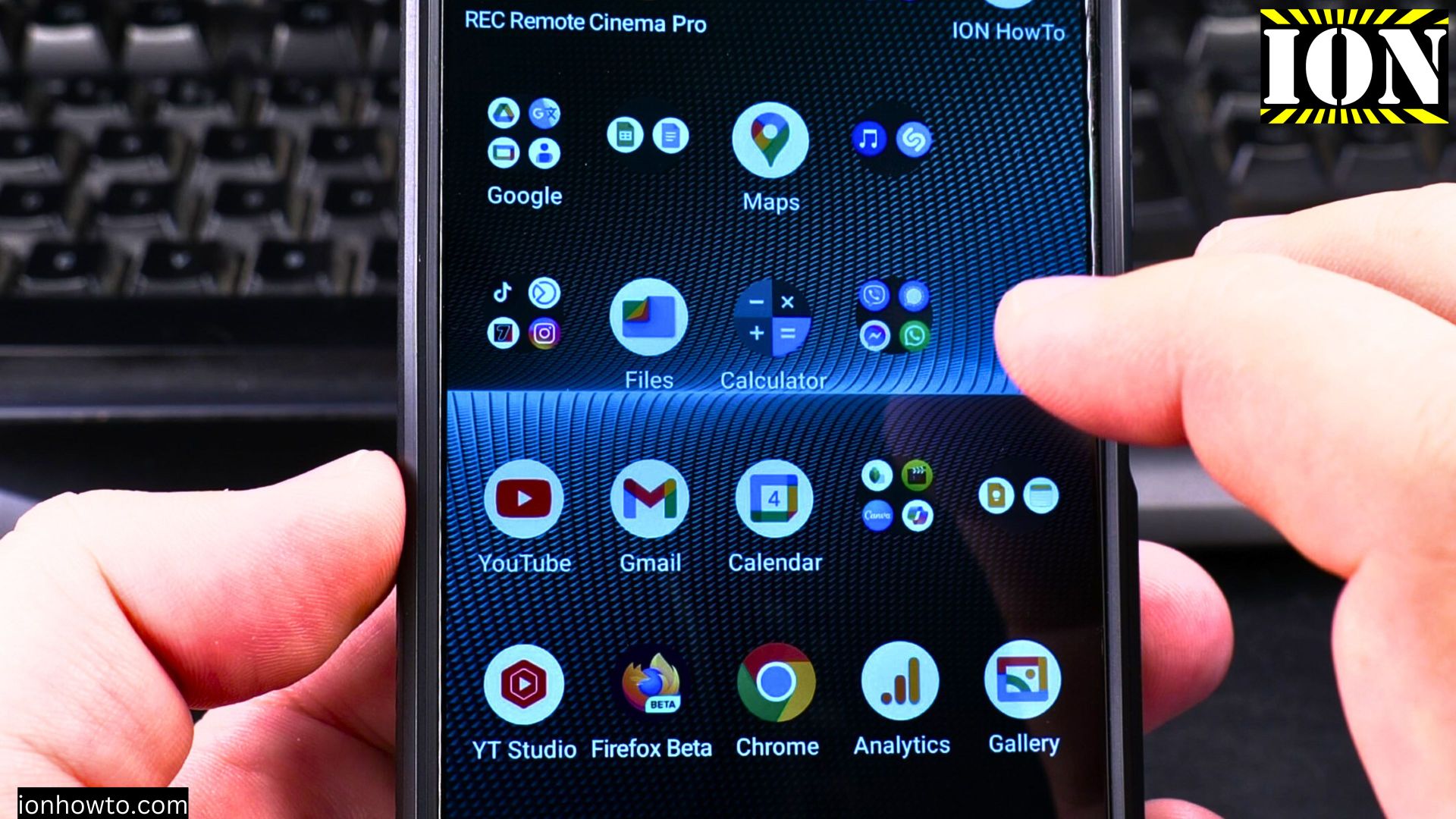
Testing the Audio Sharing in Android 15 on Sony Xperia 1 V.
Amazon links
As an Amazon Associate I earn from qualifying purchases:
- Phone Cases
- Mobile Tripods
- Usb-c charger
- Usb-c cable
- Docking stations
- Wireless car chargers
- Wireless charger stand
- SIM card removal tool
- SIM card holder
It’s not working for me with the Sony ANC headphones.
Share audio from headphones with someone else.
Settings – Device Connection – Audio Sharing -Share Audio
Listen to someone else’s shared audio with headphones and watch a video together.
Settings – Device Connection – Audio Sharing – Find an audio stream.
I guess eventually, compatibility problems will be sorted out and most if not all current headphones will work with the audio sharing feature in Android 15.
I wanted to try this as it’s nice to have this option of watching a movie together with headphones on a bus ride or a train ride.
Will check again later at some point if it works.
Will update if I get it working eventually.
Helpful Tips
Take your time and check the screen carefully after each tap so you can confirm the setting changed as expected. If an option appears in a slightly different spot on your device, watch the embedded video above for a closer look.
Related Guides
- Android Samsung Galaxy 23 Iltra Cameras Not Working Use Selfie Camera – Android Samsung Galaxy 23 Iltra Cameras Not Working Use Selfie Camera When Main Camera Freezes.
- Lift Doors Not Closing Sensor Not Working Problem – Lift Doors Not Closing?
- Disable Android Notifications at Night use Do Not Disturb – How to Disable Android Notifications at Night Using the Do Not Disturb Mode.
- Android & Mobile – Browse more tutorials and practical guides in this section.


Leave a Reply