
Category: iPhone Guides
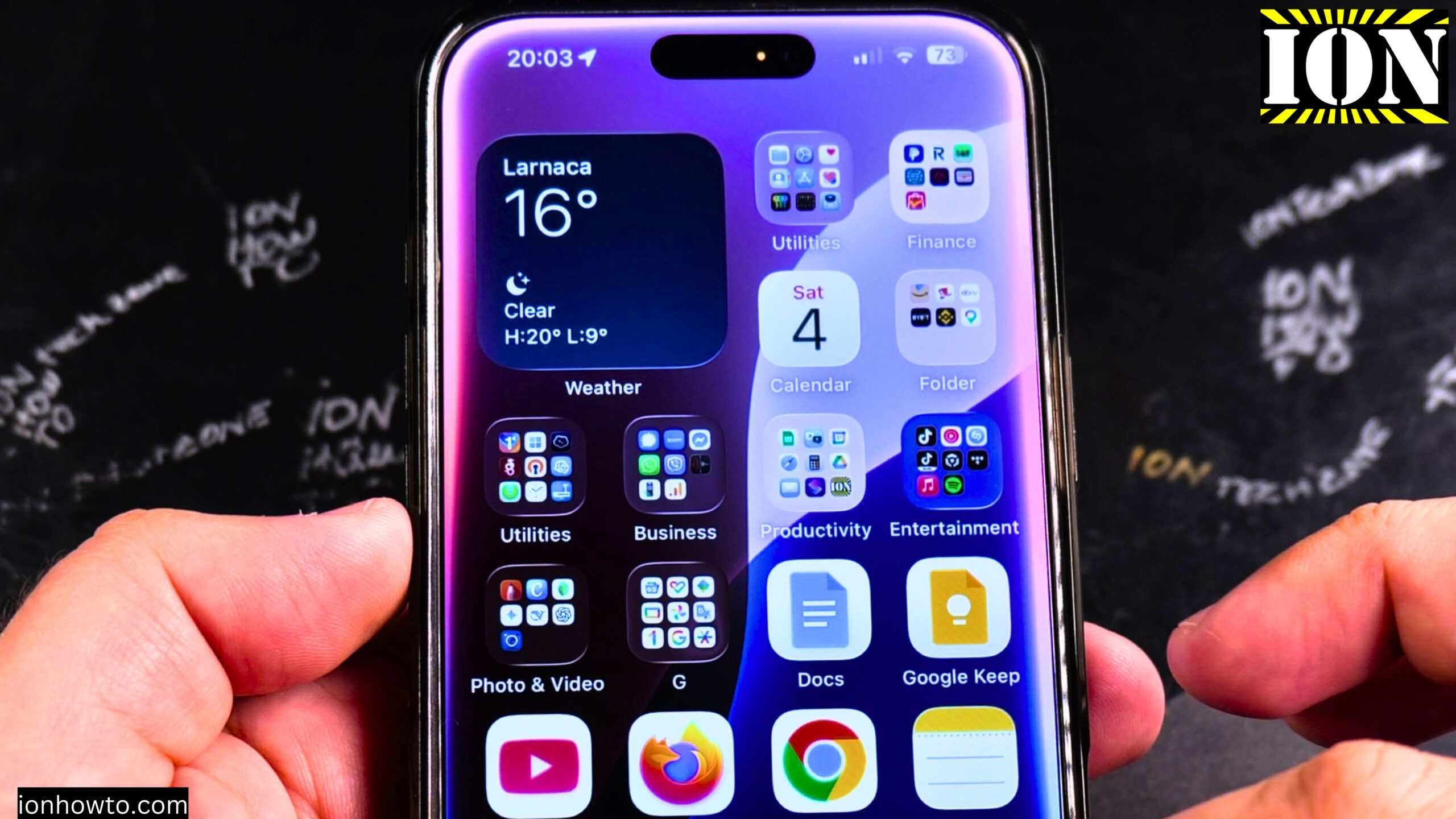
How to Block Phone Number on iPhone
How to Block a Phone Number on iPhone iOS 26 Guide. Learn how to block a contact’s phone number on your iPhone running iOS 26. I show you the steps to prevent unwanted calls, messages, and FaceTime from specific numbers. This guide works for iOS 26 Beta 5 on iPhone 16 Pro Max. But the…
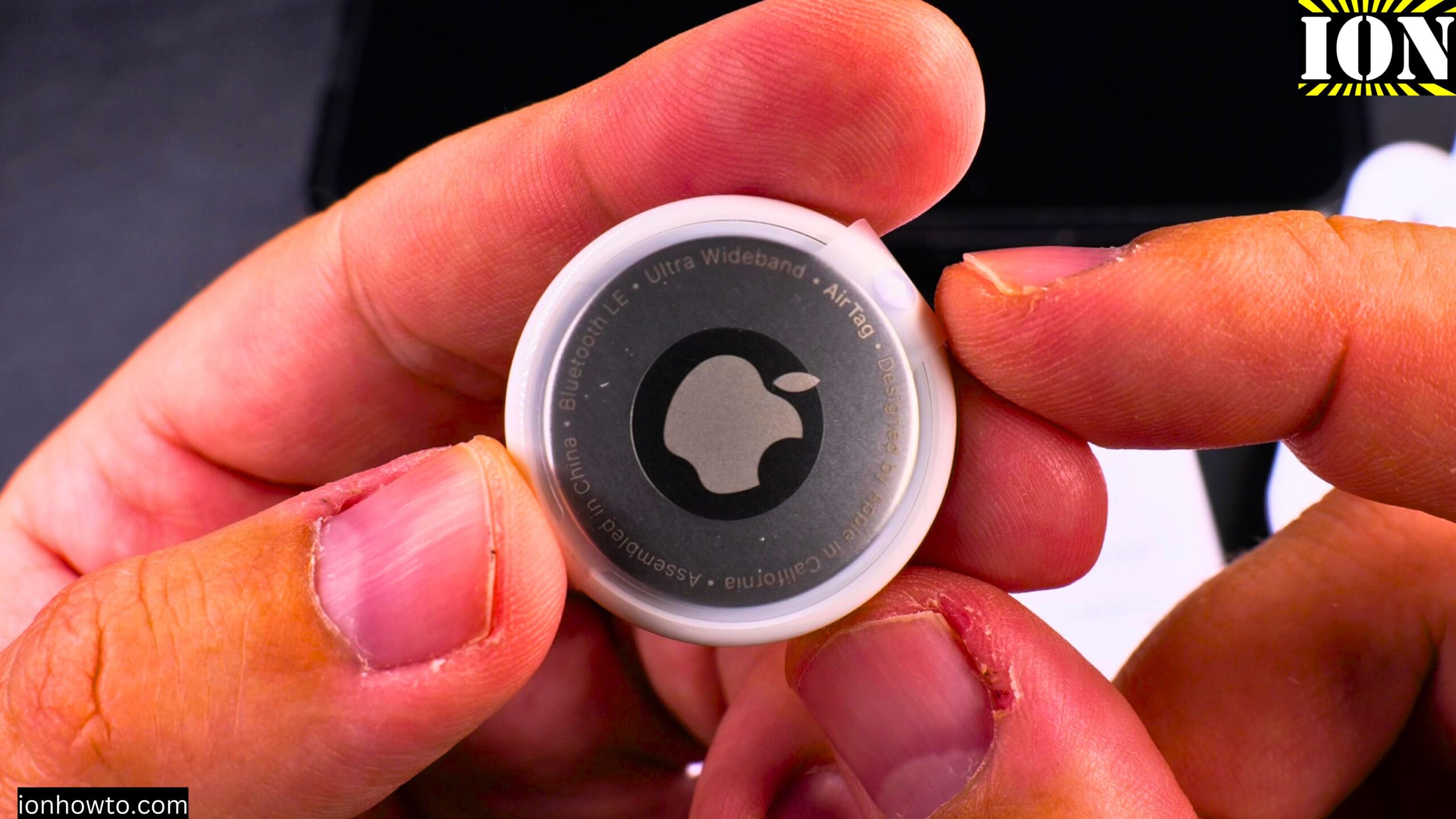
Apple AirTag vs Lidl Silvercrest Smart Tag Finder
Apple AirTag vs Lidl Silvercrest Smart Tag Finder – An Affordable AirTag Alternative. Learn how to use the Lidl Silvercrest Smart Tag Finder. This is a 3-pack of Bluetooth trackers that work as an affordable alternative to similar devices. I show you how to set them up, get them connected to your phone, and see…
How to Remove an Apple AirTag Speaker
How to Remove an Apple AirTag Speaker to Make It Silent. I show you how to remove the speaker from an Apple AirTag. This process will make the AirTag silent and prevent it from playing a sound. Learn the steps to open the AirTag and disconnect the speaker component. This guide is based on iOS…
How to Delete Contacts on iPhone
I show you how to remove contacts from your iPhone. This is useful for cleaning up your address book and deleting old or unused numbers. Learn the steps to delete a single contact or multiple contacts at once. This guide is based on iOS 26 Beta 5 on an iPhone 16 Pro Max Titanium Black…
iPhone Choose Line for Texts with Dual SIM
iPhone How to Choose a Line for Text Messages with Dual SIM. Learn how to select which line to use when sending text messages on an iPhone with multiple SIMs. If you use a physical SIM and an eSIM together, this helps you control which number appears as the sender. I will show you this…
iPhone Remove Photo from Contact
iPhone How to Remove Photo from Contact. Learn how to remove a photo from a contact on your iPhone. If you want to delete an outdated picture or prefer having no image for certain contacts, this is quick to do. I will show you this on an iPhone 16 Pro Max running iOS 26 Beta…
Customize iPhone Home Screen Widgets Apps Folders
How to Customize iPhone 16 Pro Max Home Screen Widgets, Apps, Folders & More. Learn how to customize your iPhone 16 Pro Max home screen. I will show you how to add widgets, group apps into folders, create widget stacks, and organize everything just the way you like it. This guide is demonstrated on an…
Set Up Face ID on iPhone
How to Set Up Face ID on iPhone 16 Pro Max Step-by-Step Guide. Learn how to set up Face ID on your iPhone 16 Pro Max. Face ID is a fast and secure way to unlock your phone, sign in to apps, and make payments with Apple Pay. I will show you this on an…
Reduce Motion on iPhone Change Animations
iPhone 16 Pro Max Reduce Motion & Change Animations. Learn how to make your iPhone animations feel faster. If you’re coming from Android, you might miss the 0.5x animation speed option in Developer Options. iPhone doesn’t have that exact setting, but there is a way to reduce motion effects. I’ll show you this on an…
iPhone Display Settings
iPhone Display Settings – Dark Mode, True Tone, Night Shift & Always On Display. Learn how to set up the display settings on your iPhone to optimize screen comfort and battery life. I’ll cover Dark Mode, text size adjustments, True Tone, Night Shift, and Always On Display. This guide is demonstrated on an iPhone 16…