
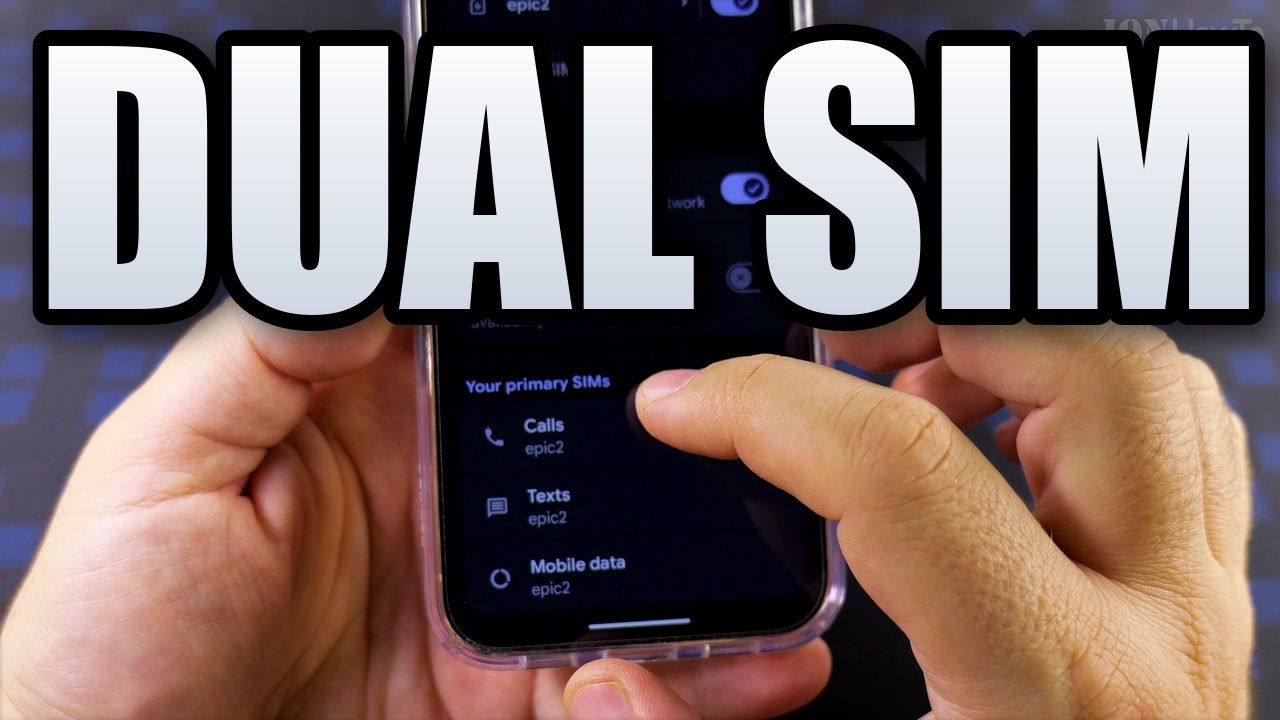
With two SIMs in one phone, Android has to know which number calls go out on, which one sends texts, and which one uses data. The Pixel 11 Pro XL lets you set all three separately, and it doesn’t matter if the SIMs are physical or eSIM.
What you will do
- Go to Settings, Network and internet, SIMs
- Find Your primary SIMs
- Tap a row and pick the SIM
- Check the Mobile data switch afterwards
Recommended Amazon Gear and Accessories
Disclosure: This article contains Amazon affiliate links. As an Amazon Associate, I earn from qualifying purchases at no extra cost to you.
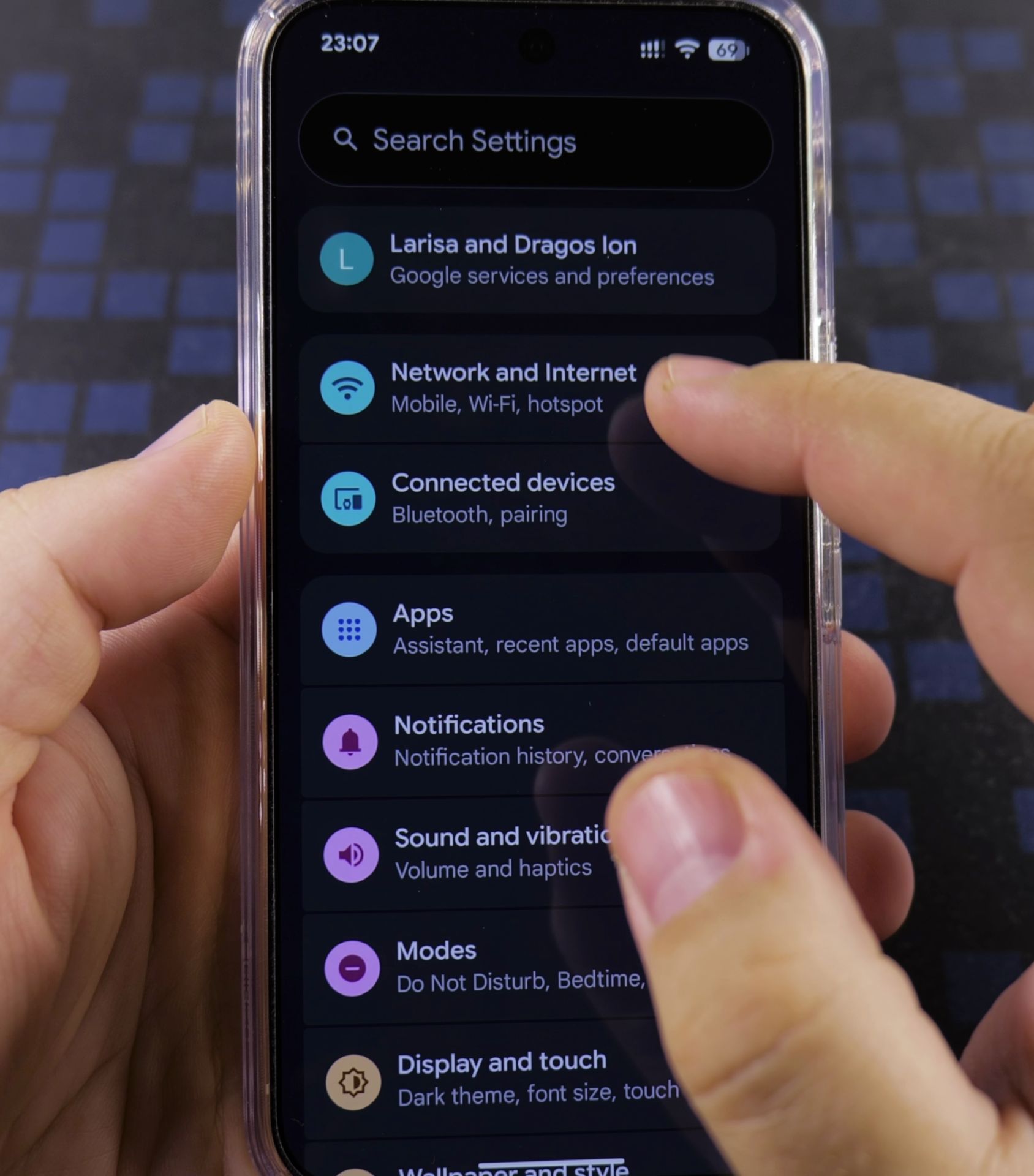
1. Go to Settings, Network and internet, SIMs
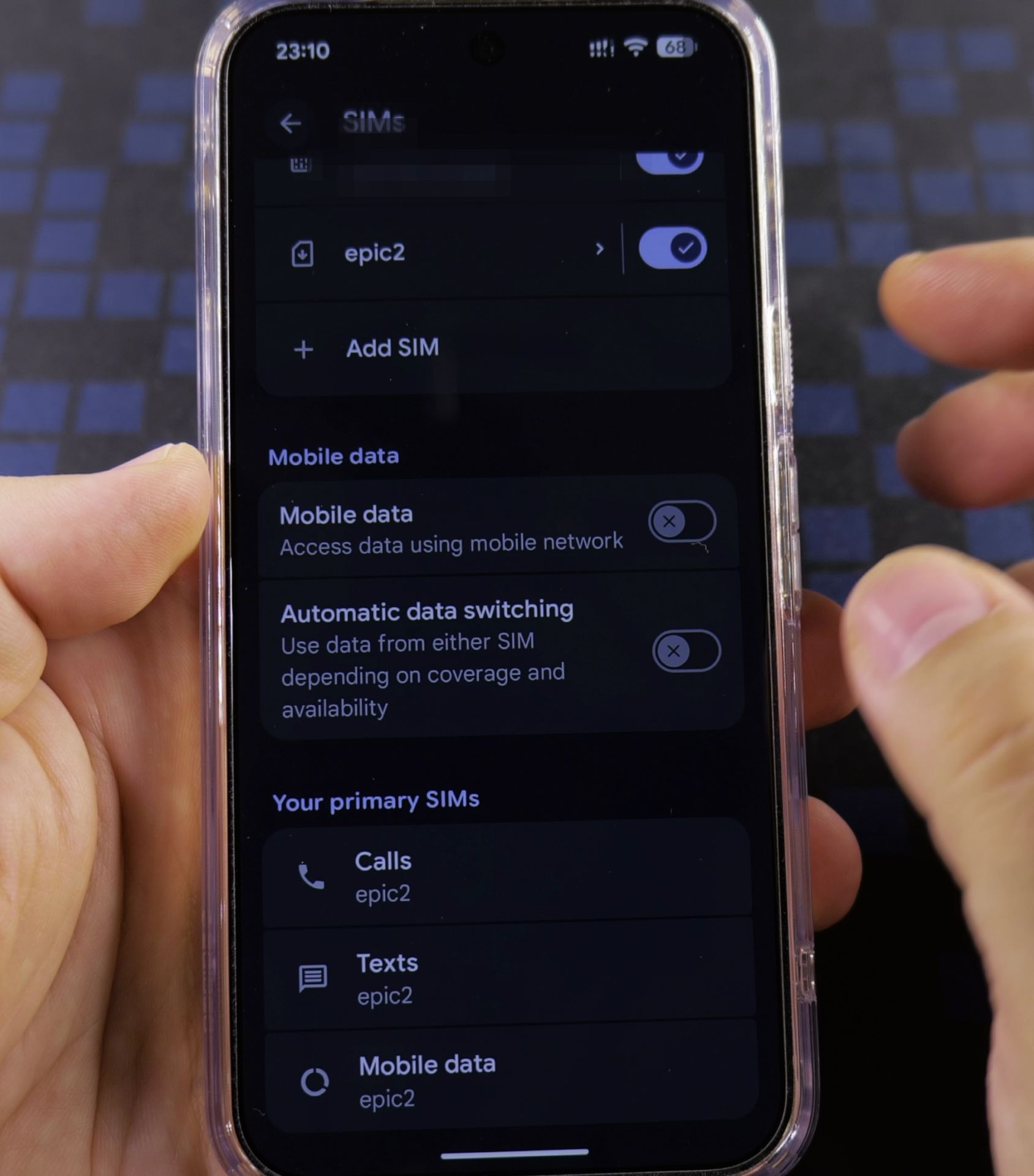
This page lists every SIM in the phone. The defaults below only appear when there is more than one.
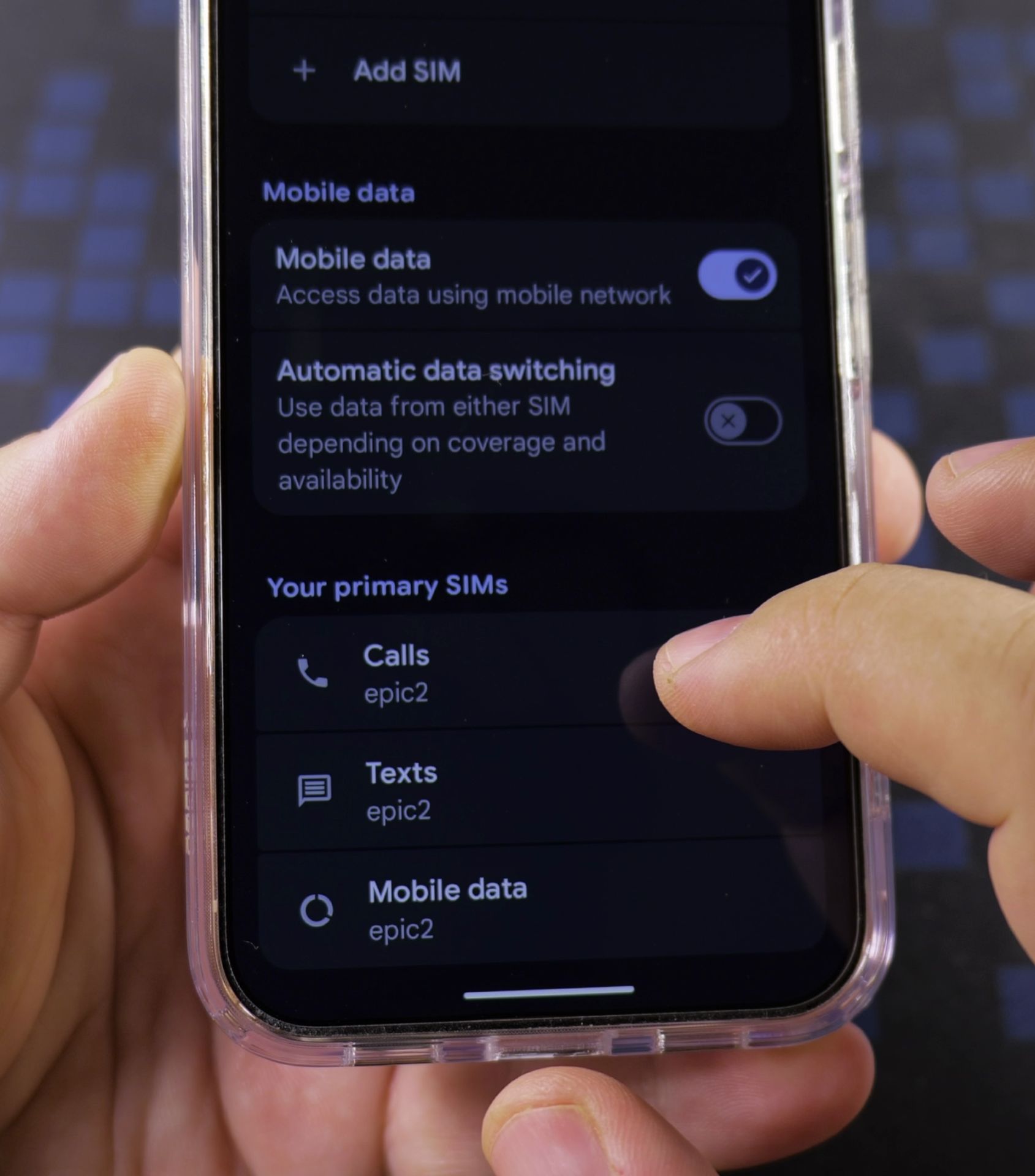
2. Find Your primary SIMs
Under it are three rows: Calls, Texts and Mobile data. Each shows the SIM currently in charge of it.
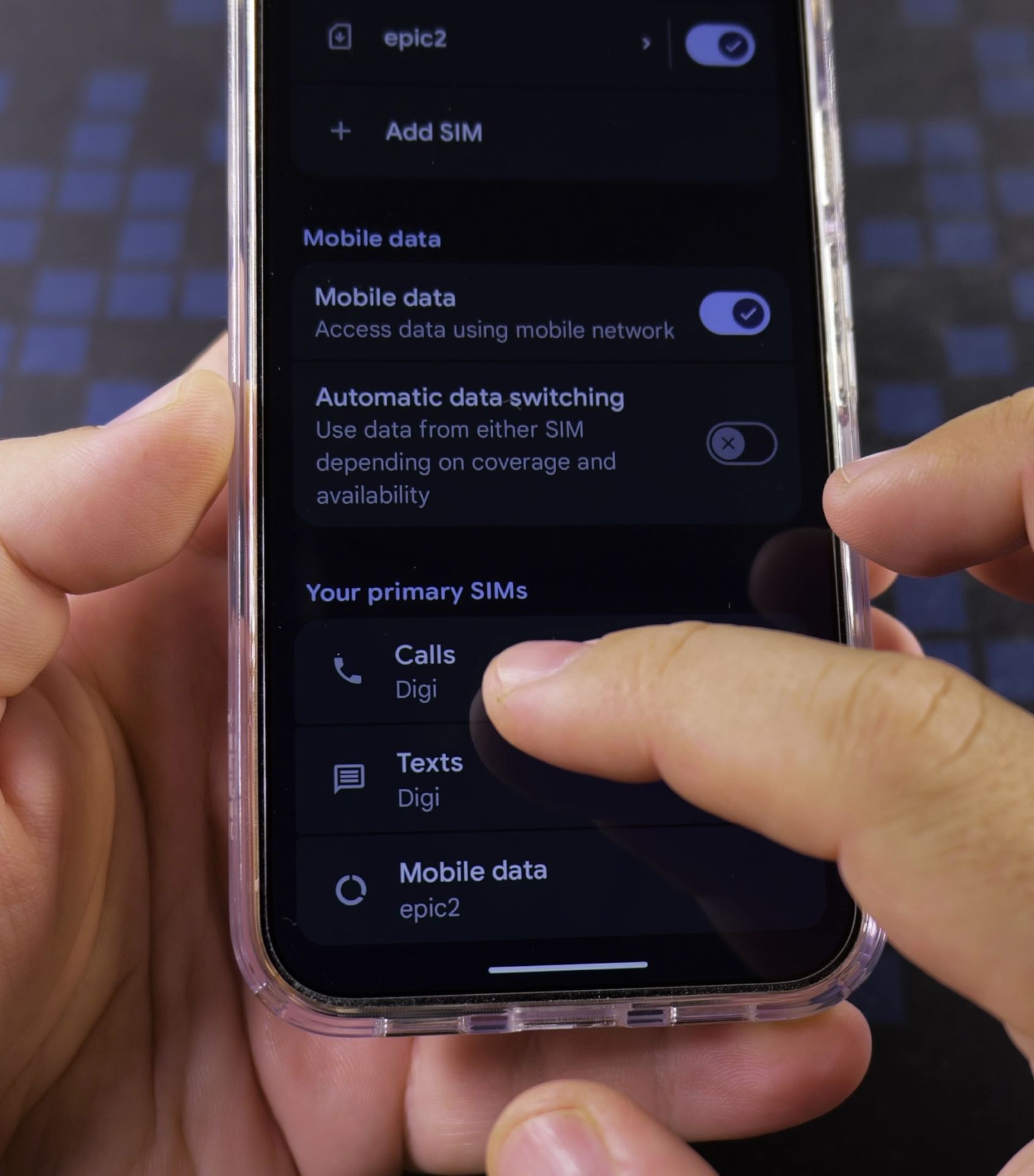
3. Tap a row and pick the SIM
Choose the SIM you want for that job. You can give all three to one SIM, or mix them. I use one SIM for calls and texts and the eSIM for data.
4. Check the Mobile data switch afterwards
After changing the data SIM, mobile data may switch itself back on. On this test phone I keep it off, so I have to turn it off again each time.
When splitting SIMs makes sense
A common setup is a personal number for calls and a cheaper data plan, or a local travel eSIM, for internet. You keep the number people know while the data comes from wherever it is cheapest.
Related Guides
- Google Pixel 11 Pro XL Canyon 512GB 16GB RAM Unboxing and Box Contents Overview – Curious what comes inside the box when you pick up the 512GB Google Pixel 11 Pro XL in Canyon?
- How to Set Up Google Pixel 11 Pro XL as a New Phone (Quick Step-by-Step Guide) – If you just unboxed the Google Pixel 11 Pro XL and want a fast, straightforward walkthrough to get it running as a new phone…
- Unboxing Google Pixel 11 Pro XL Canyon 512GB (16GB RAM): Extended Step-by-Step Guide – Before powering on a new flagship smartphone, taking a close look at the retail packaging, hardware specifications, and…
- Data Recovery – Browse more tutorials and practical guides in this section.


Leave a Reply