
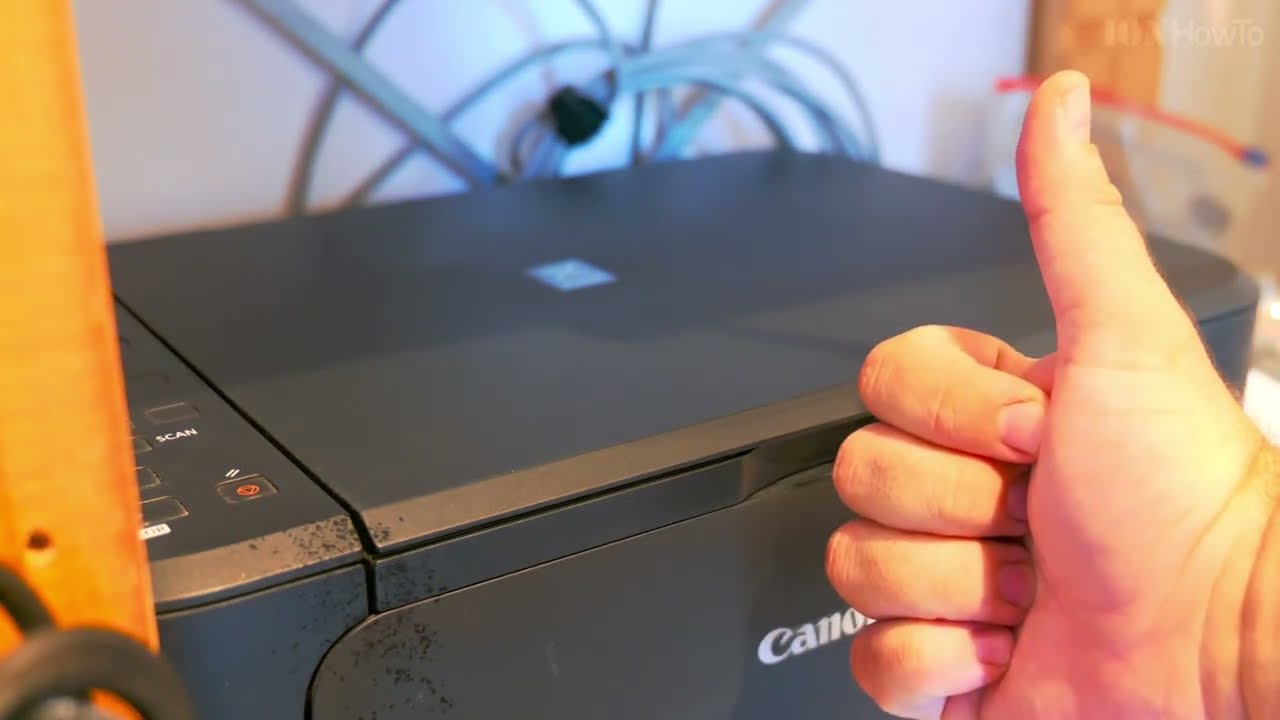
How to clean a scanner and printer multifunction printer cleaning.
A flatbed scanner can get dirt on the glass of the scanner and you might see smudges or blurry areas on your scanned documents.
Clean rhe flatbed scanner and ADF scanner strip with a microfiber cloth soarked in water and squeezed well before use.
You can also use Isopropyl alcohol 70% IPA or even plain window cleaner spray.
Make sure you spray on rhe cloth and not directly on the printer.
Wipe gently and repeat if necessary.
You can also use plain soft toilet paper with a bit of alcohol or window cleaner sprayed onto it.
Also clean the printer feed tray to keep your multifunction printer work better and longer.
Related Guides and Helpful Resources
If you found this guide helpful, check out these related step-by-step tutorials and category resources on ION HowTo:
- How to Replace AC Remote Batteries with a Ballpoint Pen: Lever out stubborn AAA batteries from deep remote slots without tools.
- Clean USB-C Port with Paper: Simple household trick to clean lint and debris from loose charging ports safely.
- IKEA KOPLA B22 to E27 Socket Converter Guide: Convert older UK bayonet lamp fittings to fit modern screw-in LED bulbs.
- DIY Hacks and Life Solutions: Explore our full collection of tutorials and step-by-step articles in this category.


Leave a Reply