
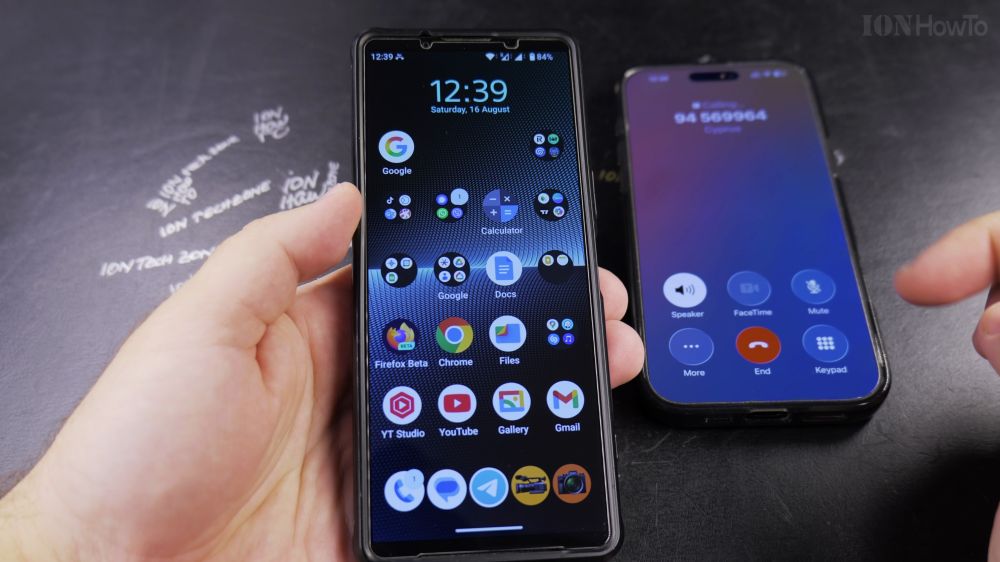
If an unknown number or telemarketer calls while you are busy, you can decline the call immediately with a simple button press. I’ll show you how to reject incoming calls and send automated text replies on Android.
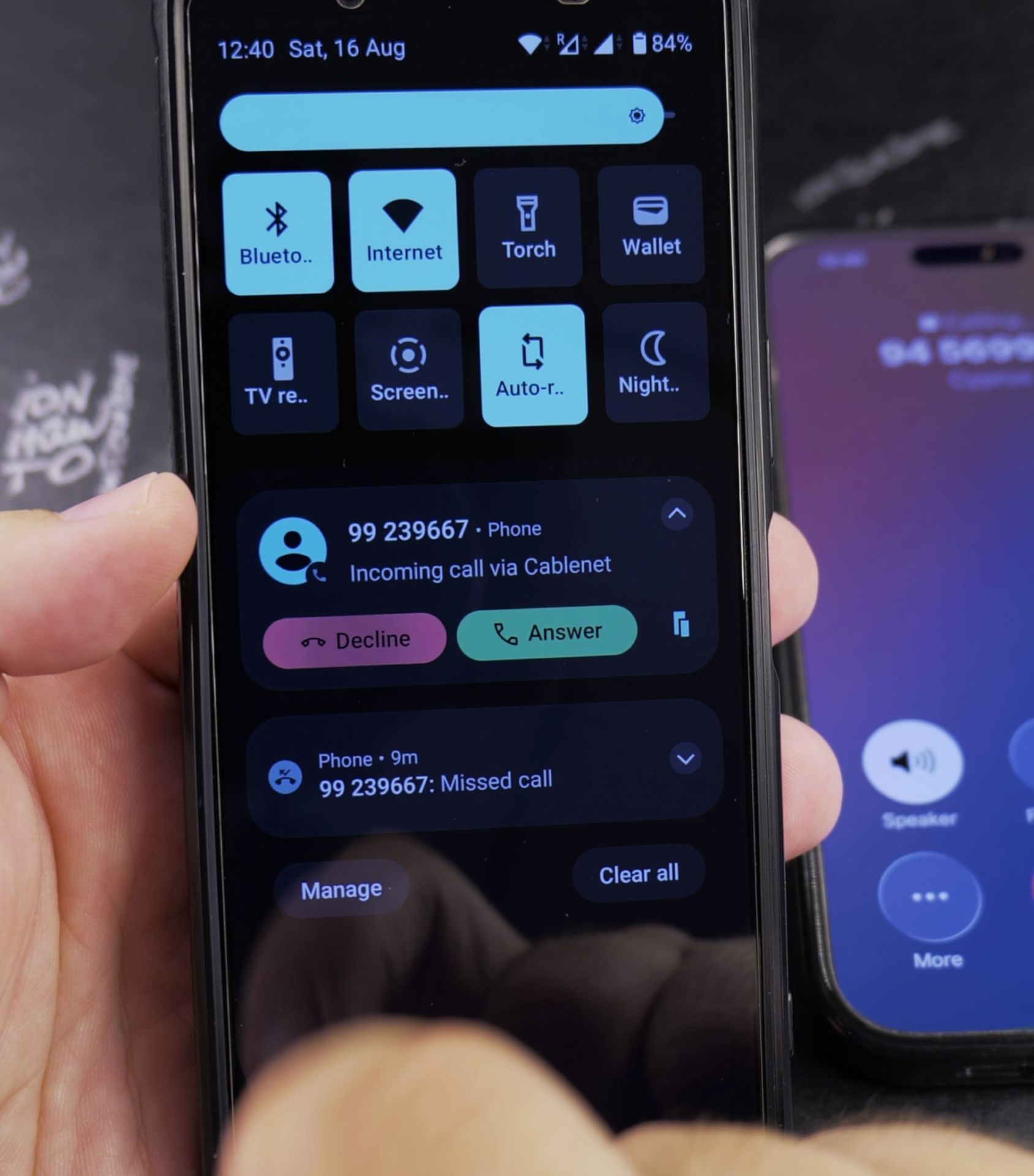
1. Decline from the Screen
When your phone rings, place your finger on the red **Decline** (downward receiver) icon and swipe down (or swipe left on Samsung phones).
2. Press the Power Button
You can also press the physical **Power / Side button** on the side of your phone to reject the call and send the caller straight to voicemail.
3. Reply with a Quick Text
If you are in a meeting and want to reply politely, tap or swipe up on the **Message** (or **Send message**) icon.
4. Choose a Canned Response
Tap a preset message like *’Can’t talk right now. What’s up?’* or *’I’ll call you back later’*. Your phone declines the call and sends the text automatically.
Helpful Tips
If you simply want the phone to stop ringing out loud without declining the caller, press the **Volume Down** button once. The call will continue ringing silently until it stops. For more calling tips, explore our Android Guides hub.


Leave a Reply