
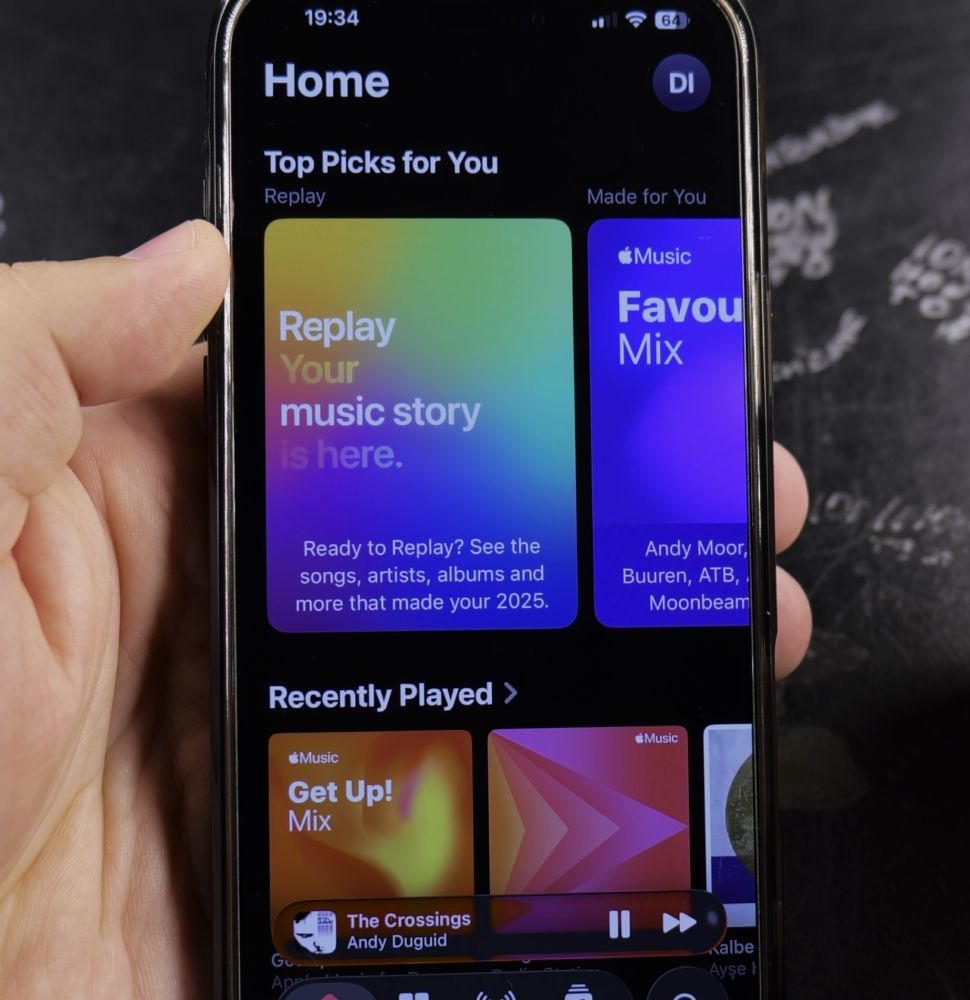
If Apple Music plays songs that don’t match your taste, you can train its recommendations in a few seconds. I’ll show you how to use favorite stars and suggest less controls to fine-tune your personalized playlists.
1. Play Music You Enjoy
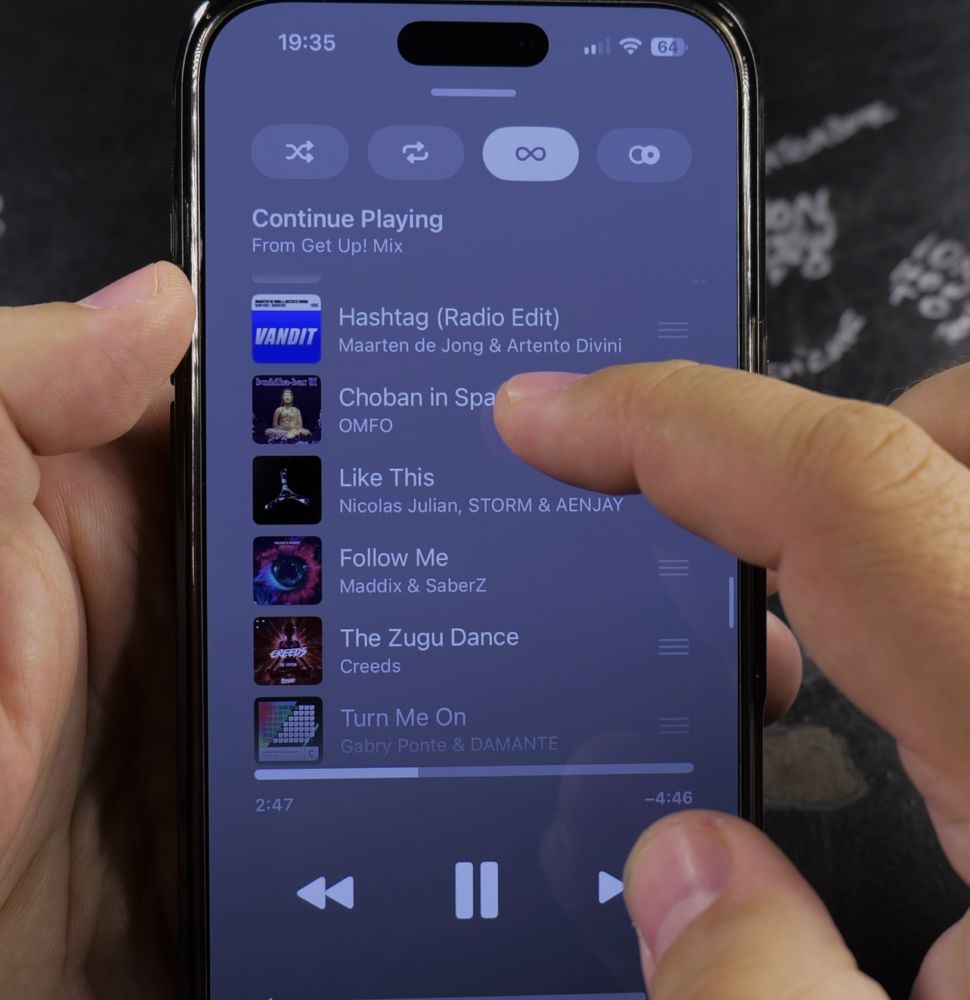
Start listening to an artist, album, or song you genuinely love in Apple Music.
2. Mark Songs as Favorites
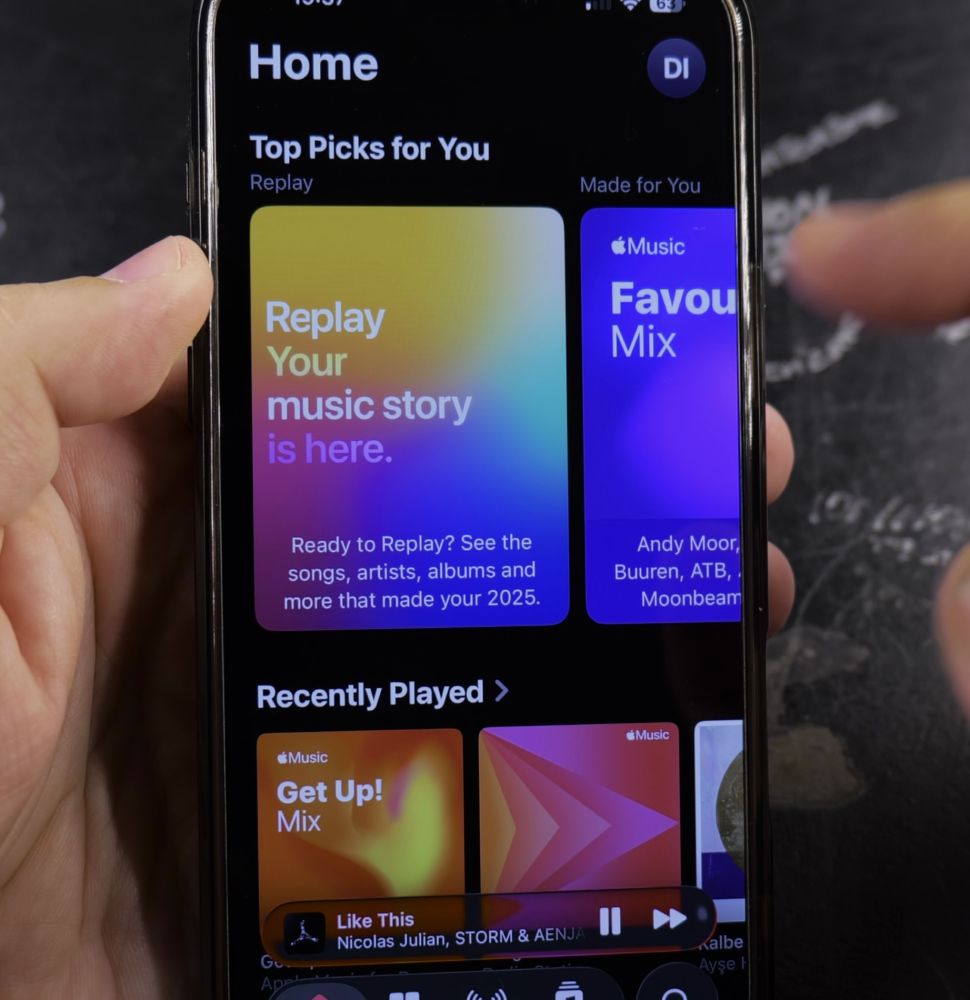
Tap the **Star icon** on the Now Playing screen or Lock Screen player so Apple Music learns your taste.
3. Tap Three Dots on Unwanted Songs
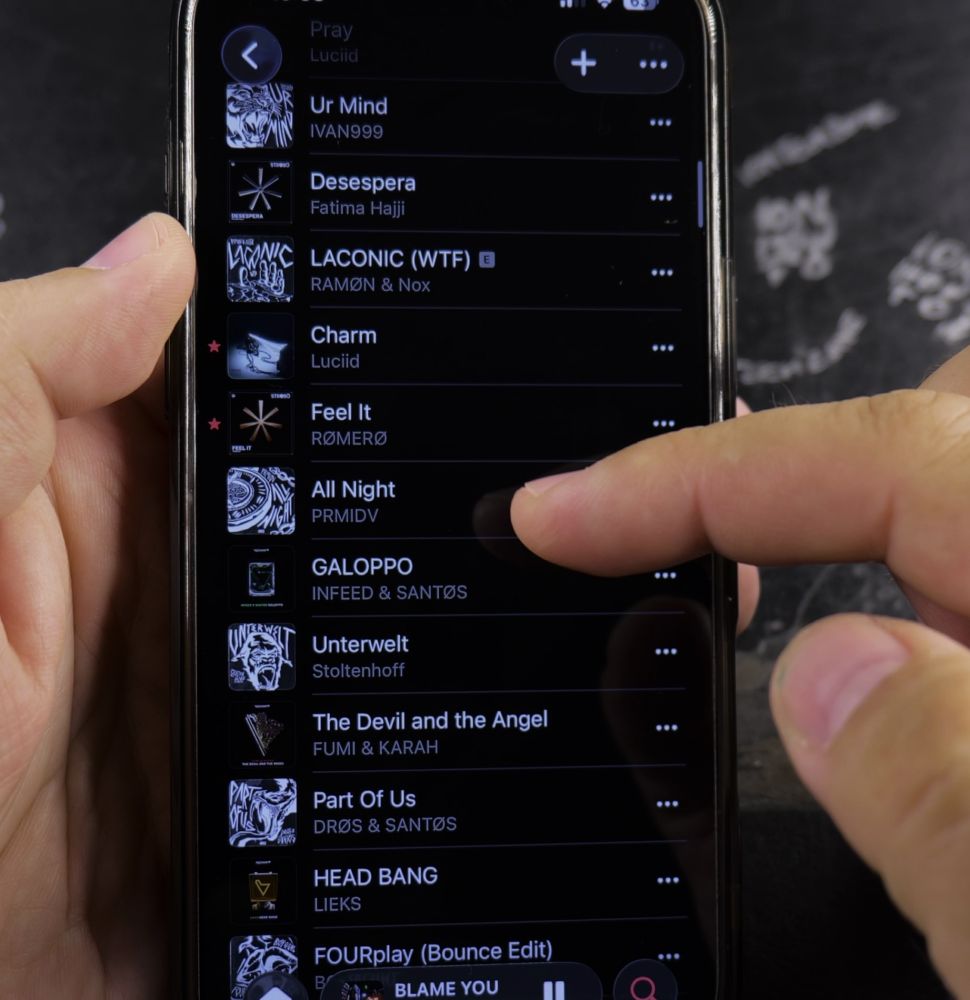
When a track you dislike starts playing, tap the **three dots** in the top-right corner.
4. Select Suggest Less
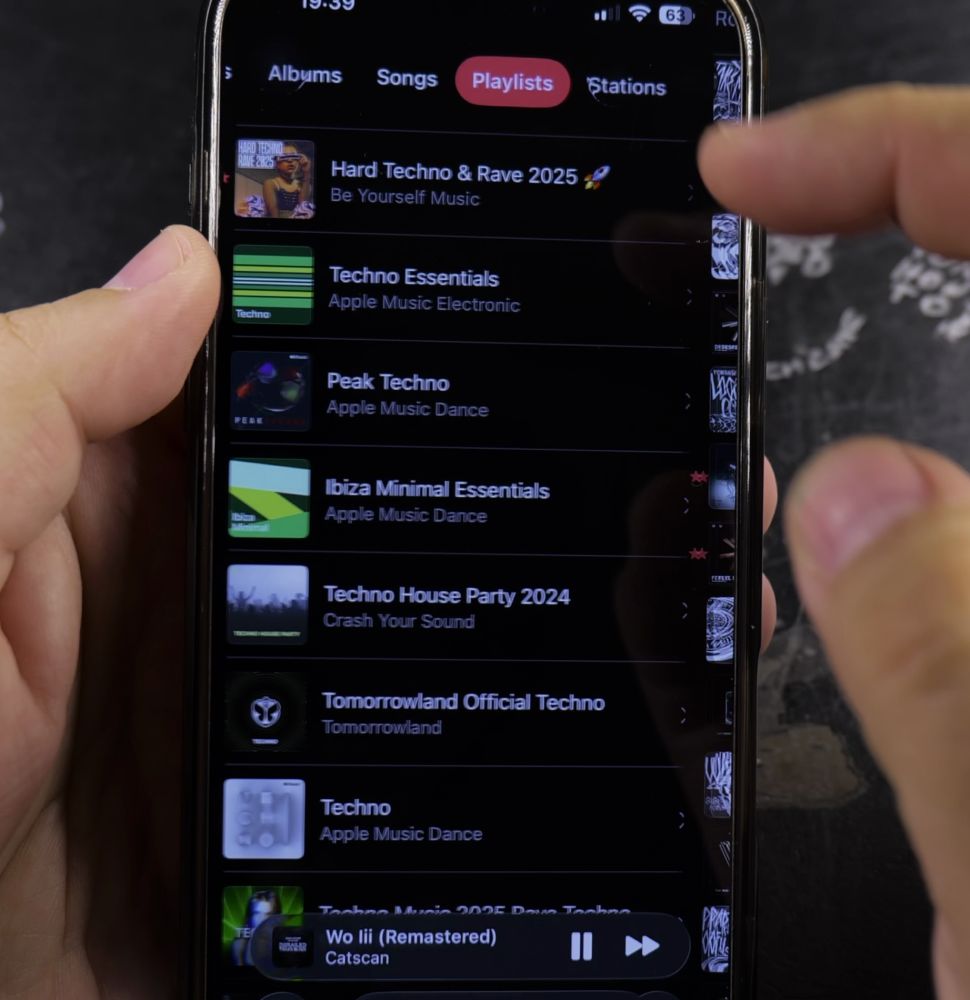
Tap **Suggest Less** in the menu so Apple Music avoids playing that artist or genre in your automated mixes.
Helpful Tips
Listening to your personal **Discovery Station** in the Home tab is the easiest way to find fresh artists tuned specifically to your listening history. Check out our guide on Skipping Songs in Apple Music or explore our Apple Music hub.


Leave a Reply