
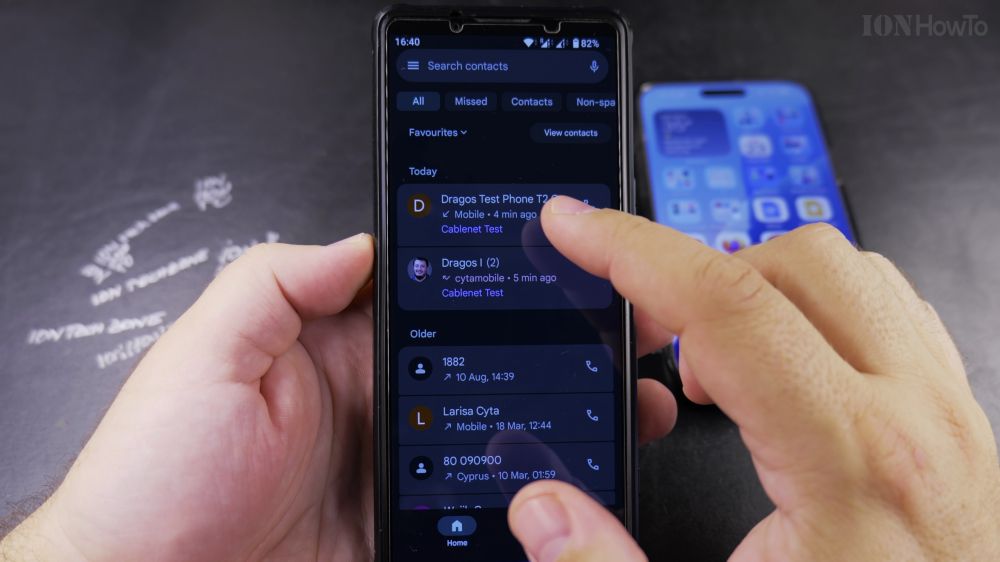
If you don’t want to type out phone numbers on a keypad every time, you can dial anyone in your address book with one tap. I’ll show you how to call saved contacts and return missed calls on your Android phone.
1. Open the Phone App
Tap the blue or green **Phone** app icon on your Android home screen.
2. Return a Recent Call
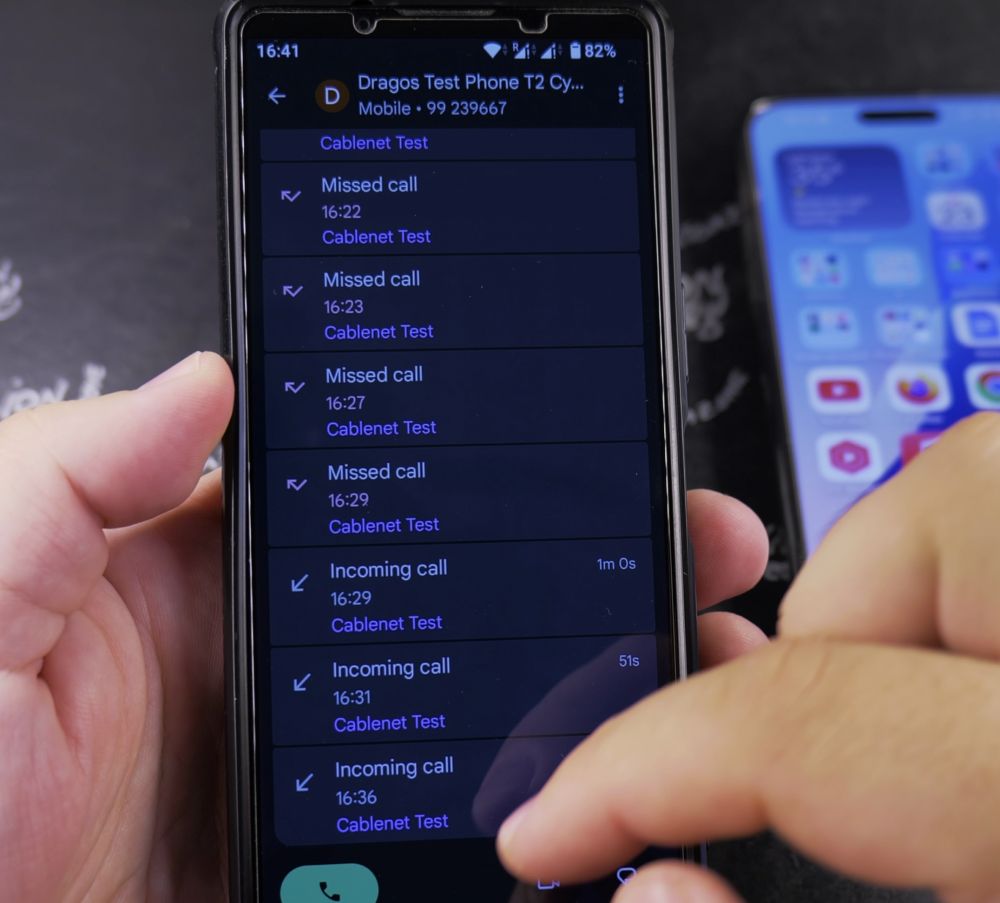
Tap the **Recents** tab at the bottom to view your recent call history. Tap any name or number to see details, then tap the **Call** icon to redial immediately.
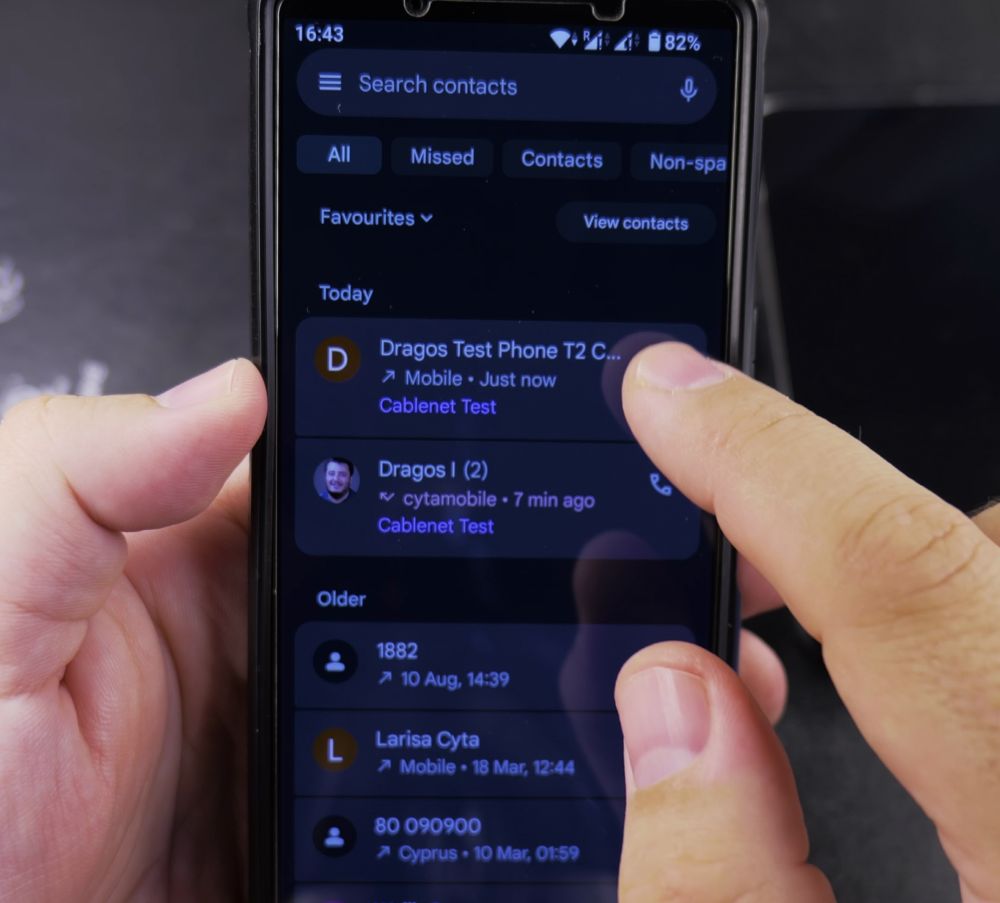
3. Open Your Saved Contacts
In the bottom toolbar, tap the **Contacts** tab to view your alphabetical address book.

4. Find Your Contact
Scroll down the list, or tap the **Search contacts** bar at the top and type the person’s first or last name.
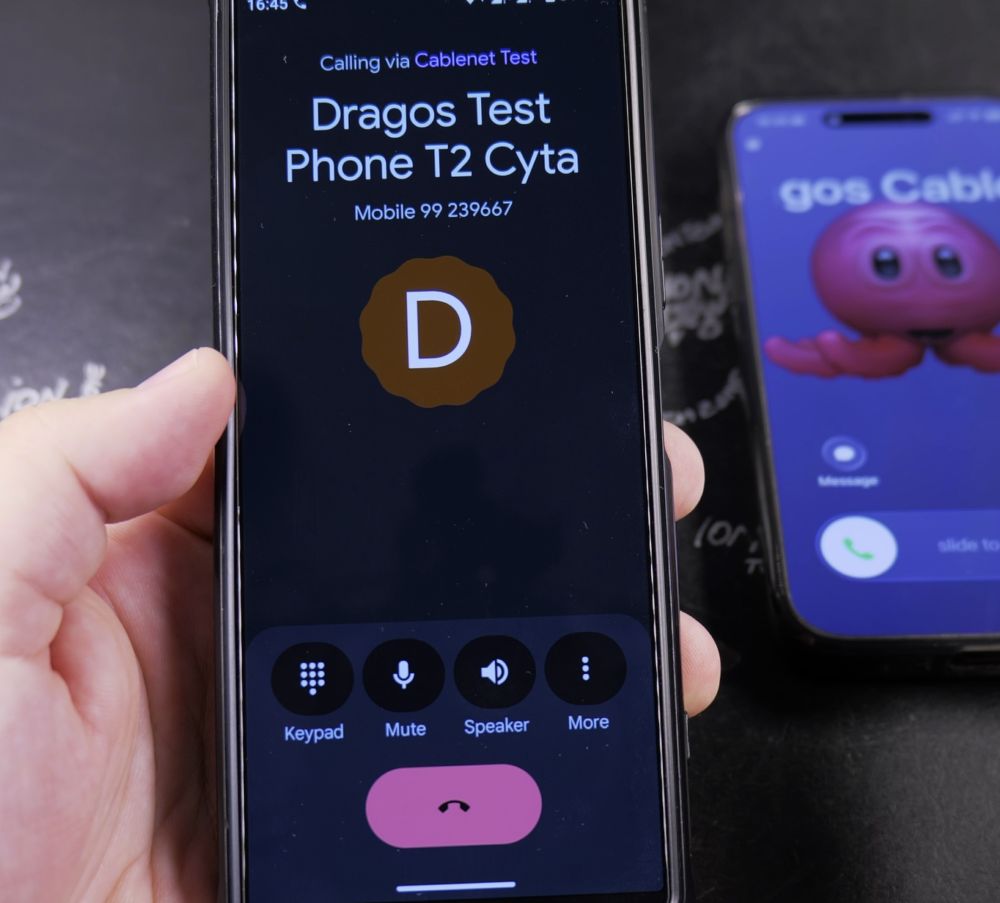
5. Place the Call
Tap on the contact’s name, then tap the green **Phone** icon next to their mobile number to place the call.
Helpful Tips
You can add frequently dialed family members to your Favorites tab by tapping the star icon on their contact card for instant one-tap dialing. For more phone management tips, explore our Android Guides hub.


Leave a Reply