
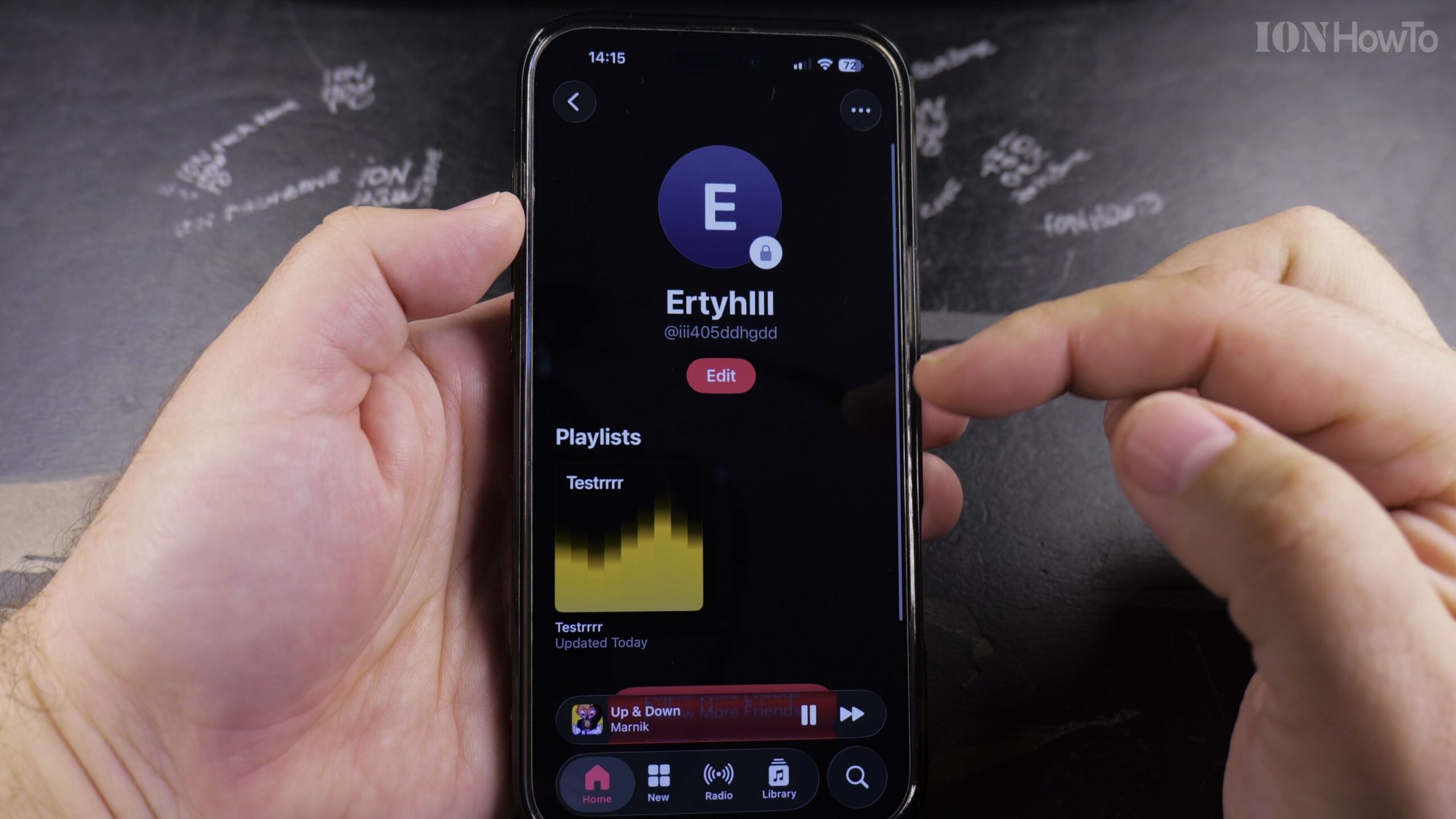
Sharing your musical curation with friends, family, and online followers is easy using Apple Music profiles. Here is how to publish your personal playlists to your public Apple Music profile so anyone can listen and follow.
1. Open Apple Music and Open Your Curated Playlist
Launch Apple Music, navigate to Library > Playlists, and select the playlist you want to publish.
2. Tap the Three Dots and Select Edit
Tap the three-dot menu icon in the upper-right corner and select ‘Edit’ from the dropdown list.
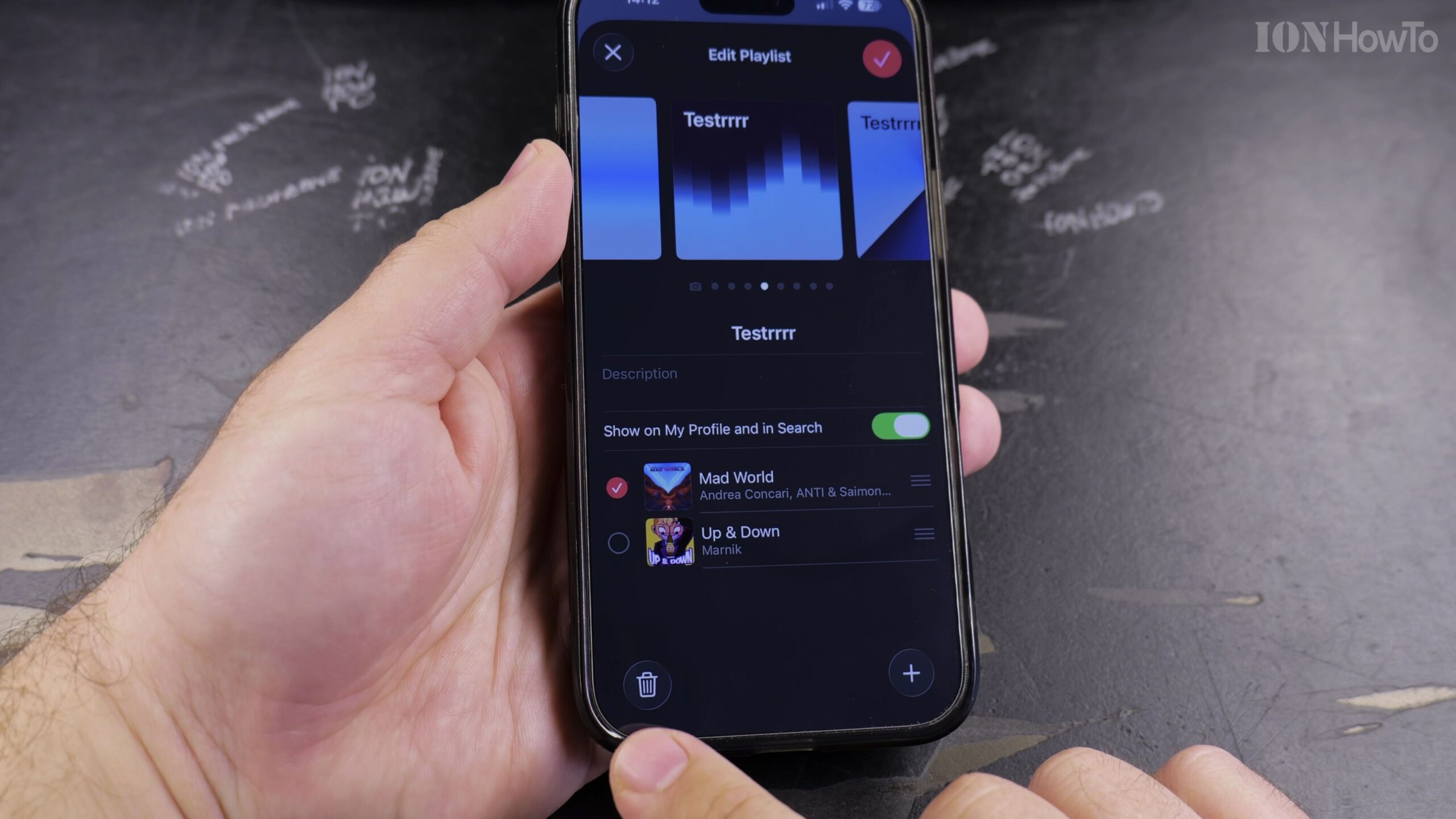
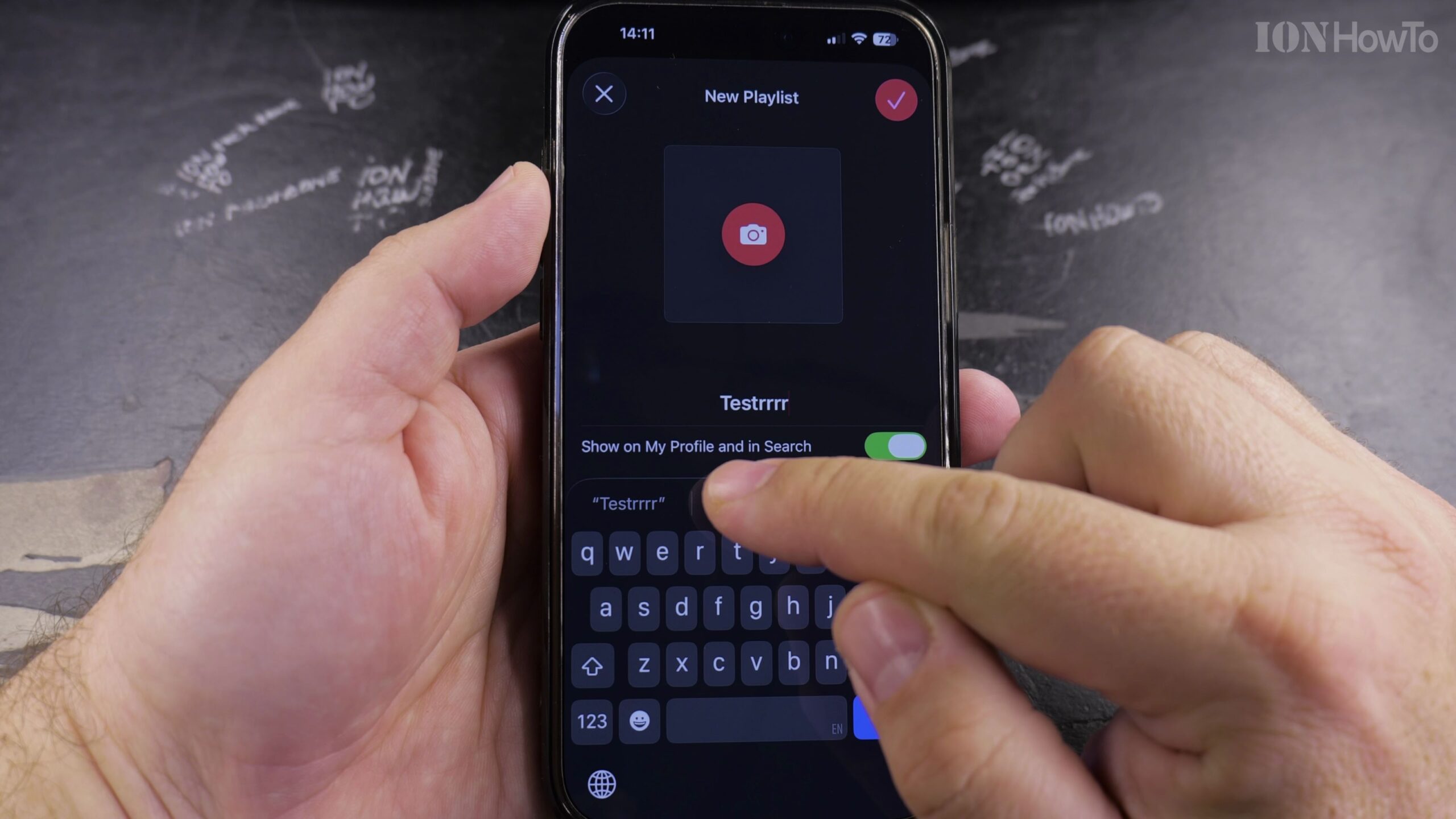
3. Turn On Show on My Profile and in Search
Locate the toggle labeled ‘Show on My Profile and in Search’ beneath the playlist cover art and toggle it ON.
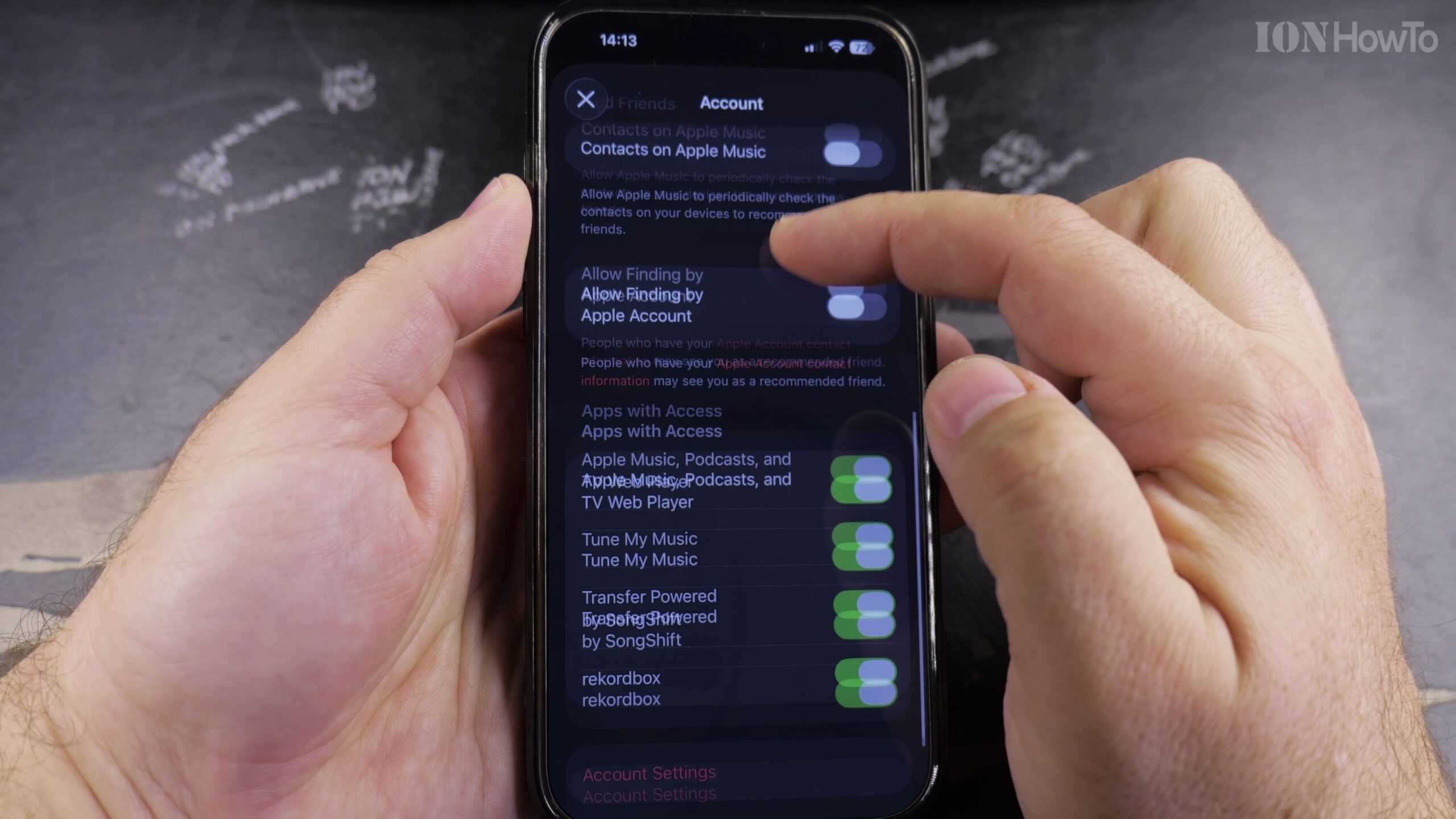
4. Add Custom Cover Artwork and a Description
Tap the camera icon to upload custom album artwork and add a helpful description so listeners know what vibe to expect.
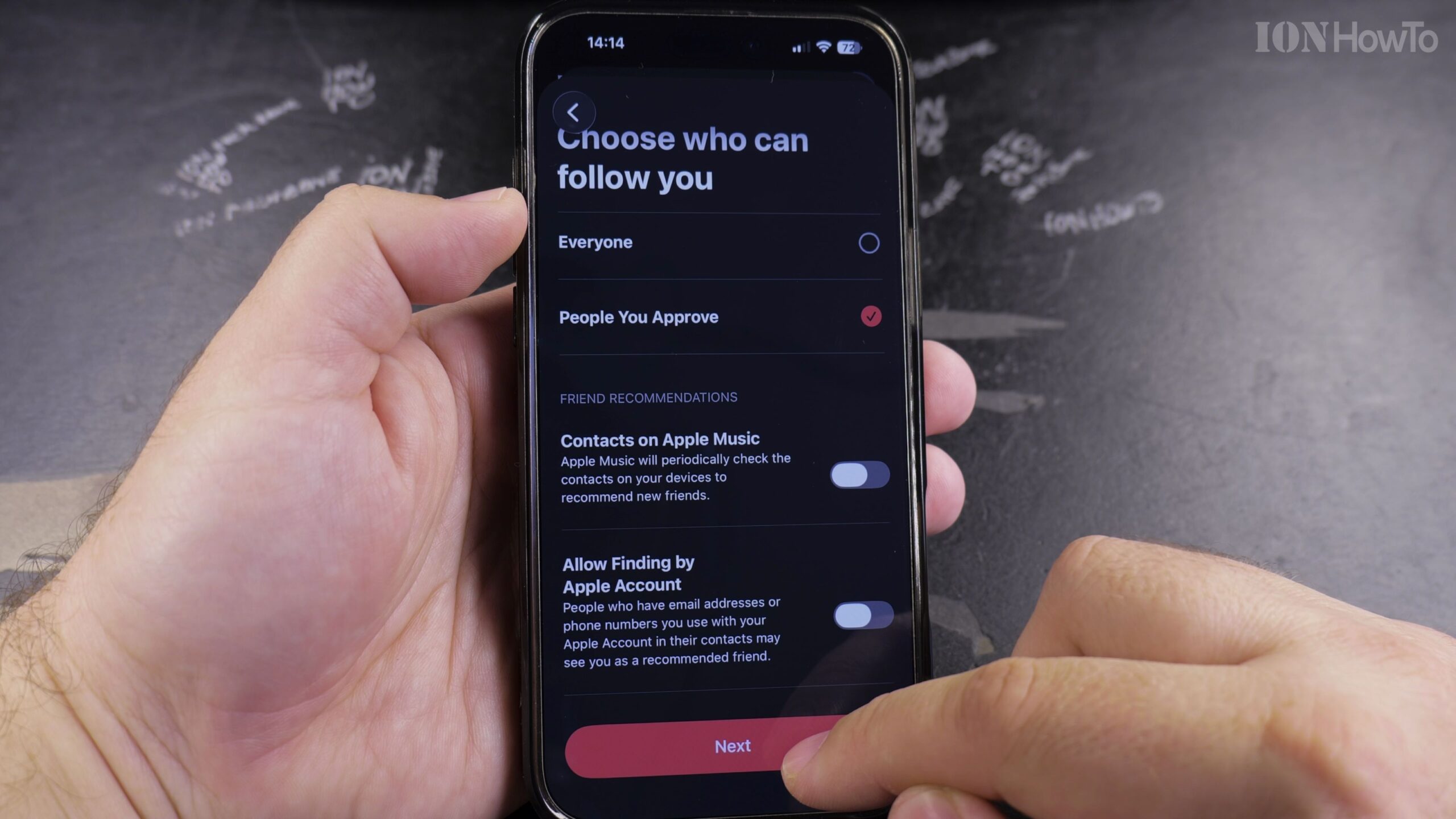
5. Tap Done to Publish and Share the Link
Tap ‘Done’ to save. You can now tap the three-dot menu and select ‘Share Playlist’ to send a direct streaming link via Messages or social media.
Helpful Tips and Related Guides
Anyone who follows your Apple Music profile will automatically see your newly published public playlists in their activity feed. Discover more streaming tips in our Apple Music section, check our tutorial on Finding Playlists in Apple Music, or browse How-To guides.


Leave a Reply