
When you have several smaller playlists with related vibes or genres that you want to consolidate into a single master collection, Apple Music allows you to merge them easily. Here is how to combine playlists on your iPhone or iPad.
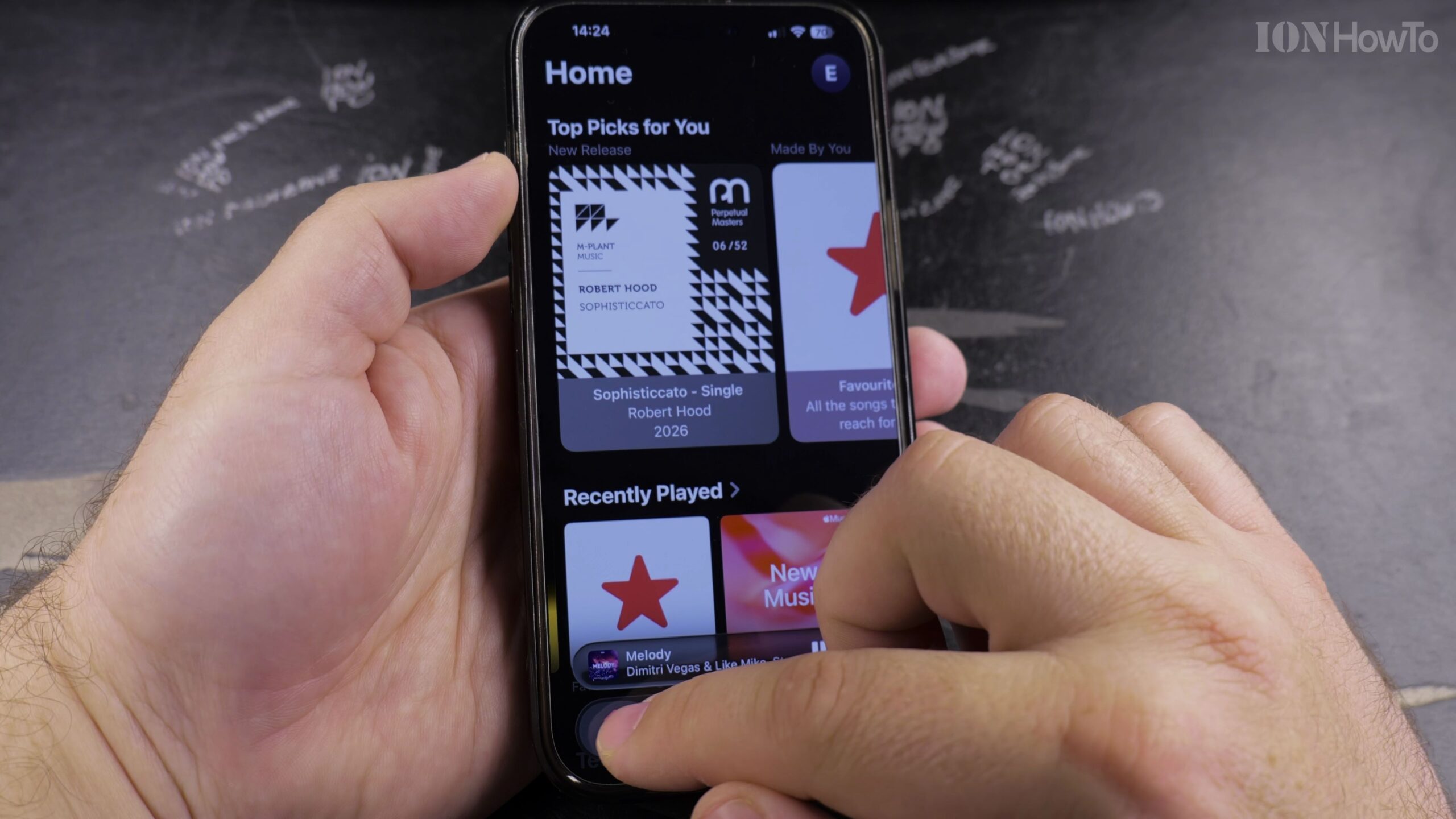
1. Open Apple Music and Go to Library > Playlists
Launch the Apple Music application, tap Library in the navigation bar, and select Playlists.
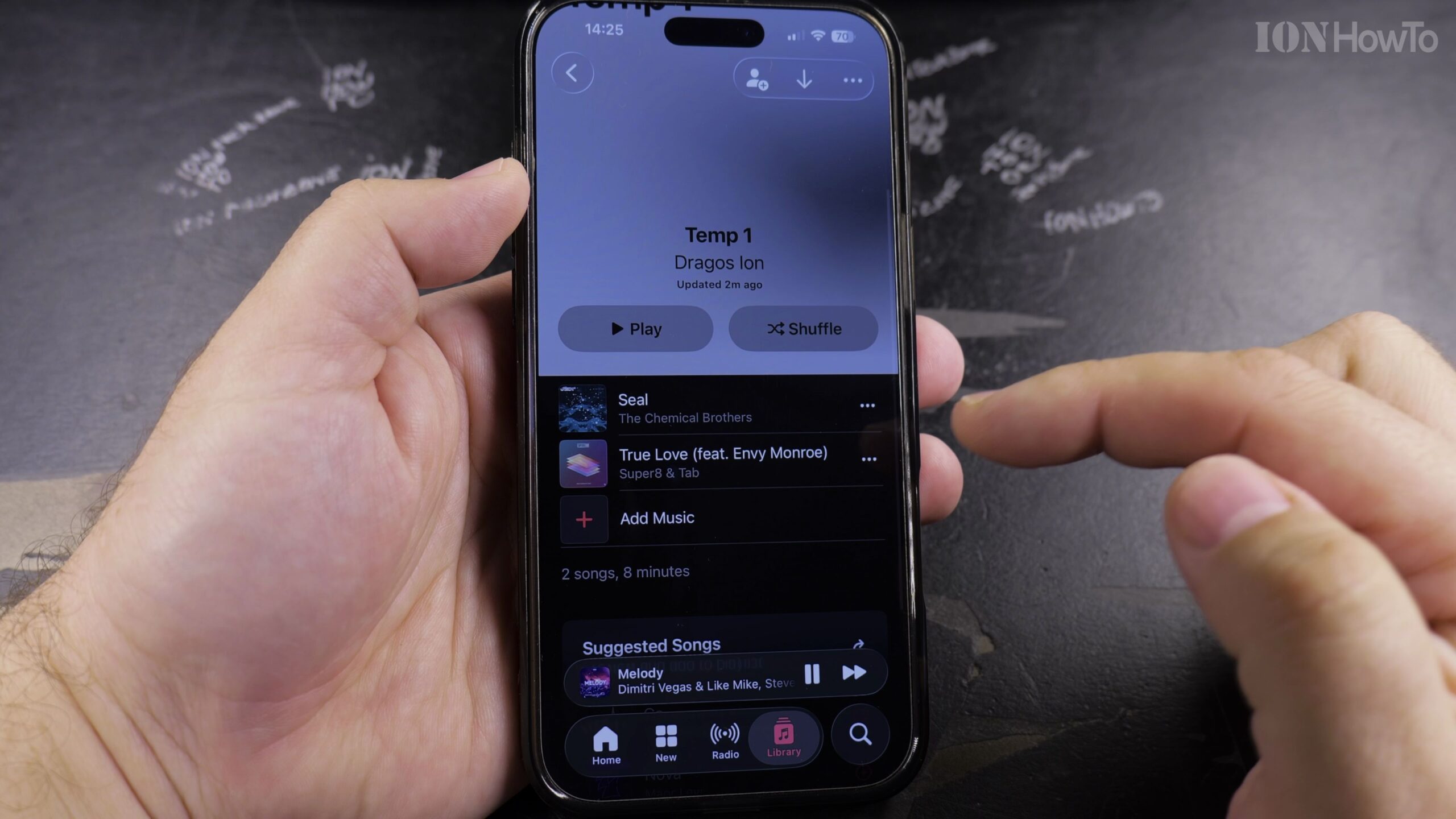
 2. Open the Source Playlist Containing Songs You Want to Merge
Tap into the first playlist whose songs you want to transfer into another playlist.
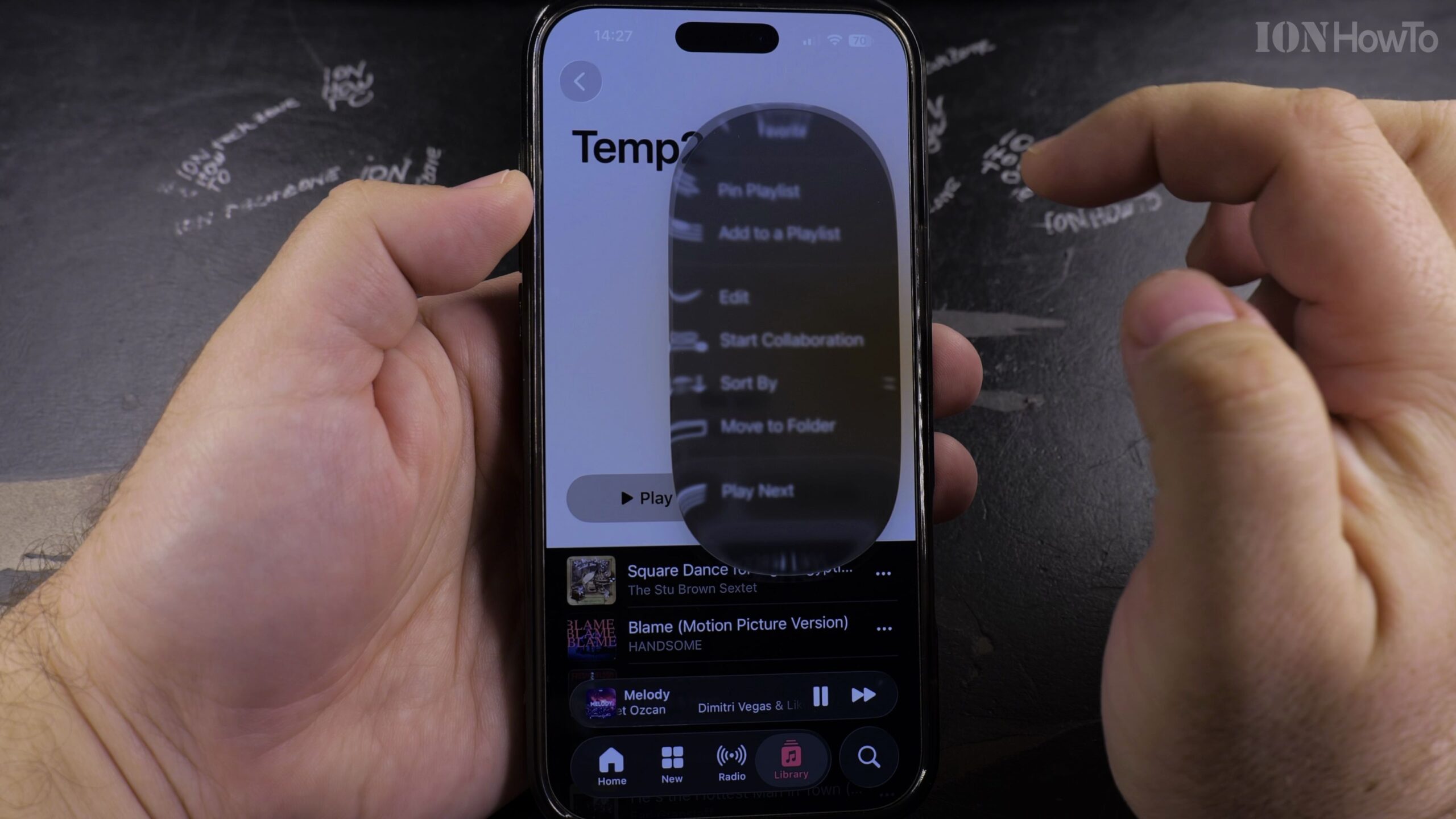
3. Tap the Three-Dot Menu and Choose Add to a Playlist
In the upper-right corner of the playlist header, tap the three-dot (…) menu icon and select ‘Add to a Playlist’.
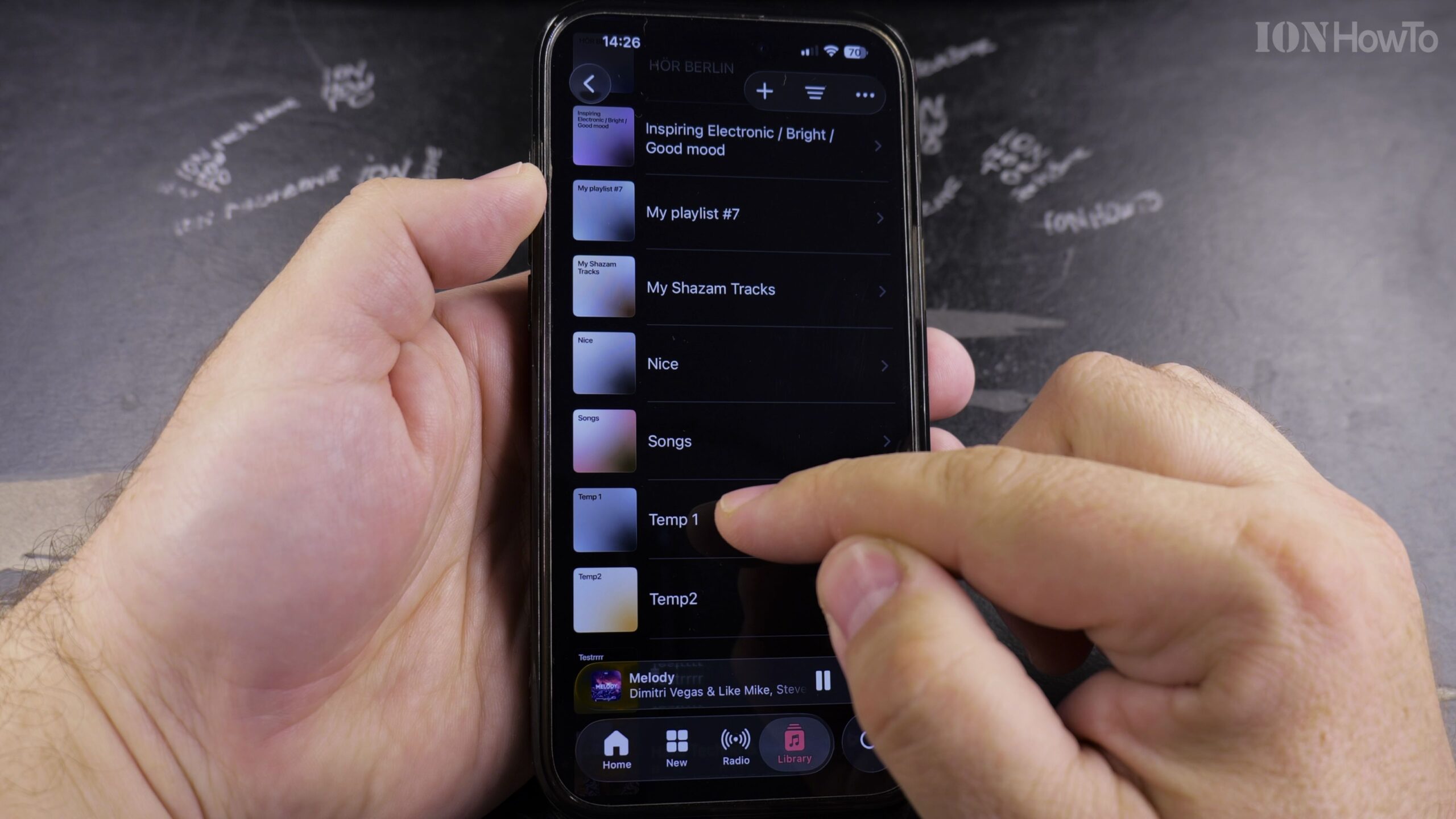
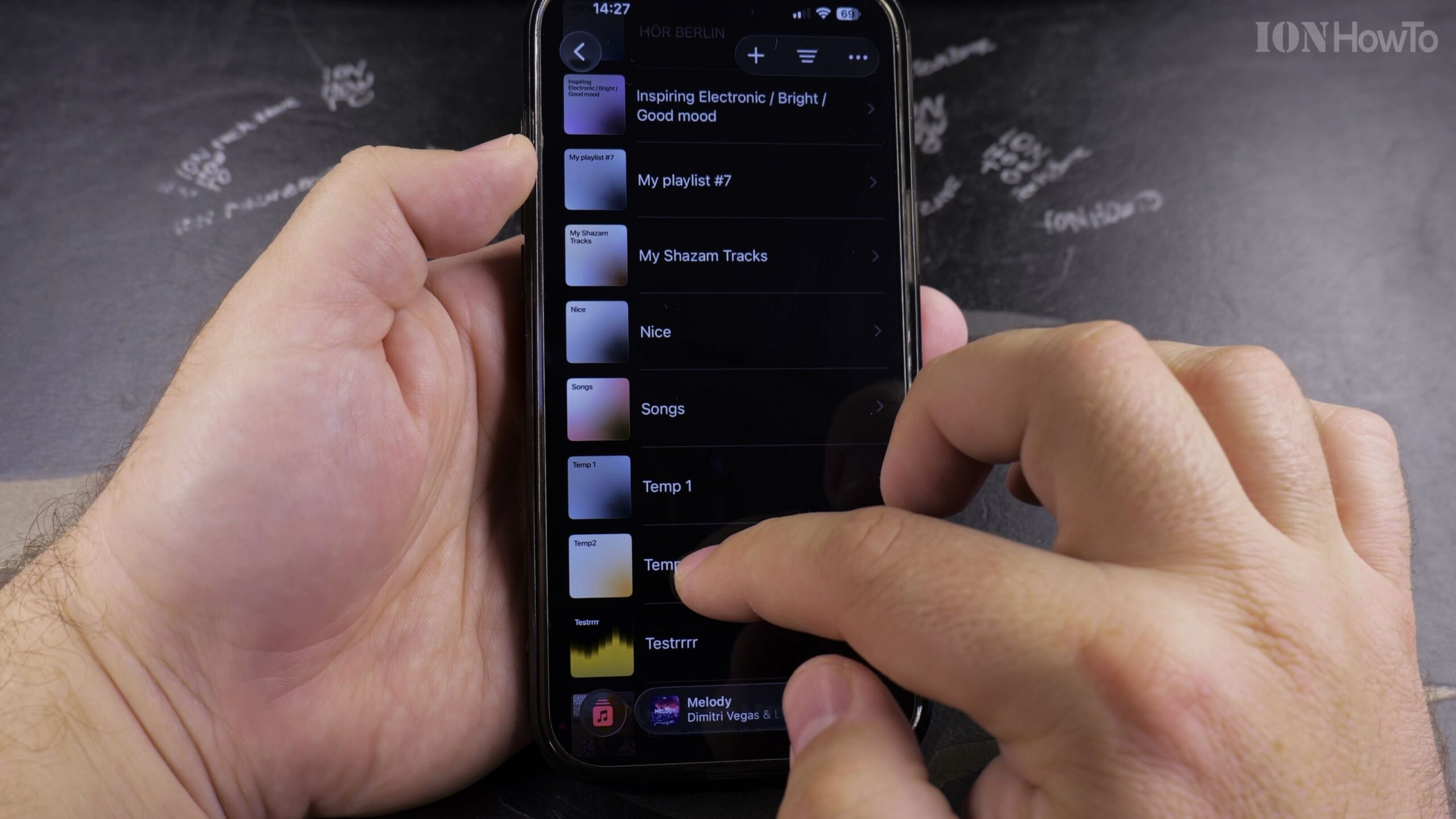
4. Select Your Target Master Playlist
Scroll through your playlist list and tap the destination playlist where you want all tracks merged.
5. Verify the Merged Track Count in the Master Playlist
Open the destination playlist to verify that all songs from the source playlist have been successfully added to the bottom of the list.
Helpful Tips and Related Guides
You can repeat this process with multiple playlists to create comprehensive themed mega-mixes. Check out more tutorials in our Apple Music & Audio category, read our guide on Finding Playlists in Apple Music, or explore How-To guides.


Leave a Reply