
Tag: iPad Pro
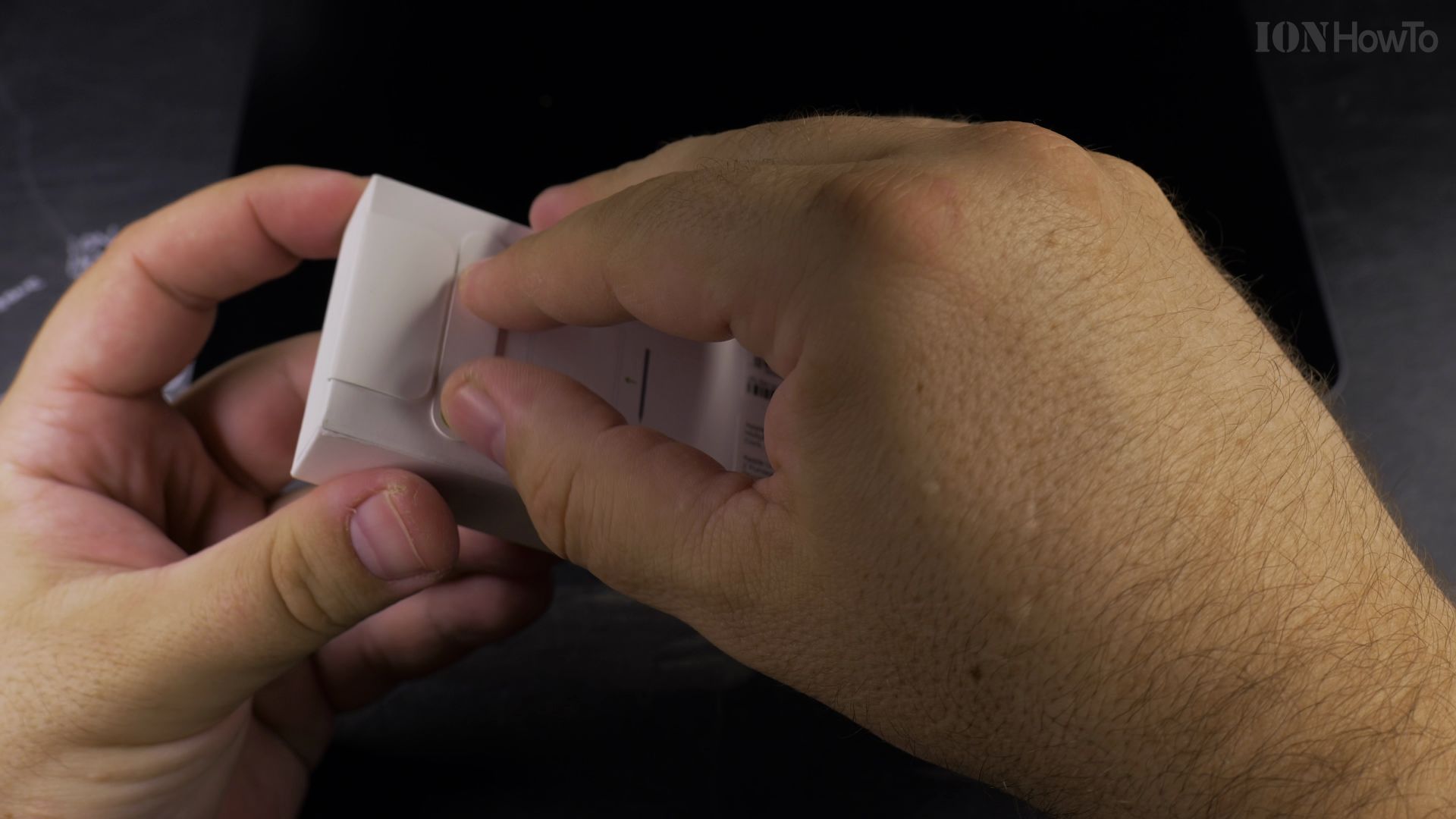
What Happens to Apple Pencil Pro Battery If Left Unused on iPad
Discover what happens to the Apple Pencil Pro battery when stored unused and how magnetic charging preserves battery health.
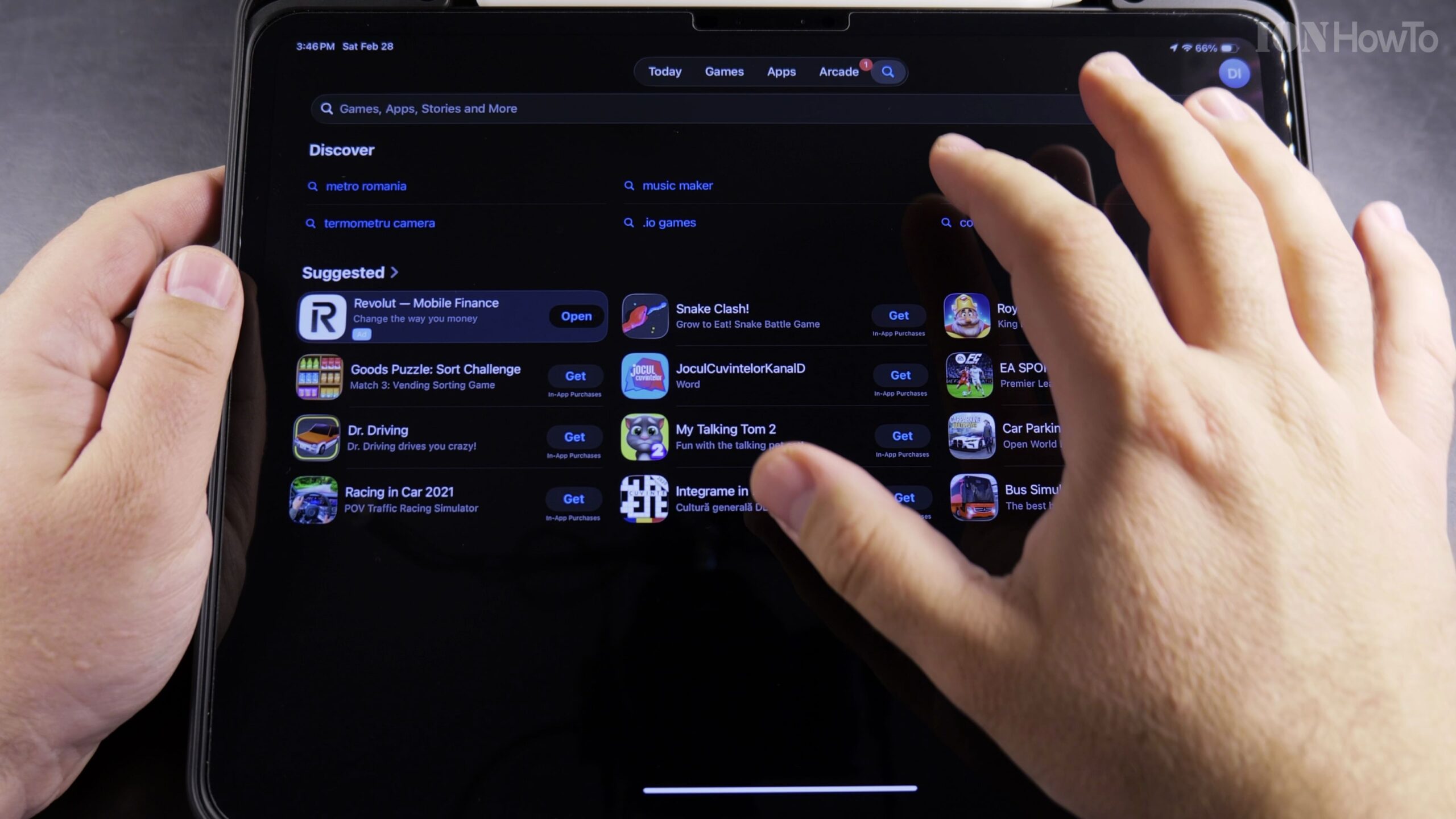
How to Get Apple Creator Studio Pack Free 3 Months on iPad Pro
Apple periodically provides an exclusive 3-month free trial bundle for creative iPad Pro users, featuring pro-tier software including Logic Pro for iPad. In this tutorial, I’ll show you how to claim the 3-month free trial, activate your license, and manage your renewal date safely.
Install Chrome on iPad
In this post, I show you how to install the Chrome browser on your iPad. I guide you through the steps to get Chrome on your iPad using the App Store. This is a simple process, and I’ll show you exactly what to do.
Connect HDMI to Extend iPad Screen
I show you how to connect your iPad to an external display using HDMI and extend your screen. This lets you use the external monitor as a separate workspace, not just a mirror of your iPad.
Use Wired Headphones with Your iPad Pro
Learn how to use wired headphones with a 3.5mm jack on your iPad Pro. Since the iPad Pro uses a USB-C port, you need a specific adapter to connect standard headphones.
Check iPad Display for Stuck Pixels or Lines
Learn how to check your iPad display for stuck pixels or lines on the screen. This is helpful if you buy a used iPad or just want to make sure your display is in good shape.
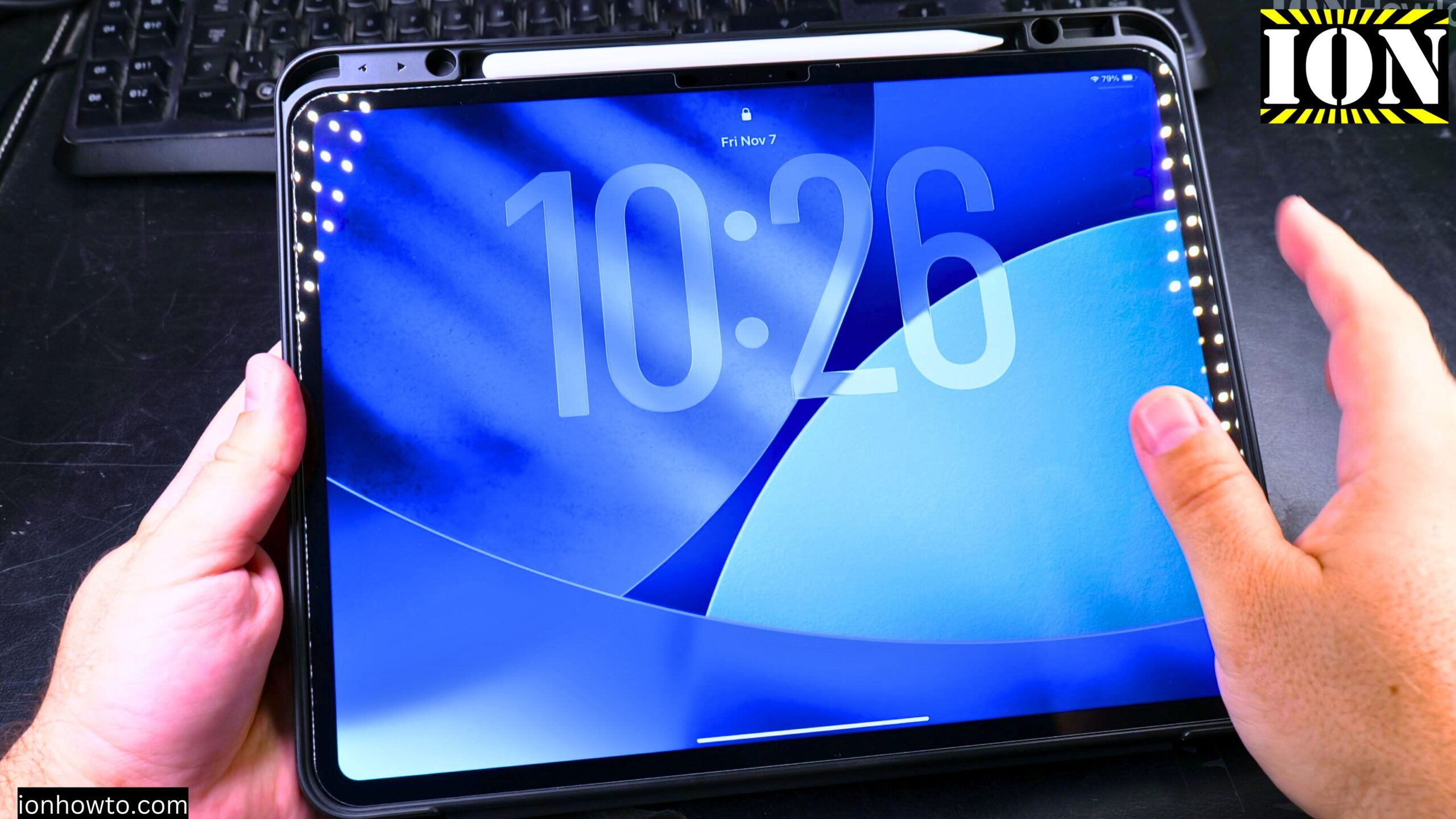
Set Up Your New iPad Pro M5 with iPhone and iCloud
Learn how to set up your new iPad Pro M5. This guide is perfect if you just got your iPad and want to start using it quickly. I show you the steps to transfer all your data from your iPhone using the automatic setup process. This is the easiest way to move.
Portable External SSD on iPad Pro M5
I just got my new iPad Pro M5 13-inch, and I want to show you one of the most useful things you can do with it: using an external SSD. This is a great way to save space on your iPad. You can copy photos, videos, and other files directly to the drive and even.
Remove iCloud Activation Lock on Your iPad
If you’ve remotely erased your iPad using Find My and now it’s asking for an old Apple ID password, you’re seeing iCloud Activation Lock. This guide is based on iPadOS 26 running on a 13-inch iPad Pro M5. Let’s break down what this lock is and the steps to.
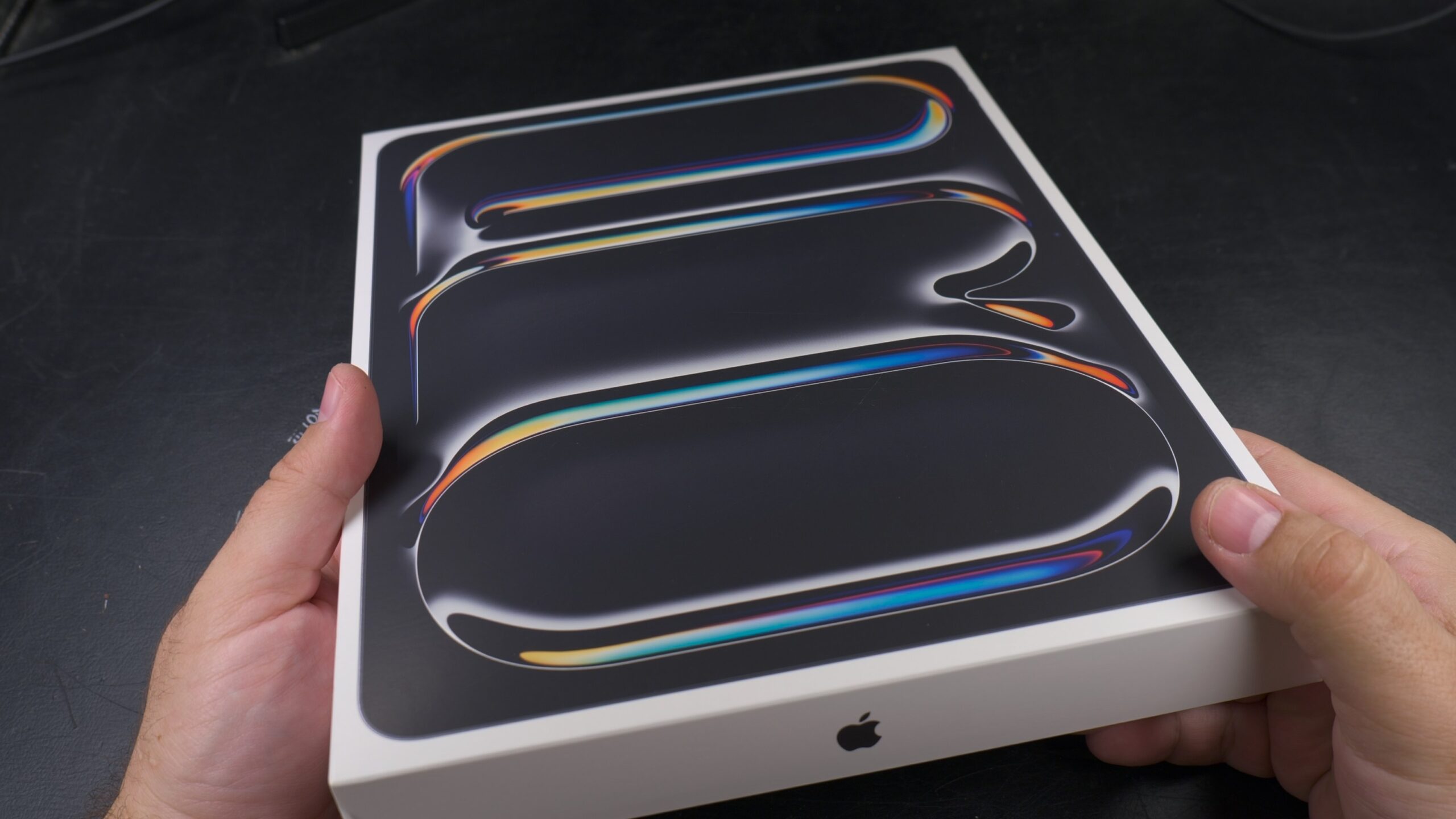
iPad Pro M5 13 Inch ESR MagSafe Folio Case Review
After I just got my brand new iPad Pro M5 13 Inch protection was the first thing in my Ming after unboxing it. It’s so light and thin that I immediately felt like I needed a case and a screen protector. I want to be able to use it without constantly worrying.