
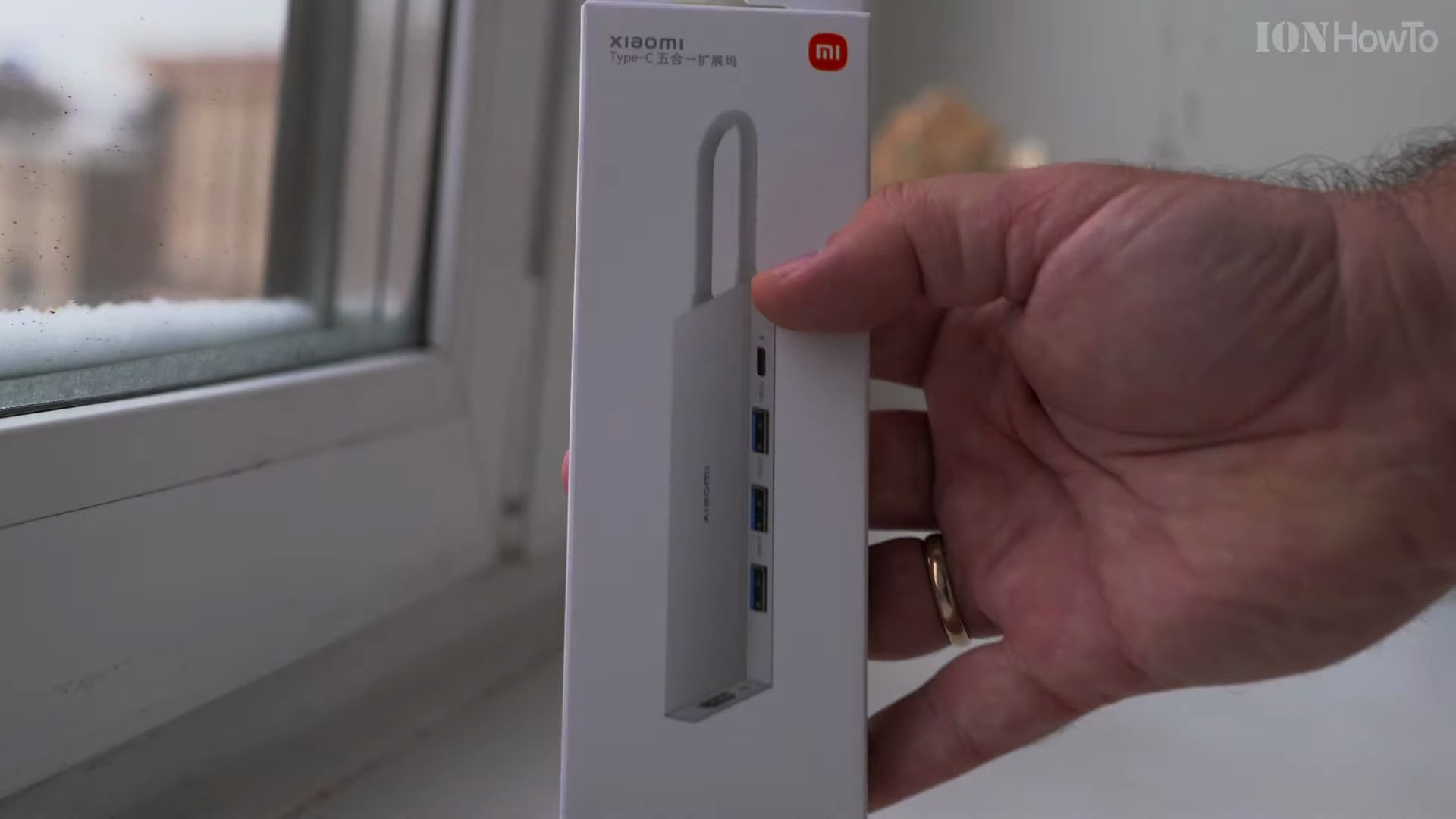
Modern laptops, tablets, and smartphones are thinner and faster than ever, but they often arrive with only one or two Type-C connections. If you want to connect a regular flash drive, hook up an external computer screen, or keep your device powered all day, a reliable multi-port adapter is an absolute necessity. In this hands-on guide, I will show you everything you need to know about the Xiaomi 5 in 1 Type-C Docking Station (Model XMDS05YM), including how it is built, what ports it gives you, and how to tell if you have an authentic unit.
What Is the Xiaomi 5 in 1 Type-C Docking Station?
The Xiaomi XMDS05YM is a portable aluminum USB-C hub designed to expand a single USB-C port into five essential workspace connections. It provides three high-speed USB 3.0 Type-A ports, a dedicated USB-C Power Delivery port that accepts up to 100 watts of charging power, and a full-size 4K HDMI port. If you are browsing modern USB-C tech accessories for everyday home or office use, this compact device offers a clean, straightforward way to plug in all your gear without carrying a tangle of individual dongles.
Packaging and Authenticity Verification
When you purchase accessories like this, verifying authenticity is critical. Because this specific model has primarily been sold in domestic Asian markets and select international regions, many buyers wonder if their unit is genuine Xiaomi or Mijia hardware.

The retail box features clean, minimalist white packaging with official branding and printed technical specifications on the back. Crucially, the rear label includes a security scratch-off sticker with an authenticity verification QR code. You can scan this QR code with your phone camera to confirm that the serial number is registered with Xiaomi official database. Checking this code ensures you are using a certified accessory built to international electrical standards.
Unboxing and Form Factor Overview
Inside the box, the docking station sits inside a frosted protective sleeve bearing the Xiaomi logo. The packaging is designed with internal support dividers to keep the device from moving or taking impact during shipping.
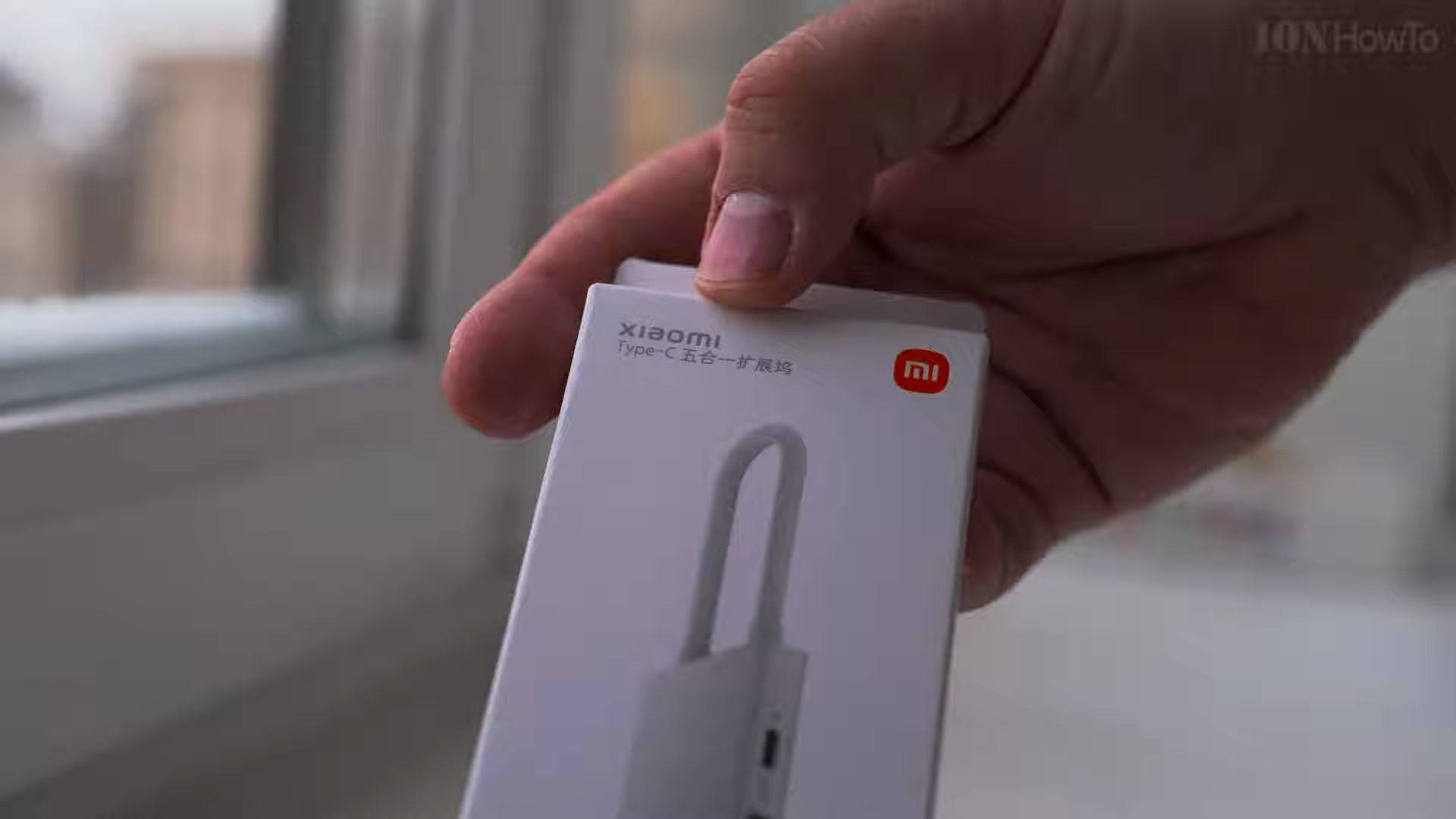
Once removed from the sleeve, the hub feels remarkably compact and lightweight in the hand. It is narrow enough to slip into a pocket, laptop sleeve, or small backpack compartment, making it a great companion for travel or coffee shop work sessions. There is no unpleasant chemical odor, only the faint clean scent common with factory-fresh precision electronics.
Premium Aluminum Build and Cable Management Design
The outer shell is constructed from sandblasted unibody aluminum alloy. Aluminum does more than just look sleek; it acts as a passive heatsink to disperse heat away from the internal controller chips when you transfer large video files or run 4K display output for hours.
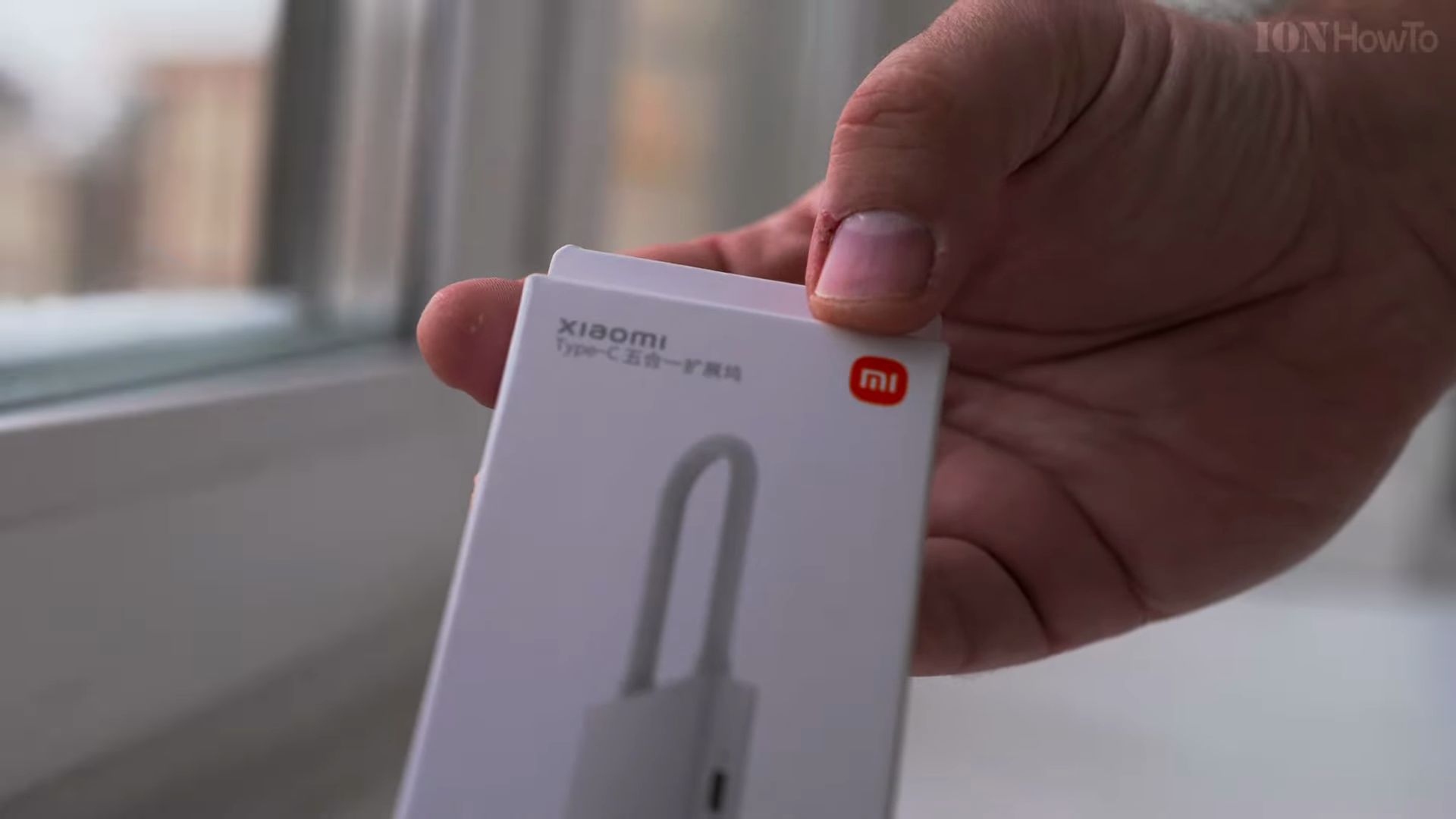
One of the most thoughtful details is the integrated cable design. Rather than a loose cable dangling in your bag, the hub features a thick, reinforced rubberized connector cord with a built-in cable storage slot on the bottom edge.
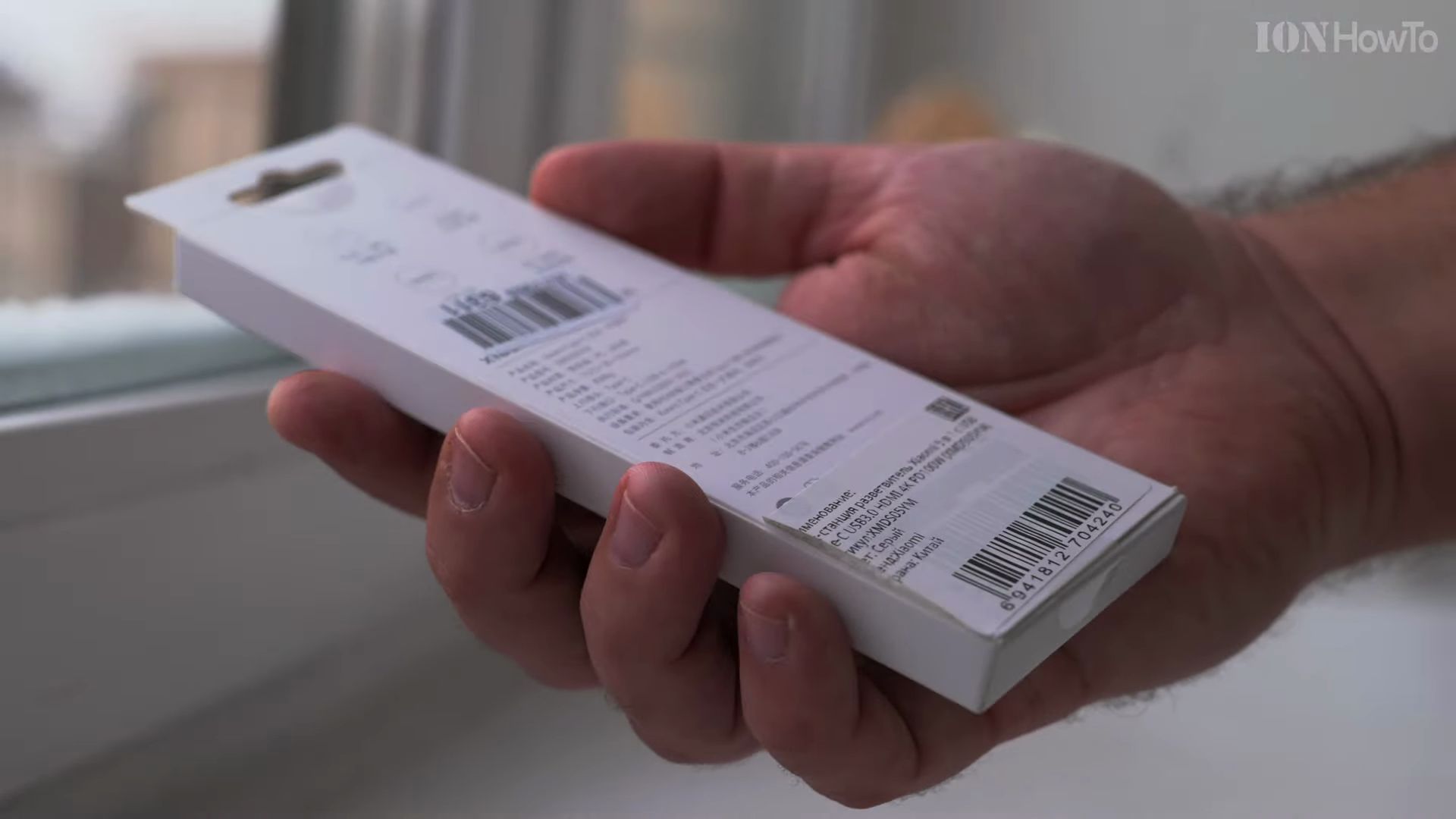
This hollow recess is not an active port – it is a protective parking slot with internal friction tabs that gently hold the Type-C plug in place. Tucking the plug into this slot protects the delicate metal connector pins from lint, keys, and physical bending while inside your bag. The cord length is approximately 10 to 12 centimeters, which keeps your desk tidy, though you will want to keep your computer close on the desk surface.
Ports Breakdown and Performance Capabilities
Despite its pocket-sized dimensions, the Xiaomi XMDS05YM houses five versatile ports arranged logically across its edges.

Here is what each connection offers:
- Three USB 3.0 Type-A Ports: These standard rectangular ports support transfer speeds up to 5 Gigabits per second (approx. 500 MB/s real-world data throughput). They are perfect for external hard drives, high-speed flash drives, wireless mouse receivers, and keyboards.
- One 4K HDMI Output Port: Situated on the end of the adapter, this port allows you to mirror or extend your screen to a modern television, computer monitor, or office projector in crisp 4K resolution at 30Hz or full 1080p at 60Hz.
- One USB-C 100W Power Delivery (PD) Port: This dedicated port accepts pass-through charging up to 100 watts. You plug your laptop charger directly into this port, and the hub passes up to 90W to 95W directly to your computer while reserving a tiny amount of power for the connected USB drives. Pair this with quality 100W USB-C charging cables or check out our hands-on IKEA Rundhult 100W cable review for reliable power transfer. Please note that this Type-C port is strictly for charging pass-through, not for data transfers.
Turning Your Phone or Laptop into a Full Workstation
One of the best practical benefits of this docking station is desktop mode compatibility with modern smartphones and tablets. If you connect an Android phone with video-out support (such as Samsung DeX, Motorola Ready For, or Sony Xperia video output), the hub instantly turns your handset into a desktop computer. Connect an HDMI cord to your living room television, plug in a wireless mouse and keyboard dongle into the USB ports, and you can comfortably browse the web, edit family photos, and write emails on the big screen.
If you regularly use Xiaomi devices and accessories, this adapter fits right in with the clean aesthetic of Xiaomi laptops and tablets. It also works seamlessly across Windows 11, macOS, and Linux without needing to install any third-party drivers or software.
Key Takeaways and Final Verdict
The Xiaomi 5 in 1 Type-C Docking Station (XMDS05YM) delivers solid build quality, functional port selection, and clever cable protection in a remarkably sleek form factor. Here is a summary of the pros and cons:
- Pros: Sturdy unibody aluminum casing that aids cooling, tuck-away cable storage slot to prevent connector damage, three full USB 3.0 ports, 100W PD charging pass-through, and 4K HDMI video output.
- Things to Keep in Mind: The bottom of the aluminum chassis lacks rubber non-slip feet, meaning it can slide on smooth wooden or glass tables. Additionally, the USB-C port is strictly for power input, so you cannot plug USB-C flash drives directly into the hub.
Overall, if you need a durable, lightweight companion for your daily computer bag that covers all the basics without taking up space, the Xiaomi XMDS05YM is a dependable and well-engineered choice.


Leave a Reply