
If certain musicians or tracks you dislike keep popping up in your personal radio stations and algorithmic mixes, Apple Music includes a built-in Suggest Less tool. Here is how to use Suggest Less to block artists and refine your music recommendations.
1. Open Apple Music and Search for the Artist You Dislike
Launch the Apple Music app on your iPhone or iPad. Tap Search in the bottom navigation bar and type the name of the artist you want to exclude.
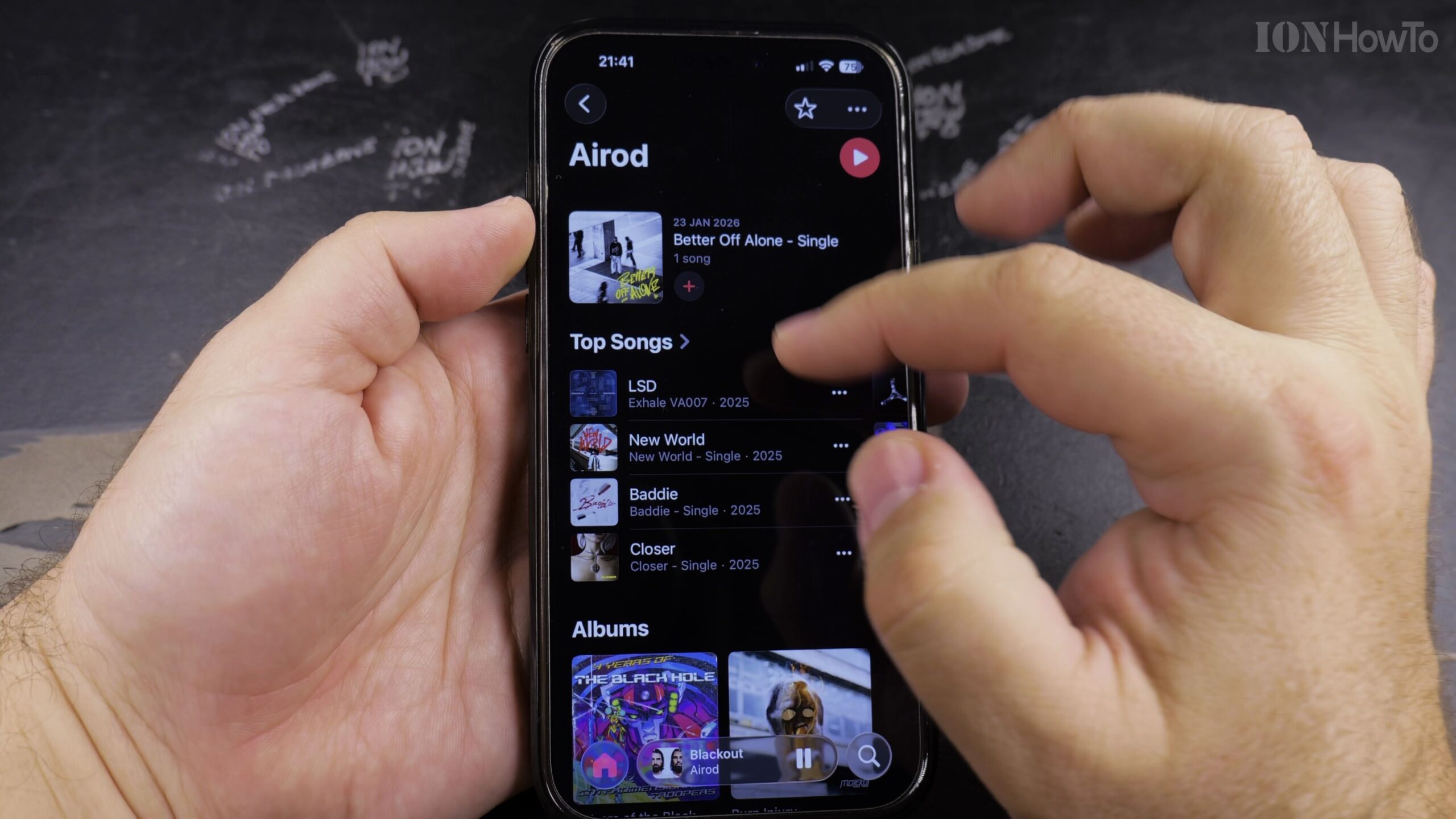
2. Open the Artist Profile Page and Tap the Three-Dot Menu
Tap the artist name to open their full profile. In the top-right corner of the artist banner, tap the circular three-dot (…) menu icon.
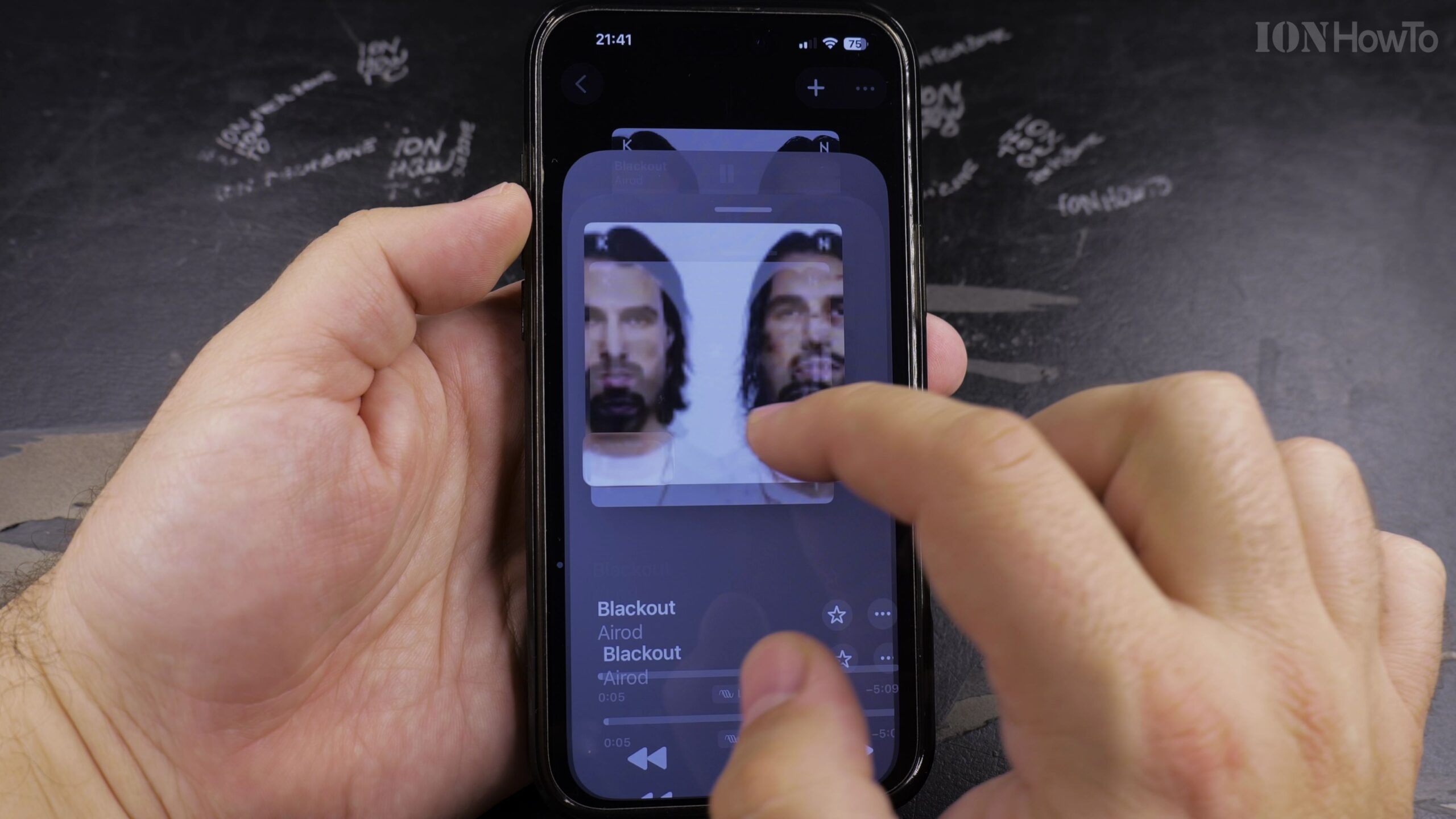
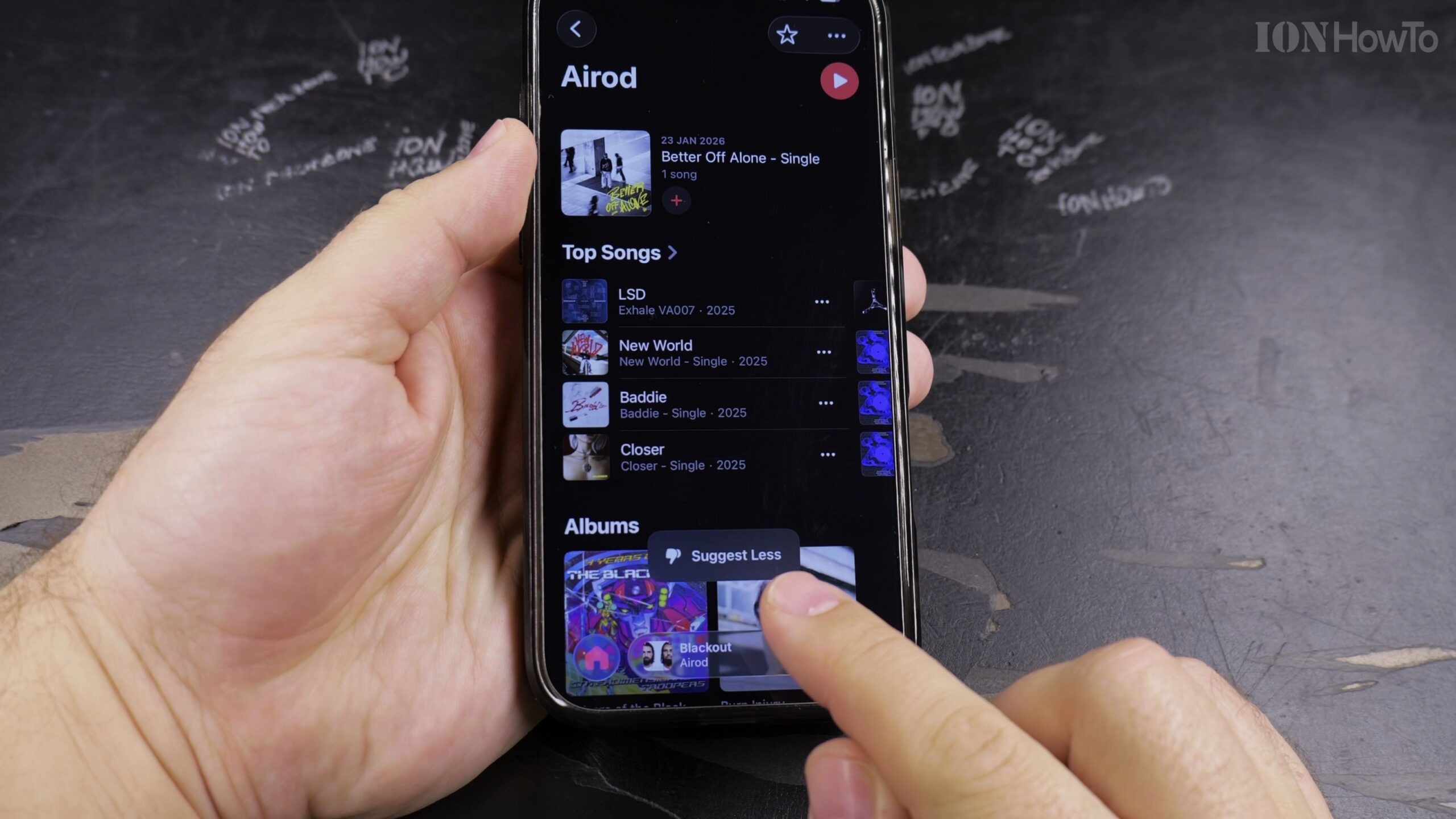
3. Select Suggest Less from the Action Menu
In the popup options menu, tap ‘Suggest Less’. A dialog will ask If you want to recommend less of this artist or less of the specific song or album.
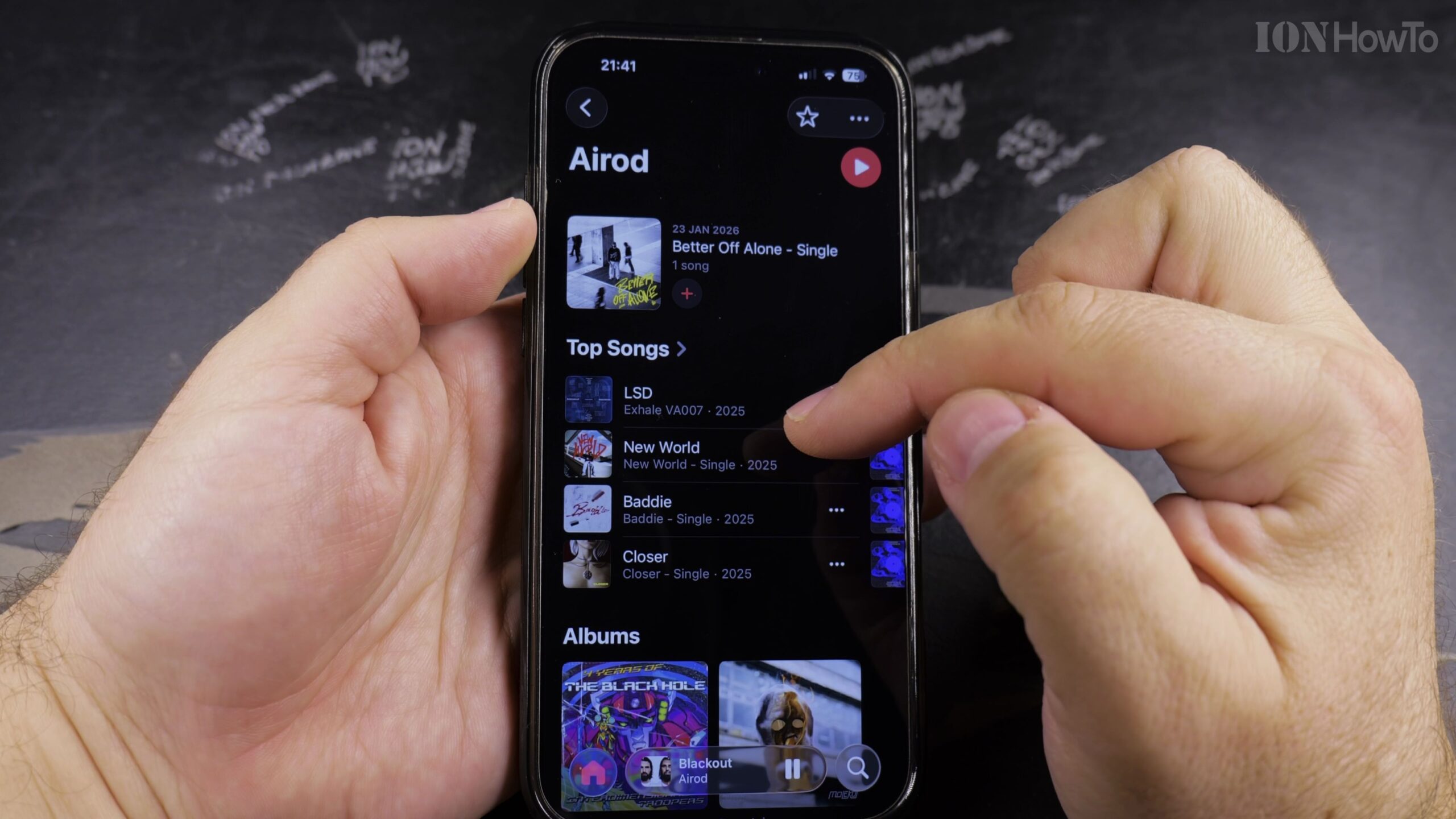
4. Confirm Suggesting Less of the Artist Entirely
Choose the option to suggest less of this artist. Apple Music will instantly mark the artist profile with a crossed-out icon, tuning the algorithm to skip their catalog.
5. Verify in Radio Stations and Algorithmic Discovery Mixes
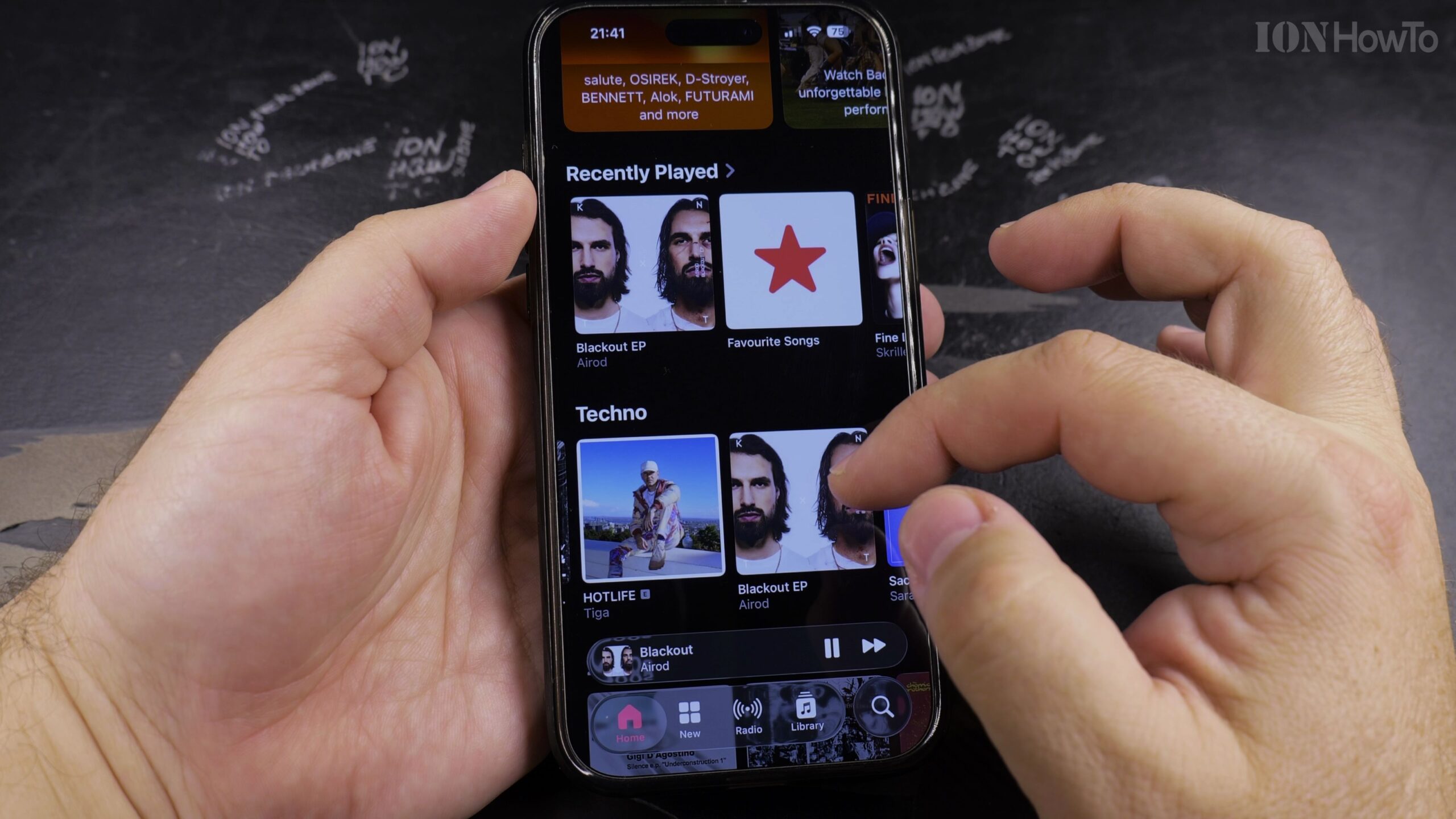
Return to your Home or Listen Now tab. Your personal algorithmic mixes, discovery queues, and auto-generated radio streams will now omit that artist from autoplay.
Helpful Tips and Related Guides
If your musical tastes change later, you can return to that artist profile, tap the three dots again, and select ‘Suggest More’ or tap the Star icon to restore them. Check out more guides in our Apple Music & Audio category, see our tutorial on Finding Playlists in Apple Music, and visit How-To guides.


Leave a Reply