
Category: iPad Guides
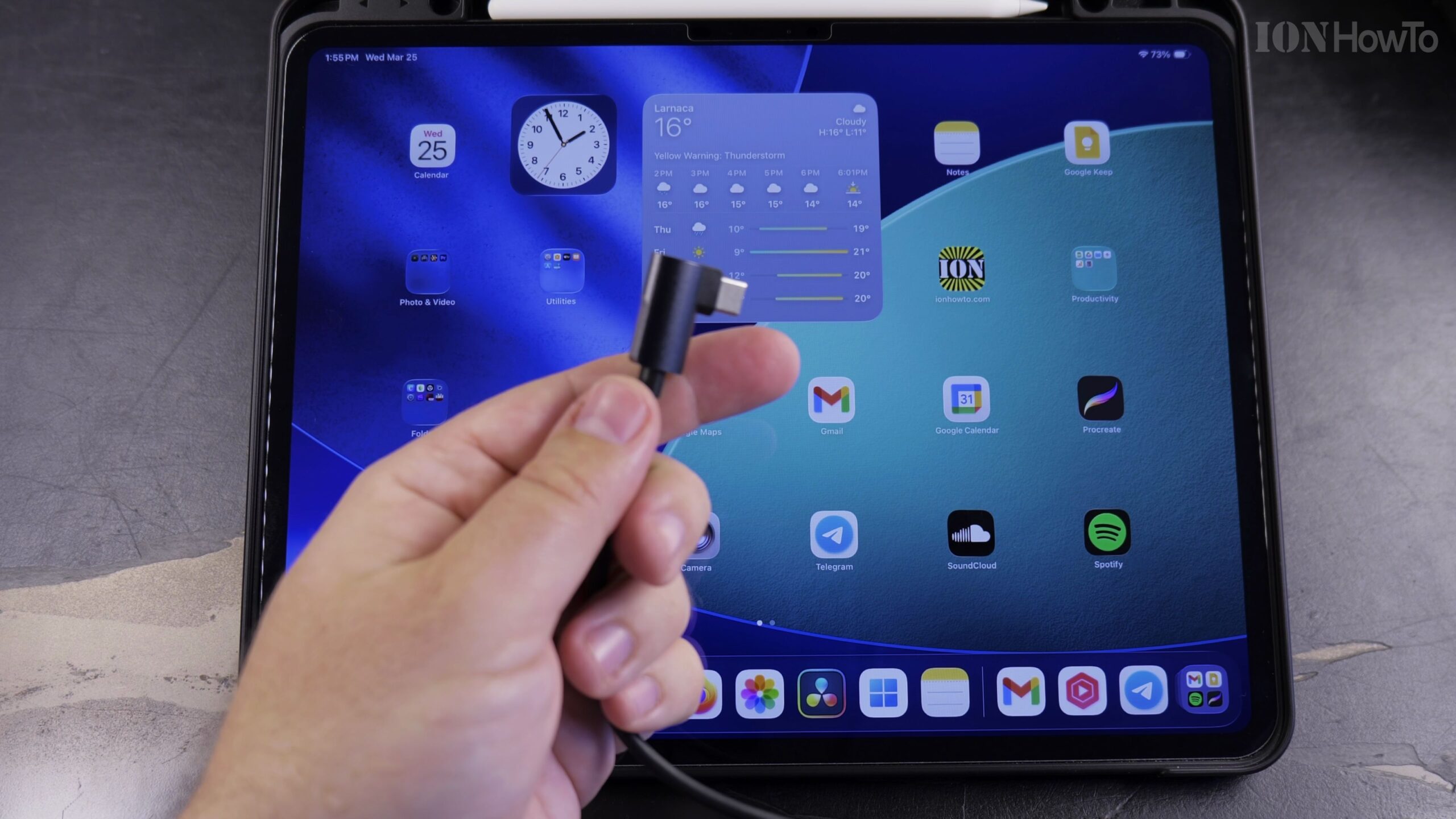
How to Connect an iPad to Wired Ethernet Internet Using a USB-C Cable
When Wi-Fi is spotty or you need zero-latency internet for gaming, video calls, or large file transfers, connecting your iPad directly to an Ethernet cable gives you a blazing-fast wired connection. Here is how to connect and configure Ethernet on an iPad using a USB-C network adapter.
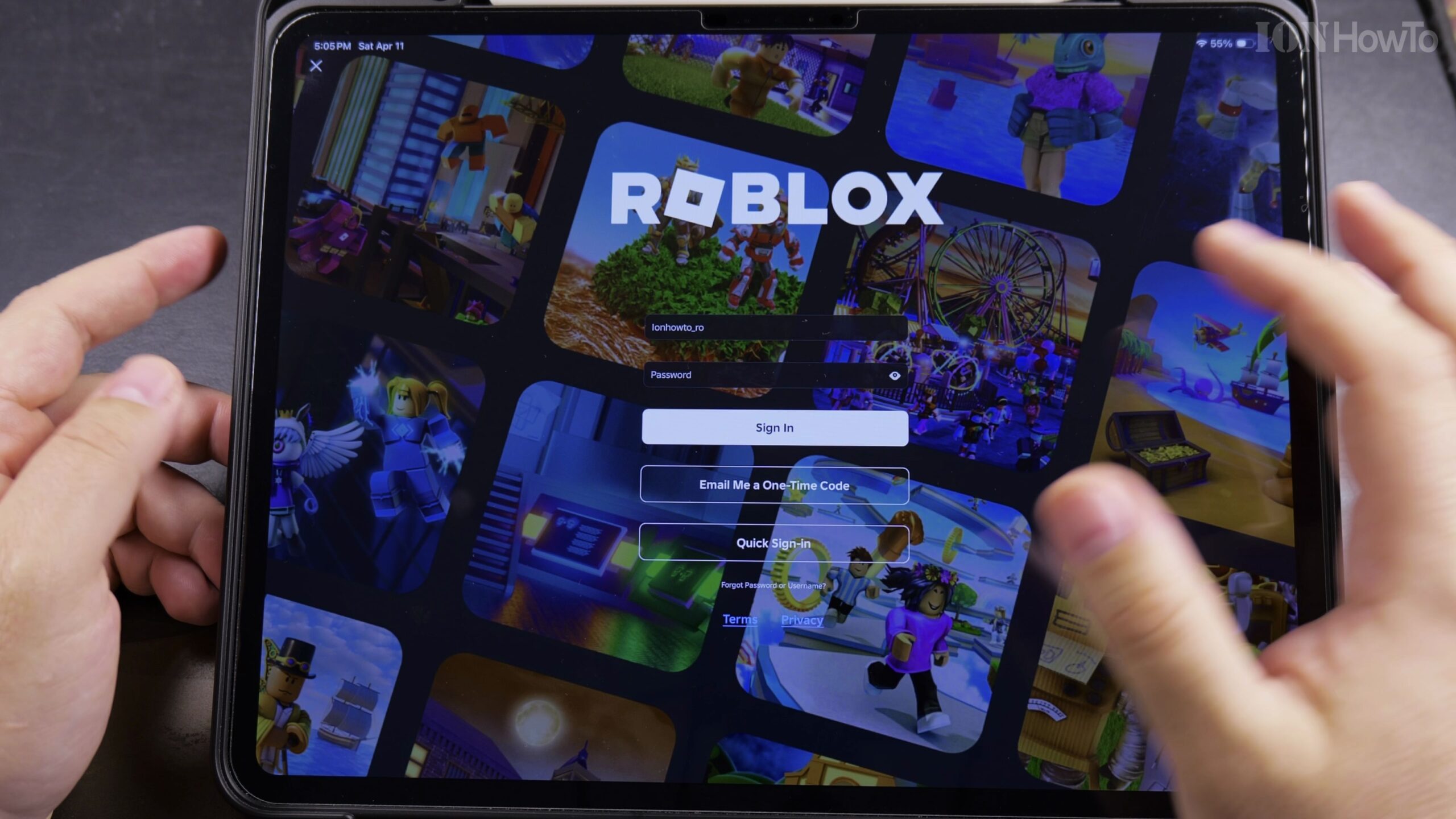
How to Switch Roblox Accounts on iPad, iPhone, and Mobile Devices
If multiple family members share an iPad or mobile device, or if you maintain an alternate Roblox account, the built-in Account Switcher feature lets you hop between accounts seamlessly without typing passwords every time. Here is how to add and switch accounts in the Roblox mobile app.
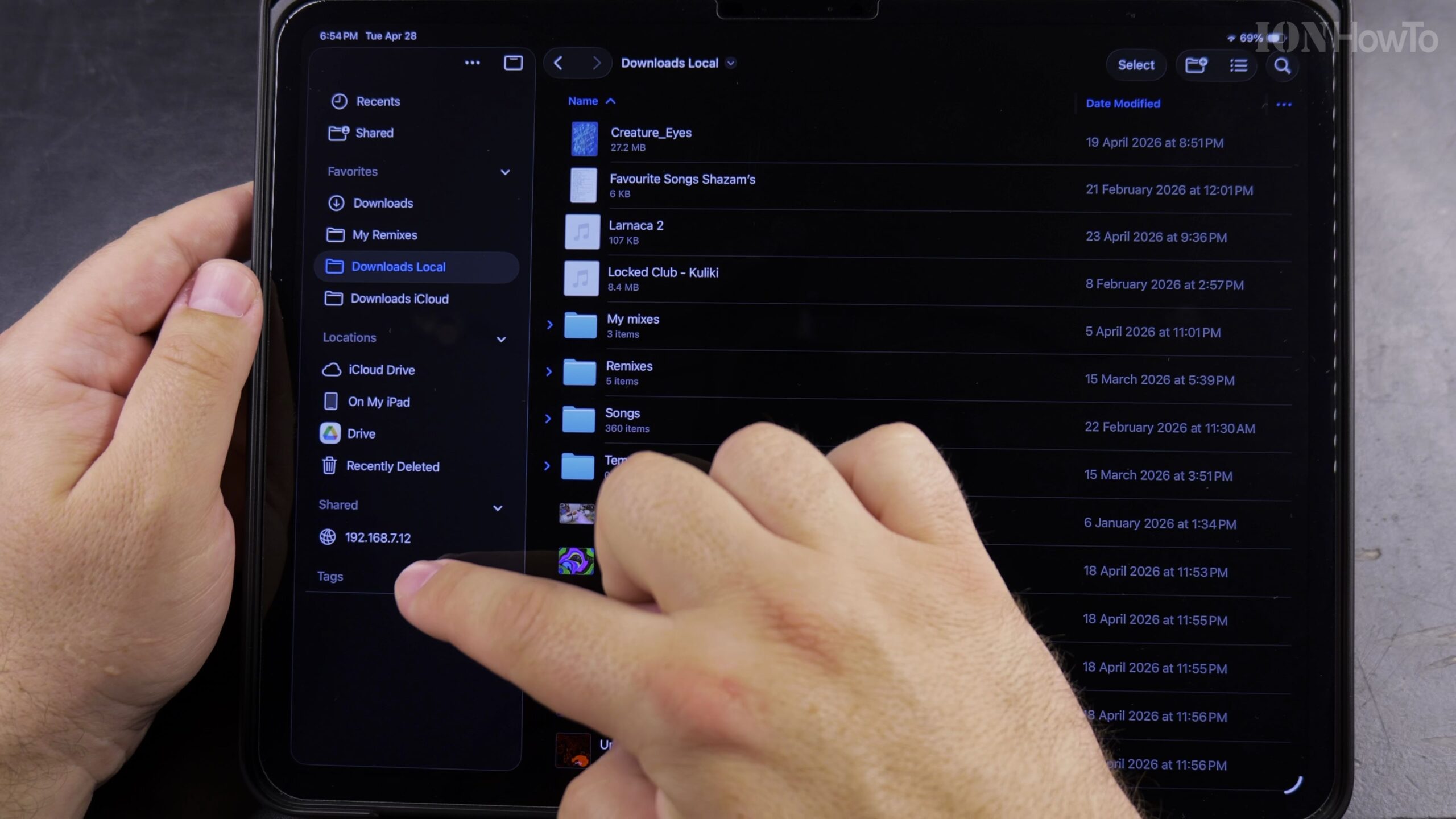
How to Move Files into a Folder in the iPad Files App (Internal & External USB Drive Guide)
Learn how to move files into a folder in the iPad Files app, if you are organizing documents stored on your iPad or managing photos and videos on an external USB flash drive, SD card, or portable SSD. This process works the same across USB-C iPad Pro, iPad Air, and standard iPad models.
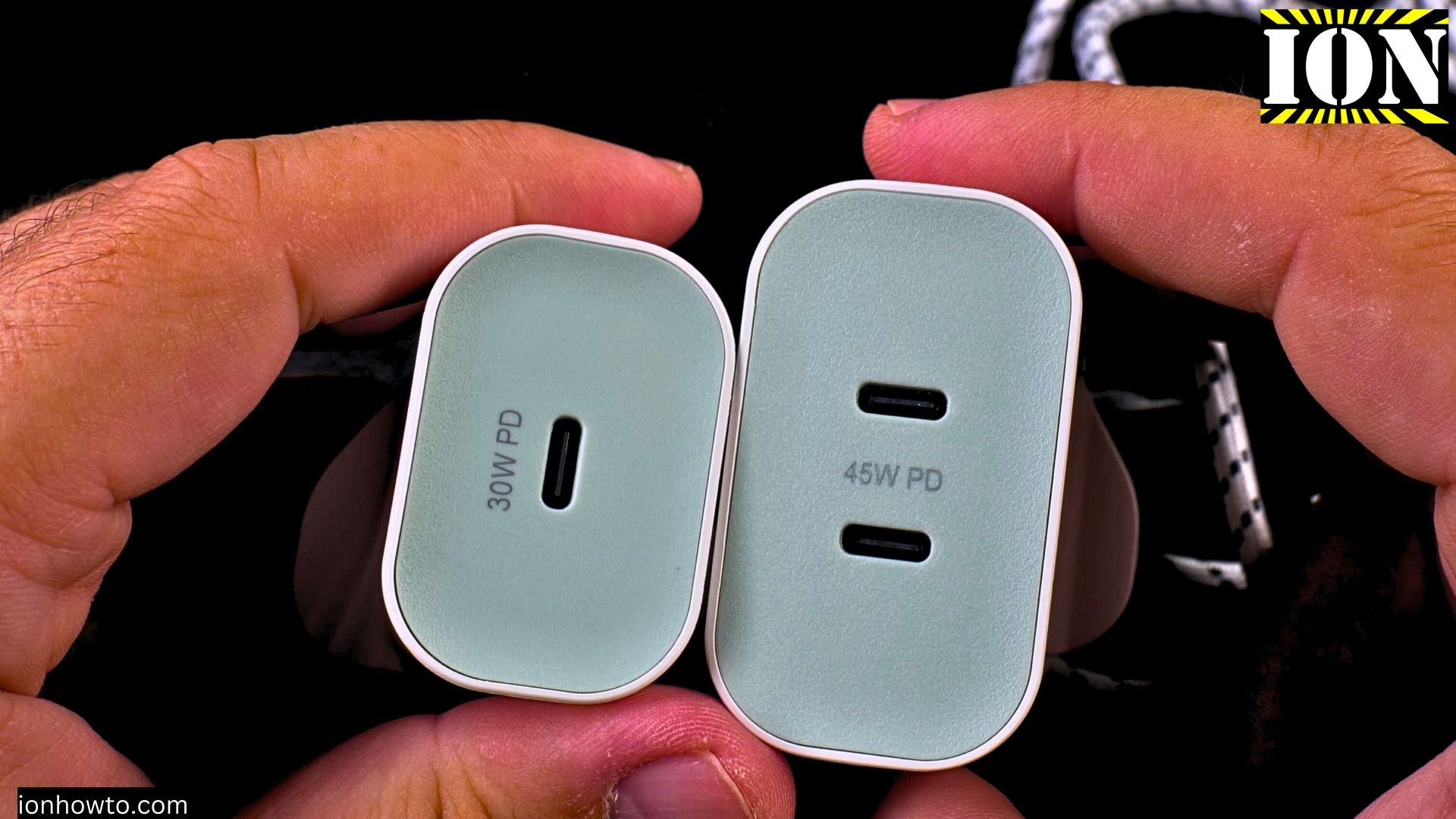
Clean USB-C Port with Paper
How to Clean a USB-C Port with Paper. I show you how to clean the USB-C port on your Android phone, iPhone, or iPad. A common problem is when your charger won’t plug in all the way or the connection feels loose, which is often caused by dust and lint stuck in the port. I’ll…
Install Chrome on iPad
How to Install Chrome on iPad. In this post, I show you how to install the Chrome browser on your iPad. I guide you through the steps to get Chrome on your iPad using the App Store. This is a simple process, and I’ll show you exactly what to do. I’ll show you on iPadOS…
Connect HDMI to Extend iPad Screen
How to Connect an HDMI External Display and Extend Your iPad Screen. I show you how to connect your iPad to an external display using HDMI and extend your screen. This lets you use the external monitor as a separate workspace, not just a mirror of your iPad. I’ll show you on iPadOS 26 on…
Use Wired Headphones with Your iPad Pro
How to Use Wired Headphones with Your iPad Pro USB-C Port. Learn how to use wired headphones with a 3.5mm jack on your iPad Pro. Since the iPad Pro uses a USB-C port, you need a specific adapter to connect standard headphones. I’ll show you on iPadOS 26 on iPad Pro M5 13 Inch 2025…
Check iPad Display for Stuck Pixels or Lines
How to Check iPad Display for Stuck Pixels or Lines on Screen. Learn how to check your iPad display for stuck pixels or lines on the screen. This is helpful if you buy a used iPad or just want to make sure your display is in good shape. This was shown on iPadOS 26 on…
Set Up Your New iPad Pro M5 with iPhone and iCloud
How to Set Up Your New iPad Pro M5 with iPhone and iCloud Backup. Learn how to set up your new iPad Pro M5. This guide is perfect if you just got your iPad and want to start using it quickly. I show you the steps to transfer all your data from your iPhone using…
iPad Frozen Force Restart Not Working Remote iCloud Erase
iPad Frozen Force Restart Not Working: Solution Is to Remote Erase via iCloud Find My. Learn what to do when your iPad Pro M5 is frozen and a force restart is not working. If your iPad screen is unresponsive and the normal reset methods have failed, this guide shows you a solution. This was shown…