
I unbox the Chenlenic USB-C extension cable, a 2 meter braided cable sold as USB 3.2 Gen 2. I show you what comes in the bag and what to check before you buy one.
At a glance
- What it is: a 2 meter braided USB-C extension cable from Chenlenic, female socket on one end and male plug on the other.
- Package claims: USB 3.2 Gen 2, 20Gbps, 240W charging, and 4K video.
- In the bag: the cable, a warranty card, a reusable cable tie, and a throwaway tie.
- My use: making a USB-C cable longer, with a USB-C to USB-A adapter on my computer.
What you need
- The Chenlenic USB-C extension cable.
- The USB-C cable or device you want to make longer.
- A USB-C to USB-A adapter if your computer only has the older USB-A ports.
- A charger that supports high power, if you want fast charging through the extension.
What you will do
- Check the package
- Read the warranty card
- Look at the female USB-C end
- Look at the male USB-C end
- Use the reusable cable tie
- Check the length and the braid
Recommended Amazon Gear and Accessories
Disclosure: This article contains Amazon affiliate links. As an Amazon Associate, I earn from qualifying purchases at no extra cost to you.
- USB-C Extension Cable 240W
- USB-C Cable
- USB-C to USB-A Adapter
- USB-C Hub
- Reusable Cable Ties
- USB-C Charger
1. Check the package
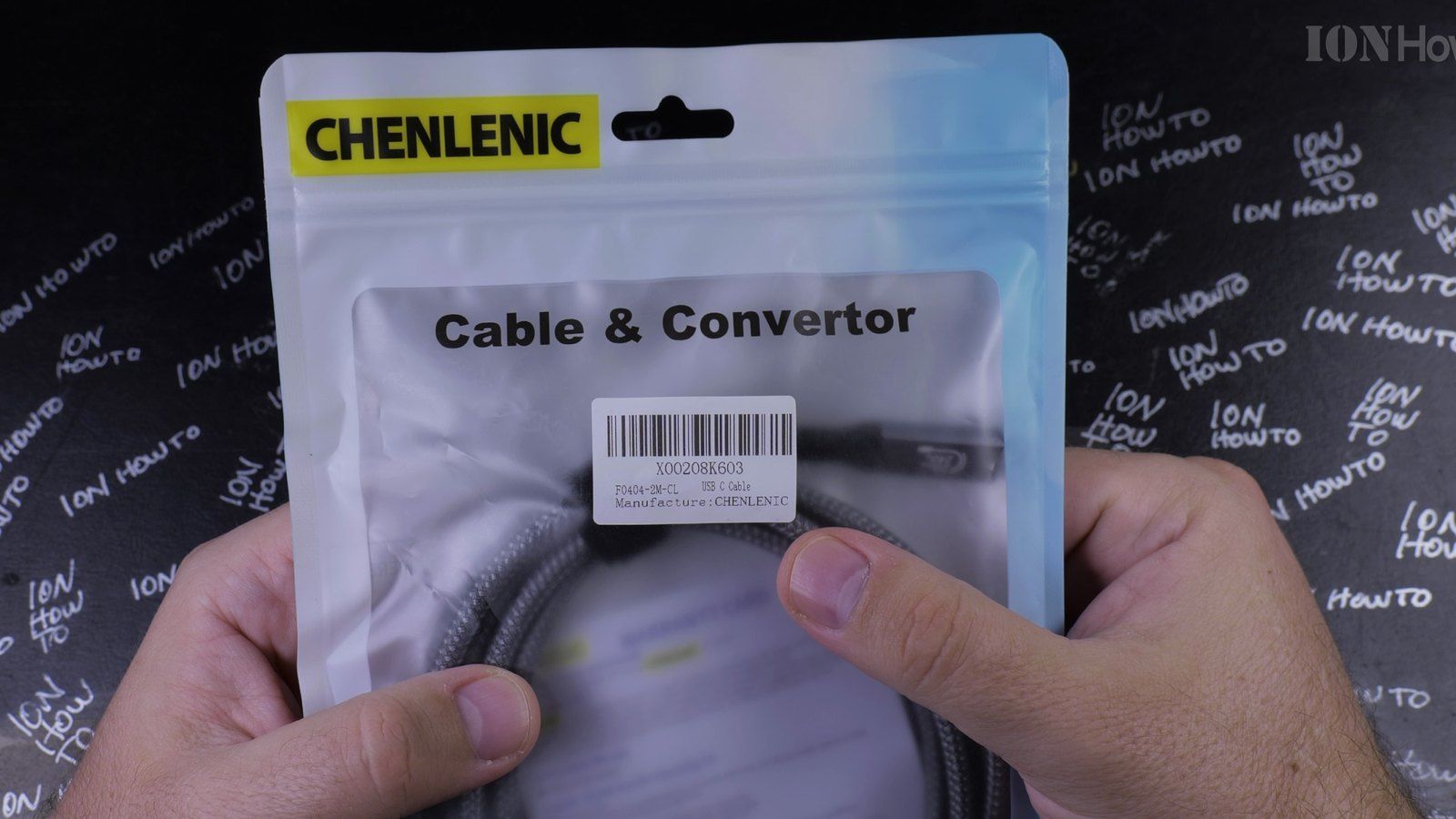
The bag has the Chenlenic name on the front and says Cable and Convertor. Read the label before you buy. Some USB-C extension cables do not carry every kind of signal, so look for data support on the package.
Why it matters: a cable that only charges will not work for a drive, a camera, or a monitor.
What you should see: the brand, a barcode sticker, and the cable coiled inside the clear bag.
2. Read the warranty card
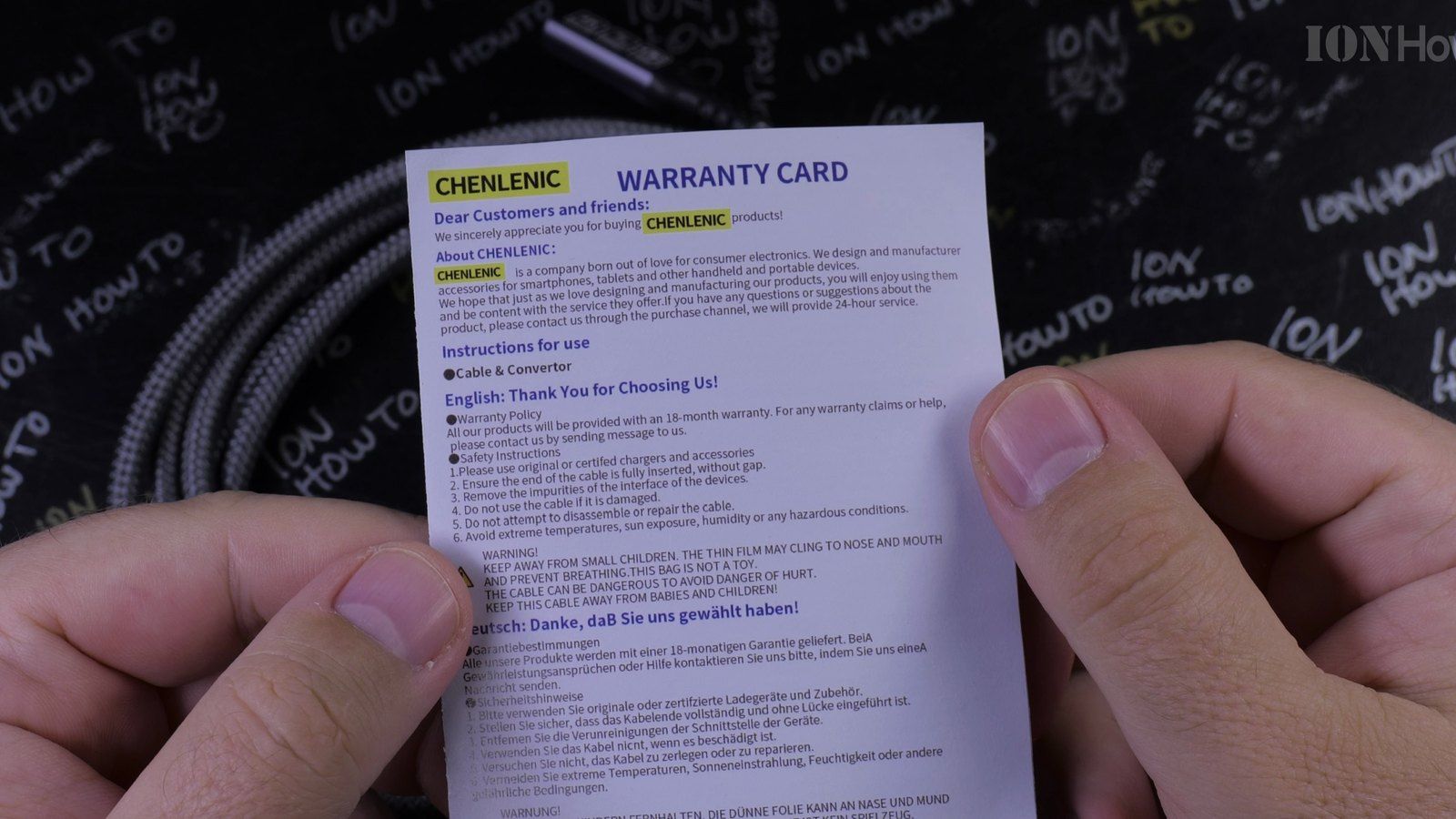
Inside the bag is a warranty card. It has the same text in several languages and lists a contact for Europe and the UK.
Why it matters: keep the card. You need the contact details if the cable stops working.
What you should see: a small printed card with instructions for use and support contacts.
3. Look at the female USB-C end
One end of the cable is a female USB-C socket. You plug your normal USB-C cable or device into this end to make it longer.
Why it matters: this is the end that turns your short cable into a long one. Push the plug all the way in so it does not wobble.
What you should see: an open socket on the metal end, with a firm fit when you plug in a cable.
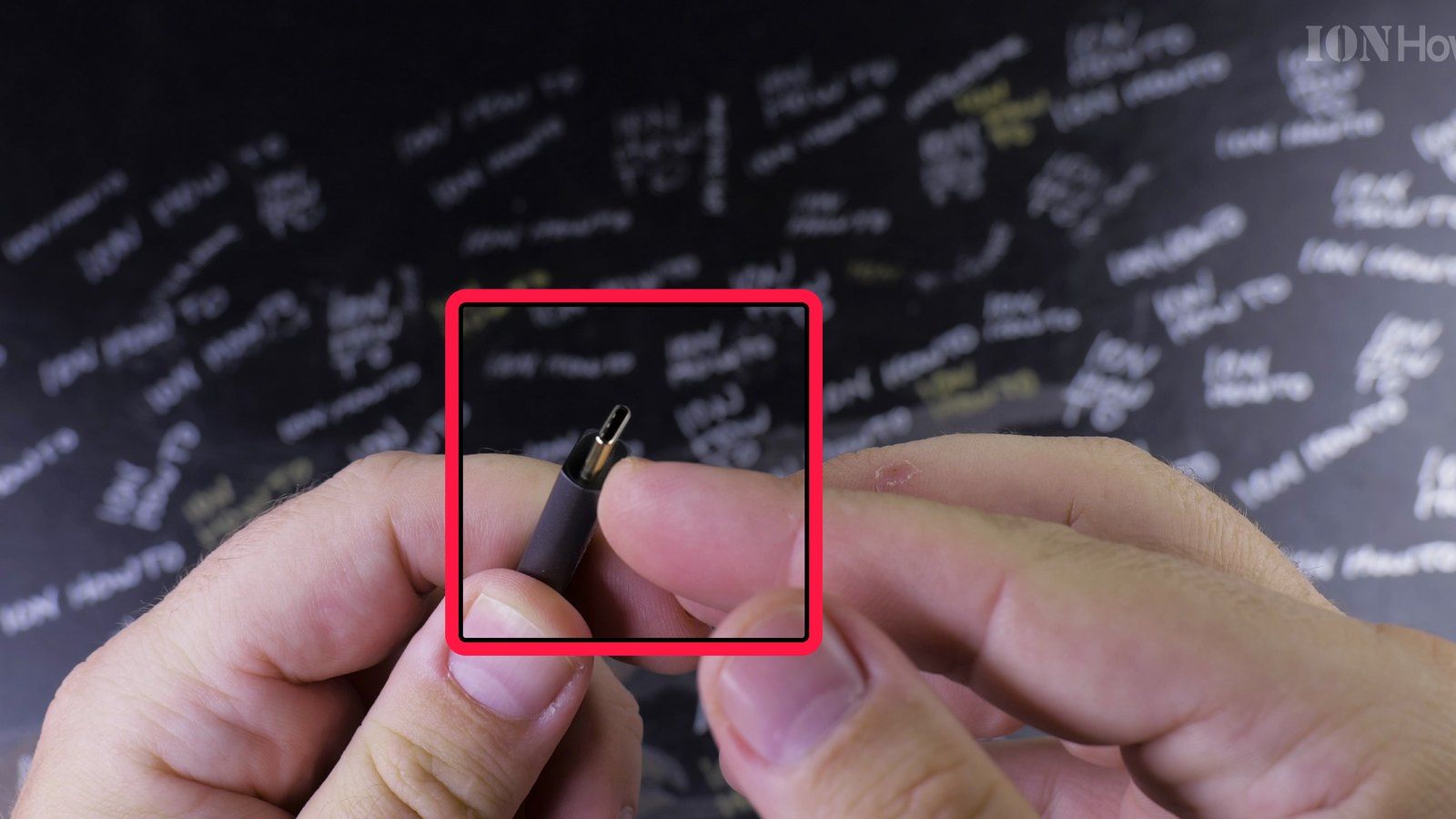
4. Look at the male USB-C end
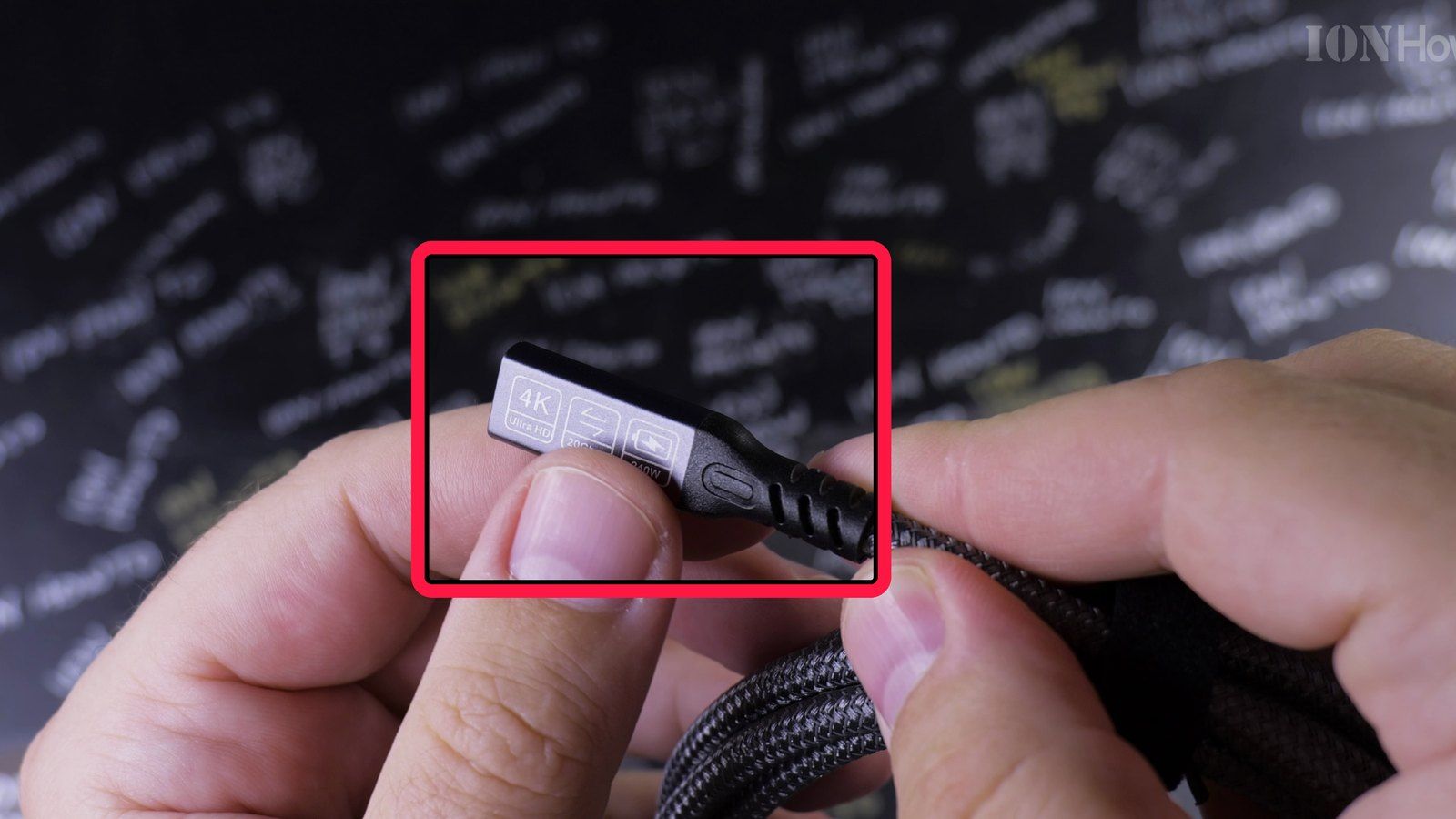
The other end is a regular male USB-C plug. Both ends are marked with 20Gbps, and the package claims 240W and 4K video support.
Why it matters: the markings tell you the cable is built for fast data and high power, not only slow charging.
What you should see: a normal USB-C plug, the same as on a phone charger cable.
5. Use the reusable cable tie
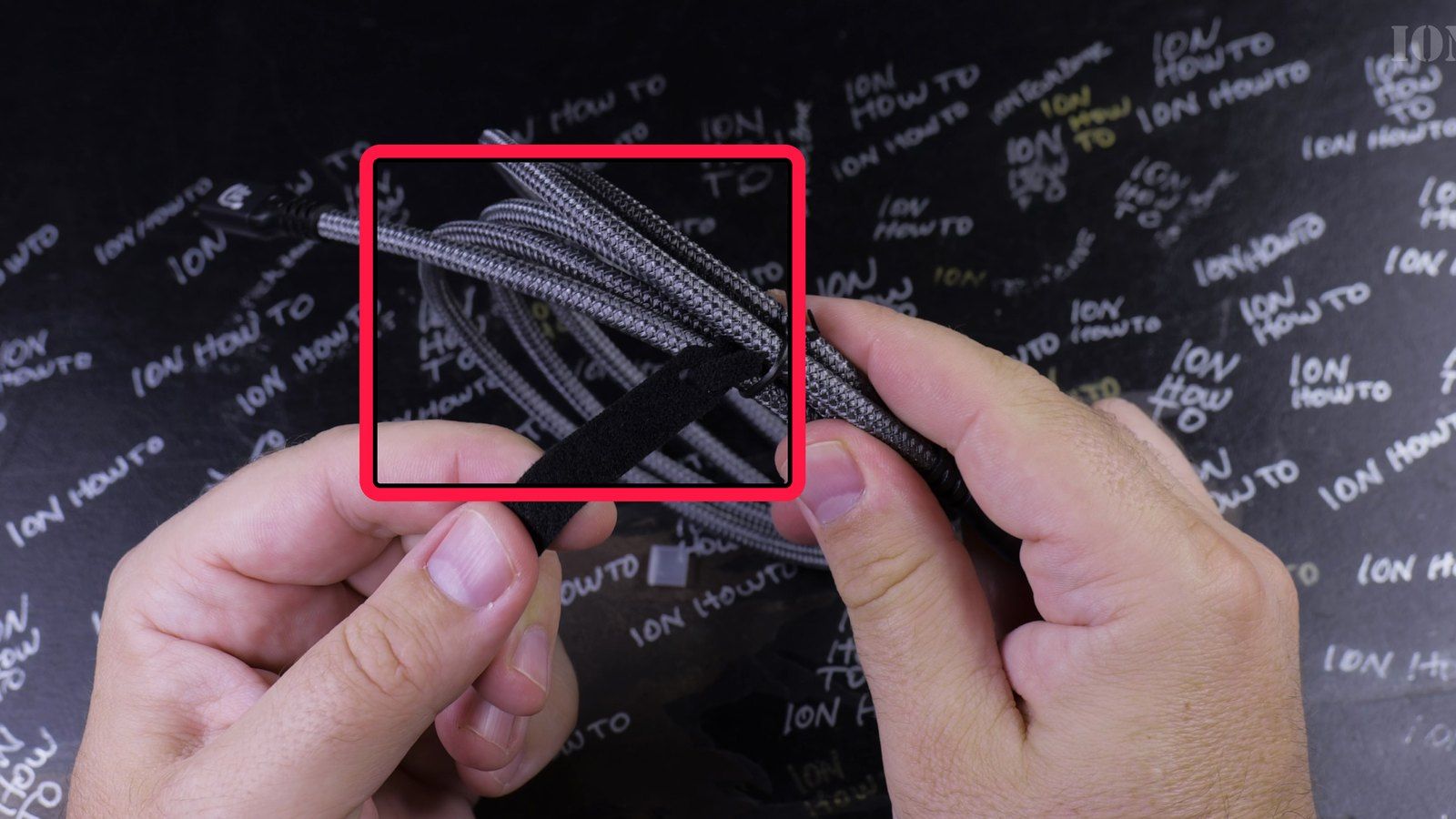
The cable comes with a small reusable tie, plus a throwaway one. It is a nice touch, and it keeps the cable tidy when you put it away.
Why it matters: a 2 meter cable tangles easily in a bag. The reusable tie keeps it neat.
What you should see: a short strap that wraps around the coiled cable and closes again.
6. Check the length and the braid
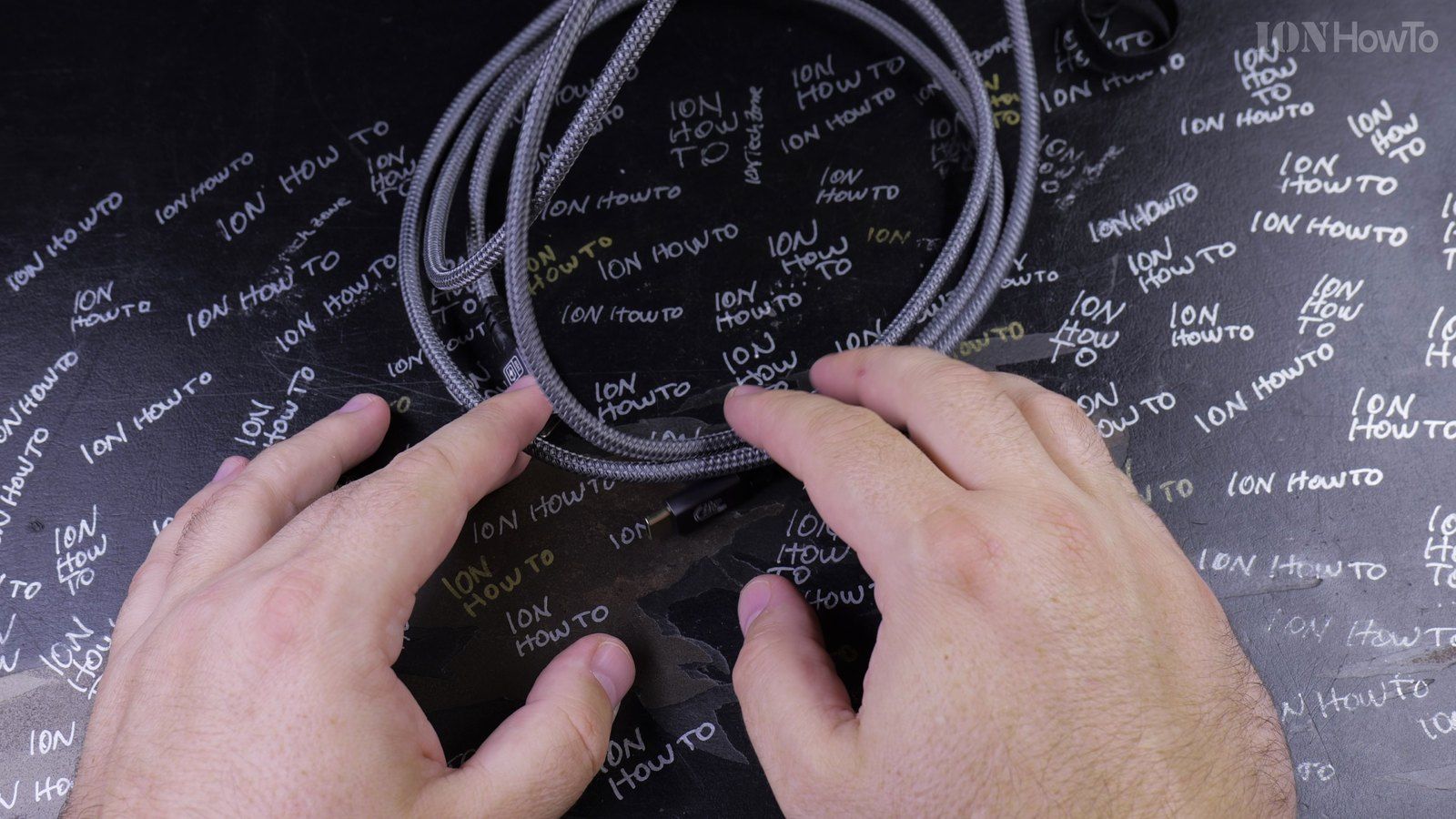
The cable is about 2 meters long and has a braided cover. It looks like good quality. I plan to use it with a USB-C to USB-A adapter on my computer.
Why it matters: a braided cover usually holds up better to bending than plain rubber.
What you should see: a long, even braided cable with no loose threads near the plugs.
If it does not work as expected
- Your device charges but does not show up as a drive: try another USB port, and check that your own cable also supports data.
- Charging is slow: the speed depends on your charger and device too. A 240W rating only helps when both support high power.
- The connection drops when you move the cable: push both plugs all the way in, and avoid sharp bends near the ends.
- Your computer only has USB-A: use a USB-C to USB-A adapter, but expect slower speeds through the older port.
Helpful Tips
- Check the label for data support before you buy any USB-C extension cable.
- A 240W rating only helps if your charger and your device support that much power.
- Keep the reusable tie on the cable so it does not tangle in your bag.
- Keep the package and the warranty card in case you need to return the cable.
Questions people ask
How long is the Chenlenic USB-C extension cable?
It is about 2 meters long.
What does the package claim?
USB 3.2 Gen 2, 20Gbps, 240W charging, and 4K video support.
Which end does my cable plug into?
Your existing USB-C cable plugs into the female socket end.
Can I use it with a USB-A computer port?
Yes, with a USB-C to USB-A adapter. Speeds may be lower on older ports.
Related Guides
- DIY USB Cable Extension – What to do with the old phone charger cables?
- How to Connect iPad to Ethernet Cable Using USB-C Hub – If your home Wi-Fi is spotty or drops out during video calls, plugging your iPad into a wired internet cable gives you…
- Connect Lightning Cable to USB C iPhone and iPad with Adapter – If you upgraded to a new iPhone or iPad with USB-C, you do not need to throw away your older Lightning cables.
- Cat 5E Ethernet Cable – Browse more tutorials and practical guides in this section.


Leave a Reply