
Rode NT1 microphone buzzing noise ground loop or RFproblem fixed.
Rode NT1 microphone making humming buzzing noises when touching the microphone grille the noise gets louder.
Unplug the XLR connector and reinserting fixes the noise problem but only temporarily.
Troubleshooting a grounding issue when using a condenser microphone.
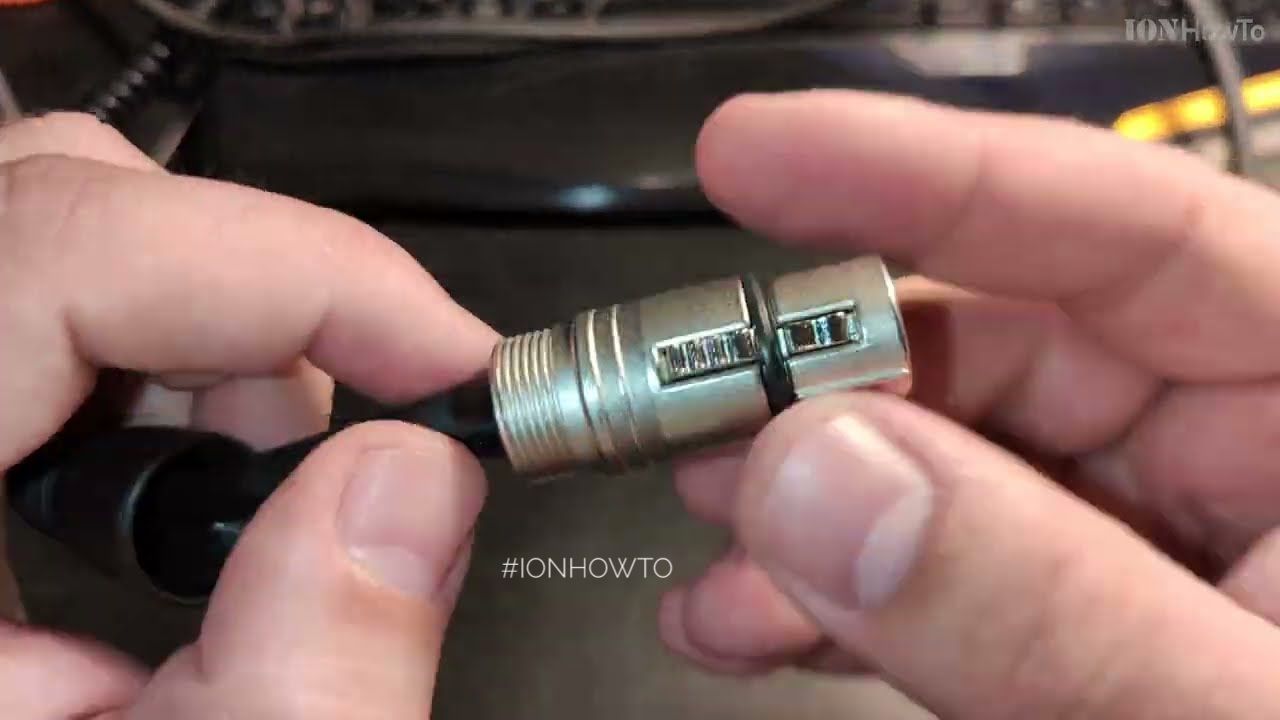
Checking XLR cable with digital multimeter. Checking XLR cable resistance for continuity or damages.
This can be caused by a faulty audio interface, faulty XLR cable or a faulty microphone.
Rode NT1 is a large diaphragm condenser microphone.
In my case the fix was super easy. The hard part was finding what was wrong without having to send the microphone and audio interface kit for a lengthy repair.
All works OK so far!
This video is very long but had to keep all hardware troubleshooting steps so that you know what to check on your microphone too until you can find your microphone problem.
Comment bellow if you just fixed your microphone humm noises or RF issues and say how you fixed it.
Rode microphones was trying to help as good as they could with finding the problem but they never told me to check if the microphone base is srewed in securely before going further and talking about returns and service taking who knows how long.
My guess is they would screw it in and then spending a week + trying to figure out why I say it’s buzzing when for them it’s ok.
If you have a Rode or any condenser microphone that has a case with screwing in tubing, tighten everything and try again. Problem gone haha.
Recommended Amazon Gear and Accessories
Disclosure: This article contains Amazon affiliate links. As an Amazon Associate, we earn from qualifying purchases at no extra cost to you.
Some long story hardware ground issues troubleshooting but got it working eventually.
Didn’t have to take it to Rode for service or their local distributor service center.
Fastest fix once you know it.
Contacted Rode support and they were suspecting the xlr cable and usually that’s the problem.
I’d imagine someone else might have this problem too and would save them wasted time with slow support troubleshooting steps and returns or service.
Helpful Tips
Check all labels, connections, and power ratings before starting so everything fits safely and securely. If any detail looks slightly different on your model, pause the embedded video above for a clear closeup view.
Related Guides
- Toilet Slow Flush Problem Fixed – Fix a Slow Flushing Toilet with Dual Buttons.
- Set Up the Rode NT1 AI-1 Studio Kit – How to Set Up the Rode NT1 AI-1 Studio Kit: A Complete Guide
- Step-by-Step Replace Ethernet Cable Pull New Cable with Old Cable in Conduit Upgrade Cat5E to Cat6A – If your home network needs 10-gigabit speeds, pulling new wiring through existing wall pipes is much easier than opening drywall.
- Household Items Fixed – Browse more tutorials and practical guides in this section.


Leave a Reply