
If your headphones or car speakers sound thin and lack low-end punch, Apple Music includes dedicated equalizer presets to elevate low-frequency bass notes. In this tutorial, I’ll show you how to activate and configure the Bass Booster EQ setting on your iPhone or iPad.
1. Open Settings on Your iPhone or iPad
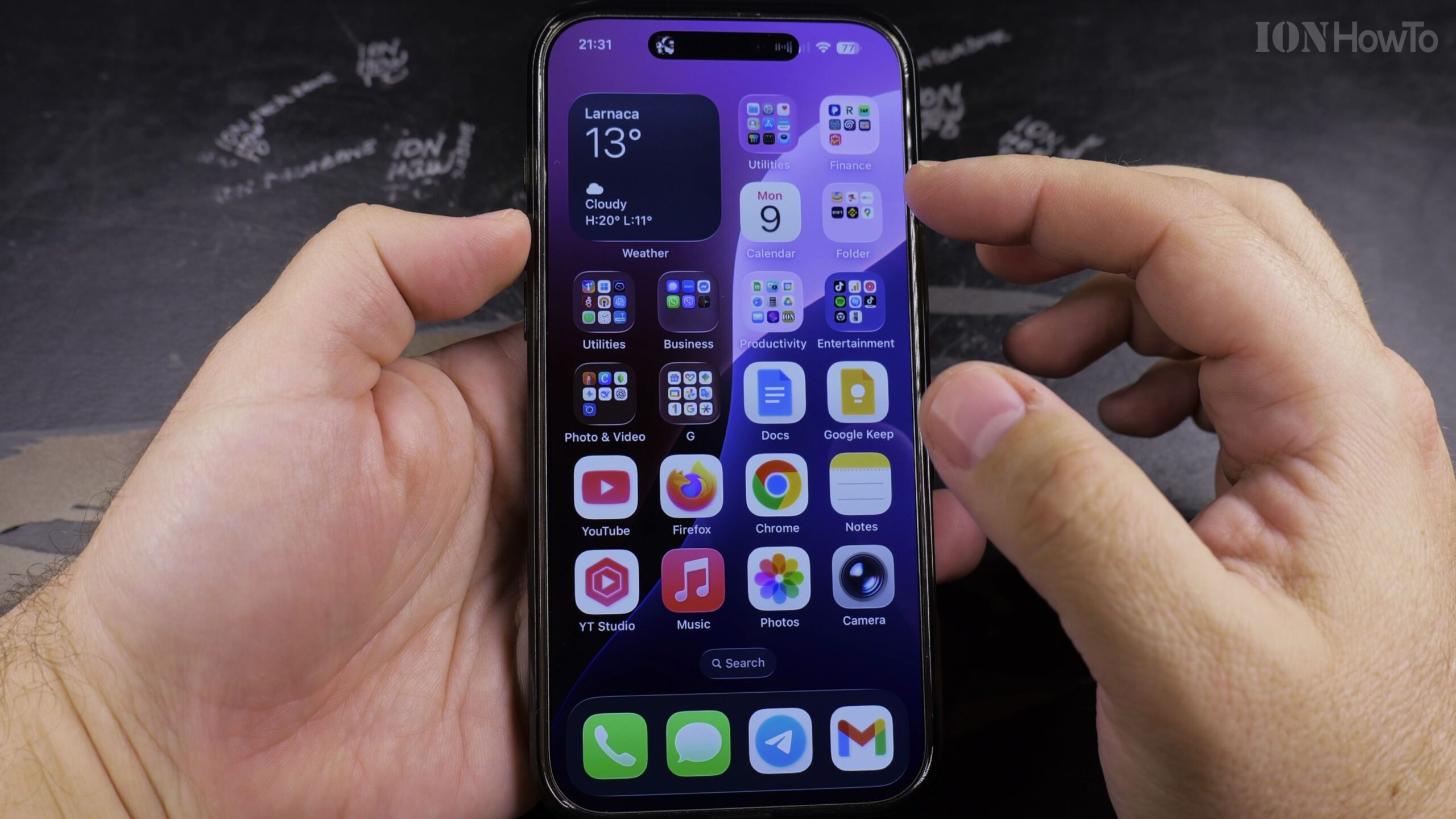
Unlock your device and tap the Settings icon on your Home Screen to open system preferences.
2. Scroll Down and Select the Music App Settings
Scroll down through the settings list until you reach the Music category. Tap it to open Apple Music playback preferences.
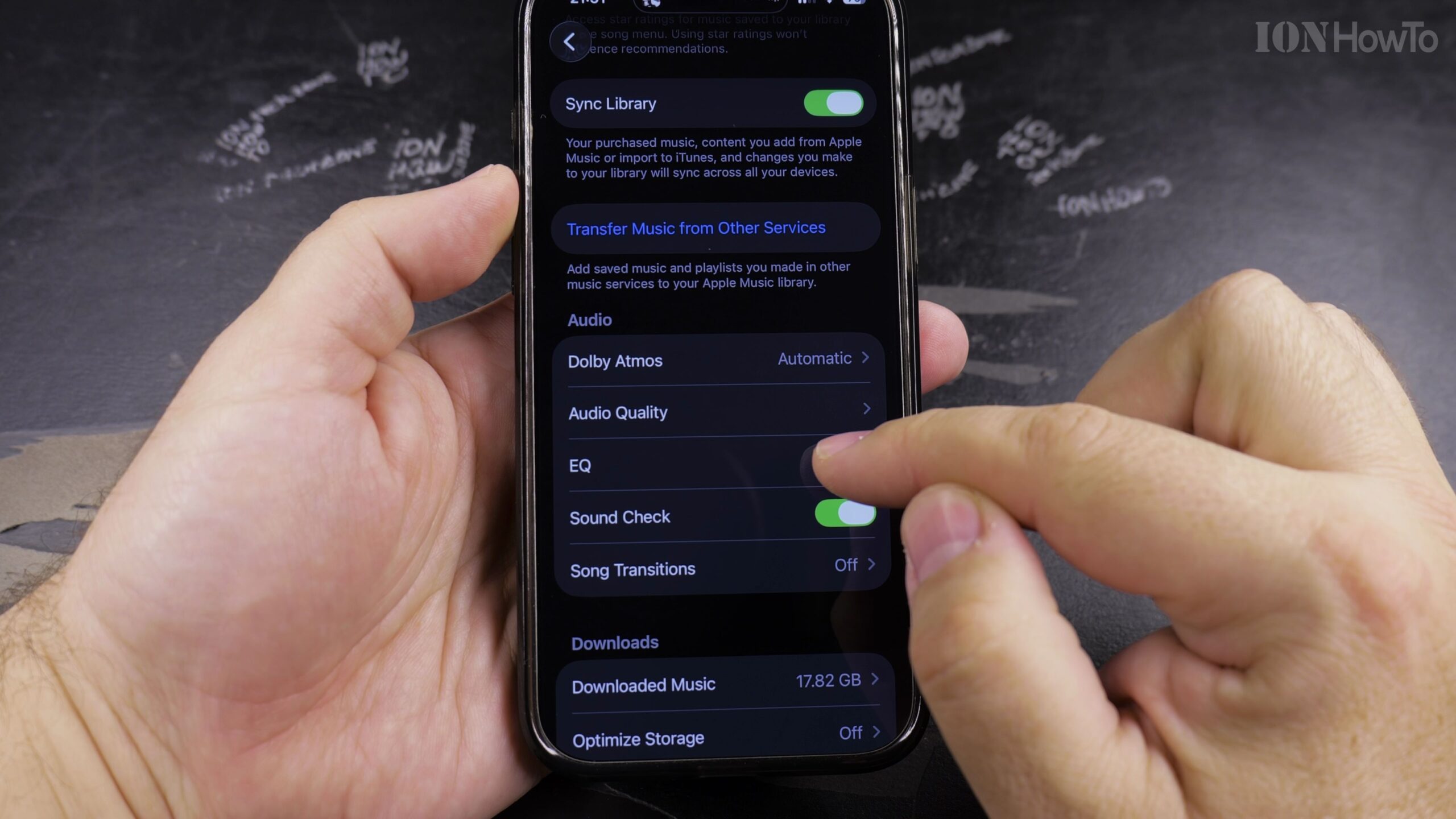
3. Locate and Tap the EQ (Equalizer) Option
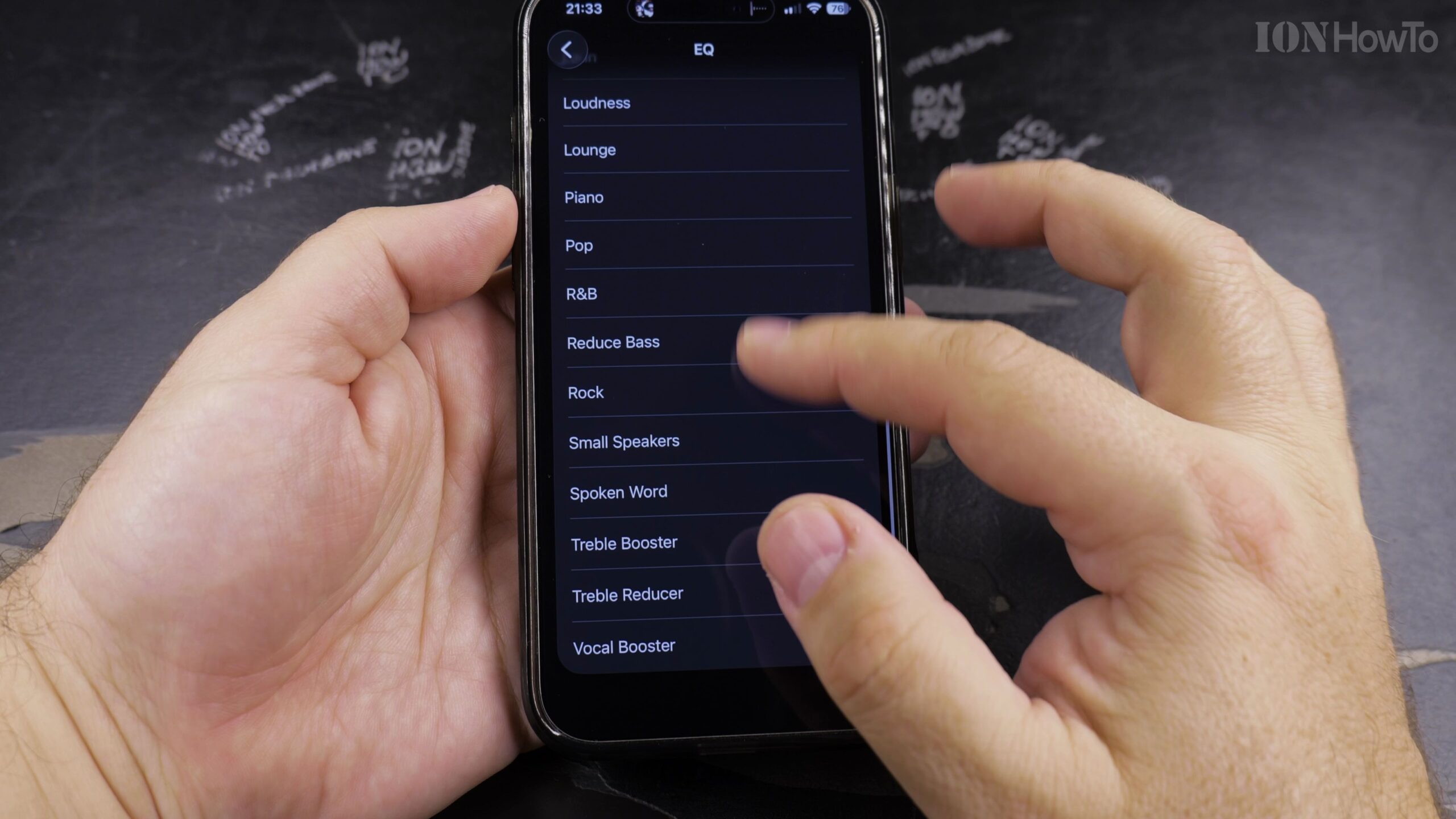
Under the Audio section, locate the EQ menu item. If it is currently set to Off, tap EQ to open the full catalog of preset sound profiles.
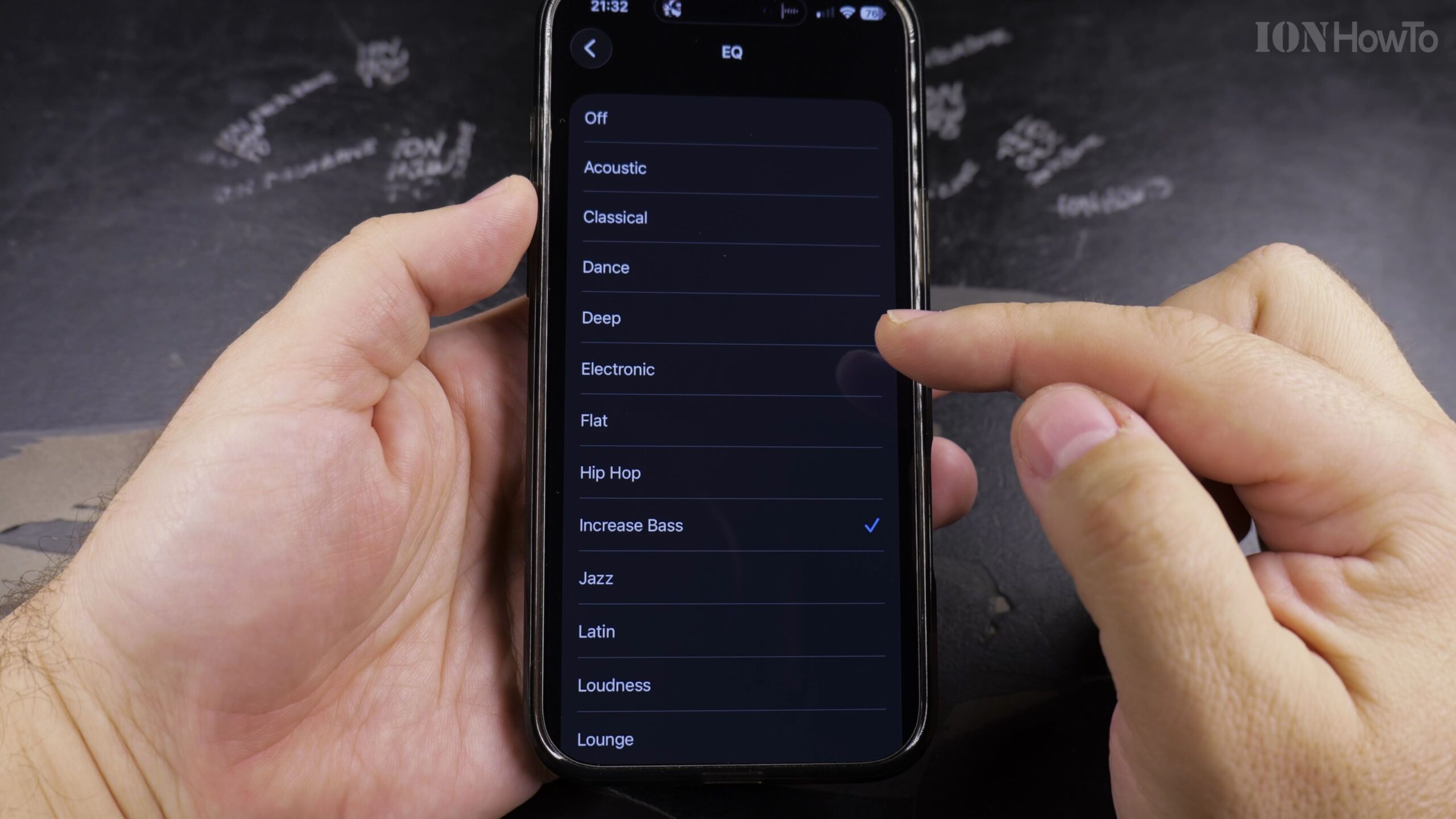
4. Select the Bass Booster Equalizer Preset
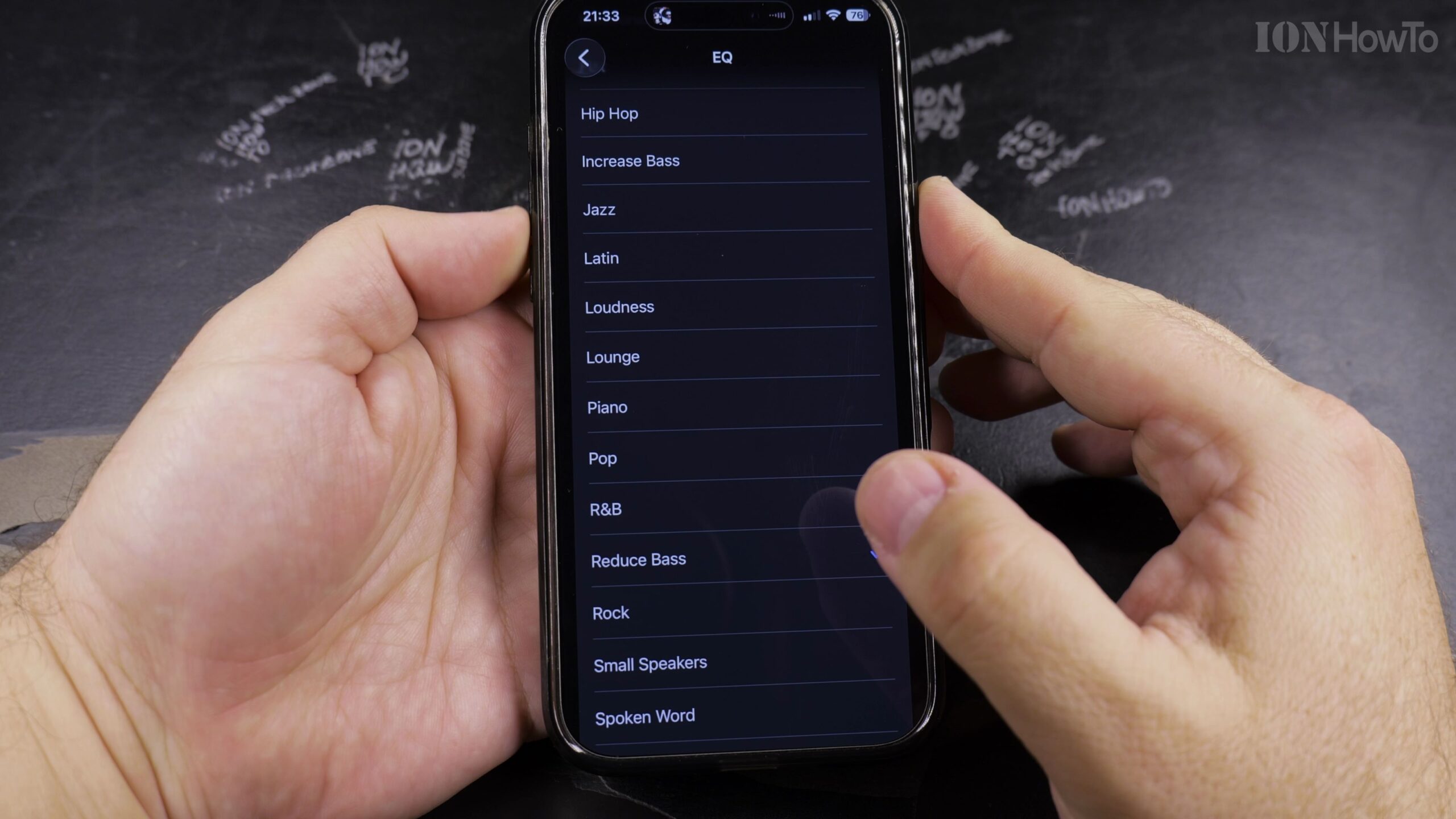
Scroll down through the alphabetical list of presets and tap ‘Bass Booster’. A blue checkmark will confirm that the low-frequency boost is now active.
5. Play a Song in Apple Music and Feel the Enhanced Low End
Launch the Apple Music app and play a bass-heavy track. Listen through your headphones or Bluetooth speakers to experience richer, deeper bass punch.
Helpful Tips and Related Guides
Understanding low-frequency dynamics is helpful; as explained in Audio Equalization on Wikipedia, boosting bass frequencies enhances sub-bass and mid-bass without compromising upper treble frequencies.
For genres like hip-hop or electronic dance music, the Electronic or Hip-Hop EQ presets also provide clean low-end punch without distorting vocals. Explore more in our Apple Music category, check our tutorial on Finding Playlists in Apple Music, or explore iPhone Guides.


Leave a Reply